



Skip to content
Learn MikuMikuDance – MMD Tutorials – Free 3D Animation Software

Learn MikuMikuDance – MMD Tutorials – Free 3D Animation Software

Download Free Animation Software – Let's Learn How to Do Everything!

  • Step-by-Step MMD instructions
  • DOWNLOADS
  • Troubleshoot, Fix MMD
  • Site Contents
  • Reggie Replies Q&A
  • Homework!
  • What IS MMD?
    • Download MikuMikuDance Newest Latest Version of MMD
  • “HOW TO”
    • Raycast RAY-MMD Effect Tutorials
  • BONUS PAGES
    • Why convert PMD models to PMX?
  • HALL of CHAMPIONS
  • Tutorial Categories
  • About
    • Privacy Policy
  • Toggle search form
  • YouTube Audio Library supplies Free music Copyrighted Music
  • The MME files just need to be in the same folder as your MikuMikuDance.exe file. Download MMEffects v028 from LearnMMD.com and enjoy!
    Download MMEffects v037 on LearnMMD’s Downloads Page! MME Download MME MikuMikuEffects
  • How To Make MMD Pictures and Videos Like a Pro Advanced Shader Technique
  • MMD Light Manipulation Panel helps set the mood Global Lighting
  • MMD Project “I WANNA PARTY!” features great motion files by o Savvy o "the making of" my video
  • How to Use the Squash and Stretch Effect for MMD. ARIZONA
  • VDE-4 Champion: Kazumi "the making of" my video
  • Learn to translate models from Japanese with LearnMMD.com!
    Translate Japanese Models to English in PMDE… with Excel! Fixing Broken Models

Tag: PMXe

ALMorphMaker Adds AutoLuminous Morphs to your Model!

ALMorphMaker Adds AutoLuminous Morphs to your Model!

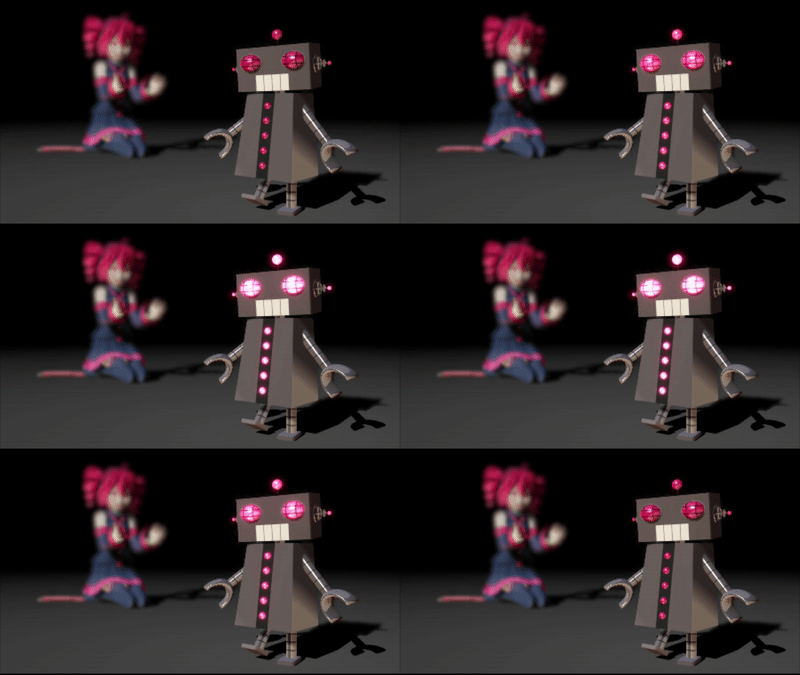
What is the ALMorphMaker plugin? How can I put AutoLuminous morphs on a model? How can I add model morphs such as LightUp, LightBS and LightBlink like Tda has? Many modelers such as Tda have built-in AutoLuminous morphs in their models, but how did they add them?   ALMorphMaker Adds AutoLuminous Morphs similar to Raycast’s Emissive LightBlink Materials! AutoLuminous was developed and released by Sovoro in 2014 and is…

Read More “ALMorphMaker Adds AutoLuminous Morphs to your Model!” »
ALMorphMaker
Culling unseen MMD model parts optimises computer assets (PART 2)

Culling unseen MMD model parts optimises computer assets (PART 2)

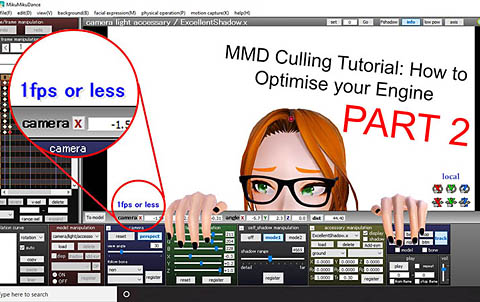
How can I make my MMD run faster? What if removing parts using Subset-Extract isn’t enough? Removing un-needed model parts optimises computer assets. Sometimes, culling, removing unwanted/unseen model parts, using MME’s Subset-Extract can make the world of difference for your computer performance. But other times, it simply isn’t enough… especially with extremely detailed assets. This…

Read More “Culling unseen MMD model parts optimises computer assets (PART 2)” »

Chestnutscoop
  • Create 450-Frame MMD Animation from scratch!
    Create 450-Frame MMD animation from scratch! "the making of" my video
  • Using the right codec when Rendering to AVI in MMD HD Videos in MMD
  • With some practice, Rin can dance the sample dance as well as Miku!
    There Can Be Frame Data Ghosts remaining after Deletion Making Smooth Motions
  • Locomotion – MMD Trains: how to setup and move a train MMD Tutorials
  • MME ExcellentShadow2 effect smooths ugly Self-Shadows ExcellentShadow2
  • MMD has an EXPAND function that lets you adjust a motion's speed.
    EXPAND function modifies MMD motion tempo EXPAND a motion
  • Culling unseen MMD model parts optimises computer assets (PART 2) Chestnutscoop
  • MMD vs MMM Bullwood

Copyright © 2022 Learn MikuMikuDance – MMD Tutorials – Free 3D Animation Software and Instructions..

Powered by PressBook Premium theme