Skip to content
Learn MikuMikuDance – MMD Tutorials – Free 3D Animation Software

Learn MikuMikuDance – MMD Tutorials – Free 3D Animation Software

Download Free Animation Software – Let's Learn How to Do Everything!

  • Step-by-Step MMD instructions
  • DOWNLOADS
  • Troubleshoot, Fix MMD
  • Site Contents
  • Reggie Replies Q&A
  • Homework!
  • What IS MMD?
    • Download MikuMikuDance Newest Latest Version of MMD
  • “HOW TO”
    • Raycast RAY-MMD Effect Tutorials
  • BONUS PAGES
    • Why convert PMD models to PMX?
  • HALL of CHAMPIONS
  • Tutorial Categories
  • About
    • Privacy Policy
  • Toggle search form
  • PMDE Q&A – Making clothes follow model motions Fixing Broken Models
  • What!
    How to Load Models, Motion, and Music Data into MikuMikuDance ARIZONA
  • Making good MMD lip-syncs! Creating Motions
  • Kasane Teto with Beamman's Simple Magic Explosion2 positioned behind her
    Beamman’s SimpleMagic creates Explosions, Fire-Balls and Swirling Flames! Beamman's SimpleMagic
  • YouTube thumbnail image is so important!
    Create your Most Attractive YouTube Thumbnail image "the making of" my video
  • Sexiest MMD Model Dance Motion you can Download "the making of" my video
  • MMPlus has many safeguards that will save you time as you work with MMD.
    MMPlus, a New MMD Plugin! Animation Resource
  • Easily Make Realistic Hair Texture for MMD Models Mae Blythe
Squash and Stretch Ball

The 12 Principles of Animation for MikuMikuDance.

Posted on February 26, 2015July 24, 2015 By Arizona No Comments on The 12 Principles of Animation for MikuMikuDance.

What are the 12 principles of animation? What is squash and stretch in animation? Does MMDA Feature Article by contributor ARIZONA on LearnMMD.com allow for squash and stretch animation? How do you use squash and stretch in MikuMikuDance?

12 Rules for Good Animation.

Squash and stretch is the first of a dozen articles about the 12 Principles of Animation.  First codified in the 1930’s by Walt Disney Studios, the 12 Principles of Animation were listed as guidelines for their junior animators. They address issues of believability, appeal, and storytelling. These principles were made “public” in the highly acclaimed book The Illusion of Life: Disney Animation by Frank Thomas and Ollie Johnston (ISBN-10: 0786860707 or ISBN-13: 978-0786860708). Mind you, that these principles were created for pen and ink animation, that doesn’t mean that we can’t apply some of them to MikuMikuDance.
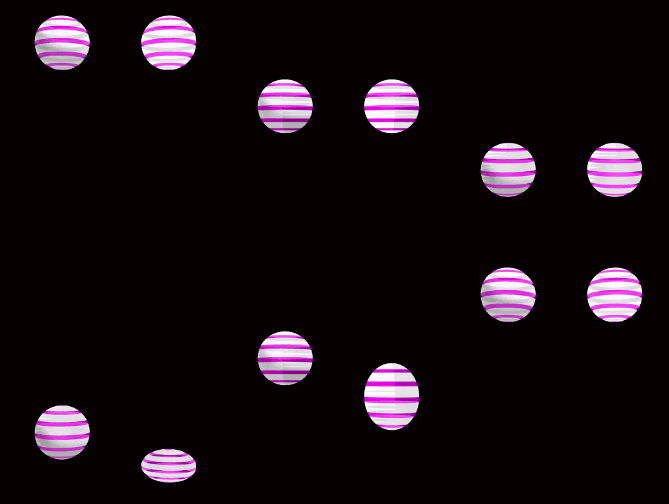
Squash and Stretch makes the ball have weight!Squash and stretch is a graphical (animated) representation of weight, rigidity and volume. The most famous example of squash and stretch is a bouncing ball. A rubber ball falls; hits the ground squashes itself; then recoils up; stretches out, and then reverts itself back to normal shape.  I applied it to the animated GIF.

You have to remember that everything in animation is weightless and animators have to create the illusion of weight. Squash and stretch allows you to create this illusion by manipulating the character’s body. So, whenever you are animating, think about the muscles you would use to accomplish this illusion.  Smiling is a good example of this, as you smile your cheeks will squash up into a tight mass and your lips will stretch open to reveal your teeth (You’re smiling now. Don’t deny it).

Squashing and Stretching Your Limits.

Another illustrative point is a principal you probably studied in your health classes-muscle recruitment also called motor unit recruitment. Place your favorite arm on a table and make a loose fist. Now, slowly, make your fist tighter.  Notice how the rest of your hand and your forearm are now recruited in this effort. Take note of how some of these muscles are stretching and some are contracting. If you make your fist as tight as you can, then the muscles of the upper arm and shoulder join this squash and stretch party.

Another concept in Squash and Stretch is rigidity. Rigidity can be defined as “How much ‘give’ is inherent in the base material of what’s being animated.” Basically, a tennis ball will have less rigidity than a 16-pound (7.260 kilogram) shot put;  both will bounce and roll, but a shot put will not squash and stretch.

Using squash and stretch on something that has little or no rigidity can be a funny effect. If I were to animate dropping that same shot put and have it ricochet around a room, then that would make a great gag. So an aesthetic choice you would need to make, in advance, is “How realistic do I want to make the film?”

Another thing to keep in mind is that whatever you’re animating; its volume will be constant.  An example of this is to replace the rubber ball with a water balloon.  If I take a 1 quart (946.353 milliliters) balloon and fill it with ½ quarts (473.176 milliliters) of water, no matter what I do to this water balloon its volume will not change.

Now that we know all know a little more about squash and stretch. I hope you will start looking for it in real life and in the television programs you watch and applying it to your own animations. You should always want to stretch out your abilities as an MMD-er.

Have fun with this.

Sources:

Beach ball by Bolloz111

Effects:

Squash and Stretch by 豊作P


– SEE BELOW for MORE MMD TUTORIALS…


— — —


– _ — –


Visit the LearnMMD.com Homepage! Plenty of Mikumikudance instruction and info!

More MMD Tutorials...

Enjoy the "camera Angles WEIRD in Anime" meme...

Enjoy the "camera Angles WEIRD in Anime" meme... This image is from The Slayers - NEXT, ...read more

Reader asks how to create MMD artwork... stuff like posing, camerawork?

A reader asks... Is there a tutorial on how to create MMD artwork, like those you ...read more

Learn MikuMikuDance in Small Steps! New LearnMMD Video Series

Learn MikuMikuDance in Small Steps. Where can I find easy-to-follow MMD instructions on YouTube? How ...read more

Apply Multiple Effects on an Entire MMD Model Using M4Layer Effect

How can I apply multiple effects to an MMD model? Can I use more than ...read more

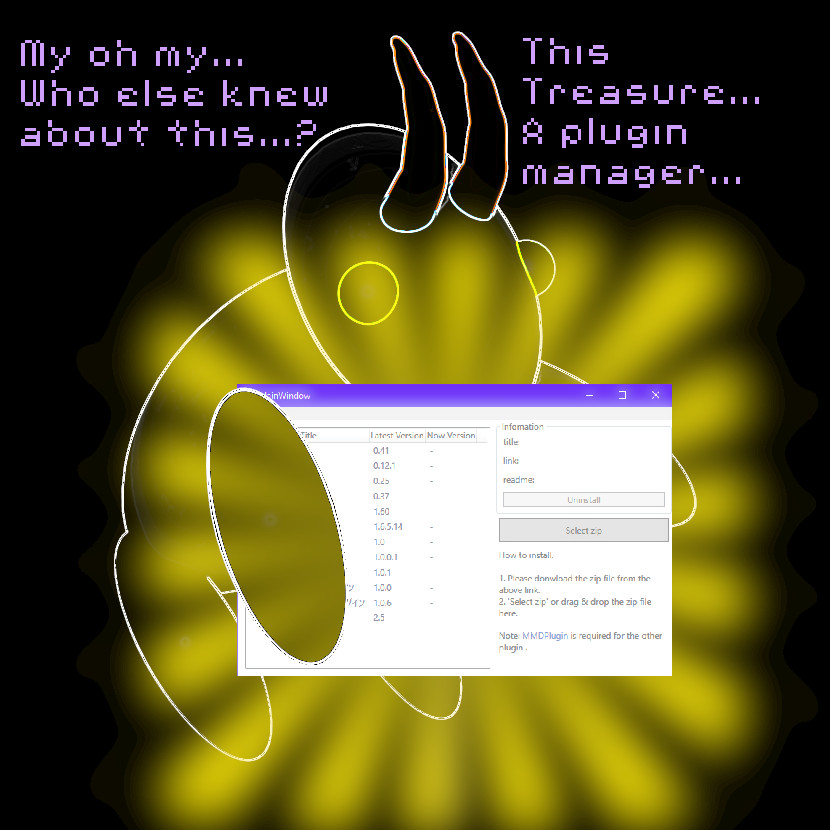
MMD Plugin Manager... I Found a Treasure!

What sorts of MMD Plugins are there? MMD Plugin Manager? MMD Plugins. Plugin MMD. More ...read more

2025: Hatsune Miku is 18... but she is designed to be always 16 Years. Old by design and in reality!

Finally, in 2023, Hatsune Miku is 16 years old! but in August of 2025, she ...read more

ARIZONA, MMD Tutorials, Squash and Stretch, The 12 Principles of Animation

Post navigation

Previous Post: About changing models skirts using PMD Editor PMXE
Next Post: Fix MikuMikuDance Missing DLL and Side-by-Side Configuration Errors

Related Posts

  • Tips for how to create complicated MMD dance motions.
    Making more complicated MMD dance motions – Some new notes… Making Smooth Motions
  • Dummy Bones allow you to customize your accessory manipulations!
    Using The Dummy Bone for MikuMikuDance Accessory Manipulation/Adjust
  • My new MMD Action Video was fun to make! "the making of" my video
  • Cry Baby Motion DL featured image
    Free MMD Cry Baby Motion DL from DA’s Smol-Hooman "the making of" my video
  • Set up Kinect 360 motion capture for MMD! Kazuki Matsuoka
  • MMD CameraSmoother Tool smooths camera motions! CameraSmoother Tool

More Related Articles

IrfanView captures single-frame images from Video AVI files! Irfanview Media Viewer
Good MMD videos require Inspiration, Vision, Planning: The Lament of Okada’s Ghost MMD Basics
Adding Sound Effects to existing MMD animations Making Soundtracks
My Top 6 Favorite Shader Effects for MikuMikuDance GloriaTheAnimator
Ray-MMD demonstration of MMD ships Ray-MMD Demonstration “Battle stations … all hands on deck!!!” Battleship Models - MMD
Kaito Sees Rotating Stars Thanks to the Accessory Manipulation Panel. More on Accessory Manipulation in MikuMikuDance Accessory Manipulation/Adjust

Leave a Reply Cancel reply

Your email address will not be published. Required fields are marked *

Download the latest version of MikuMikuDance!
See the MMD Step-by-Step instructions page!
Learn how to make your own MMD motions!
LearnMMD.com
  • Beamman’s Breath Effect shows warm breath in winter Beamman's Breath Effect
  • Next Level in MMD Video Evolution
    Post-Production Editing Yields Next Step in MMD Video Quality Making Videos - Rendering to AVI
  • My First MMD Video – After Struggling with Blender, MMD was Easy "the making of" my video
  • Installing old DirectX 9c solves many MMD Missing DLL Errors Dealing with the Missing DLL Error
  • MikuMikuDance Home Page VPVP is worth a visit! Intro to MikuMikuDance
  • The SSAO effect adds depth of color and shadows for greater realism! MME MMD 7.39
    Playing with MME – Using MORE cool MikuMikuEffects! Nuts & Bolts
  • MME Quartz Effect Refracts Reflections All Around! MMD Tutorials
  • Toon Shader modifies shadows and highlights! GloriaTheAnimator

Copyright © 2022 Learn MikuMikuDance – MMD Tutorials – Free 3D Animation Software and Instructions..

Powered by PressBook Premium theme

Go to mobile version