

Skip to content
Learn MikuMikuDance – MMD Tutorials – Free 3D Animation Software

Learn MikuMikuDance – MMD Tutorials – Free 3D Animation Software

Download Free Animation Software – Let's Learn How to Do Everything!

  • Step-by-Step MMD instructions
  • DOWNLOADS
  • Troubleshoot, Fix MMD
  • Site Contents
  • Reggie Replies Q&A
  • Homework!
  • What IS MMD?
    • Download MikuMikuDance Newest Latest Version of MMD
  • “HOW TO”
    • Raycast RAY-MMD Effect Tutorials
  • BONUS PAGES
    • Why convert PMD models to PMX?
  • HALL of CHAMPIONS
  • Tutorial Categories
  • About
    • Privacy Policy
  • Toggle search form
  • Meiko showing her "Bones"
    Add Songs to MikuMikuDance: All you need is a WAV file! Music and WAV Files
  • Staging and the 12 Principles of Animation. Accessory Manipulation/Adjust
  • Click to see the new Getting Started with MMD Video on YouTube!
    Getting Started with MMD Video on YouTube! MMD Basics
  • “The making of ” any of my videos starts with these considerations… "the making of" my video
  • Re-size PMD Models and Keep the Bones and Physics! Adjust PMD Model Size
  • You cannot use Box-Sel to select a portion of a model. You must selectthe entire MMD model.
    BOX-sel lets you select an entire model in MikuMikuDance ARIZONA
  • With some practice, Rin can dance the sample dance as well as Miku!
    There Can Be Frame Data Ghosts remaining after Deletion Making Smooth Motions
  • I added laughter and applause tracks using Audacity software.
    Add Life to your MMD soundtrack with Laughter and Applause! VDE-3! Making Soundtracks

Tag: Chestnutscoop

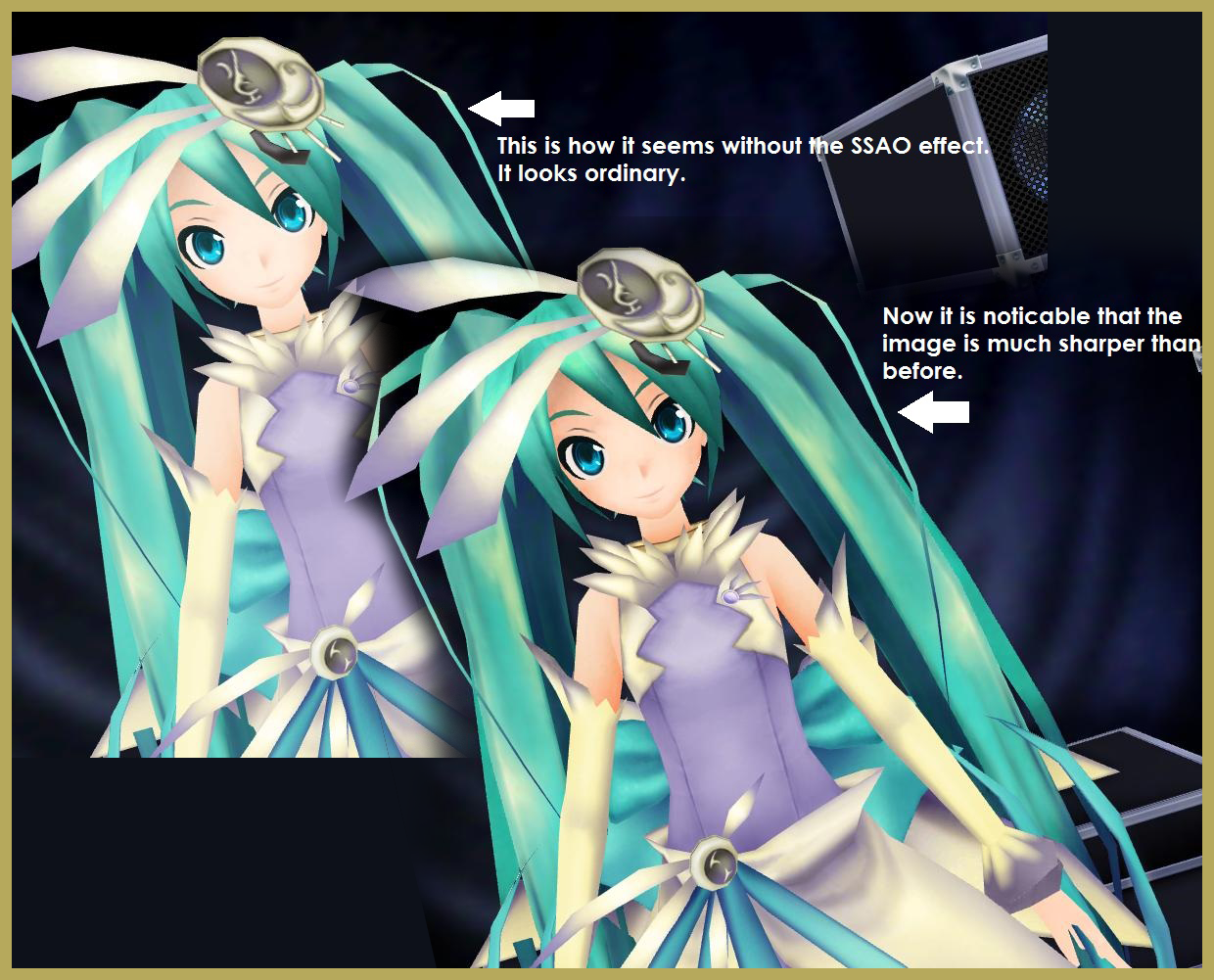
ALMorphMaker Adds AutoLuminous Morphs to your Model!

ALMorphMaker Adds AutoLuminous Morphs to your Model!

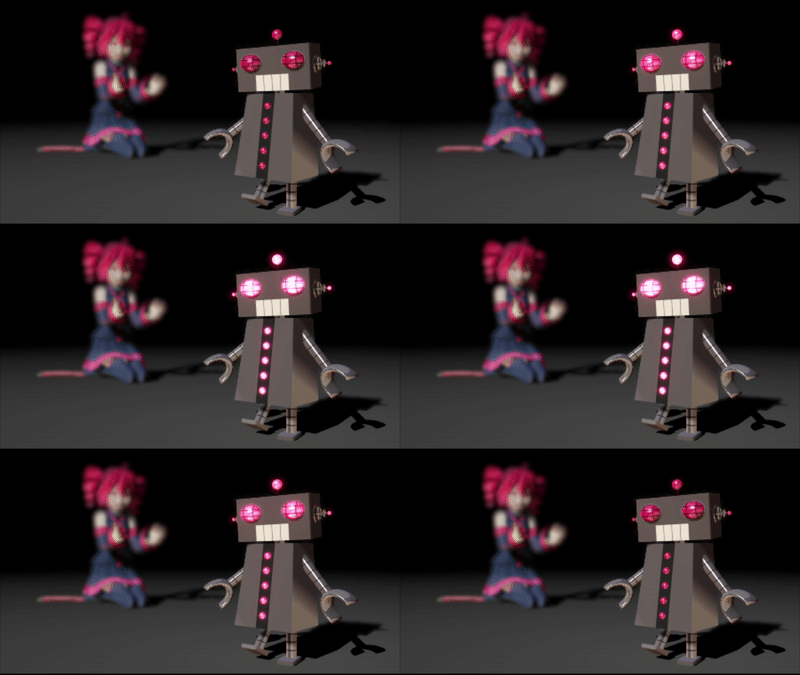
What is the ALMorphMaker plugin? How can I put AutoLuminous morphs on a model? How can I add model morphs such as LightUp, LightBS and LightBlink like Tda has? Many modelers such as Tda have built-in AutoLuminous morphs in their models, but how did they add them?   ALMorphMaker Adds AutoLuminous Morphs similar to Raycast’s Emissive LightBlink Materials! AutoLuminous was developed and released by Sovoro in 2014 and is…

Read More “ALMorphMaker Adds AutoLuminous Morphs to your Model!” »
ALMorphMaker
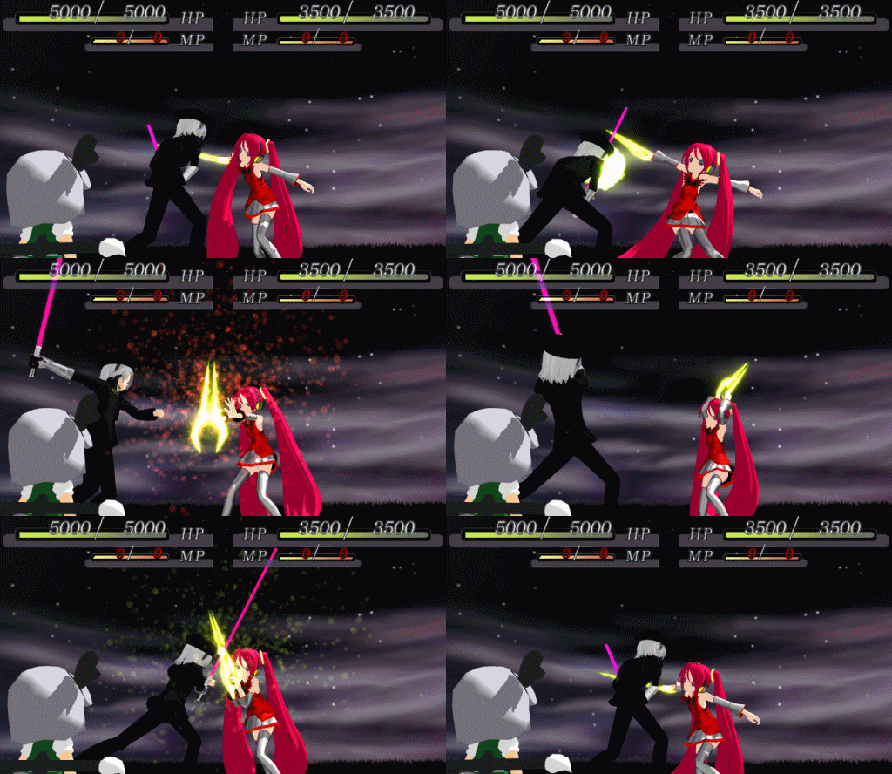
Beamman’s SimpleMagic creates Explosions, Fire-Balls and Swirling Flames!

Beamman’s SimpleMagic creates Explosions, Fire-Balls and Swirling Flames!

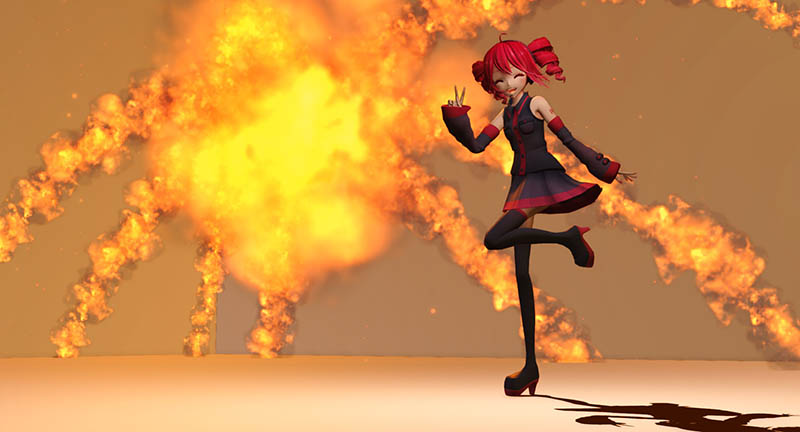
What is SimpleMagic? Why can’t I see anything when I load it into MMD? Why are there so many volumes? How does Beamman’s SimpleMagic work? How can I download Beamman’s SimpleMagic? Beamman’s SimpleMagic creates Explosions, Fire-Balls, and Swirling Flames! SimpleMagic is an effect series produced by BeammanP between 2014-2015. They are heavy particle effects that…

Read More “Beamman’s SimpleMagic creates Explosions, Fire-Balls and Swirling Flames!” »

Beamman's SimpleMagic
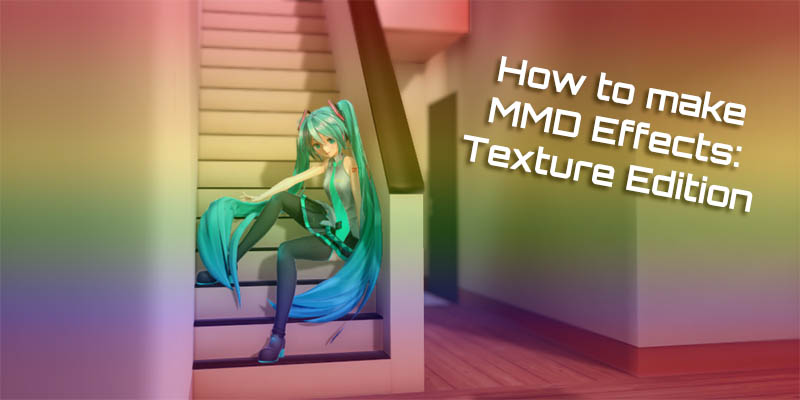
Editing Effect Textures Creates Brand New Effects!

Editing Effect Textures Creates Brand New Effects!

Can editing effect textures change the look of my MME effects? What is an effect modder? How do MMDers make effects? Is it difficult to learn? Editing effect textures allows you to make brand new effects, and it’s super easy to do! However unfortunately, even back when I started MMD in 2012, I’ve come to…

Read More “Editing Effect Textures Creates Brand New Effects!” »

Chestnutscoop
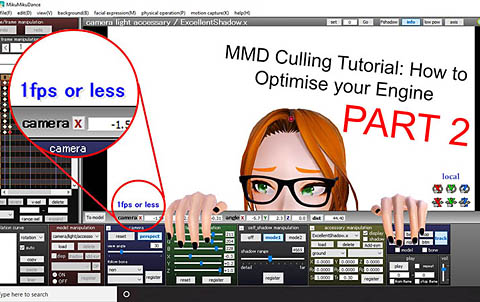
Culling unseen MMD model parts optimises computer assets (PART 2)

Culling unseen MMD model parts optimises computer assets (PART 2)

How can I make my MMD run faster? What if removing parts using Subset-Extract isn’t enough? Removing un-needed model parts optimises computer assets. Sometimes, culling, removing unwanted/unseen model parts, using MME’s Subset-Extract can make the world of difference for your computer performance. But other times, it simply isn’t enough… especially with extremely detailed assets. This…

Read More “Culling unseen MMD model parts optimises computer assets (PART 2)” »

Chestnutscoop
Optimise computer assets by culling unseen MMD model parts

Optimise computer assets by culling unseen MMD model parts

How can I make my MMD run faster? How can I optimise computer assets as I run MMD?  How can I speed-up my MMD computer? What can I do to speed-up MikuMikuDance on my computer? For those of us with low-performing laptops or PCs, creating in MMD can be a challenge. MMD uses much more…

Read More “Optimise computer assets by culling unseen MMD model parts” »

Chestnutscoop
  • Keyboard Shortcuts and Easy Moves Keyboard Shortcuts
  • REM Hatsune Miku 10th model links on LearnMMD.com
    Reintroducing cute REM Hatsune Miku 10th in Hello, how are you? "the making of" my video
  • PMDE Q&A – Making clothes follow model motions Fixing Broken Models
  • New Interpolation Curve Video was fun to make! "the making of" my video
  • No Diamonds Appear in Frame Chart in MMD and How to Fix It Mae Blythe
  • Making MMD Models Complicated Task with much to know! Making Models
  • Teto replies!
    Fixing white models and accessories that don’t follow in PMXE Bandages
  • Formatting Captions With MMM MikuMikuMoving Bullwood

Copyright © 2022 Learn MikuMikuDance – MMD Tutorials – Free 3D Animation Software and Instructions..

Powered by PressBook Premium theme