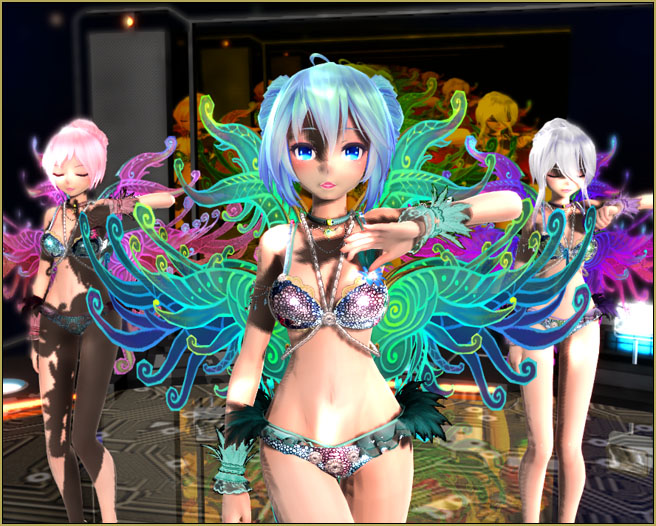
 Where can I download an MMD EVERGLOW Adios motion file? How can I get the motion file and the WAV at the same time? How do I make an MMD video?
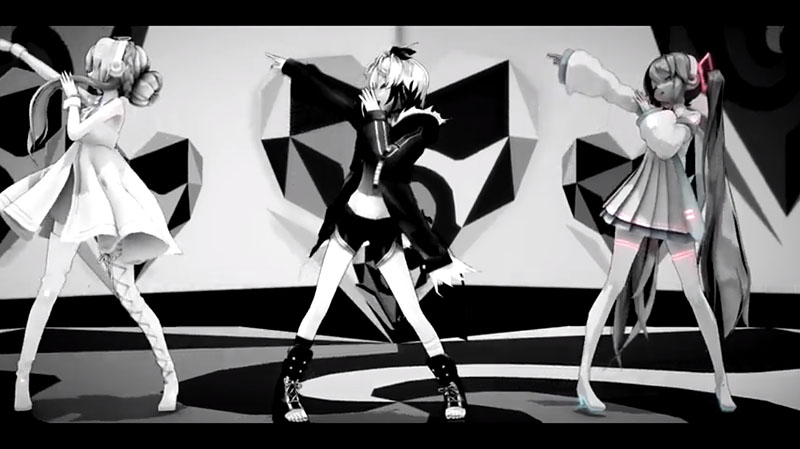
EVERGLOW – Adios motion and WAV download【Motion by Ureshiiiiii】
Ureshiiiiii creates beautiful MMD motions and makes them available for download. You can get THIS motion and WAV set from Ureshiiiiii’s original video. BE SURE TO READ THE README.txt file… Ureshiiiiii has very specific rules for the use of his files. Basically: no modifications unless necessary to avoid collisions. Read the Readme.
Seeing that this was a really nice dance routine for three dancers, I immediately thought of the beautiful set of Rio Carnival TDA models by shiro-nekovocaloid. Read the README.txt file when you have your download.
The models are beautiful… the motion files are beautiful… Wow! .. a great beginning for my project!
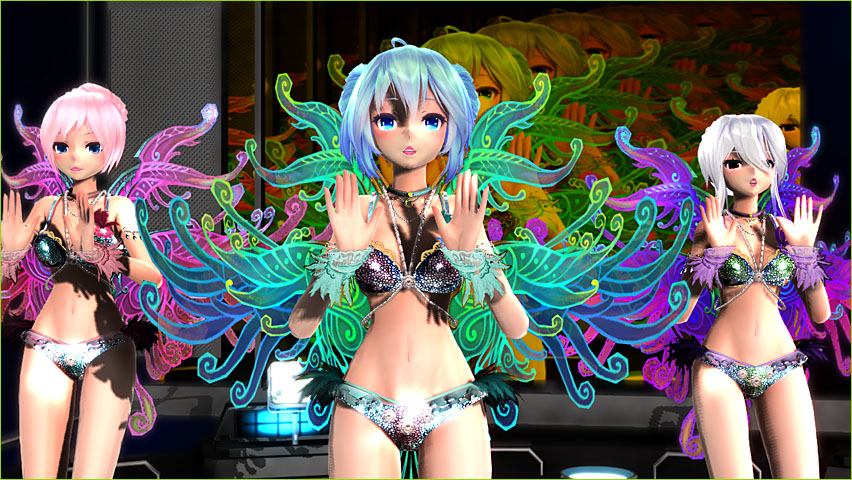
The making of my video…
I downloaded my files. I opened MMD… loaded my three models and their motion files… added the WAV… Pushed play… and everything worked wonderfully. Always amazing how simple it is to get started on a project when you download the ready-to-go production files!
To make it my OWN…
You know… when you are using downloaded files, as in this Everglow – Adios animation, what makes your animation different from anyone else’s, aside form your own models and your own stage, is the care and creativity that you can bring to that finished video.
I decided that I would pour-on a pile of effects and go for as much depth of color as I could squeeze into my animation.
First step, I used the beautiful LearnMMD stage created for us by Trackdancer. With it’s orange-tinted screen, those amazing autoluminous lights, the reflective floor and that beautiful sky-dome, this stage gives you an instant BURST of color!
I added SSAO-Lite to give a nice depth of color to those pale-skinned models. SSAO works wonders! … again, instantly more color…
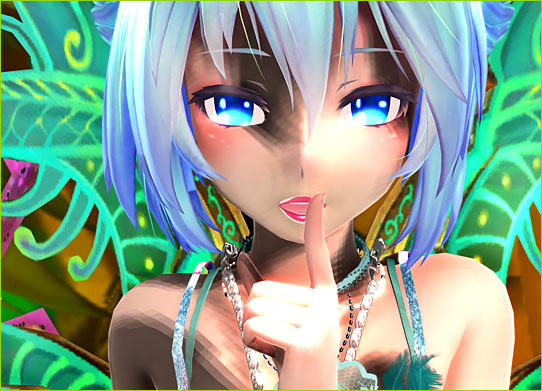
Awhile back I had experimented with Real Figure Shader and Real Material Shader. Those effects yield almost photographic reality to your models. For each of the three models, I used Real Figure on the face and skin… and I used Real Material Shader to the jewelry and bikini parts through Subset-Extract… fantastic results!
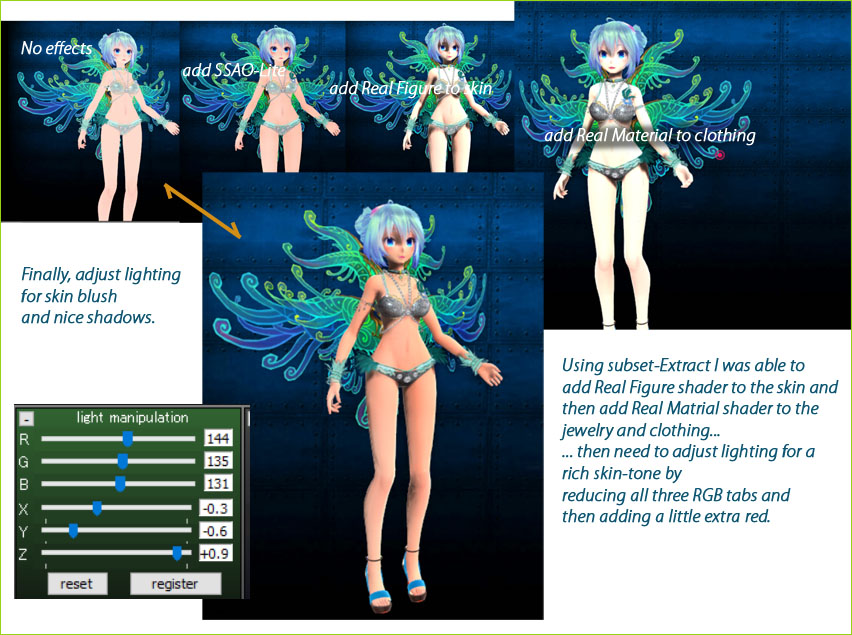
I wanted MORE!
My Everglow – Adios animation was looking awesome by this point but… not done yet! I decided to add True Camera which adds a depth of focus based upon whatever model’s bone you select. TrueCamera includes motion-blur, too… Si size adjusts the depth of focus and Tr adjusts the blur amount… I set them with values of 1.3 and 0.8, respectively and attached them to Miku’s “shoulder” bone (she is not fully translated!).
I decided to add the DiscoLight effect because I wanted to add some life to the stage and surroundings. The effect is subtle the way I set it up… I think I liked it.
Finally, I added my ol’ favorite BlackOut3 to get a fade-from-black at the start and ending with a fade-TO-black. The motion and WAV files are pre-set in this animation so I had only a short window for both fades… but it worked-out well.
One effect I didn’t mention was that mirrored-floor effect that’s part of Trackdancer’s LearnMMD stage.
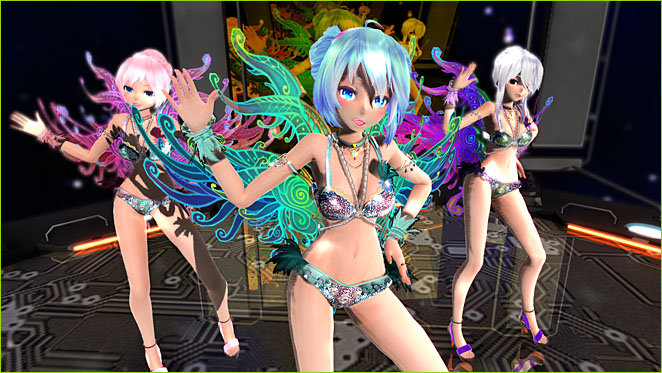
It was tough goin’… !
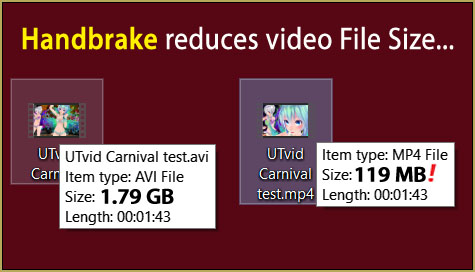
Those Rio Carnival models are heavy-hitters… complicated and detailed… each one is a huge data-hog… and with THREE of them on stage, my computer was running slow… and then add that LearnMMD stage, and add all of those effects into place… … Wow! … I saw a frame-rate of 2 fps… and once I saw “Less than 1 FPS”. My screen was almost locked-up as I worked on this animation. LUCKILY, the motions were all complete before I started: Ureshiiiiii had said not to modify anything… but, still, as I added effects and scrolled to find a look at various places, it was “click” to advance a frame… wait… “click” to advance a frame… or else enter a number in the frame-chart and then jump to that new frame. I actually resorted to RENDER to AVI as a way to see what I was doing, how things were going.
Have fun with MikuMikuDance…
MMD IS fun! … don’t get bogged-down in the details… try out one of these projects and don’t sweat the small stuff.
Little things DID come-up as I created my animation. Like I was unable to scroll through my animation because the frame-rate was down to 1 or 2 fps… so MMD was almost locked-up as I used it. I made videos just to see what I was doing.
I decided to use BlackOut3 for a dark intro and a dark exit… but then I added DiscoLight effect and saw that it was unaffected by BlackOut3… so I had to adjust the brightness of the DiscoLight from zero up to full value at the start of the animation and then do the opposite at the close of it… not a biggie, but just one more of “those things”.
Have fun with MikuMikuDance!
POSTSCRIPT: …
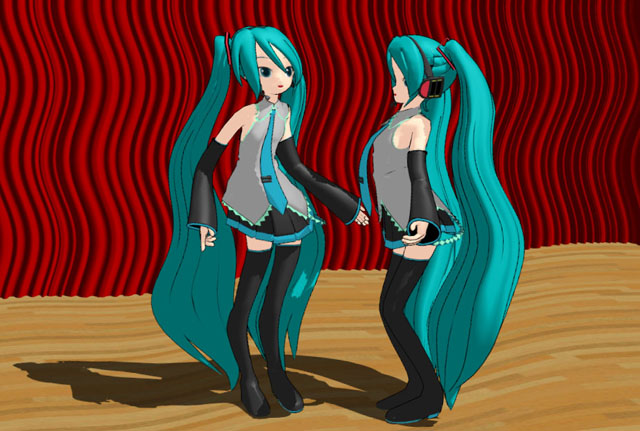
JUST FOR FUN… I tried the motion files on the Anamasa models included with the MMD download… Miku ver 2, Luka 1.1 and Rin act 2… except I DID add a motherbone to each model. These guys did surprisingly well with that motion file set! … stupid fun!
That’s the Harner Productions “MMD inside of school” stage. And the starry sky is from the Skydome Pack from mmdanimatio357 on Deviant Art.
— Reggie
– SEE BELOW for MORE MMD TUTORIALS…
— — —
– _ — –