



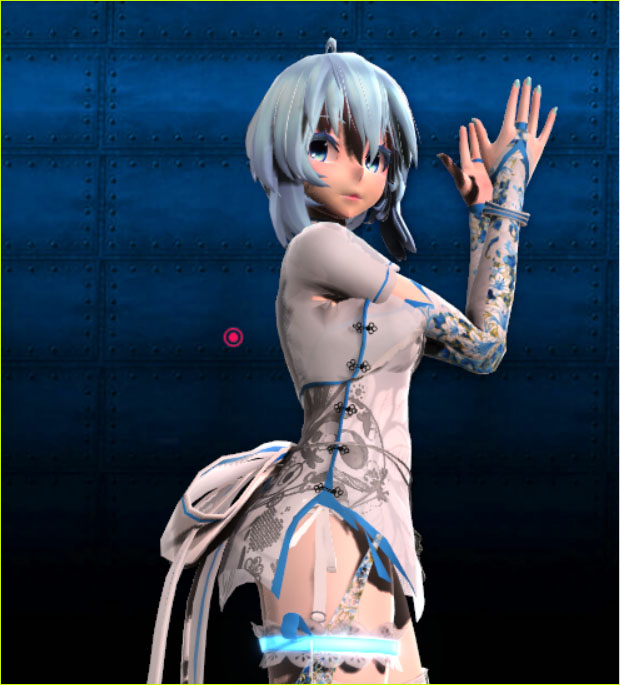
Where can I download the Hand Clap motion? How can I make my own MMD Hand Clap video?
ureshiiiiii’s “HAND CLAP” Motion is a lot of fun!
Make your own HAND CLAP MMD video!
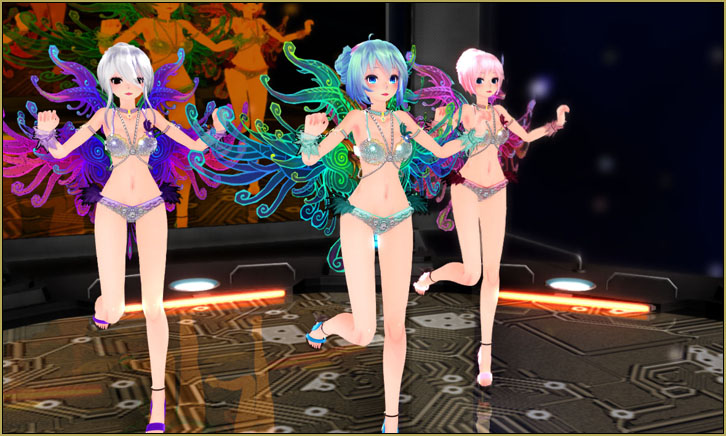
ureshiiiiii is one of the most well-known MMD motion makers. The motions he creates are so smooth as he moves from one fabulous pose into another. This HAND CLAP motion is very nice… fun to watch.
DOWNLOAD the motion from the original video on YouTube.
The README…
READ the ReadMe included in that download. We are instructed to DO NOT change the motion file or the Camera VMD file…
* Credit me “ureshiiiiii” when using this motion.
* Link back to the original video.
* Do not claim the motion as your own.
* Do not re-distribute the motion anywhere.
* Do not edit the motion or camera or use this motion with another song.
>>>>Download will be terminated if people cannot respect these simple rules.<<<<
===================================
For this motion to work correctly, your model must have the
following bones with their correspoinding Japanese names:腰 (Waist)
グルーブ (groove)
左足IK (leg IK L)
右足IK (leg IK R)
左つま先IK (toe IK L)
右つま先IK (toe IK R)
右腕捩 (arm twist_R)
左腕捩 (arm twist_L)
右手捩 (wrist twist_R)
左手捩 ( wrist twist_L)========================
© ureshiiiiii 2018
The ReadMe mentions those bones… I simply used a TDA model and had splendid results… very happy with that motion file. … As far as making no change to the Camerawork, you cannot do so, anyway; the camera position is registered in every-other frame throughout the animation, so, if you use the camera.vmd… it is what it is. … and make no change to the MOTION file? I believe it is permissable to modify the motion so as to suit your particular model… so as to keep a hand from passing through a face, or something. He also instructs us, there to use this motion file ONLY with this particular music WAV… Okay… I can promise to do that… errr, not do that… like he said!
To make a “Stunner!” of a video, use a stunning model!
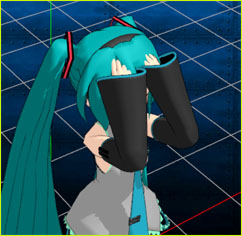 I started with my good ol’ favorite Animasa Miku… I generally try to use the basic models as I create a demo video so that even our very new beginners will have the same model that I use. … but it was soon obvious that she just wasn’t going to “do it” for this animation… I needed MORE!
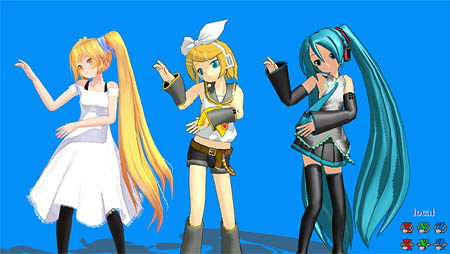
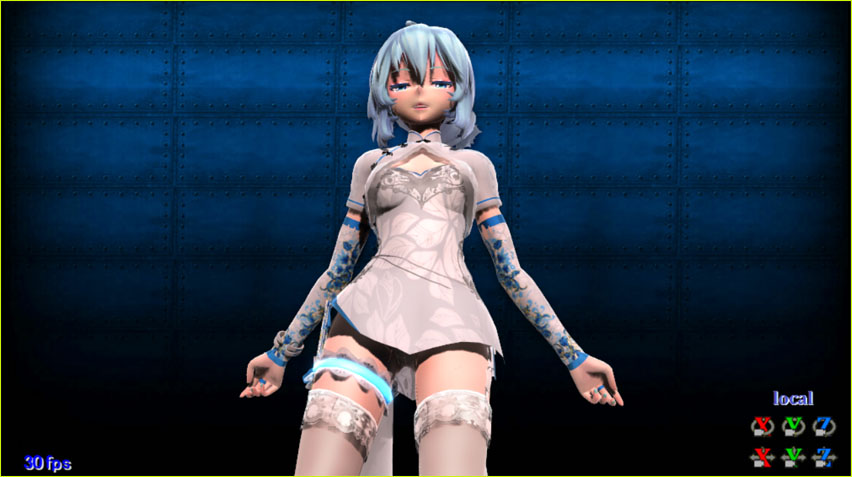
Enter TDA China Dress Miku v1.02 (Edit by Endibell)…
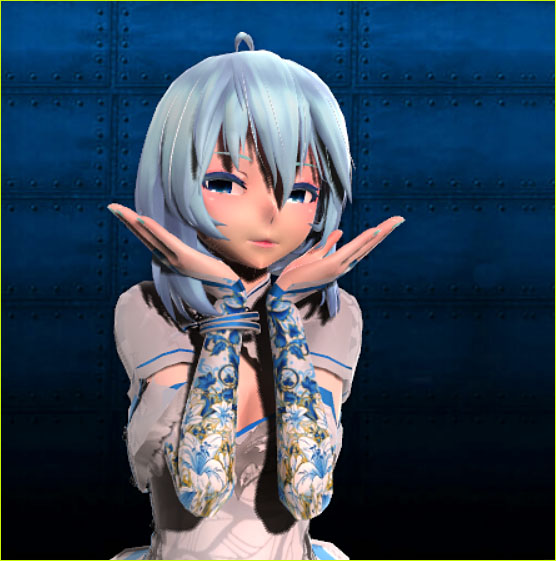
Oh yeah… more better!
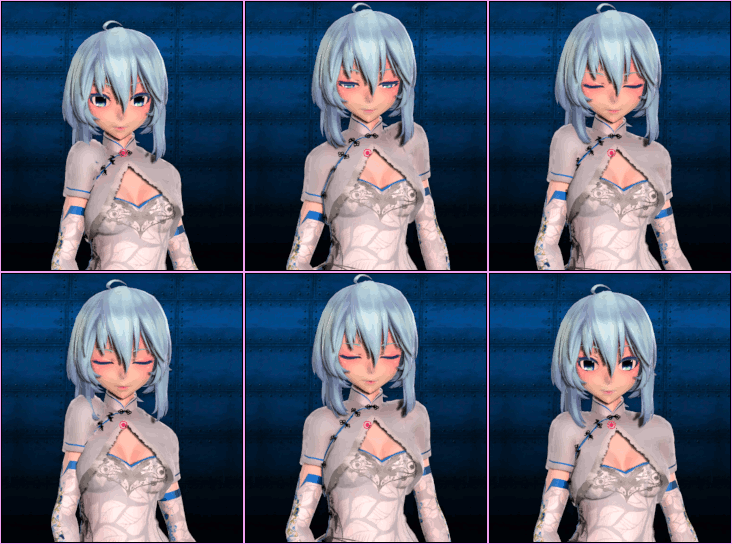 SADLY… after I completed my demo video and went to get the download link for this model so that I could share her with YOU… I found that the creator ENDIBELL has taken all of her models down… none are available any longer. … and I saw a note asking to not share her models with anyone. … so… SORRY… I do not have a link for you.
The Making of my Demo Video…
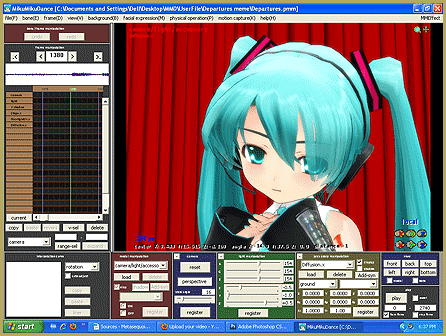
I kept it simple. I loaded that blue boiler-plate background image that I have had for a few years… I loaded a floor, the LearnMMD Deck Panel, to give the model a place to stand. That deck has a single texture image that you can replace withg any .png image that you like, just give it the same file name as the original image… I used a bit of a “heart wrapping-paper” image that I Googled-up. I used that deck at an Si size of 15 to make it large…. and I lowered it down until the top surface was flush with the coordinate-grid.
I loaded my beautiful model. … I pushed PLAY… and… she DID! I saw no collisions or other errors… the motion file worked “as created” just beautifully. So… I recommend that you use a TDA model for this motion file.
EFFECTS…
For the Miku model, I loaded Real Figure Shader (dark) to the entire model. Instantly, she took-on a nice near-photographic appearance. As I mention in that link, there, these older shaders can offer great results wihout the college-degree level of knowledge that you need when trying to use Ray-MMD!
I added Autoluminous because I know that many TDA models have luminous elemets…as in THIS model with the glowing blue garter and the moist eyes. I set the Si size to only 0.6 because at 1.0, the garter was the brightest element in the scene!

I added SSAO for a rich depth of color… she has a nice blush “:o).
I used BlackOut3 so I could Fade-to-Black at the final moments of the video. … The impending blackness did not effect that Autoluminous garter belt… so I had to reduce the Autoluminous Si to zero… I made it fade-out as the blackness increased… so that the darkness was complete. (If you look close, you will see in the very first few frames, I went from dark to light using the house lights… and the garter was, again, the brightest element on the screen until the lighting was up to normal.)
I added MotionBlur3 to the entire scene at an Si size of 5 … It didn’t DO much to my scene but I felt good knowing it was there… and I DO think I can see some of the blur if I watch for it.
LIGHTING…
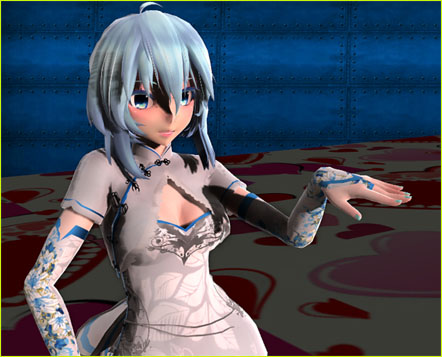 The normal “light brightness” setting is an equal balance of RG and B set at 154… For my animation, I darkened all to about 144 and then moved the red up just acouple of clicks so as to give a nice warm blush to the entire scene… I think Miku’s skin tone is fabuilous. When you create your own animation, keep an eye on the color of the light so that it can enhance your model and your stage.
RENDER to AVI…
I Render to AVI using UT Video to save as an AVI file. I use the “UTVideo YUV422 BT 601 DMO” setting which works well for me. For this 1-minute 41-second video, the file size was 751MB… way too large for me to upload via my rather slow HughesNet internet connection… so I used HANDBRAKE to convert my video into an MP4… and the result was a 47MB file… much more manageable… and it looks good, sounds good!
Beautiful poses for a beautiful model… Thank you, ureshiiiiii!
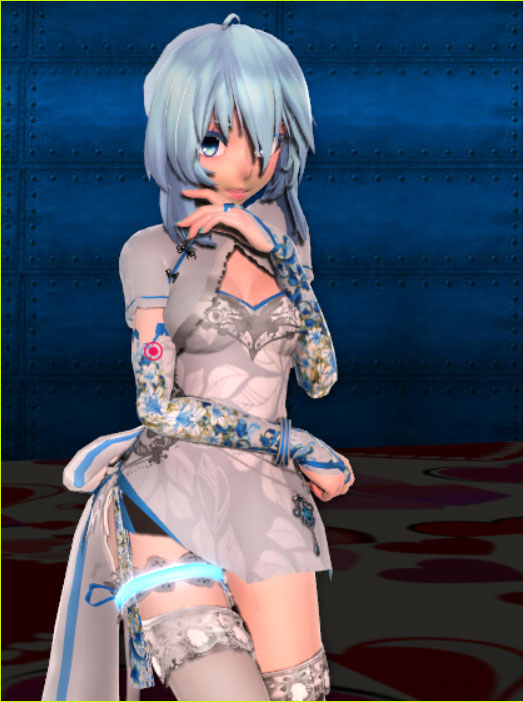
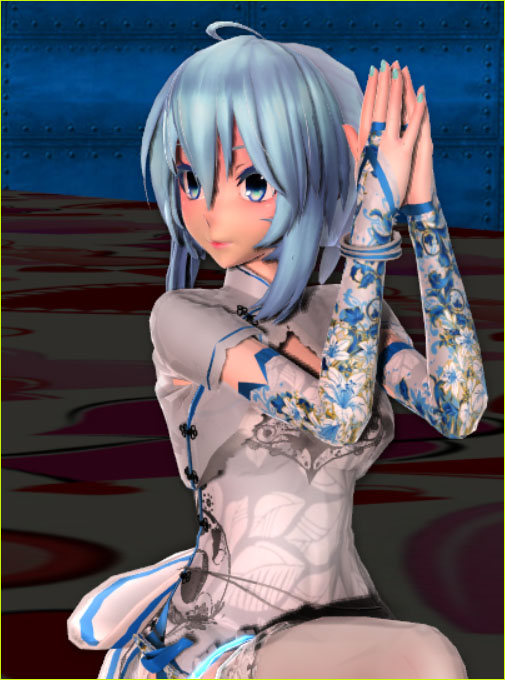
Enjoy “Hand Clap” and Have Fun with MMD!
– SEE BELOW for MORE MMD TUTORIALS…
— — —
– _ — –




Super insightful. Thanks for teaching this lesson.
My pleasure!
— Reggie