


Skip to content
Learn MikuMikuDance – MMD Tutorials – Free 3D Animation Software

Learn MikuMikuDance – MMD Tutorials – Free 3D Animation Software

Download Free Animation Software – Let's Learn How to Do Everything!

  • Step-by-Step MMD instructions
  • DOWNLOADS
  • Troubleshoot, Fix MMD
  • Site Contents
  • Reggie Replies Q&A
  • Homework!
  • What IS MMD?
    • Download MikuMikuDance Newest Latest Version of MMD
  • “HOW TO”
    • Raycast RAY-MMD Effect Tutorials
  • BONUS PAGES
    • Why convert PMD models to PMX?
  • HALL of CHAMPIONS
  • Tutorial Categories
  • About
    • Privacy Policy
  • Toggle search form
  • Beamman’s MME SelfFreeze Effect for MikuMikuDance 7.39 MME Effects Tutorials
  • VDE-4 Champion: Pajamaje135 Video Dojo Champions
  • Create color morphs in MMD models using PMXE
    Create MMD model color morphs using PMXE Making Models
  • Running MikuMikuDance in Linux using Wine and DXVK Linux running MMD
  • Make Smooth Animation Using Interpolation Curves Making Smooth Motions
  • Learn MikuMikuDance in Small Steps: a new video series on YouTube by LearnMMD.com!
    Learn MikuMikuDance in Small Steps! New LearnMMD Video Series MMD Tutorials
  • New Getting Started with MMD Video on YouTube! Intro to MikuMikuDance
  • Culling unseen MMD model parts optimises computer assets (PART 2) Chestnutscoop

Tag: PMXe

ALMorphMaker Adds AutoLuminous Morphs to your Model!

ALMorphMaker Adds AutoLuminous Morphs to your Model!

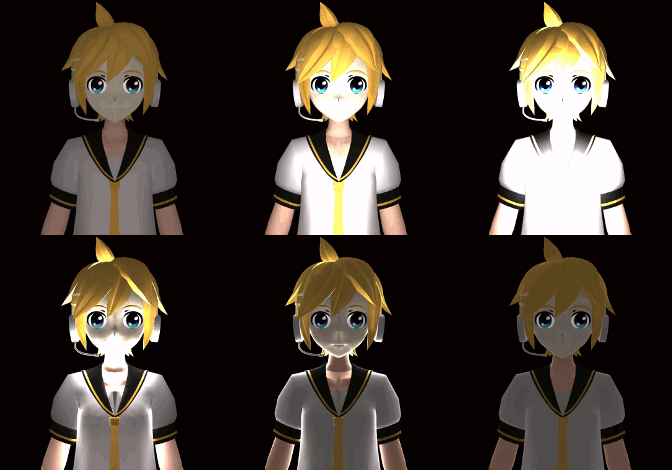
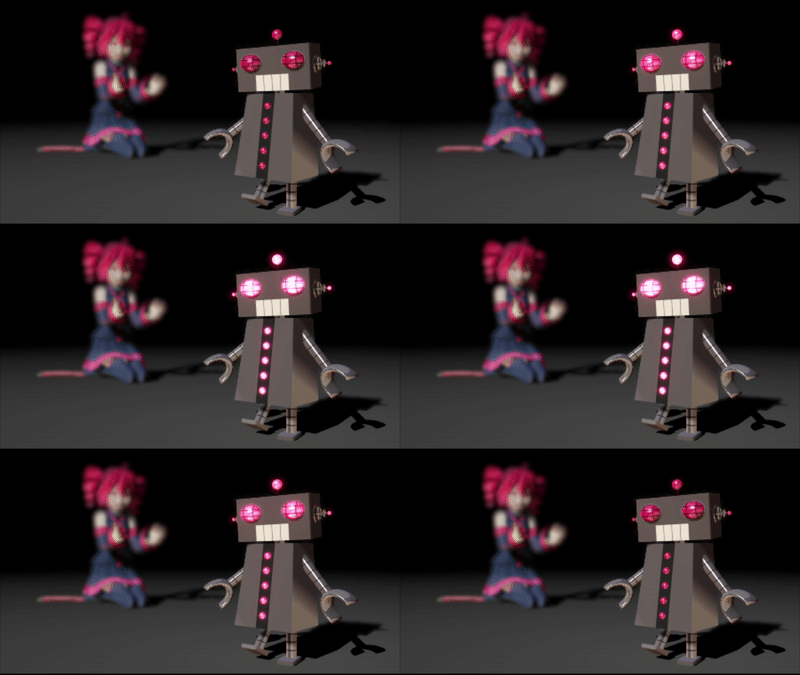
What is the ALMorphMaker plugin? How can I put AutoLuminous morphs on a model? How can I add model morphs such as LightUp, LightBS and LightBlink like Tda has? Many modelers such as Tda have built-in AutoLuminous morphs in their models, but how did they add them?   ALMorphMaker Adds AutoLuminous Morphs similar to Raycast’s Emissive LightBlink Materials! AutoLuminous was developed and released by Sovoro in 2014 and is…

Read More “ALMorphMaker Adds AutoLuminous Morphs to your Model!” »
ALMorphMaker
Culling unseen MMD model parts optimises computer assets (PART 2)

Culling unseen MMD model parts optimises computer assets (PART 2)

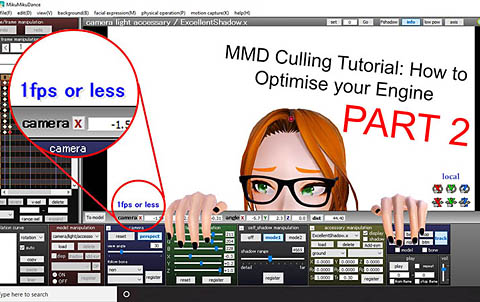
How can I make my MMD run faster? What if removing parts using Subset-Extract isn’t enough? Removing un-needed model parts optimises computer assets. Sometimes, culling, removing unwanted/unseen model parts, using MME’s Subset-Extract can make the world of difference for your computer performance. But other times, it simply isn’t enough… especially with extremely detailed assets. This…

Read More “Culling unseen MMD model parts optimises computer assets (PART 2)” »

Chestnutscoop
  • RAY-MMD: Creating your own custom sky box MMD Tutorials
  • Editing MMD Model Eye Textures enhances Ray-MMD Effect Eien Kiseki-P (Reika)
  • Downloading MMD 9.32 is Quick and Easy! Download MikuMikuDance 9.32 Download MikuMikuDance
  • Making MMD Models Complicated Task with much to know! Making Models
  • MME Beamman’s Grass Effect Creates Realistic MMD Landscapes Beamman's Grass Effect
  • Making MikuMikuDance Pictures Render to Picture File Tutorial Camera Motion
  • MMD 8.06 Low Power button allows you to Multi-task MMD Basics
  • ObjectLuminous Haku and Teto
    Using The ObjectLuminous Effect in MikuMikuDance Accessory Manipulation/Adjust

Copyright © 2022 Learn MikuMikuDance – MMD Tutorials – Free 3D Animation Software and Instructions..

Powered by PressBook Premium theme