

Skip to content
Learn MikuMikuDance – MMD Tutorials – Free 3D Animation Software

Learn MikuMikuDance – MMD Tutorials – Free 3D Animation Software

Download Free Animation Software – Let's Learn How to Do Everything!

  • Step-by-Step MMD instructions
  • DOWNLOADS
  • Troubleshoot, Fix MMD
  • Site Contents
  • Reggie Replies Q&A
  • Homework!
  • What IS MMD?
    • Download MikuMikuDance Newest Latest Version of MMD
  • “HOW TO”
    • Raycast RAY-MMD Effect Tutorials
  • BONUS PAGES
    • Why convert PMD models to PMX?
  • HALL of CHAMPIONS
  • Tutorial Categories
  • About
    • Privacy Policy
  • Toggle search form
  • How do I use MikuMikuDance Make A Music Video with MMD Intro to MikuMikuDance
  • Using the Beamman’s Digital Ripple Effect Digital Ripple
  • Most important MikuMikuDance instruction: Track your sources! Keep the Faith-MMD Credits/Sharing
  • Keep The Faith MMD
    Growing Concerns Amongst Japanese MMDers Downloading New Models
  • When MMD 7.39 crashes you lose any unsaved changes. Save Often!
    MMD Crashes when Rendering to AVI Making Videos - Rendering to AVI
  • Ray-MMD: Lost in the Fog
    Ray-MMD Localized Fog Effects for stunning MMD scenes MMD Tutorials
  • My VDE-3 Entry has Music, Camera, Dancers… Now for the HARD part. "the making of" my video
  • MMD Camera Work makes motions fit the song.
    MMD Camera Work made the motion fit the song! "the making of" my video

Making Smooth Motions with MMD

Posted on August 29, 2011August 1, 2015 By Reggie_Dentmore 3 Comments on Making Smooth Motions with MMD

How do you make a smooth motion? Make a smooth motion with Miku Miku Dance. How do you make her move smoothly?Visit LearnMMD's Video Channel on YouTube: Videos by Reggie Dentmore. LearnMMD Tutorials …

Making a Smooth Motion is Easy with MMD

MikuMikuDance is capable of making very smooth motions. MMD creates the in-between frames between the various Key Frames that you Register. If you micro-manage the movements to get precisely what you see in your mind’s eye, you are restraining the capabilities of the Program.

To create smooth movements, take advantage of the power of the Miku Miku Dance software. See my “Make Miku Walk” page in the Bonus Page section … That movement starts with Registering the entire figure in Frame Zero, then setting the Frame Counter to 150 and selecting the Center and Leg IK’s of the Model, and then, finally, sliding Miku out to the end of the entire movement and Registering that position in frame 150. If you push PLAY at that point, you will see that Miku glides smoothly out to that final point. I then went back in and adjusted the Legs and the other body movements to establish a walking motion … but I never readjusted that Center bone. I found that, if I did, I interrupted that otherwise smooth body motion.

Take a look at my Hand Pose page on the Bonus Page. See the animated GIF there. Again, smooth motions are possible … even easy! I made the MMD animation that created that GIF image by simply loading each of my preset hand pose files one at a time … several frames apart. I let MMD create the in-betweens, as needed.

Here’s another example. I created a pose I call StandDejectedTiedRD.vpd … a pose I found myself in this morning while standing on my porch. I analyzed my own body’s position and decided to recreate that pose in MMD. (No! … Before you ask … I was not “tied” or dejected, really … that’s just what I named the pose for future reference!) . Go to the Download Page and download that pose and drop it into the Pose File inside your User File. I used Meiko to create it because hers is a simple design … not too much hair or fabric in the way.
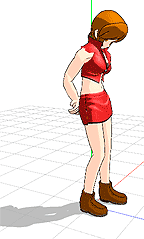
Now, we are ready for smooth motion. Open a NEW file in MMD. Set the Frame Counter to Zero. Load a Model … Meiko? Now we want to use V-Select to select every Diamond in that frame Zero. COPY to store that data. Set the Frame Counter for 250. PASTE to lock-in the same data that was in frame zero. REGISTER. Now set the Frame Counter to 150. Go to File / Load Pose / StandDejectedTiedRD.vpd . Notice that your character snaps into the new position. REGISTER. … … Now push PLAY and watch as your model smoothly assumes the “Dejected” position and then re-assumes her “home” position. Set the Repeat check box by Play and watch how smooth that action is.

That’s it! MMD will create a smooth motion as long as you don’t ask for bumps along the way. Please ask me if you have any questions. I learn, myself, as I do research to find the answers to your questions.


– SEE BELOW for MORE MMD TUTORIALS…


— — —


– _ — –


Visit the LearnMMD.com Homepage! Plenty of Mikumikudance instruction and info!

More MMD Tutorials...

Delete Miku and Learn About the Sample Dance Stage Lights

How do I use the stage lights. Use Dummy Bones to move the stage lights. ...read more

How to make smooth motions in MikuMikuDance animations

How do I make smooth motions in MikiMikuDance? How do I use the interpolation curves ...read more

Physical Operations Tab in MikuMikuDance 7.39 Menu Options

What's the physical operation tab for in MMD 7.39? What is the difference between Anytime ...read more

Local and Global Mode Bone Movement MMD: Miku's Mode Swings

What do local and global mode mean in MMD? What’s the difference between local and ...read more

Using the Gravity Settings in MikuMikuDance

What are the gravity settings in MMD? How do you use the gravity settings in ...read more

Short sharp sudden motions require MikuMikudance skill

Why do my models arms slowly float to the new position? How do I make ...read more

Making Smooth Motions, Nuts & Bolts Tags:beginner, mikumikudance

Post navigation

Previous Post: Miku Miku Dance: Life Changing!
Next Post: Keyboard Shortcuts and Easy Moves

Related Posts

  • Visit Krystal-Sakura on Deviant Art to get "Sparkly Eyes" for MMD 7.39
    Change a Model’s Eyes Using MMD Eye Packs in MikuMikuDance NOKO2
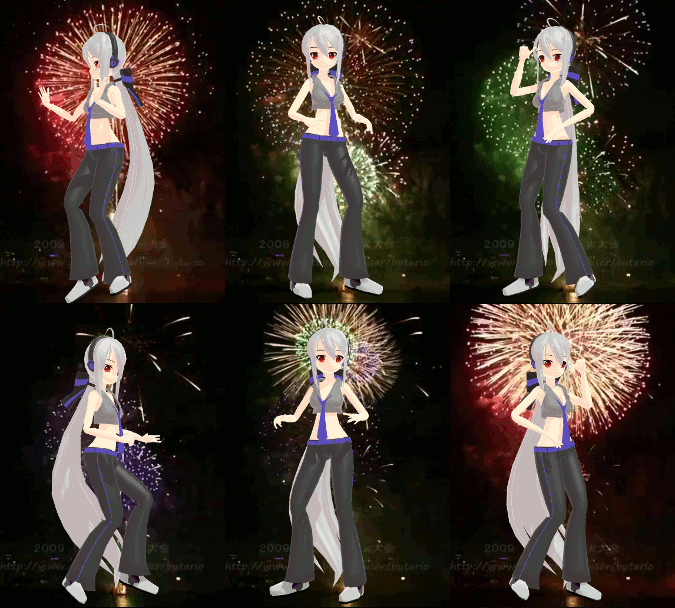
  • Haku and Fireworks 02
    Add Background Pictures and AVI’s to MikuMikudance MMD Add Background Pictures and AVI
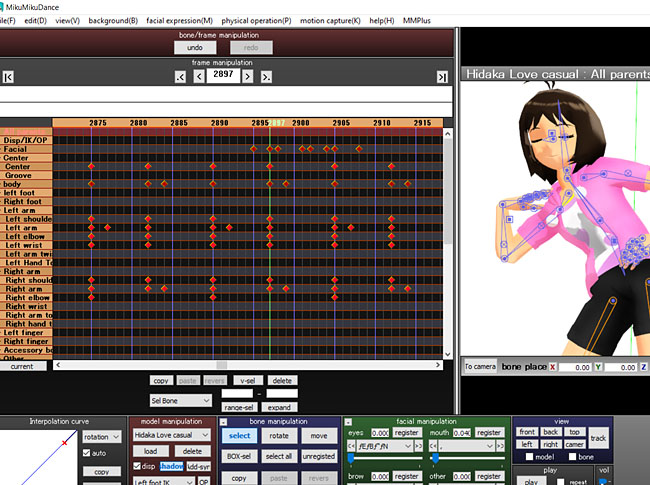
  • Study MMD Motion Files to SEE and LEARN about creating animations
    Study MMD Motion Files to SEE and LEARN about creating animations Making Smooth Motions
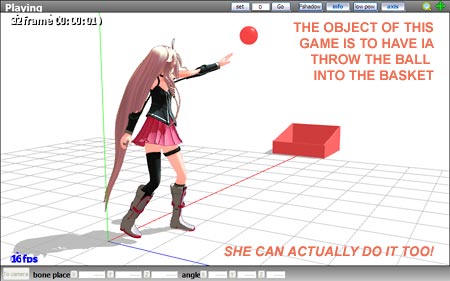
  • Play games within MMD using MMD as a Game Engine! Creating Motions
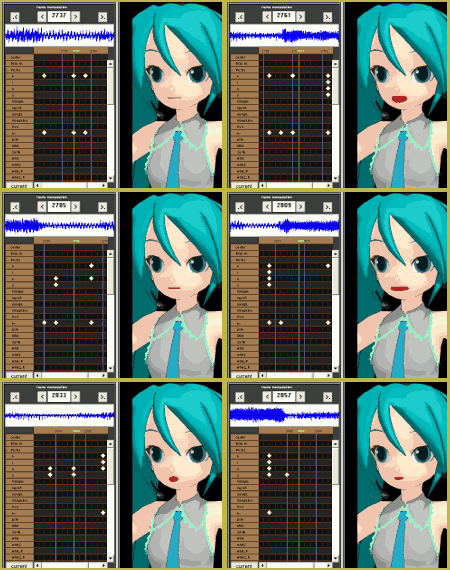
  • Mouthing words requires sudden motions without drifting in MikuMikudance 7.39
    Short sharp sudden motions require MikuMikudance skill Making Smooth Motions
  • How to Switch Models and Stages in MikuMikuDance Accessory Manipulation/Adjust

More Related Articles

PMD Editor Basics, now in English – Modify Your MMD Models! Nuts & Bolts
When you add background AVI files, you can motion trace! Loading Background AVI Files into MMD (2021 Edition) Add Background Pictures and AVI
Next Level in MMD Video Evolution Post-Production Editing Yields Next Step in MMD Video Quality Making Videos - Rendering to AVI
ZERO-GRAVITY Day on the beach in MMD!. Use Gravity Settings and Noize to make winds blow. Using the Gravity Settings in MikuMikuDance ARIZONA
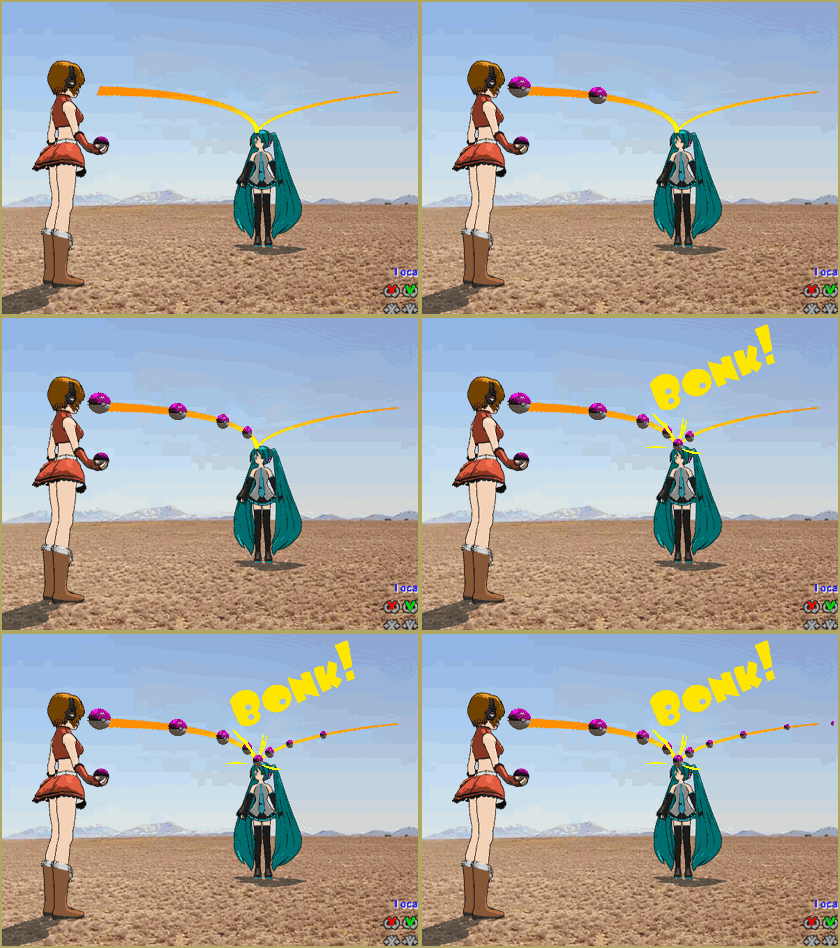
Here is the plan for the ball tossing motion in MikuMikuDance 7.39 “Bonk goes the Miku” new video using Accessories created in SketchUp Google SketchUp and MMD
Let your MMD model breathe and move while standing still! Creating Motions

Comments (3) on “Making Smooth Motions with MMD”

  1. Yukiko says:
    October 11, 2013 at 7:19 am

    I made a motion but it seems so stiff, what should I do?

    Reply
    1. Reggie_Dentmore says:
      October 11, 2013 at 7:57 pm

      Practice, practice! .. Check out this article on use of the interpolation curves in MMD. They make for smoother transitions from one frame’s diamond to the next: https://learnmmd.com/?s=interpolat

      Reply
  2. soniclover1442 says:
    April 12, 2013 at 6:19 pm

    hey i got alot of mmd models of america from hetalia but when ever i try to load a motion data on them they cant respond the bones always say null is there anyway to fix them?

    Reply

Leave a Reply Cancel reply

Your email address will not be published. Required fields are marked *

Download the latest version of MikuMikuDance!
See the MMD Step-by-Step instructions page!
Learn how to make your own MMD motions!
LearnMMD.com
  • Using Subset-Extract to Customize Your Models. ARIZONA
  • MMD uses your computer to the max! Intro to MikuMikuDance
  • Make Smooth Animation Using Interpolation Curves Making Smooth Motions
  • Otome, CannonParticle, and Heaven Effects in all their glory!
    Using Some Cool Effects in MikuMikuDance. CannonParticle
  • Find New MMD Models – MMD Resources Hunting! Downloading New Models
  • Zooming Out of MMD City Stage.
    Working with Large Stages In MikuMikuDance ARIZONA
  • VDE-4 Champion: Kazumi "the making of" my video
  • MME Quartz Effect Refracts Reflections All Around! MMD Tutorials

Copyright © 2022 Learn MikuMikuDance – MMD Tutorials – Free 3D Animation Software and Instructions..

Powered by PressBook Premium theme

Go to mobile version