
Skip to content
Learn MikuMikuDance – MMD Tutorials – Free 3D Animation Software

Learn MikuMikuDance – MMD Tutorials – Free 3D Animation Software

Download Free Animation Software – Let's Learn How to Do Everything!

  • Step-by-Step MMD instructions
  • DOWNLOADS
  • Troubleshoot, Fix MMD
  • Site Contents
  • Reggie Replies Q&A
  • Homework!
  • What IS MMD?
    • Download MikuMikuDance Newest Latest Version of MMD
  • “HOW TO”
    • Raycast RAY-MMD Effect Tutorials
  • BONUS PAGES
    • Why convert PMD models to PMX?
  • HALL of CHAMPIONS
  • Tutorial Categories
  • About
    • Privacy Policy
  • Toggle search form
  • MMD uses your computer to the max! Intro to MikuMikuDance
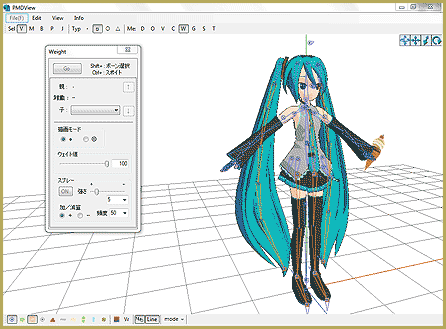
  • Attach an item or accessory to a Bone in PMDEditor - Weighting for a weighted model in MMD.
    Attach an item or accessory to a Bone in PMDEditor – Weighting in MMD Accessory Manipulation/Adjust
  • Beamman’s MME SelfFreeze Effect for MikuMikuDance 7.39 MME Effects Tutorials
  • Strong Soundtrack Offers 3-D Animation Shortcuts! "the making of" my video
  • Convert PMD Models To PMX Models and Chicken-Leg Fix! BigPerryman
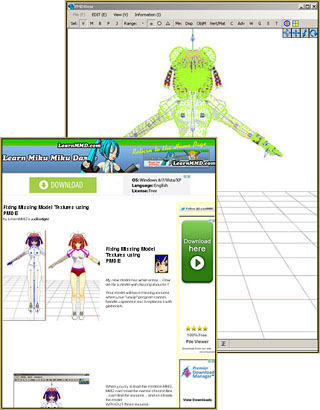
  • How to fix a model with missing textures Fixing Broken Models
  • Making MMD Models Complicated Task with much to know! Making Models
  • Download/Install DirectX 9 Update to fix the Missing DLL Error Dealing with the Missing DLL Error
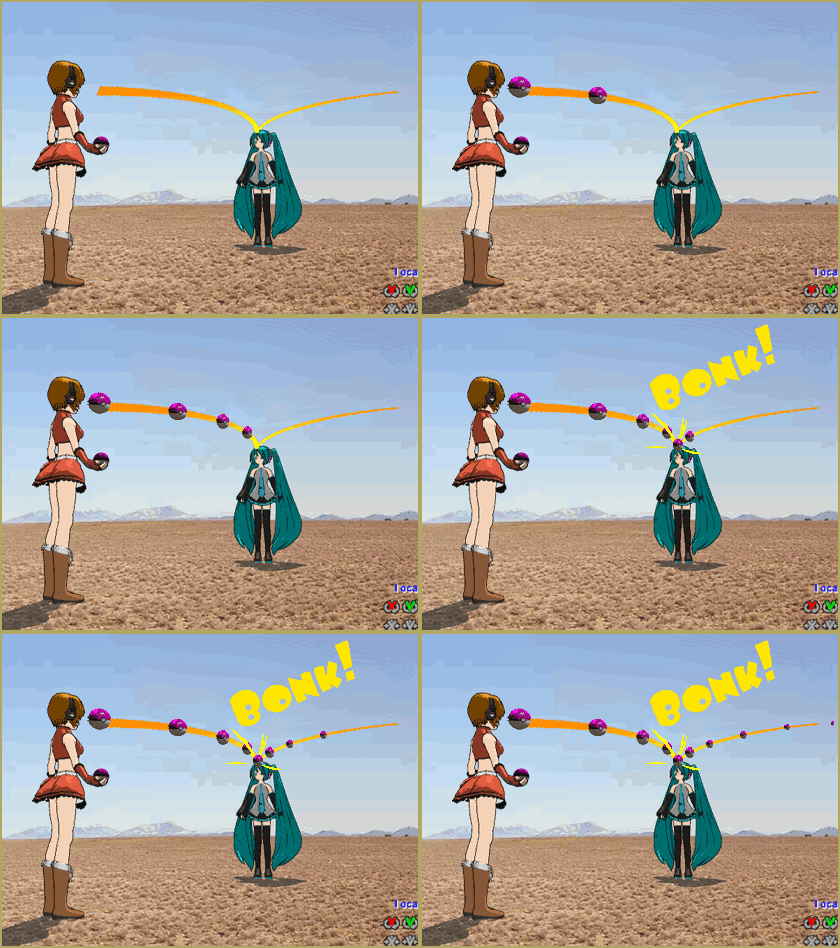
Here is the plan for the ball tossing motion in MikuMikuDance 7.39

“Bonk goes the Miku” new video using Accessories created in SketchUp

Posted on November 3, 2011March 31, 2016 By Reggie_Dentmore No Comments on “Bonk goes the Miku” new video using Accessories created in SketchUp

A new video is posted to YouTube … “Bonk goes the Miku” … utilizing accessories created with Google SketchUp and the 3d-RAD Plugin.

See all of the Step-by-Step Instructions for making an accessory and how to use it in your animation.


– SEE BELOW for MORE MMD TUTORIALS…


— — —


– _ — –


Visit the LearnMMD.com Homepage! Plenty of Mikumikudance instruction and info!

More MMD Tutorials...

Create/Export .x files in Blender 3 using PMXE (Blender 2.8+)

There's no .x export in Blender 2.8/2.9/3.0... you cannot directly Export .x files in Blender ...read more

Crazy Animation Creation yields fun video and good practice!

How can I get inspired to do some animation creation from scratch in MMD? Is ...read more

Study MMD Motion Files to SEE and LEARN about creating animations

How do I make smooth motions in MikuMikuDance? What can I learn if I study ...read more

Loading Background AVI Files into MMD (2021 Edition)

How do I load background AVI files into MMD?  What does it mean when MMD ...read more

Running MikuMikuDance in Linux using Wine and DXVK

How do I run MMD on Linux? Does MikuMikuDance run on Linux? How do I ...read more

Making more complicated MMD dance motions - Some new notes...

How can I make more-complicated MMD dance motions? Does it take a long time to ...read more

Google SketchUp and MMD, Make your own Accessories, Making Smooth Motions, Nuts & Bolts Tags:mikumikudance, Video

Post navigation

Previous Post: Ball Toss Motion Hits Miku: MikuMikuDance!
Next Post: Audacity® 2.0 Audio Editor easily converts mp3 to WAV files for MMD

Related Posts

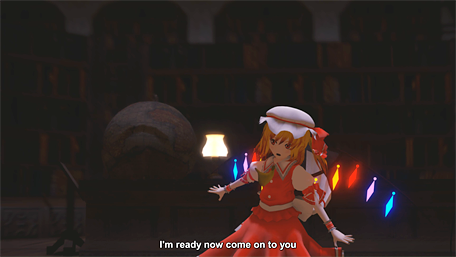
  • How to subtitle MMD videos MMD Tutorials
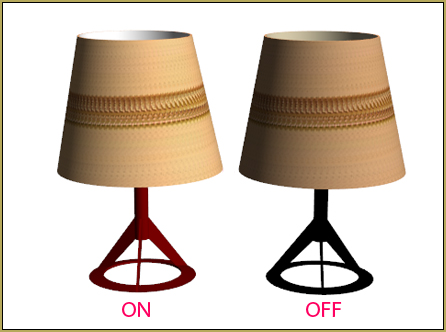
  • Download Table Lamp Accessory ON and OFF Downloading New Models
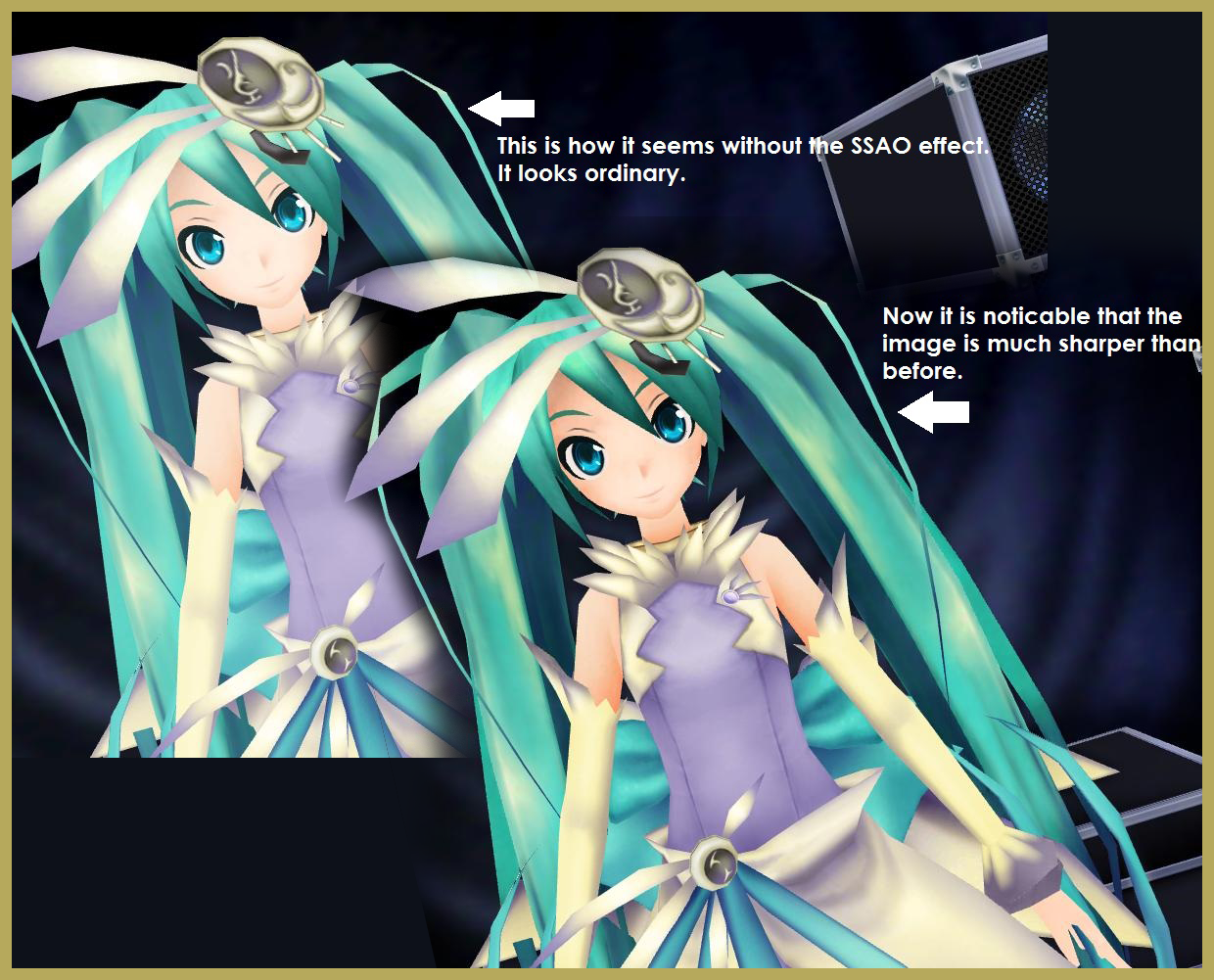
  • The SSAO effect adds depth of color and shadows for greater realism! MME MMD 7.39
    Playing with MME – Using MORE cool MikuMikuEffects! Nuts & Bolts
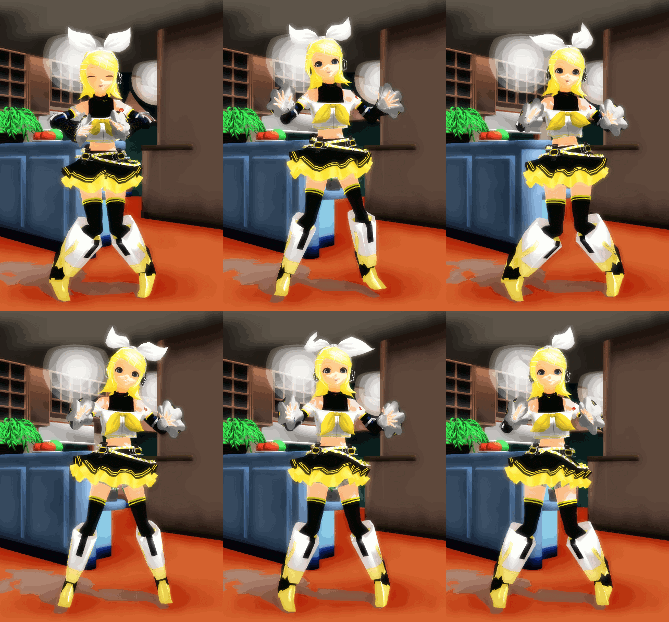
  • Make a Smooth Walking Motion in MikuMikuDance Make a Smooth Walking Motion
  • Rin is excited about the MomiCup
    How to enter The MomiCup and other YouTube MMD Contests and Parties. ARIZONA
  • Keep The Faith MMD
    Use proper MMD Etiquette when Downloading Models for MMD Intro to MikuMikuDance

More Related Articles

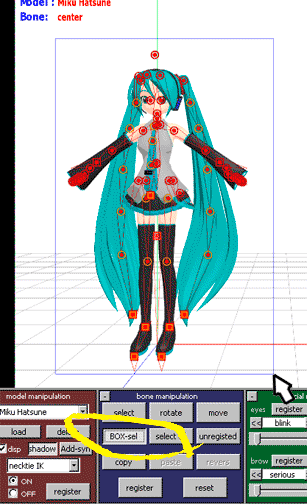
Move the whole Model with Box-Sel in MikuMikuDance Functions-Copy-Paste-Expand
YouTube serves video playback quality to best suit your viewing-screen HD Videos in MMD
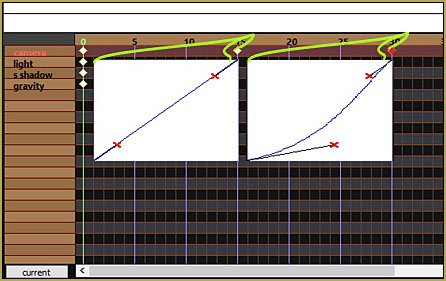
Make Smooth Animation Using Interpolation Curves Making Smooth Motions
Build Accessories and Stages with PMXE Primitives Make your own Accessories
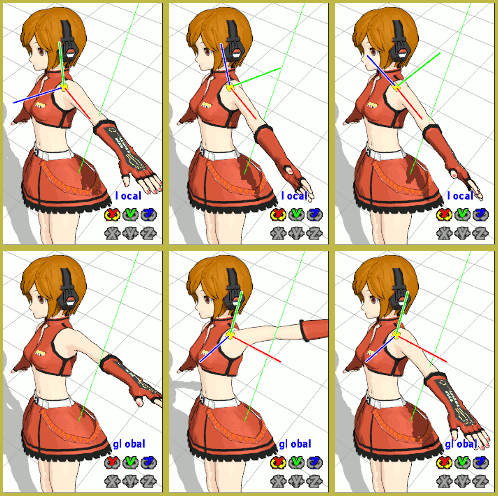
Motion is LOCAL, per the Model's orientation, or GOBAL, per the Program's Grid. (Meiko Sakine from MMD 7.39) Local and Global Mode Bone Movement MMD: Miku’s Mode Swings ARIZONA
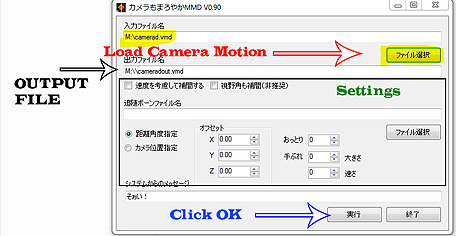
MMD CameraSmoother Tool smooths camera motions! CameraSmoother Tool

Leave a Reply Cancel reply

Your email address will not be published. Required fields are marked *

Download the latest version of MikuMikuDance!
See the MMD Step-by-Step instructions page!
Learn how to make your own MMD motions!
LearnMMD.com
  • The SSAO effect adds depth of color and shadows for greater realism! MME MMD 7.39
    Playing with MME – Using MORE cool MikuMikuEffects! Nuts & Bolts
  • LearnMMD.com _ MikuMikuDance MMD Tutorials
    Almost Photo-realistic renders in MMD using Shaders and Effects Advanced Shader Technique
  • Using the right codec when Rendering to AVI in MMD HD Videos in MMD
  • First Steps for the Beginner MMD MikuMikuDance artist Welcome to LearnMMD.Com!
  • Applause for Miku!
    MikuMikuDance turns Six. ARIZONA
  • Easily Transfer an Accessory to a Dummy Bone from Model’s Hand in MMD Accessory Manipulation/Adjust
  • Load Camera Motion Data VMD files using the File Menu in MMD ARIZONA
  • LearnMMD’s MikuMikuDance Animated GIFs Now Collected as a Bonus Page! Random Thoughts & Visions

Copyright © 2022 Learn MikuMikuDance – MMD Tutorials – Free 3D Animation Software and Instructions..

Powered by PressBook Premium theme

Go to mobile version