Skip to content
Learn MikuMikuDance – MMD Tutorials – Free 3D Animation Software

Learn MikuMikuDance – MMD Tutorials – Free 3D Animation Software

Download Free Animation Software – Let's Learn How to Do Everything!

  • Step-by-Step MMD instructions
  • DOWNLOADS
  • Troubleshoot, Fix MMD
  • Site Contents
  • Reggie Replies Q&A
  • Homework!
  • What IS MMD?
    • Download MikuMikuDance Newest Latest Version of MMD
  • “HOW TO”
    • Raycast RAY-MMD Effect Tutorials
  • BONUS PAGES
    • Why convert PMD models to PMX?
  • HALL of CHAMPIONS
  • Tutorial Categories
  • About
    • Privacy Policy
  • Toggle search form
  • MMD Project Source YouTube’s Baster037 provides links! Animation Resource
  • The Making of “Viva La Vida MMD” by Zazi The Angel "the making of" my video
  • Knock-out the Background as you Render to Picture in MMD Add Background Pictures and AVI
  • Gotta Sing... Gotta Dance! LearnMMD's Video Dojo Expo-3!
    Gotta SING… Gotta DANCE! LearnMMD’s Video Dojo Expo-3! CONTESTS
  • Here is the plan for the ball tossing motion in MikuMikuDance 7.39
    “Bonk goes the Miku” new video using Accessories created in SketchUp Google SketchUp and MMD
  • .spa VS .sph sphere texture file types in PMDE / MikuMikuDance MMD.
    PMD Editor Basics: .SPH and .SPA Files Add Sparkle! PMDE/PMXE tutorials
  • MMD uses your computer to the max! Intro to MikuMikuDance
  • Sweet MMD Meme “Hello_How Are You” MMD Memes

My latest Halloween video is a Scream!

Posted on November 2, 2016November 1, 2022 By GloriaTheAnimator No Comments on My latest Halloween video is a Scream!

A feature article by GloriaTheAnimator!

Hey! So Halloween has passed, but
My latest Halloween video is a Scream!

Here it is… take a look!

https://www.youtube.com/watch?v=9B0pFJ8JW9A

Creepy right? This is even scary for me!

AUDIO

First I needed some good creepy audio, so I went to freesound.org
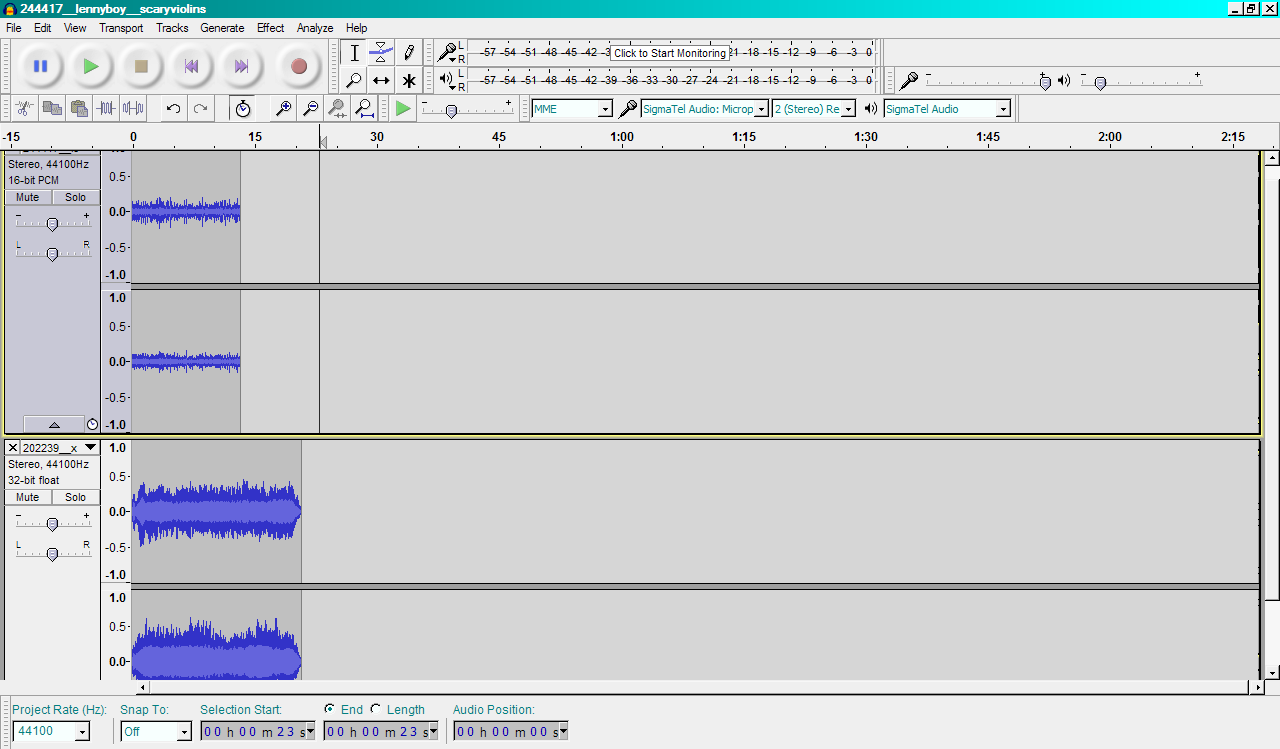
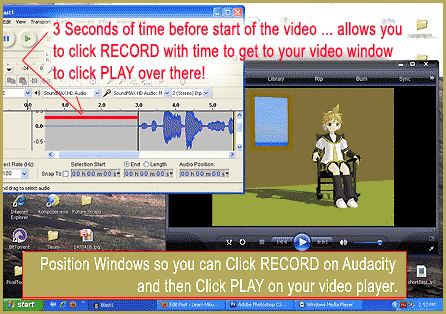
I created my Halloween video soundtrack using Audacity audio editing software.
Click for larger image.

When I found the audio, I put it all together in Audicity®, with layers. It took me about 3 hours to get the music just right.


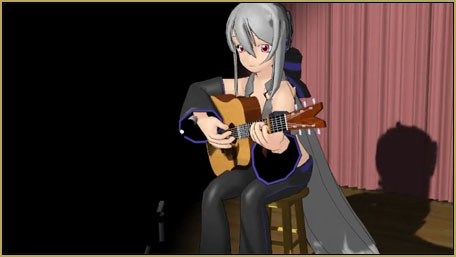
The background music is made of horror ambience and creepy Very creepy, huh? ... Perfect for my Halloween video!violin… and added echo, of course.
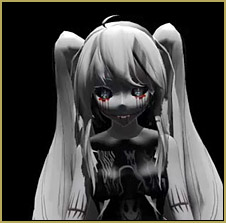
That first scene with the white Miku character that you see, I took the original audio I had found and made the pitch higher… and made it echo… and that’s what I got.
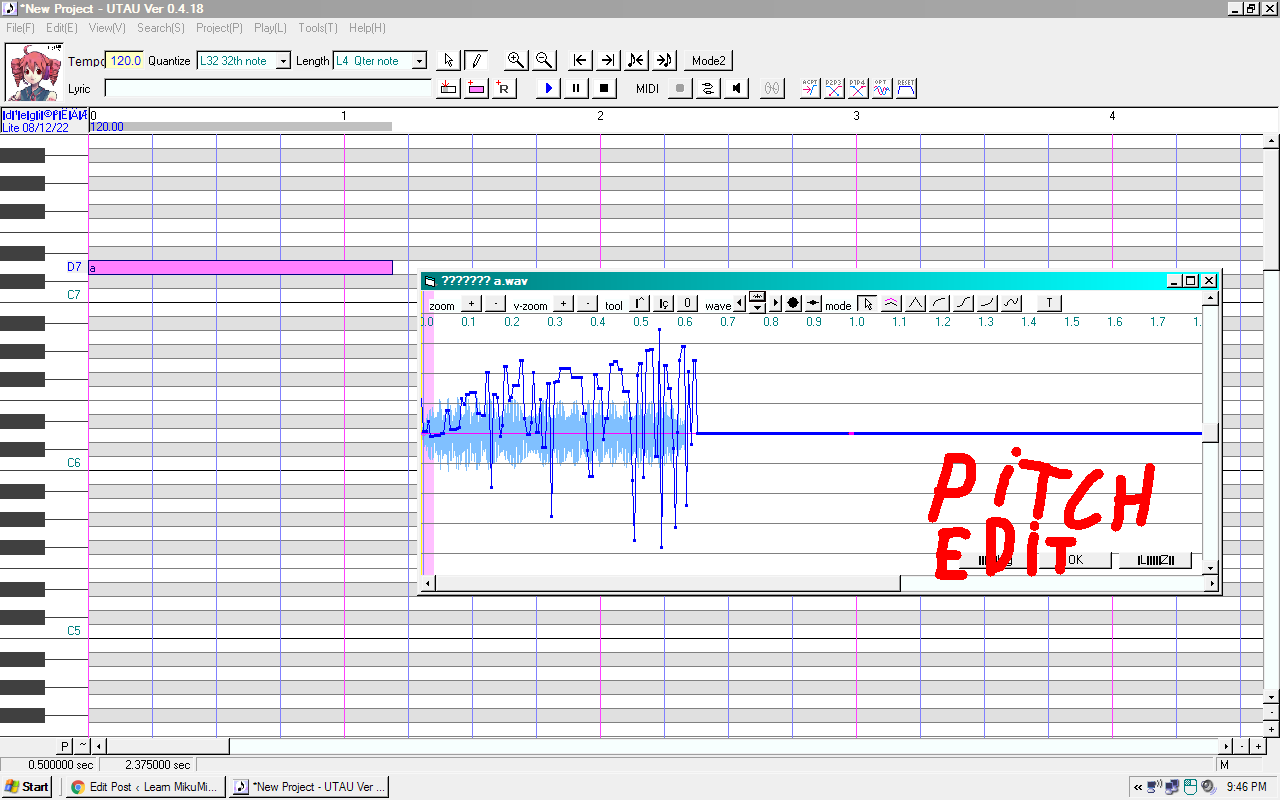
 

I used UTAU to create the final sound effect.The last soundtrack bit I made by using UTAU. I just made Teto sing “a” on the highest pitch it could, and I made the pitch “weird” so it would be creepy.


MODELS

Then I downloaded a lot of cool creepy models. Downloading them took me 1 hour.

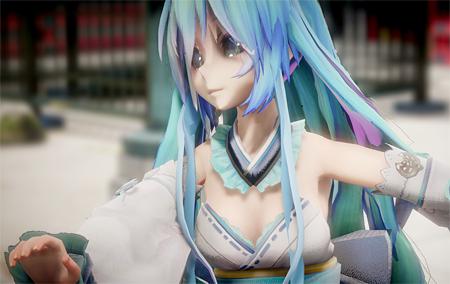
Models used: I do not remember the first one (soon as I identify her I will tell you!), full course candy addict Miku, Magnesium (machine ver), acid IA,  Heartless Miku, Goth Bloody Miku.
I just realized that most of the  models I used are Miku; welp, ya can’t blame me. I just really love Miku! Back to the topic…

and then I arranged them like this…
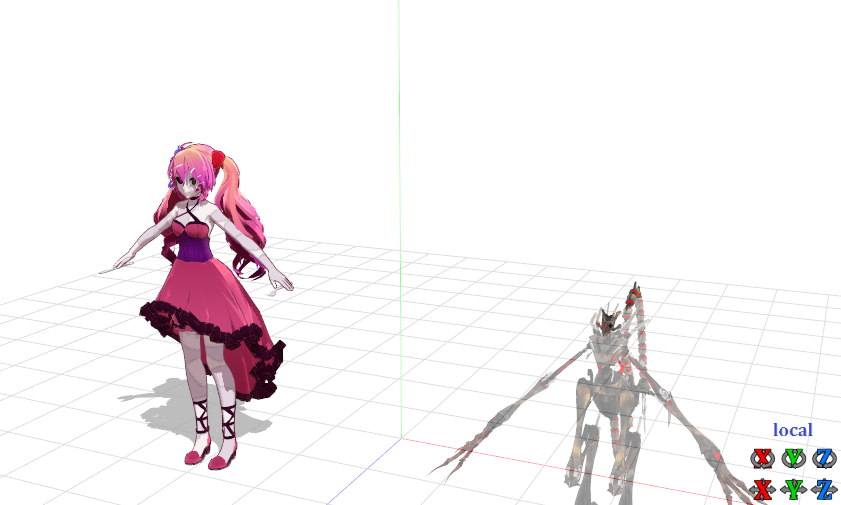
Hereis how my stage setup went together for my Halloween video.

TRICK

I wanted them each to be alone on the camera but I had some problems cuz when I was placing them, they were all in the scene, together.

The trick is when you see one model, the other models are hidden under ground so you can’t see them all at once. When the next character’s turn comes, I make it visible by dragging it up into view.

ANIMATION

I wanted the animation to be smooth so it took me a lot of time to animate… and I started doing the animation at 11 PM and I was kinda scared, myself!… so I just went to sleep and finished it in the morning.

CAMERA
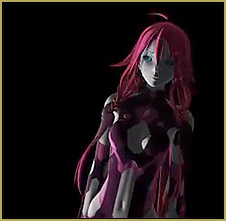
Weird camera angles helped make it spooky!The camera serves as a little bit of the trick part, as well.

I needed to zoom in and zoom out to make models be invisible… and I rotated the camera a little to give that horror atmosphere.

EFFECTS

I used GreenerShader cuz it makes everything look rendered like in Blender… and that shader has a lot of options to choose from so you can use it for everything!

RENDERING

Since I have a slow old computer and there are so many models in one place, I had some problems; like when I turned on the physics and ExcelentShadow, my PC almost died!… so it was really slow. When I tried to go to file and click Render to AVI, I tried 9 times to make the characters look alone… and I finally got the result I wanted. Its great!

Have creepy fun with MikuMikuDance!


– SEE BELOW for MORE MMD TUTORIALS…


— — —


– _ — –


Visit the LearnMMD.com Homepage! Plenty of Mikumikudance instruction and info!

More MMD Tutorials...

Introducing MMD model 1052C China Qipao Miku

Where can I download MMD model 1052C dancers? I want the 1052C China Qipao Miku ...read more

Download Jomomonogm's Snow Miku 2019 for MMD, a most unusual model!

Where can I download Jomomonogm's Snow Miku 2019? What is so unusual about this Snow ...read more

MMD animation made-from-scratch Forgotten Vocaloid Mew Rags on Reggie's MMD Videos

How do I make my own MMD animation from scratch? How do I start my ...read more

Rediscover your old MMD Animations: Love them again!

Rediscover your old MMD Animations: Love them again! https://youtu.be/P4b3todZMUI A labor of love... Remember how it was when ...read more

MMD Boobs too Big yields Too Funny Really Bad Boy video!

Can MMD boobs too big get in the way of a downloaded motion file? What ...read more

Download MMD CyberMiku Black ver1.5 with Glowing Wings and an attitude!

Download MMD CyberMiku Black ver1.5 with Glowing Wings and an attitude to match! A treasure... Yesterday I ...read more

"the making of" my video, GloriaTheAnimator

Post navigation

Previous Post: YouTube serves video playback quality to best suit your viewing-screen
Next Post: Most important MikuMikuDance instruction: Track your sources!

Related Posts

  • Making my new “Rin Needs a Hug” Zero-to-450 Challenge Video "the making of" my video
  • New Reggie’s Evil Eye demo video posted to YouTube "the making of" my video
  • Smooth camera moves and soft focus make for smooth scene transitions in MMD 7.39 . LearnMMD.com
    Smooth Scene Transitions featured in new MMD Departures video "the making of" my video
  • Creating an animation using MMD, MikuMikuDance! "the making of" my video
  • Making MikuMikuDance Original Animation Videos "the making of" my video
  • Creating MMD Diva Performance Animations – An Overview "the making of" my video

More Related Articles

Creating an animation using MMD, MikuMikuDance! "the making of" my video
New Interpolation Curve Video was fun to make! "the making of" my video
My Top 6 Favorite Shader Effects for MikuMikuDance GloriaTheAnimator
Arrow MMD Animation Video Finished in only Six Weeks! "the making of" my video
Typical MikuMikuDance MMD Download Project: Lucky! "the making of" my video
Haruka Nana is a wonderful MMD model ... with fun options! New LearnMMD Video Features Haruka Nana Dancing Modified Sample Dance "the making of" my video

Leave a Reply Cancel reply

Your email address will not be published. Required fields are marked *

Download the latest version of MikuMikuDance!
See the MMD Step-by-Step instructions page!
Learn how to make your own MMD motions!
LearnMMD.com
  • LearnMMD.com: The Instruction Sheet you've been searching for!
    Use Google SketchUp to make DirectX Accessories in MMD Dummy Bones
  • o_ShaderCustomSet_v0_3 effect applies gentle color modification MMD Tutorials
  • Use PMXEditor INFOfile to optimize MMD models
    PMXEditor PMXInfo Analyzing Optimizing MMD Models Fixing Broken Models
  • MMD MME Rhinestone effect adds sparkle to your models! MMD Tutorials
  • Select Japanese Shift JIS from the Convert dropdown in Notepad++.
    Read Japanese READ ME Text Files with Notepad++, Google Translate Navigating Japanese Pages
  • Let your MMD model breathe and move while standing still! Creating Motions
  • Continuation of previous article's dispute!
    Beamman GSW Gauge for Game-like HP Health Points Display Beamman's GSW Gauge
  • MMD Camerawork makes your video exciting!
    No more boring MMD Camerawork – Keep it moving! Camera Motion

Copyright © 2022 Learn MikuMikuDance – MMD Tutorials – Free 3D Animation Software and Instructions..

Powered by PressBook Premium theme

Go to mobile version