

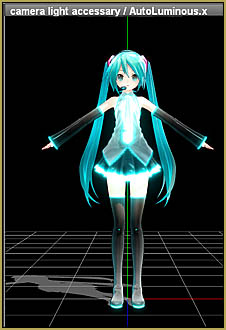

How do I make my own MMD animation from scratch? How do I start my MMD animation made-from-scratch? What do I do first?
My MMD animation made-from-scratch:
Forgotten Vocaloid Mew Rags on Reggie’s MMD Videos…
An MMD animation made-from-scratch!
My goal with this animation was to create something totally new without using downloaded motion files. It had to have a story that we viewers can enjoy.
I decided to create a story around a 2011 Vocaloid MMD model named Mew. You can download Mew from her dA page.
“And THAT was in a Demo!”
Poor Mew. She was used only one time by Reggie Dentmore… “And THAT was in a Demo!” Yes, but that was an extensive demo about creating your own MMD music video.
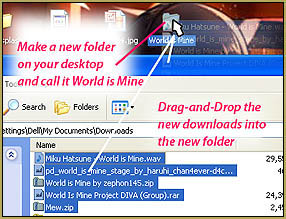
I hadn’t known that she was so bitter about having been set aside…
but in this video rant, Mew “let’s Reggie have it!” by making snarky remarks about his collection of MMD videos.
My MMD animation made from scratch…
My first step was to create the video that would show on Mew’s TV set. I opened my “Reggie’s Videos” desktop folder and then I opened Windows MovieMaker. I chose a few of my old videos to add as “clips” into my new MovieMaker project.
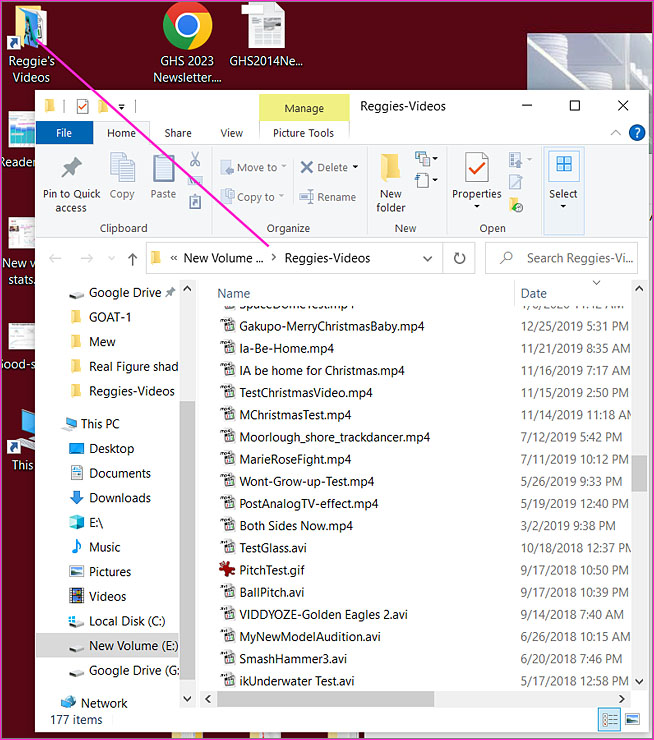
Then, inside of MovieMaker, I arranged the clips into the order I wanted to see them and then I edited each of those clips down to about 10-sceonds, or so. I added the blue opening title clip and then rendered to video to obtain an MP4 video of Reggie’s presentation for the TV set.
My most brilliant idea of the project…
…was to send a link to that compilation video to my brother and ask him for HIS snarky comments about my videos. My brother has been watching my videos since I started back in 2011. He is not really an MMD fan and, in fact, once said I should make Lionel Train videos instead of MMD videos so that I wouldn’t be embarrassed when I told my grandchildren about my hobbies! … With that attitude, and his naturally comedic nature, I knew that he’d be my best source for the jokes.
I sent him the link and he happily responded with a page of one-liners… too funny! After I more carefully described my project to him, he came back with a few more ideas…
Miku had a boyfriend named Macro. He wasn’t fully rigged, and his parents were both 8 bit. But boy could he dance!
And then I added a few quips of my own and so now had a long list of one-liners to choose from. The problem was Choosing them… where to put them into which scenes?
A storyboard!
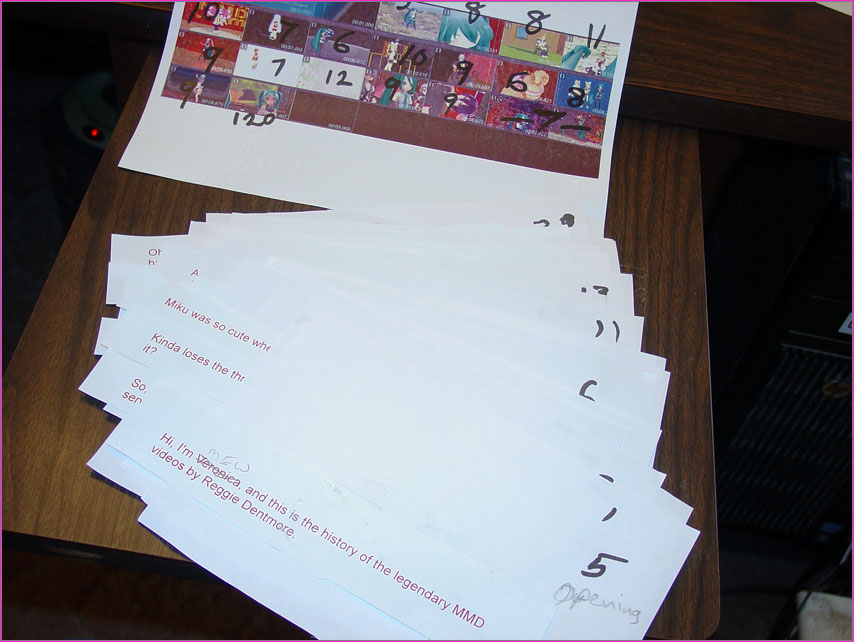
I opened MovieMaker and opened my project. Then I took a few screen-captures and so was able to assemble a storyboard for that compilation video. I saw that I had about 19 scenes. I then opened my text file of the Snarky Quips and pasted them into a WORD document… set a large type-size… and then printed-out the whole list. I cut the printed list so that each quip was on its own scrap of paper. In this picture, below, the “storyboard” is marked with seconds of duration for each scene.
Still out of control…
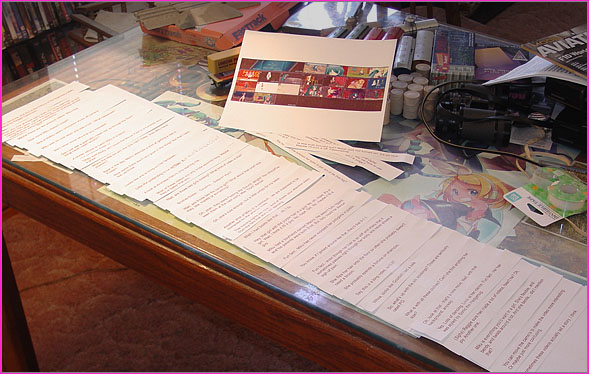
How was I going to reconcile all of those quips with their appropriate moment in the film?
I tore-up some scrap paper so as to have 19 scraps, one for each scene on the storyboard. I then taped the appropriate quips to each sheet. The unused quips accumulated on the cutting-room floor. … NOW I had the “script”: 19 scraps in numerical order, each with its appropriate quip. I could see that me shuffling the pages in real-time would not work, so I opened a blank Text file .txt and used handicapped-access to read the one-liners in order into a text file with a microphone. 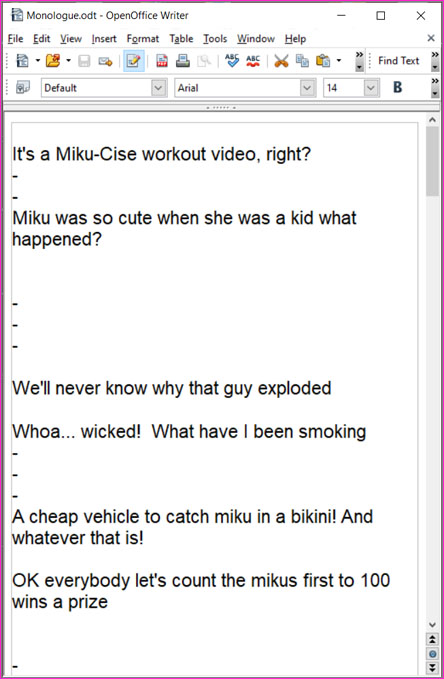 … That worked well! … So now, all of the copy was in correct order in a list on my computer! … I copy-pasted that text list into a new WORD doc at a type-size of 16pt and set the page size to 5×60-inches. Now I had a list that I could scroll through as I read the text into Audacity while keeping one eye on that TV-screen video for the timing.
–
Recording the soundtrack was a chore. I must have read that list of jokes eight or ten times. I was trying to use a higher voice pitch than my male speaking voice and my throat was getting sore! Using the AMPLIFY effect in Audacity, I made my soundtrack as loud as I could. Then I used the CHANGE PITCH effect to raise the pitch of my voice. … In the final product, you can hear the sweet sound of Mew’s voice getting deeper and scratchier as the video plays out.
Then I went back into that recording and attempted to replace some of the soft-spoken sections with new recordings so as to make the final soundtrack sound more clearly… one word here, a complete phrase there.
–
At last, I decided “enough was enough” and kept the latest version of my soundtrack recording.
My MMD animations all start with a soundtrack.
Everything in an MMD animation is keyed by the soundtrack so the complete soundtrack must be created before anything else. You can always edit it as needed but you cannot start to animate without the soundtrack to control the timing of the animation.
For this MMD animation made-from-scratch, the main element was that on-TV-screen video. Everything else has to rotate around that.
The stage…
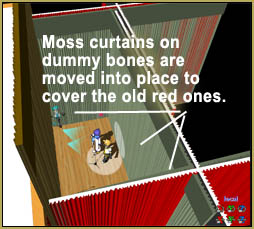
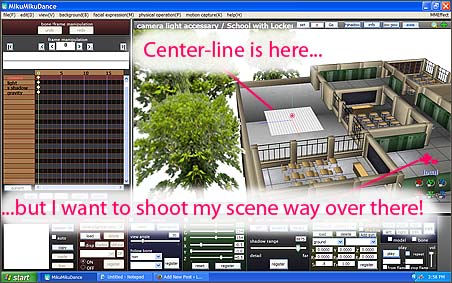
I chose to use a stage I created a decade ago by converting a Skecth-Up creation into a .x MMD Accessory model. It turned out that my stage was really difficult to work with! It has all of the walls you’d like to see in a “house model” but no room for lights and camera. I was always shifting the lights to accommodate my newest camera angle and then adjusting the camera so as to avoid the walls.
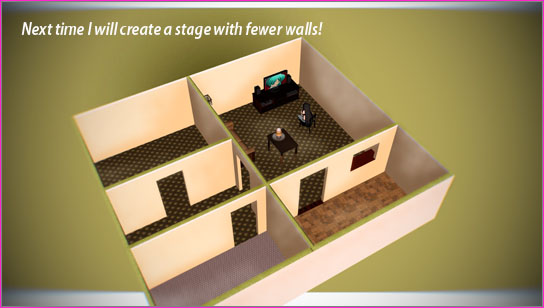
The Animation creation was fun!
I enjoy the animation process. I have gotten better at it over the years.
These days I start with major moments in the video rather than starting from the beginning and moving along the timeline. In this animation, I started with Mew Introducing herself as the first keyframe. I then advanced the frames to the point where she was just about to sit down and I made her stand near the TV and near the chair. Then I advanced a few frames and sat Mew into her chair. MMD did a great job of completing that animation for me… she smoothly drops into the chair from her standing position.
–
I then went back in to where I wanted Mew to switch-on her DVD player. You can see her turn from standing into pointing her remote control at the TV area. If you watch that sequence, you can see that I went back into my original TV video and added some DVD-player screens to add reality to the sequence.
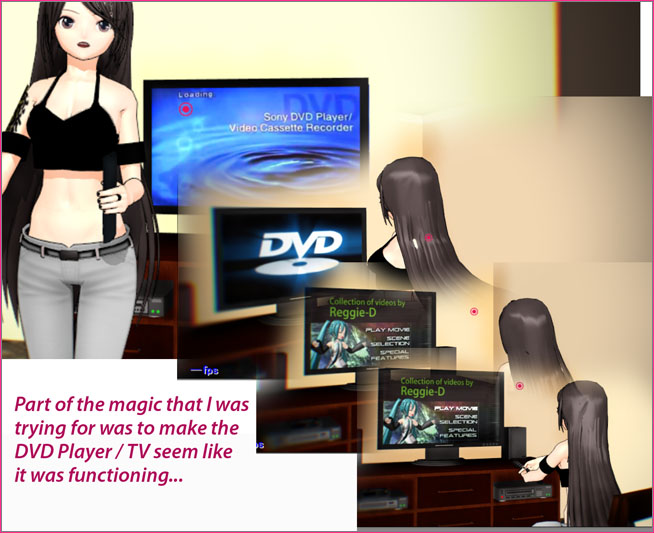
Then, while sitting in her chair she pushes the PLAY button on her TV-remote and the TV screen shows the DVD-player response.. and then the original compilation video starts to play.
Camerawork…
Now that I had Mew seated, it was time to plan the camerawork. I wanted to show the TV screen as often as possible but I also wanted to show Mew as she made her comments. And, as I mentioned earlier, I had to dodge the walls and the furniture as I set-up my camera positions. THEN I had to go back through the entire animation to reset the light positions for each camera movement because of the shadows and such from the walls.
EFFECTS added some pain!
I decided to enhance the model Mew by adding some shaders. I put Real Material Shader on the entire model and then Real Figure Shader on all of her skin parts. If you have used these shaders, you will know that light angles are critical to their success. … So I carefully readjusted camera angles, here and there, and then readjusted the lighting in all of the scenes, one more time, so as to keep Mew looking good… even changing the lights mid-scene as the camera would pan from point to point.
In the end, these were the effects I used in my MMD animation made-from-scratch: Keyscreen Effect, CheapLens, SSAO-Lite, BlackOut3, Real Figure Shader, and Real Material Shader.
The finished video… I like it!
It’s a fun video that is getting lots of views and some nice comments… even a few new subscribers!
As I watch it, I can see “the bumps and scrapes” that maybe the average viewer will gloss over… but I can see where I could have made a career out of this point or that one. I guess that’s how it always is.
Have fun with MikuMikuDance!
– SEE BELOW for MORE MMD TUTORIALS…
— — —
– _ — –