

Skip to content
Learn MikuMikuDance – MMD Tutorials – Free 3D Animation Software

Learn MikuMikuDance – MMD Tutorials – Free 3D Animation Software

Download Free Animation Software – Let's Learn How to Do Everything!

  • Step-by-Step MMD instructions
  • DOWNLOADS
  • Troubleshoot, Fix MMD
  • Site Contents
  • Reggie Replies Q&A
  • Homework!
  • What IS MMD?
    • Download MikuMikuDance Newest Latest Version of MMD
  • “HOW TO”
    • Raycast RAY-MMD Effect Tutorials
  • BONUS PAGES
    • Why convert PMD models to PMX?
  • HALL of CHAMPIONS
  • Tutorial Categories
  • About
    • Privacy Policy
  • Toggle search form
  • The VDE-5 Champions are chosen!
    The CHAMPIONS of Video Dojo Expo FIVE Video Dojo Competition
  • Making MMD Models Complicated Task with much to know! Making Models
  • ObjectLuminous Haku and Teto
    Using The ObjectLuminous Effect in MikuMikuDance Accessory Manipulation/Adjust
  • Fixed the MMD 8.05 Configuration Error Failed to Start MikuMikudance Reggie Dentmore
  • Rigging Models with Appends using PMXEditor Bandages
  • MME: Less is More… Select only those that you need. Cook Torrence effect
  • Build your own stage for MMD using Blender 2.69 Blender
  • Most important MikuMikuDance instruction: Track your sources! Keep the Faith-MMD Credits/Sharing

Easy Fun MMD Music Video Mahlazer Motion Download “Feel the Sound”

Posted on November 13, 2017August 2, 2019 By Reggie_Dentmore 10 Comments on Easy Fun MMD Music Video Mahlazer Motion Download “Feel the Sound”

A Feature Article by Reggie Dentmore on LearnMMD.comHow do I make an MMD music video? What’s the easiest way to make a music video with MikuMikuDance? Where can I download motion files for MMD MikuMikuDance?

Easily Make an MMD Music Video…
“Feel the Sound” features a motion file by Mahlazer!

I went searching for a new MMD project… new to me!… I searched for

MMD (dl, link)

and I found “Feel the Sound”. There are MANY MMD videos of this dance on YouTube… and after doing a bit of research I came across a video with  the original motion created by Mahlazer:
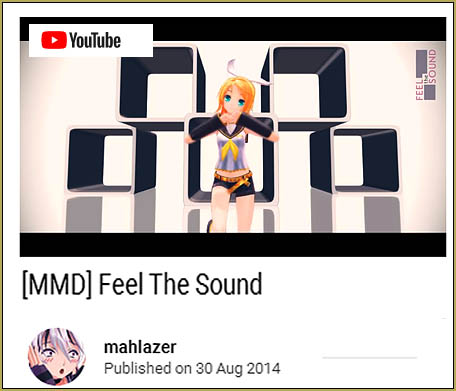
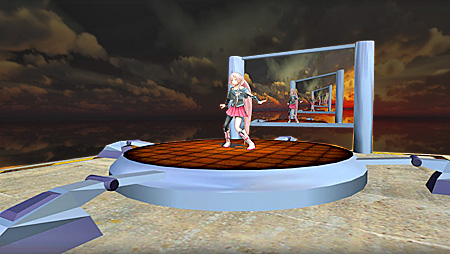
Mahlazer's "Feel the Sound" easily makes a great MMD music video!

Fun stuff! … I see that many of the YouTube “Feel the Sound” videos are used to show off an MMDer’s model collection… the models pop in and out as they are replaced with new models who carry-on the dance.

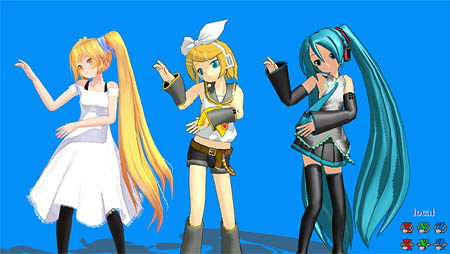
For a test of the motion, to see if the motion file has special requirements, I loaded three models. a TDA Neru was to be my modern, complicated model… an original Animasa Rin to which I added a motherbone… and the original Animasa Metal Miku, unmodified.

And… when I loaded the motion data, using a Center Position Bias of -9 and +9 to spread the models apart onstage… and pushed Play… I found that the motion worked well on all three models… no difference that I could see…

So I figure that Mahlazer’s nice motion file works well on the standard MMD models.

Have fun with it! … Download Mahlazer’s RaR folder. It contains one motion file and the WAV file… a 13.1Mb download. I used Bandizip to Extract the RaR folder… I slid the folder into my MMD UserFile folder… Opened MMD, Loaded a model, put that motion file onto the model… loaded the WAV… Pushed Play… and “Bingo!” … a nice little dance, easy as that! … YOU will want to add a stage and some effects… There is plenty of room for creativity as you make this animation your own!

Have fun with “Feel the Sound”!


– SEE BELOW for MORE MMD TUTORIALS…


— — —


– _ — –


Visit the LearnMMD.com Homepage! Plenty of Mikumikudance instruction and info!

More MMD Tutorials...

Enjoy the "camera Angles WEIRD in Anime" meme...

Enjoy the "camera Angles WEIRD in Anime" meme... This image is from The Slayers - NEXT, ...read more

Reader asks how to create MMD artwork... stuff like posing, camerawork?

A reader asks... Is there a tutorial on how to create MMD artwork, like those you ...read more

Learn MikuMikuDance in Small Steps! New LearnMMD Video Series

Learn MikuMikuDance in Small Steps. Where can I find easy-to-follow MMD instructions on YouTube? How ...read more

Apply Multiple Effects on an Entire MMD Model Using M4Layer Effect

How can I apply multiple effects to an MMD model? Can I use more than ...read more

MMD Plugin Manager... I Found a Treasure!

What sorts of MMD Plugins are there? MMD Plugin Manager? MMD Plugins. Plugin MMD. More ...read more

2025: Hatsune Miku is 18... but she is designed to be always 16 Years old, by design and in reality!

Finally, in 2023, Hatsune Miku is 16 years old! but in August of 2025, she ...read more

MMD Basics, MMD Memes, MMD Tutorials, Reggie Dentmore

Post navigation

Previous Post: Making VSQ Files Without VOCALOID Using UTAU
Next Post: New to MikuMikuDance? LearnMMD is The Instruction Manual for MMD!

Related Posts

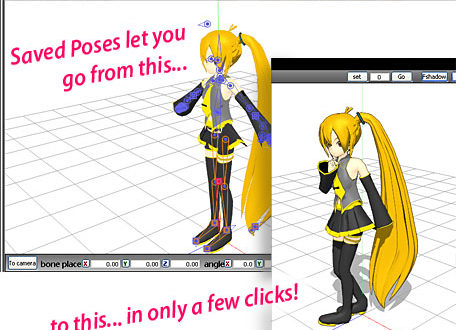
  • Value of saved poses.
    Saved Poses get your MMD Animation Started! Animation Shortcuts
  • Using the OP function in an animation MMD Tutorials
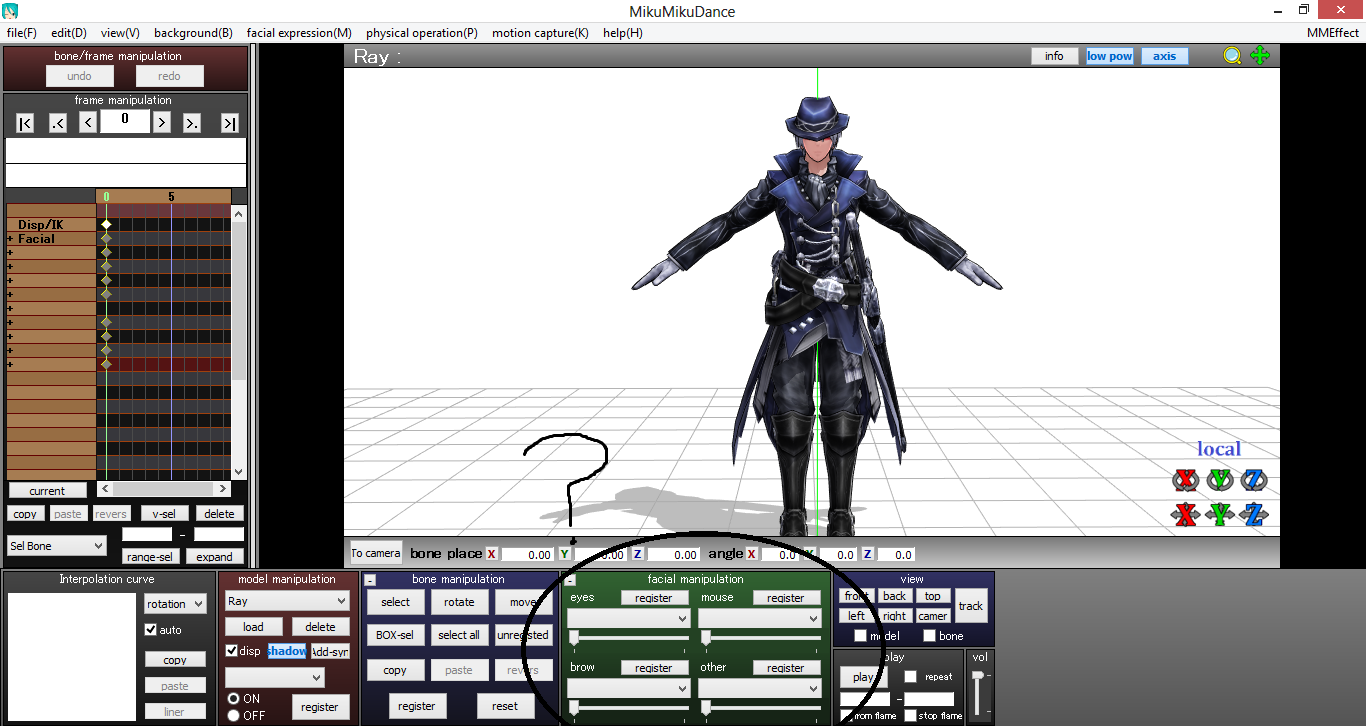
  • Fixing Missing Facial Manipulation Tabs in MikuMikuDance. Fixing Broken Models
  • Troubleshoot MMD models– or anything else– with four techniques! Bandages
  • A better MMD followcam in PMXE with physics and IK bones Animation Shortcuts
  • Hand Clap free download MMD motion file
    ureshiiiiii “HAND CLAP” Free Motion & WAV Download – Awesome! "the making of" my video

More Related Articles

Making MMD Pictures: JPG vs PNG – which is better? MMD Tutorials
Hatsune Miku type N model download Download Hatsune Miku type N models from 2010… a set of 6! Downloading New Models
MMD Light Manipulation Panel helps set the mood Global Lighting
Smooth camera moves and soft focus make for smooth scene transitions in MMD 7.39 . LearnMMD.com Smooth Scene Transitions featured in new MMD Departures video "the making of" my video
MMD Dummy Bones may be your most important models! Dummy Bones
MMD "Kiss Me" free download motion and WAV files. Ten year old MMD “Kiss Me” animation LOOKS like NEW! "the making of" my video

Comments (10) on “Easy Fun MMD Music Video Mahlazer Motion Download “Feel the Sound””

  1. maura ersya firuzah says:
    November 8, 2018 at 5:32 am

    i like mmd

    Reply
  2. Vadimmi says:
    August 24, 2018 at 3:00 am

    Доброго времени! Вы все еще не можете сдвинуть свой сайт с места и начать зарабатывать не плохие деньги? Хочу Вам предложить свою услугу по продвижению вашего сайта в ТОП-10 выдачи Яндекса и Google.

    Подробнее узнайте по почте proxrum@mail.ru
    Отпишите на электронный ящик письмо с темой “ПРОДВИЖЕНИЕ САЙТОВ В ПОИСКОВИКАХ” и я Вам отвечу. Цена продвижения в 2 раза ниже стоимости СЕО-фирм!

    Reply
    1. KillerBeer says:
      August 24, 2018 at 2:12 pm

      Dear proxrum@mail.ru,

      I’m glad to inform you that our site has pretty nice standing in Google – certainly nice enough to not need your services as a CEO pusher. Still, I find your offer amusing enough to get a little lax on our usual policy regarding spam posts and keep your message approved on our board (at least, for some while). Maybe *somebody* will be interested in writing you.

      P.S. Just as you asked, I *did* remove extra ‘=’ characters from the email address you provided in your original message. Have an interesting life!

      Reply
      1. Reggie_Dentmore says:
        August 24, 2018 at 2:30 pm

        Crazy, man!

        Reply
  3. Senshi Sun (Logged Out) says:
    October 13, 2017 at 8:03 am

    This looks really cute! I noticed in the original video there are a couple of moments where one of the models was doing a move from a point in the video other than the one shown in your motion video. How does the “out of the box” set up look?

    Reply
    1. Reggie_Dentmore says:
      October 13, 2017 at 8:12 am

      “Out of the box”… We get motion data for one model. The Rin model uses the motion, unmodified. The other two models also use unmodified motion except I used Center Position Bias to slide their positions left and right of the center stage. … Mahlazer must have modified the motion data for that one model that’s out of sync with the rest of them in his video.

      Reply
  4. Mae Blythe says:
    October 13, 2017 at 12:40 am

    Oh my goodness! That is such an adorable motion! Thank you so much for bringing it to everyone’s attention :)

    I really wonder if Mahlazer used video editing for those cuts! Of course, it is probably easier to perform the effect in MMD than in a video editing suite :P

    Reply
    1. Undead says:
      October 21, 2017 at 5:51 am

      Actually, Malazer said she just switched visibility on and off of the models, it’s way easier than video editing.

      Reply
    2. jessica says:
      February 2, 2018 at 6:28 pm

      how do you download?

      Reply
      1. KillerBeer says:
        February 3, 2018 at 5:15 am

        The video description has links.

        Reply

Leave a Reply Cancel reply

Your email address will not be published. Required fields are marked *

Download the latest version of MikuMikuDance!
See the MMD Step-by-Step instructions page!
Learn how to make your own MMD motions!
LearnMMD.com
  • Register often to get sharp, crisp lip-sync animation movements. LearnMMD,com MMD 7.39
    Create MMD Lip-Sync Animation as a Separate File Creating Motions
  • Video Dojo Expo 1 Winner: sociohat Video Dojo Champions
  • LearnMMD.com's Video Dojo Expo FIVE
    Beach-side Pool-side “Hot August Nights” – Video Dojo Expo FIVE CONTESTS
  • Add Shadows to MMD .X Accessories Tutorial MMD Basics
  • Making Smooth Motions with MMD Making Smooth Motions
  • VDE-3 Champion: Katherine Duncan Video Dojo Champions
  • Create color morphs in MMD models using PMXE
    Create MMD model color morphs using PMXE Making Models
  • Learn MikuMikuDance in Small Steps: a new video series on YouTube by LearnMMD.com!
    Learn MikuMikuDance in Small Steps! New LearnMMD Video Series MMD Tutorials

Copyright © 2022 Learn MikuMikuDance – MMD Tutorials – Free 3D Animation Software and Instructions..

Powered by PressBook Premium theme

Go to mobile version