Skip to content
Learn MikuMikuDance – MMD Tutorials – Free 3D Animation Software

Learn MikuMikuDance – MMD Tutorials – Free 3D Animation Software

Download Free Animation Software – Let's Learn How to Do Everything!

  • Step-by-Step MMD instructions
  • DOWNLOADS
  • Troubleshoot, Fix MMD
  • Site Contents
  • Reggie Replies Q&A
  • Homework!
  • What IS MMD?
    • Download MikuMikuDance Newest Latest Version of MMD
  • “HOW TO”
    • Raycast RAY-MMD Effect Tutorials
  • BONUS PAGES
    • Why convert PMD models to PMX?
  • HALL of CHAMPIONS
  • Tutorial Categories
  • About
    • Privacy Policy
  • Toggle search form
  • MMD Boobs too Big gives us a funny Really Really Bad Boys video!
    MMD Boobs too Big yields Too Funny Really Bad Boy video! "the making of" my video
  • Beamman’s MME DropShadow effect for MikuMikuDance Beamman's DropShadow effect
  • The Making of “Hell To Your Doorstep” MMD Animation and Video "the making of" my video
  • Add Shadows to MMD .X Accessories Tutorial MMD Basics
  • Customize MME Effects by Editing .fx Files Customize MME effects
  • MikuMikuDance FREE Animation Software & Instructions MMD Tutorials
  • San Japan bow
    LearnMMD Hosts a Panel at San Japan! ARIZONA
  • Play games within MMD using MMD as a Game Engine! Creating Motions

Widescreen MMD “Kiss Me” animation too long but I wanted More!

Posted on July 19, 2022January 5, 2024 By Reggie_Dentmore No Comments on Widescreen MMD “Kiss Me” animation too long but I wanted More!

A Feature Article by Reggie Dentmore on LearnMMD.comWhere can I download the Widescreen MMD “Kiss Me” motion files? What can I do to make these downloaded .vmd motion files look different from other MMD “Kiss Me” videos? Where can I find MMD motion files to download?

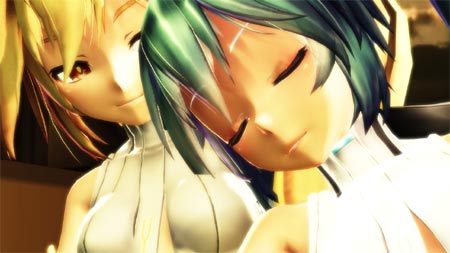
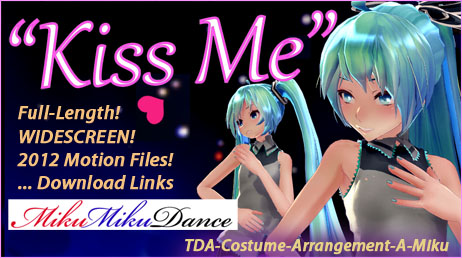
I, just this week, posted a new video and a tutorial about reviving this 10-year old MMD “Kiss Me” animation and doing so in a tall, narrow cell-phone screen format. As I created that animation, I was struck by how NICE these motion files actually are… and I threatened to, someday, produce a full-length version… well… here it is!

Widescreen MMD “Kiss Me” animation
is too long…
… but I found I wanted More!

Too long: over four and a half minutes!

Most of the time as I watch a YouTube MMD video, I have seen all I care to see after the first minute or so… I can usually tolerate only SO MUCH of Miku hopping around! … But something about this Kiss Me animation keeps me glued to the screen!

Maybe it’s the wild music… so many “instruments” and so much power… but I think it’s the really nice motions of the models that I enjoy watching. As you watch the video, keep an eye out for the many beautiful poses that we see on-screen. These motion files are very nice, indeed.

TALL & NARROW  VS  WIDESCREEN…

My cell-phone screen video forced me to manipulate the camerawork so as to show the audience all of the fine-points of this animation through that tall, narrow window. It was a fun project but, after the fact, I can see that I had short-changed the nice animation files of this dance.

With the WIDESCREEN, I can now show you the entire scene as it was originally created.
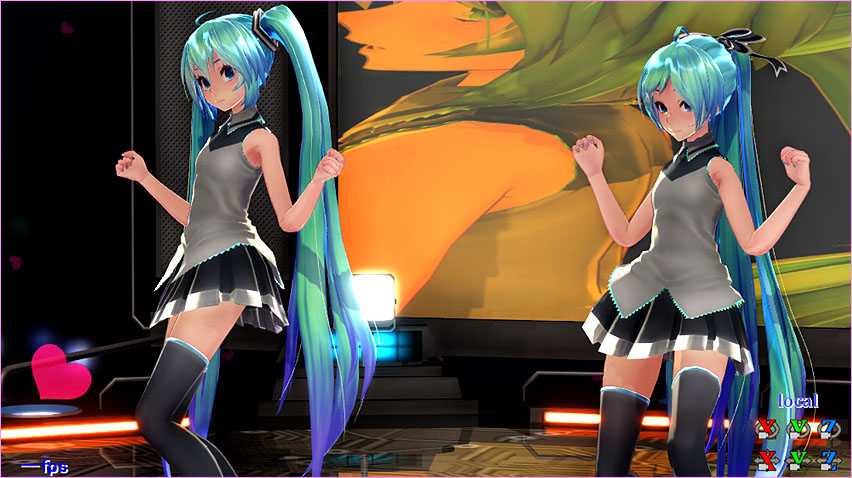
My widescreen MMD "Kiss Me" animation let me have this huge Miku portrait in the background!

CAMERAWORK… Original file + tweaks!

I used the two dance-motion .vmd files without changes. But the Camera.vmd had some areas that I wanted to work on. The camera motion is very nice… but often shows a scene in which the camera doesn’t move… a couple of hundred frames of no camera motion. THOSE are what I went after… I like for the camera to always be moving, never frozen. I also went-in to get some close-ups when the original motion wasn’t “close-in” enough. … Like in the closing moments of the animation when the two models strike a pose… and the camera is far away. … I used that moment for a final close-up zoom-in.

MME Effects… Blackout3, Falling Hearts, SSAO, Autoluminous

I used Blackout3 to give me an initial fade-from-black and a final fade-to-black. I believe that THAT gives a nice professional look to the video.

Autoluminous is often a a required part for TDA models… and it is an important part in the “light features” of the Trackdancer LearnMMD Stage. I left the settings at full intensity: Si 1 and Tr 1.

SSAO gives a nice depth of color to the whole scene. I often use SSAO-Lite… but in this animation, I went all the way with SSAO.
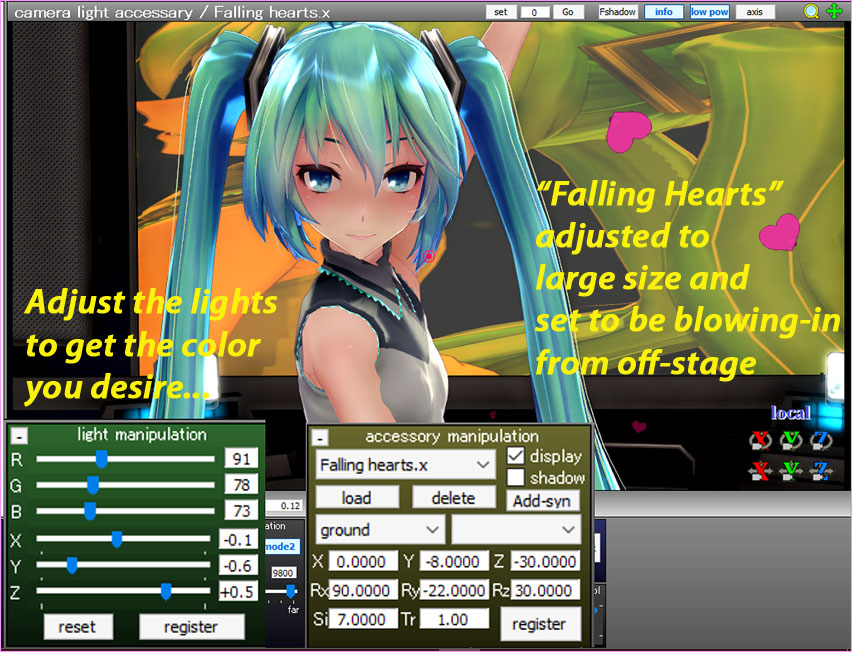
Adjust the MME Falling Heart effect to getthe size and direction that you like.Falling Hearts effect gives you… falling hearts! They rain down slowly across your scene. I adjusted the Si size to make them larger… and I adjusted the angle of their fall so as to get them to blow-in from below off-stage.

I also adjust the house-lights “Light Manipulation” panel to get the color and brightness of the main lights to fit my mood. Many MMDers do not adjust the settings in this panel… but it’s an important part of every animation.

A “happy accident”: that huge Miku image…

My original plan was to show the Cell-Phone video version of this animation playing in that background panel of the Trackdancer LearnMMD Stage. But, that Background AVI animation locked-up at frame 1279… leaving me with that nice Miku-portrait image.
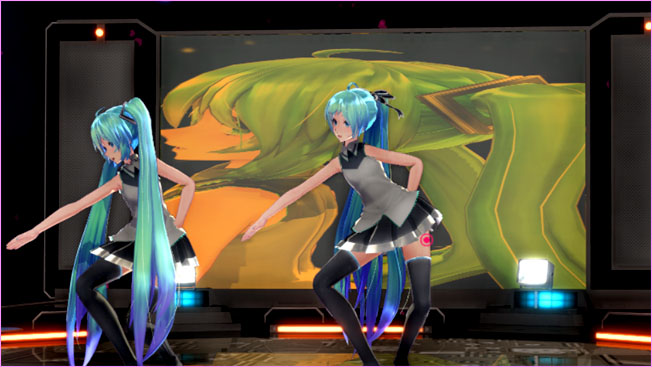
My widescreen "Kiss Me" animation allowed me to have this huge Miku portrait in the background!

… and as long as I did not close the MMD window, that image stayed in place there. … I found that when I SAVED and closed the MMD window… I could reopen that animation and the window would be empty. I reloaded my Background AVI and, again, it played up to frame 1279 and then locked-up… leaving me with that same portrait image. I decided to “go with it!”

Motion/WAV DOWNLOAD LINKS and MODEL LINKS…

… are all in the previous article featuring the Cell-Phone video version.

The beautiful models are hosted on dA, here…

https://www.deviantart.com/xoriu/art/TDA-Costume-Arrangement-A-Miku-DL-411744049

ENJOY MikuMikuDance!

I hope you will give this MMD “Kiss Me” animation a try. It’s an easy project and these motion files are well worth your time to explore.

— Reggie


– SEE BELOW for MORE MMD TUTORIALS…


— — —


– _ — –


Visit the LearnMMD.com Homepage! Plenty of Mikumikudance instruction and info!

More MMD Tutorials...

Download MMD CyberMiku Black ver1.5 with Glowing Wings and an attitude!

Download MMD CyberMiku Black ver1.5 with Glowing Wings and an attitude to match! A treasure... Yesterday I ...read more

Create your Most Attractive YouTube Thumbnail image

Is a custom YouTube thumbnail important? How do I get my MMD video to be ...read more

Download the beautiful LUKA MEGURINE HIPSTERBLACK by PS-2002

Where can I download LUKA MEGURINE HIPSTERBLACK by PS-2002? How can I get a new ...read more

Use YouTube Video Analytics Attract Maintain Viewers

How can I use YouTube Video Analytics to learn how to make popular MMD videos? ...read more

Create 450-Frame MMD animation from scratch!

How do I create a 450-Frame MMD animation from scratch? How do I start making ...read more

Rio Carnival Miku is my latest MMD Model Adoration Slideshow video

Where can I download the Rio Carnival Miku MMD model? How can I make an ...read more

"the making of" my video, MMD Tutorials, Reggie Dentmore

Post navigation

Previous Post: Ten year old MMD “Kiss Me” animation LOOKS like NEW!
Next Post: Open MikuMikuDance… just for the fun of it!

Related Posts

  • An MMD town stage: Making Kerorin Town Great Again – Part 3 MMD Stages
  • Import Daz models with Bones using Blender, Noesis, Xnalara Blender
  • Exporting VSQX to VSQ for MMD! Kazuki Matsuoka
  • Are you running the Latest Version of MMM? MMM Tutorials
  • Bandizip® keeps Japanese file names intact when Extracting ZIP folders Bandizip
  • Speech Synthesizer gives MMD Models a voice! Making Soundtracks

More Related Articles

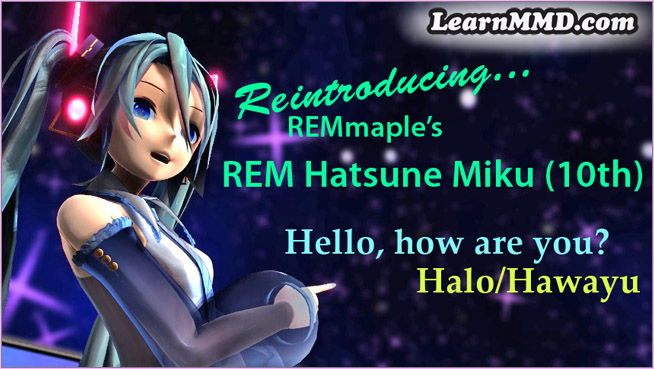
REM Hatsune Miku 10th model links on LearnMMD.com Reintroducing cute REM Hatsune Miku 10th in Hello, how are you? "the making of" my video
Shading China Dresses Shading China Dresses Using Advanced Shader Techniques Advanced Shader Technique
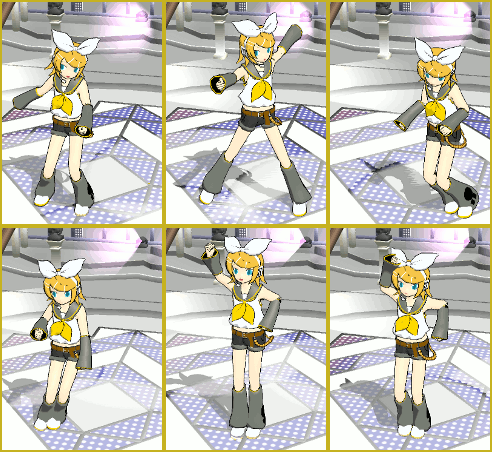
With some practice, Rin can dance the sample dance as well as Miku! There Can Be Frame Data Ghosts remaining after Deletion Making Smooth Motions
Breathing “SOUL” into MMD models and scenes using Fine Art Techniques Advanced Shader Technique
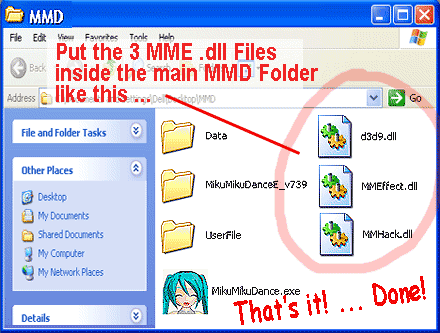
Move the 3 .dll files from the MME Download folder into the main MMD Folder. Download MME v037 in English MMEffects for MMD MikuMikuDance MMD Tutorials
The Making of “Viva La Vida MMD” by Zazi The Angel "the making of" my video

Leave a Reply Cancel reply

Your email address will not be published. Required fields are marked *

Download the latest version of MikuMikuDance!
See the MMD Step-by-Step instructions page!
Learn how to make your own MMD motions!
LearnMMD.com
  • Create MMD Abstract Art from Low-Res Videos! MMD Tutorials
  • How to make a Portal in MMD: blast a hole in the wall! Customize MME effects
  • What kind of laptop should I buy for running MMD? Random Thoughts & Visions
  • Downloading MMD 9.32 is Quick and Easy! Download MikuMikuDance 9.32 Download MikuMikuDance
  • Chrysanthemums are lovely with the Fireworks effect!
    Using the Fireworks Effect In MikuMikuDance ARIZONA
  • Download instant fight scene motion by Mahlazer Animation Shortcuts
  • Add interest to you choreography by moving/rotating models with Mother Bones.
    Add Interest: Place Multiple Models Onstage Using Mother Bones ARIZONA
  • LearnMMD's NOKO2 has several MMD Comics on the LearnMMD Deviant Art Page!
    Have Fun Making MMD Comics using MS Paint Koneko the MMD Fairy

Copyright © 2022 Learn MikuMikuDance – MMD Tutorials – Free 3D Animation Software and Instructions..

Powered by PressBook Premium theme

Go to mobile version