Skip to content
Learn MikuMikuDance – MMD Tutorials – Free 3D Animation Software

Learn MikuMikuDance – MMD Tutorials – Free 3D Animation Software

Download Free Animation Software – Let's Learn How to Do Everything!

  • Step-by-Step MMD instructions
  • DOWNLOADS
  • Troubleshoot, Fix MMD
  • Site Contents
  • Reggie Replies Q&A
  • Homework!
  • What IS MMD?
    • Download MikuMikuDance Newest Latest Version of MMD
  • “HOW TO”
    • Raycast RAY-MMD Effect Tutorials
  • BONUS PAGES
    • Why convert PMD models to PMX?
  • HALL of CHAMPIONS
  • Tutorial Categories
  • About
    • Privacy Policy
  • Toggle search form
  • MME FunyaFunya Effect adds wavy psychedelia to your MMD scene! FunyaFunya Effect
  • Background AVI Files require a Baseleine AVI setting.
    MMD Background AVI Files converted using CloudConvert Background AVI
  • LAT Model Shaders Create Stunning Scenes in MMD Kazumi
  • Mahlazer’s Walking Motion vmd file download for MMD Make a Smooth Walking Motion
  • MMD CameraSmoother Tool smooths camera motions! CameraSmoother Tool
  • MME Lighting Effect, PanelLight by Soboro, is easy to use!
    Add MME Lighting Effect illuminates model against dark stages MMD Tutorials
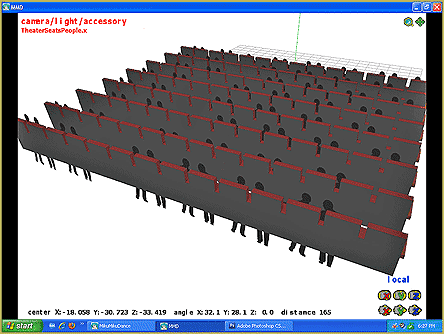
  • The New LearnMMD Stage "in action"!
    LearnMMD Auditorium Stage Announced Ready for Download Downloading New Models
  • How to subtitle MMD videos MMD Tutorials
Miku wishes for a peaceful birthday!

Happy Birthday Miku!

Posted on August 31, 2013July 2, 2024 By Arizona No Comments on Happy Birthday Miku!

When is Miku Hatsune’s birthday? How old is Miku Hatsune? What does Vocaloid mean?

A Feature Article by contributor ARIZONA on LearnMMD.com

Dear Miku,

Generally, I am not one to write fan letters. But for your sixth birthday (8/31), I’m more than willing to do this.

I first found out about you because 4 years ago, I was dating a woman from Taiwan. She was an ardent fan of Cyndi Wang. I’ll admit I have never really listened to any C-pop (J-pop or K-pop either), until we went on a Applause for Miku!road trip to her sister’s graduation. That’s where I had first heard “Honey, Honey”. Days later, I wanted to hear that song again so I went on YouTube and found this: www.youtube.com/watch?v=jwvno63fwNs  (Note: This isn’t the original Miku video but one very similar). I was floored. So I started looking at other videos. That’s when I found out about Vocaloids (Vocal + Androids) . How had I not known about this? I also had no idea that you provided the vocals for the Nyan Cat meme. You are a sly one, Miku. I now had some more YouTube fodder.
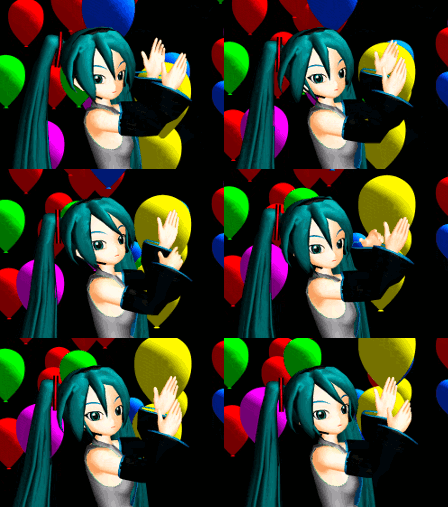
The relationship ended when she had to go back to Taiwan. So I would watch Cyndi and Miku videos whenever I started feeling down.

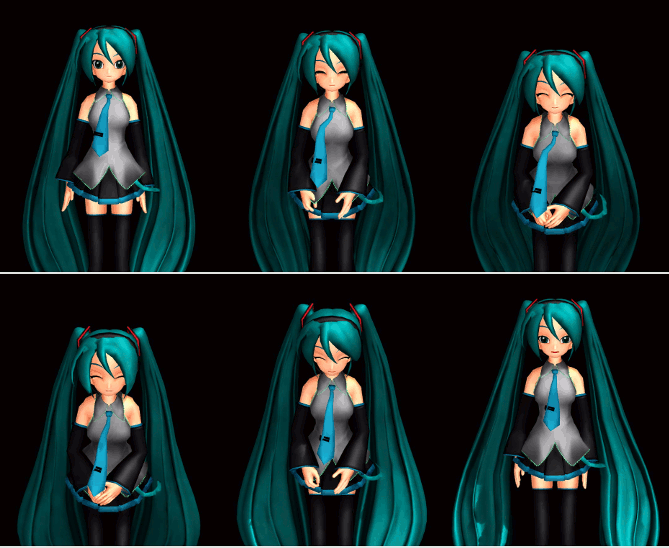
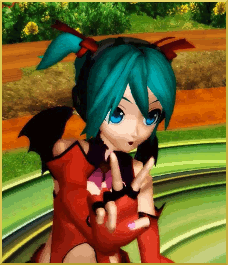
It wasn’t until almost two years ago, that I had found out about the English version of MikuMikuDance. One ofMiku wishes for a peaceful birthday! the members of my anime group had told me about it. Like most fledging MMDers, I started off making simple videos from downloaded motion data and .wav files. I also started playing around with making original motion data.
You can only learn so much by your own trial and error. So I would look for online tutorials. I would contact up loaders and model makers to get their advice and guidance. I have corresponded with some wonderful people on this journey: my talented colleagues here at learnmmd. Other amazing people who have guided me: Yamilucy, Alvinloser,kb9vcn, Planty-P, SachiShirakawa, Mahlazer, Trackdancer, and so many more.

Another Voice.

Miku Hatsune, you have given me (and many others) another voice to express myself. I’m not musically inclined however I am visually inclined. I have stories I want to tell. I have another avenue to say whatever I wish to express.

Miku, normally one receives presents on their birthday. However you have given me and many other members of the MMDC (MikuMikuDance Community) so much more. The world is yours http://www.youtube.com/watch?v=pEaBqiLeCu0. Thank you for taking us along. So, to grab a cue from one your songs that most inspires me; I will tell my world.

I have fun with this.


– SEE BELOW for MORE MMD TUTORIALS…


— — —


– _ — –


Visit the LearnMMD.com Homepage! Plenty of Mikumikudance instruction and info!

More MMD Tutorials...

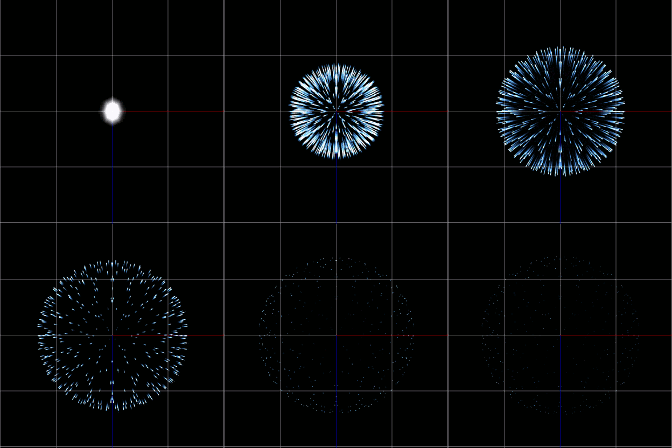
Using the Fireworks Kai effect for MikuMikuDance.

  What is the Fireworks Kai effect? Where can I download the Fireworks Kai effect? How do ...read more

How to Use the L EdgeShader Effect for MikuMikuDance.

How do I download the L EdgeShader Ver1.00? How can I use those edge effects ...read more

Staging and the 12 Principles of Animation.

How do you use staging in MMD? What is the role of staging in the ...read more

Learnmmd.com hosts MMD Panel at San Japan 8 bit.

There was a MikuMikuDance Panel at San Japan 8 bit 2015. Two of our writers, ...read more

Anticipation is the Second Principle of Animation.

How do you use anticipation in MMD? Anticipation is the second of 12 rules of ...read more

How to Use The VelocityMap Effect for MikuMikuDance.

How do I use the VelocityMap effect? Where do I download the Velocitymap effect for ...read more

ARIZONA

Post navigation

Previous Post: Getting Re-Excited about MikuMikuDance … Happy Birthday Miku!
Next Post: How to Add Multiple Effects on a Model.

Related Posts

  • Using Subset-Extract to Customize Your Models. ARIZONA
  • San Japan bow
    LearnMMD Hosts a Panel at San Japan! ARIZONA
  • Dummy Bones allow you to customize your accessory manipulations!
    Using The Dummy Bone for MikuMikuDance Accessory Manipulation/Adjust
  • Nyaa!
    Nekomimi: Getting Catty Miku Miku Style MMD Accessory Manipulation/Adjust
  • Motion is LOCAL, per the Model's orientation, or GOBAL, per the Program's Grid. (Meiko Sakine from MMD 7.39)
    Local and Global Mode Bone Movement MMD: Miku’s Mode Swings ARIZONA
  • What!
    How to Load Models, Motion, and Music Data into MikuMikuDance ARIZONA

More Related Articles

You might name this model's folde "Short_Kimono_Teto_by_Nanami". Organize Your MMD Model Collection, Track Your Sources ARIZONA
Motion is LOCAL, per the Model's orientation, or GOBAL, per the Program's Grid. (Meiko Sakine from MMD 7.39) Local and Global Mode Bone Movement MMD: Miku’s Mode Swings ARIZONA
Dummy Bones allow you to customize your accessory manipulations! Using The Dummy Bone for MikuMikuDance Accessory Manipulation/Adjust
Kaito and the SpotLight Effect. Using the SpotLight Effect in MikuMikuEffects ARIZONA
Making POV Camera Shots in MikuMikuDance ARIZONA
Fireworks Kai effect Using the Fireworks Kai effect for MikuMikuDance. ARIZONA

Leave a Reply Cancel reply

Your email address will not be published. Required fields are marked *

Download the latest version of MikuMikuDance!
See the MMD Step-by-Step instructions page!
Learn how to make your own MMD motions!
LearnMMD.com
  • Let’s Go Learn Hatsune Miku Model Names Downloading New Models
  • Use Stage Changes in MMD to Make an Interesting Video Koneko the MMD Fairy
  • The Croquis Effect.
    How to Use the Croquis Effect in MikuMikuDance ARIZONA
  • Create and save a sexy, natural pose for your MikuMikuDance 7.39 models.
    Create, Save a Natural, Sexy Pose you can load in MikuMikuDance Functions-Copy-Paste-Expand
  • Make a “Dream Fighter” MMD Music Video "the making of" my video
  • MMD Rotate object 360-degrees part 2
    MMD Rotating Objects 360-degrees -Miku’s Guide to the Galaxy (Part 2) Making Smooth Motions
  • Tips for how to create complicated MMD dance motions.
    Making more complicated MMD dance motions – Some new notes… Making Smooth Motions
  • ikUnderwater Effect submerges your MMD animation! ikUnderwater Effect

Copyright © 2022 Learn MikuMikuDance – MMD Tutorials – Free 3D Animation Software and Instructions..

Powered by PressBook Premium theme

Go to mobile version