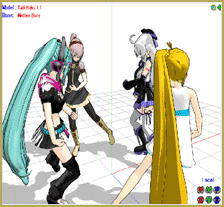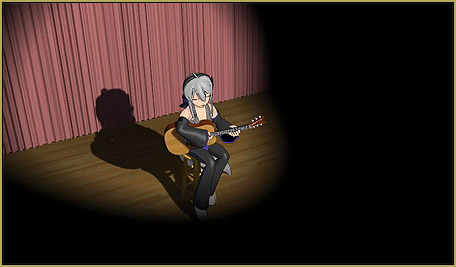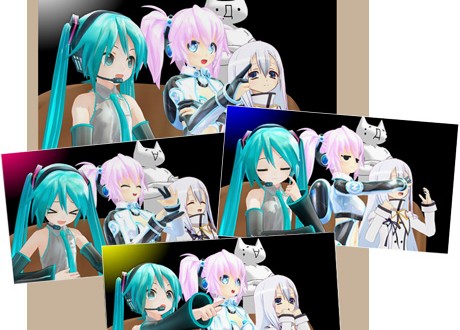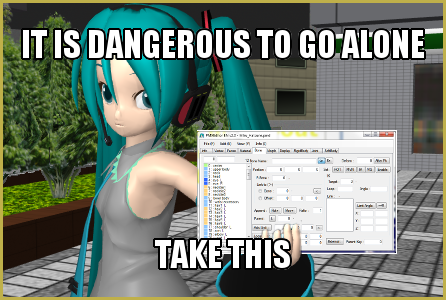

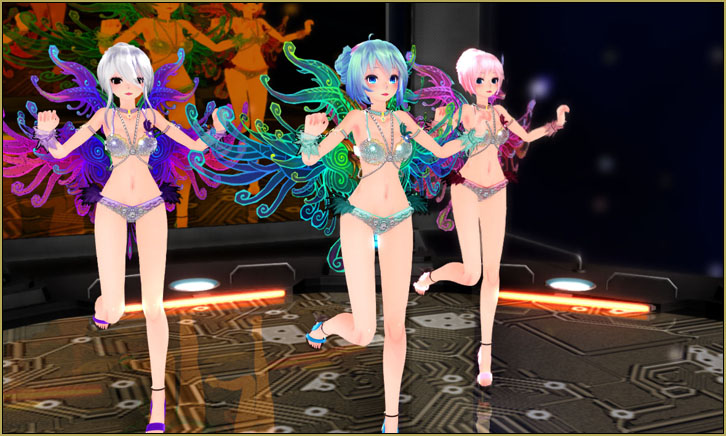
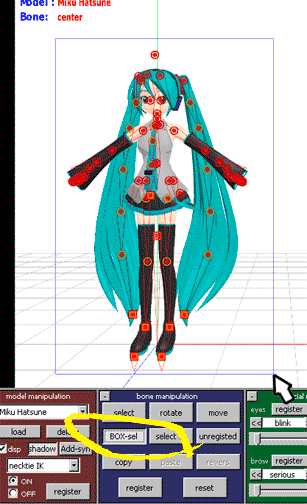

 There was a MikuMikuDance Panel at San Japan 8 bit 2015. Two of our writers, NeKO MANiac aMMDy and Arizona, hosted for the second time.
MikuMikuDance Panel at San Japan 8 bit!
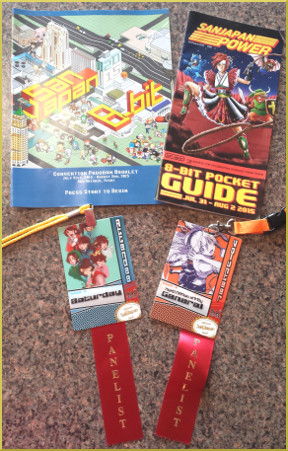 On August 1st, 2015, we two LearnMMDers (Arizona and NeKO MANiac aMMDy) were proud to host a panel on using MikuMikuDance at San Japan 8 bit anime convention in San Antonio, Texas (www.san-japan.org). We would like to say “Thank you” to all who attended our panel, both experienced and newbies alike. We had some wonderful questions. Without you there would not be a panel! We would like also to give a special thanks to the staff, volunteers and organizers of San Japan. We were having some technical difficulties during our setup and they went above and beyond what we were expecting to ensure the success of the panel. Thank you San Japan organizers for allowing us to host our panel; we hope we can come back to next year’s San Japan. We also want to acknowledge our fellow San Antonio Anime Network (S.A.A.N.) members for putting up with our “MMD stuff” over these several years, without their support, learning MMD wouldn’t have been as enjoyable as it has been.
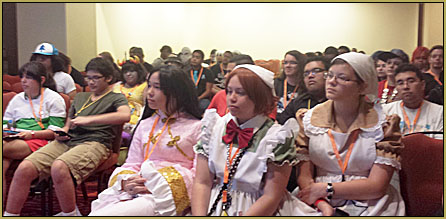 One of the most enjoyable aspects of these panels was getting people into actually using MMD for the first time. We want to thank the brave souls who were intrepid enough to trust us and do something out of their comfort zone; although, I (AZ) have to admit to being the most nervous person in the room! We also enjoyed meeting and getting a chance to talk to fellow MMDers during our time at San Japan. During the Sunday of the convention, I (NeKO MANiac aMMDy) ran into a few of our panel attendees in the dealers room. It was a pleasure talking to them, and I must say thank you. Knowing that they enjoyed the panel inspires me to continue hosting this panel and making the panel better.
 Last San Japan we had about 40-50 attending the panel. This year we had about 50-60, so we’re slowly growing. We were especially glad to run into people who had attended the panel last year and have since downloaded MikuMikuDance. Their stories have inspired us as writers.
See you at the next event.
 Please have fun with MikuMikuDance.
– SEE BELOW for MORE MMD TUTORIALS…
— — —
– _ — –