Skip to content
Learn MikuMikuDance – MMD Tutorials – Free 3D Animation Software

Learn MikuMikuDance – MMD Tutorials – Free 3D Animation Software

Download Free Animation Software – Let's Learn How to Do Everything!

  • Step-by-Step MMD instructions
  • DOWNLOADS
  • Troubleshoot, Fix MMD
  • Site Contents
  • Reggie Replies Q&A
  • Homework!
  • What IS MMD?
    • Download MikuMikuDance Newest Latest Version of MMD
  • “HOW TO”
    • Raycast RAY-MMD Effect Tutorials
  • BONUS PAGES
    • Why convert PMD models to PMX?
  • HALL of CHAMPIONS
  • Tutorial Categories
  • About
    • Privacy Policy
  • Toggle search form
  • Let the model itself help you to align its bones!
    Rig a Model: Adding and weighting bones with PMDE Bones
  • Make a “Dream Fighter” MMD Music Video "the making of" my video
  • Attach an item or accessory to a Bone in PMDEditor - Weighting for a weighted model in MMD.
    Attach an item or accessory to a Bone in PMDEditor – Weighting in MMD Accessory Manipulation/Adjust
  • Pose MMD Models Naturally Using Reference Pictures Bones
  • MMD Bone Reference Charts make MMD Model-making Easier! Mae Blythe
  • Make WAV files for MikuMikuDance Using Your Music Files Music and WAV Files
  • Play games within MMD using MMD as a Game Engine! Creating Motions
  • How to subtitle MMD videos MMD Tutorials
KiraKira-sparkleV2 beautiful colored sparkles.

KiraKira-sparkleV2 MME Effect adds COLOR to KiraKira!

Posted on August 11, 2020July 15, 2022 By Reggie_Dentmore No Comments on KiraKira-sparkleV2 MME Effect adds COLOR to KiraKira!

A Feature Article by Reggie Dentmore on LearnMMD.comHow can I get colored sparkles in the KiraKira effect? Where can I download the new KiraKira-sparkleV2 effect? How do I use the controller in the new KiraKira effect?
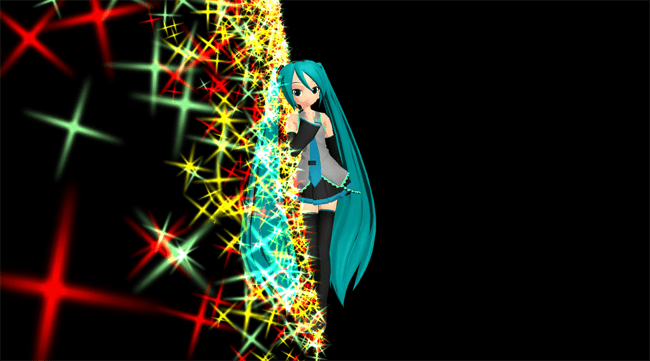
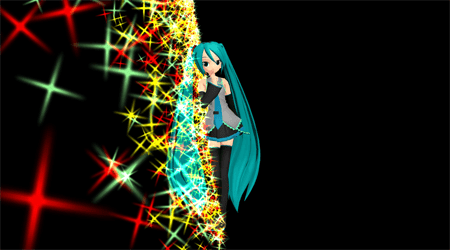
Use the various morphs of the KiraKira-sparkleV2 MME Effect's controller to get amazing color!

Beamman’s old KiraKira Sparkle effect now has COLOR!

KiraKira-sparkleV2

Deviant Art’s chestnutscoop has released her latest edit of the old KiraKira effect… now with a selection of colors available… including pastels!… click that link to find the download page for this effect.

You will want my English translated Controller model…

When you download that effect… and EXTRACT it, you will see a Controller_0.pmd … obviously the controller for this effect, but THAT one has no English labels. I tried to translate it and then Save As a PMX model… but that didn’t work. I then used old PMXE 0139 to do the job and a Save As a PMD with a new name… THAT didn’t work. It turns out that  the controller must keep the same, original file name. … I have that controller with English Labels and the original file name HERE for you to download… be sure to rename your old original controller model so that you can use my new one and still keep that old one safe.

Lots of color and lots of colors!
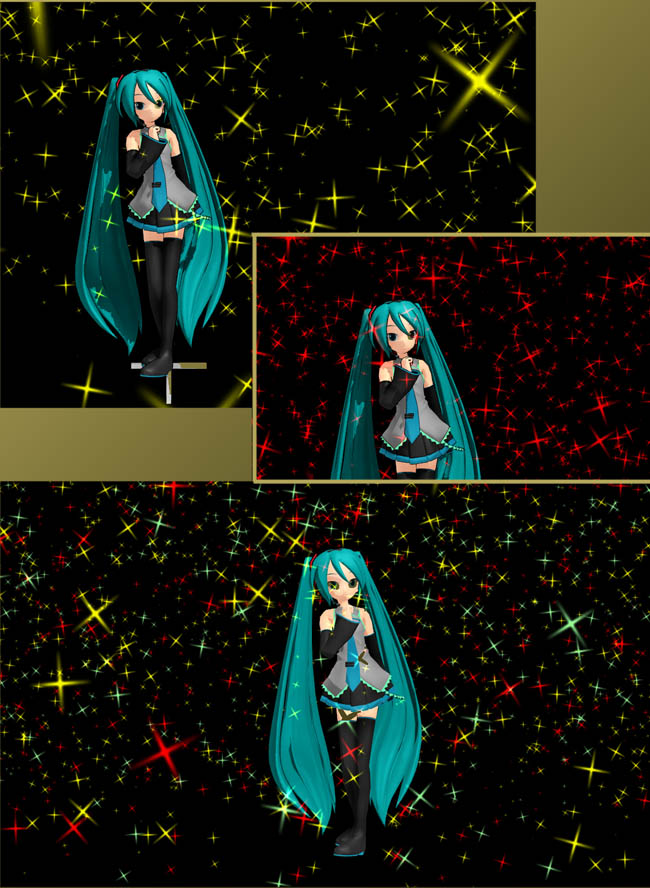
The KiraKira-sparkleV2 effect... many colors... so much color!

Only a few minutes of playing around will make you a master of this effect. You can load any one color of the .x effect… and load the controller_0.pmd … and be in business!

If you load TWO colors at the same time, they sit right on top of each other… but you can fix that by changing the Si SIZE of one or both of the .x effects. That lower image has three colors going: red (sized at 1.0), yellow (sized at .8), and pastel green (sized at 1.10). You can play with the Si size and the Tr transparency of the sparkles as well as the many morphs of that Controller model.

Read the ReadMe files…
… ALWAYS read the Readme files…

Be sure to read the two English README files… one by the editor of this effect and the other is the original Beamman ReadMe.

Full animation of your controller settings…

The various morphs available from that controller can be animated so that you can change the settings in various frames and watch the incredible beauty as your sparkles dance to your instructions.

This one is pretty cool: you can use one of the Y morphs to move the effect to the floor… dancing on sparkles!The KiraKira-sparkleV2 effect moved to the floor... Dancing on sparkles!
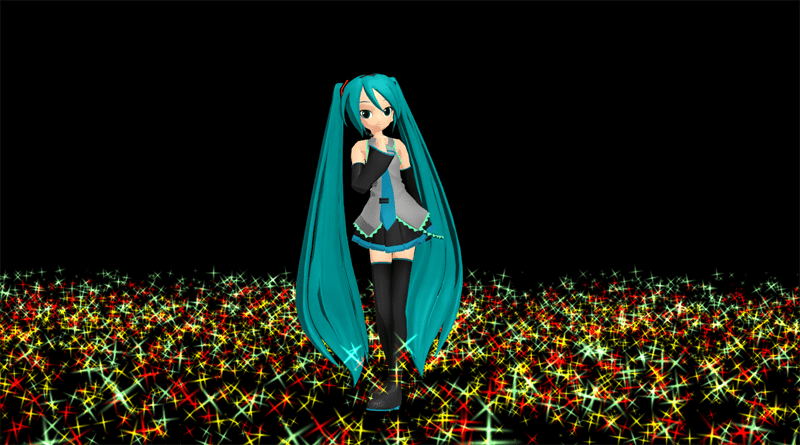
Of course, these are “still” images… just wait until you see the sparkles in motion!

Have fun with MikuMikuDance!


– SEE BELOW for MORE MMD TUTORIALS…


— — —


– _ — –


Visit the LearnMMD.com Homepage! Plenty of Mikumikudance instruction and info!

More MMD Tutorials...

Enjoy the "camera Angles WEIRD in Anime" meme...

Enjoy the "camera Angles WEIRD in Anime" meme... This image is from The Slayers - NEXT, ...read more

Reader asks how to create MMD artwork... stuff like posing, camerawork?

A reader asks... Is there a tutorial on how to create MMD artwork, like those you ...read more

Learn MikuMikuDance in Small Steps! New LearnMMD Video Series

Learn MikuMikuDance in Small Steps. Where can I find easy-to-follow MMD instructions on YouTube? How ...read more

Apply Multiple Effects on an Entire MMD Model Using M4Layer Effect

How can I apply multiple effects to an MMD model? Can I use more than ...read more

MMD Plugin Manager... I Found a Treasure!

What sorts of MMD Plugins are there? MMD Plugin Manager? MMD Plugins. Plugin MMD. More ...read more

2025: Hatsune Miku is 18... but she is designed to be always 16 Years old, by design and in reality!

Finally, in 2023, Hatsune Miku is 16 years old! but in August of 2025, she ...read more

KiraKira-SparkleV2, MMD Tutorials, Reggie Dentmore

Post navigation

Previous Post: MMD Fill Lights Part 2 – (Ray-MMD)
Next Post: Translate Japanese Models Using PMXEditor’s Batch Name Editor

Related Posts

  • Learn How to Dress the LearnMMD Stage – Instructions Dummy Bones
  • Everything is loaded and ready to "Play!" ... Happy Hands MMD Meme.
    Create an MMD Video using the “Happy Hands” Meme Making Videos - Rendering to AVI
  • Free AVIUTL Video Editing software adds animated titles to MMD Videos! Animated Titles
  • Miku Short Film Featured
    Anime Shorts – Five minutes worth of animation, maybe three! Animation Shortcuts
  • RAY-MMD: Spruce up your videos with Dynamic Lighting MMD Tutorials
  • Getting Re-Excited about MikuMikuDance … Happy Birthday Miku! Intro to MikuMikuDance

More Related Articles

MikuMikuDance Tutorials MMD Tutorials on LearnMMD.com MMD Tutorials
MMD Smooth Criminal video project download "the making of" my video
MMD First Steps Make your own motions from scratch Making Smooth Motions
MMD CameraSmoother Tool smooths camera motions! CameraSmoother Tool
About changing models skirts using PMD Editor PMXE KillerBeer
MMD animation from Scratch “The Wind-up and the Pitch!” "the making of" my video

Leave a Reply Cancel reply

Your email address will not be published. Required fields are marked *

Download the latest version of MikuMikuDance!
See the MMD Step-by-Step instructions page!
Learn how to make your own MMD motions!
LearnMMD.com
  • Make an effect start at a certain frame Kazuki Matsuoka
  • LearnMMD.com _ MikuMikuDance MMD Tutorials
    A Discussion on the subject of Bone Deformation Hierarchy Bandages
  • Try Reggie’s Evil Eye Effect for an Anime-style effect MMD Tutorials
  • You might name this model's folde "Short_Kimono_Teto_by_Nanami".
    Organize Your MMD Model Collection, Track Your Sources ARIZONA
  • ‘PROJECT: MikuMiku Movie!’ part 01: prepare the first scene! Fia Phoenix
  • New LearnMMD Stage Download is Ready! New Stage Accessory
  • Miku virtual idol starts our Brave New World Random Thoughts & Visions
  • Dummy Bones allow you to customize your accessory manipulations!
    Using The Dummy Bone for MikuMikuDance Accessory Manipulation/Adjust

Copyright © 2022 Learn MikuMikuDance – MMD Tutorials – Free 3D Animation Software and Instructions..

Powered by PressBook Premium theme

Go to mobile version