Skip to content
Learn MikuMikuDance – MMD Tutorials – Free 3D Animation Software

Learn MikuMikuDance – MMD Tutorials – Free 3D Animation Software

Download Free Animation Software – Let's Learn How to Do Everything!

  • Step-by-Step MMD instructions
  • DOWNLOADS
  • Troubleshoot, Fix MMD
  • Site Contents
  • Reggie Replies Q&A
  • Homework!
  • What IS MMD?
    • Download MikuMikuDance Newest Latest Version of MMD
  • “HOW TO”
    • Raycast RAY-MMD Effect Tutorials
  • BONUS PAGES
    • Why convert PMD models to PMX?
  • HALL of CHAMPIONS
  • Tutorial Categories
  • About
    • Privacy Policy
  • Toggle search form
  • How to make AutoLuminous work on a PMX Model AutoLuminous MME / PMDE
  • Download your free Metronome PMM dance file with accessories.
    Find MMD Tempo using Metronome with AVI Video Background Metronome
  • MME Balloon Effect (And what I found out) Balloon Effect
  • I added laughter and applause tracks using Audacity software.
    Add Life to your MMD soundtrack with Laughter and Applause! VDE-3! Making Soundtracks
  • Make your own READ ME files so you can track your Sources Keep the Faith-MMD Credits/Sharing
  • Written Credits aid YouTube MMDer search results Keep the Faith-MMD Credits/Sharing
  • No Diamonds Appear in Frame Chart in MMD and How to Fix It Mae Blythe
  • RAY-MMD: Haku’s crazy light show [PART 2] MME Effects Tutorials
Why does the texture move as I convert the Sketchup model into a DirectX .x model using the 3D-RAD plugin?

Add custom texture images to Google Sketchup .x model for MMD 9.32

Posted on October 21, 2012May 9, 2026 By Reggie_Dentmore No Comments on Add custom texture images to Google Sketchup .x model for MMD 9.32

How do I add a picture to the surface of the accessory I am making in Skecthup for use in MikuMikuDance 7.39? Can I add A Feature Article by Reggie Dentmore on LearnMMD.coma picture as a texture in Google Skecthup? I want to add a picture to the accessory I am making using Sketchup.

Add a picture to the homemade Accessory you are making in Google Sketchup!

I was trying to make show-card placard Why does the texture move as I convert the Sketchup model into a DirectX .x model using the 3D-RAD plugin?on an easel to stand on the corner of my stage for my new video project. I carefully created the placard image. I built my easel in Google Sketchup and applied the new texture graphic. After some trial and error to get the sign to look “just right”, I engaged the 3D-RAD plugin to create my DirectX .x model. And …
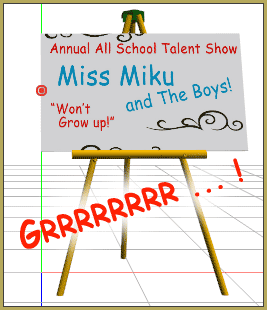
It didn’t work!

It took some more experimentation to get the texture positioned correctly on my .x Accessory.

Googgle Sketchup is no longer available as a free download. Google it and see the new route you will need to take to get it.

I just searched Google for: download Google Sketchup… and I got results showing the new links.


I created a stand-alone page to show the steps and the gyrations I went through:

https://learnmmd.com/sketchup_texture_directx_model/

Give it a read … leave a comment with YOUR experiences!


A READER HAS THE SOLUTION:

Hello!

You know that article you wrote about making custom textures, putting them on an accessory, and having it turn out wrong in MMD?

I think I’ve found the solution!

Once you’ve made your image, go to File–>Import… When the Open box pops up, click your image then click the “Use as texture” option. Once you’ve manipulated the image to fit the surface of your accessory, right click on the face you put the image on, go to the “Make Unique Texture” option and click on that. Convert to a DirectX file and load your accessory like you normally would. The image should be there. (That is, if I did a good job explaining the process.)

I hope this helps. Keep up the good work!

-Jes


– SEE BELOW for MORE MMD TUTORIALS…


— — —


– _ — –


Visit the LearnMMD.com Homepage! Plenty of Mikumikudance instruction and info!

More MMD Tutorials...

Build Your Own Stage For MMD Using SketchUp

Build Your Own Stage For MMD Using SketchUp! Making stages for MMD is really easy using Trimble's ...read more

Making stages/accessories for MMD using Sketchup

How do I make models for MMD? How do I save as an .X file ...read more

Use Google Sketchup to Create .x Files for MikuMikuDance 7.39

How can I use Google Sketchup to create .x files/accessories for MMD 7.39? How can ...read more

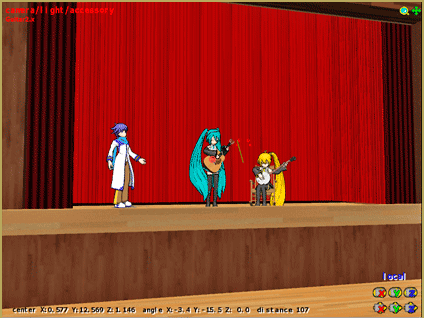
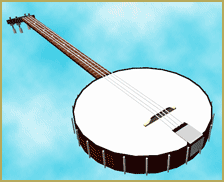
LearnMMD's Dueling Banjos Banjo is avilable for Download!

Where can I get a banjo for MikuMikuDance? I need musical instruments for MMD. Is ...read more

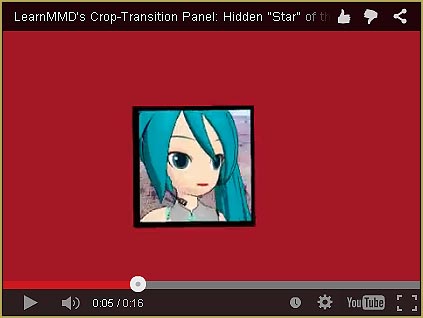
See LearnMMD's New Crop-Transition Panel Video

See LearnMMD's New Crop-Transition Panel Video ... and get the panel for yourself! Used properly, LearnMMD's ...read more

Download Reggie Dentmore’s MMD Folk Guitar Accessory!!

Download Reggie Dentmore’s MikuMikuDance Folk Guitar! You can download Reggie Dentmore’s MMD Folk Guitar Accessory that ...read more

Google SketchUp and MMD, Make your own Accessories

Post navigation

Previous Post: New MMD Theater Seats Accessory Download on LearnMMD.com
Next Post: Using The Dummy Bone for MikuMikuDance

Related Posts

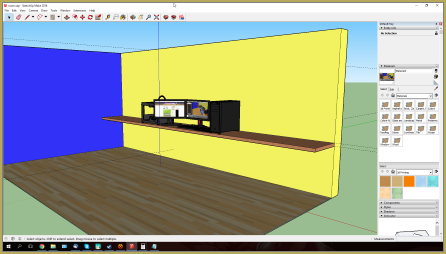
  • Make your own stage for MikuMikuDance using SketchUp Models Google SketchUp and MMD
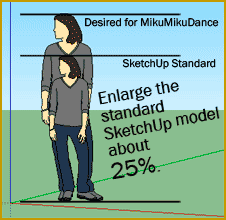
  • ReSize SketchUp Models for MikuMikuDance Google SketchUp and MMD
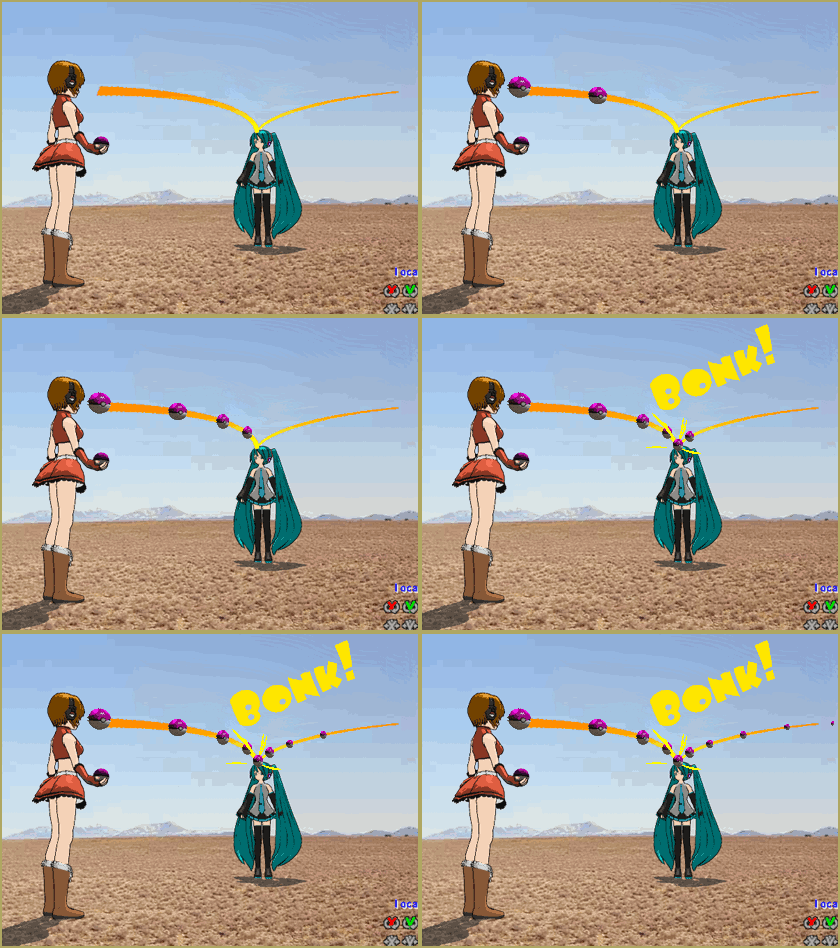
  • Miku about to knock her head on the Mario Bros. item box we just made! Animasa Miku ver. 2 with Batokin Island and Sky Dome. SSAO_Lite MME Effect.
    Use Google Sketchup to Create .x Files for MikuMikuDance 7.39 Google SketchUp and MMD
  • Build Your Own Stage For MMD Using SketchUp Google SketchUp and MMD
  • Download Reggie’s MMD DeckPanel when you just need a place to sit or stand! Make your own Accessories
  • Download Reggie's collection of Rocking Chair Accessory for MMD7.39
    New MMD Rocking Chair Accessory Ready to Download Make your own Accessories

More Related Articles

See LearnMMD’s New Crop-Transition Panel Video Google SketchUp and MMD
I don't have an Alice model... but at least Neru seems to like it!" Create Simple Accessories Using PMD Editor KyokiDoesMMD
ReSize SketchUp Models for MikuMikuDance Google SketchUp and MMD
Build your own stage for MMD using Blender 2.69 Blender
Create/Export .x files in Blender 3 using PMXE Create/Export .x files in Blender 3 using PMXE (Blender 2.8+) Blender
Create models from OBJ files using Blender and PMDE .OBJ Object Files

Leave a Reply Cancel reply

Your email address will not be published. Required fields are marked *

Download the latest version of MikuMikuDance!
See the MMD Step-by-Step instructions page!
Learn how to make your own MMD motions!
LearnMMD.com
  • Making amazing complicated MMD video requires circle of learning Animation Shortcuts
  • Print a hard copy! Art is fleeting… especially NOW! MMD Tutorials
  • Learn MikuMikuDance in Small Steps: a new video series on YouTube by LearnMMD.com!
    Learn MikuMikuDance in Small Steps! New LearnMMD Video Series MMD Tutorials
  • Import models from Source engine based games (HL2, Portal, TF2 etc.) Blender
  • Mouthing words requires sudden motions without drifting in MikuMikudance 7.39
    Short sharp sudden motions require MikuMikudance skill Making Smooth Motions
  • Download MME v037 in English 32-Bit or 64-Bit from LearnMMD.com Download MME MikuMikuEffects
  • Create color morphs in MMD models using PMXE
    Create MMD model color morphs using PMXE Making Models
  • Workin’ on my VDE-4 Animation: The Easy Part is Complete! "the making of" my video

Copyright © 2022 Learn MikuMikuDance – MMD Tutorials – Free 3D Animation Software and Instructions..

Powered by PressBook Premium theme

Go to mobile version