

Skip to content
Learn MikuMikuDance – MMD Tutorials – Free 3D Animation Software

Learn MikuMikuDance – MMD Tutorials – Free 3D Animation Software

Download Free Animation Software – Let's Learn How to Do Everything!

  • Step-by-Step MMD instructions
  • DOWNLOADS
  • Troubleshoot, Fix MMD
  • Site Contents
  • Reggie Replies Q&A
  • Homework!
  • What IS MMD?
    • Download MikuMikuDance Newest Latest Version of MMD
  • “HOW TO”
    • Raycast RAY-MMD Effect Tutorials
  • BONUS PAGES
    • Why convert PMD models to PMX?
  • HALL of CHAMPIONS
  • Tutorial Categories
  • About
    • Privacy Policy
  • Toggle search form
  • The Making of: Sleepover Gone Wrong (REMAKE) "the making of" my video
  • Ray-MMD: Lost in the Fog
    Ray-MMD Localized Fog Effects for stunning MMD scenes MMD Tutorials
  • Ghost Effect for MME
    How to Use the Ghost Effect for MME! ARIZONA
  • Staging and the 12 Principles of Animation. Accessory Manipulation/Adjust
  • RAY-MMD: Using the Time of Night skybox MMD Tutorials
  • The MMD 7.39 VIEW MENU Options MENU Option Descriptions
  • FeaturedImage-Franken-reference
    Making Your First Model Part 1 – Franken-Reference Blender
  • I added laughter and applause tracks using Audacity software.
    Add Life to your MMD soundtrack with Laughter and Applause! VDE-3! Making Soundtracks

Use Stage Changes in MMD to Make an Interesting Video

Posted on May 31, 2013March 31, 2016 By Koneko 3 Comments on Use Stage Changes in MMD to Make an Interesting Video

How can I make stage changes in MMD videos? KonekoWhen would I want to change the stage in my Miku Miku Dance animation? Is it hard to make stage changes in MikuMikuDance?

Use Stage Changes in MMD
… to make Videos more interesting!

I’m sure we all know making a good video on MMD is hard work- you have to find all those stages and models, and soon you’ve got so many you don’t even know which ones to use! I’m going to help you decide when and how to use interesting stage changes! You’ll be using the same technique as in Arizona’s article … checking and unchecking the “Display” check-box as needed.

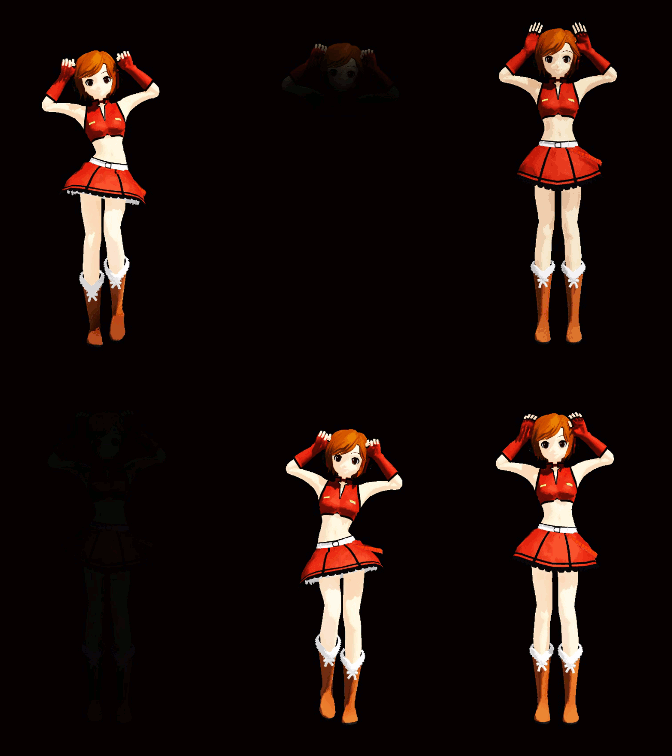
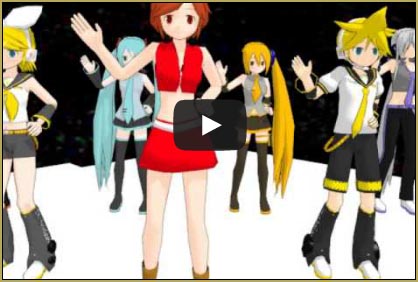
I made a little video to show a bunch of stage changes:

After you’ve loaded your first stage, effects, the WAV file, your model(s) and their motion(s), you want to decide what other sort of stages you want to use. It should depend on the mood of the song. A sad or peaceful song like Departures or Palette can have elegant stages, a pop/dance-style song like Luka Luka Night Fever can have a concert type stage, and a cute, cheery song like PoPiPo can have a cute, cheery stage! Just remember that the quality of the stages should be about the same, so you don’t end up with an unrealistic group of stages and a confusing video.
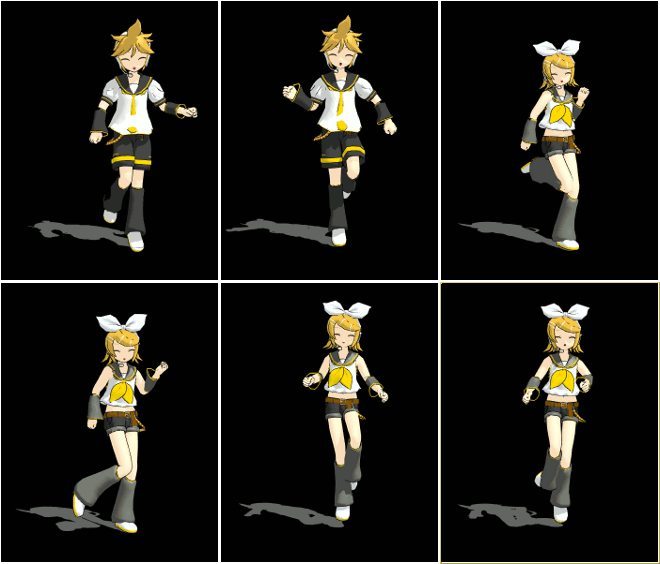
Arizona showed us how to change models using the same method that we use to change stages!

The time to change stages also depends on the music, as well as the dance motion and camera. If you are using the WAV file for a medley, the stage changing time should be easy- with the music change! But most of us aren’t using medleys, so we don’t have it as easy. Try changing the stage when the music takes a sudden jump or changes in tempo, or some other interesting part, or where a camera motion has a sudden change. If the model’s dancing takes a pause, you can take that moment to change the stage… Try watching the video you have over and over and see when you want to alter the stage. If you do this, make sure you display the frame count (information display) on the screen.

So hopefully you have made a good video by using these steps… If you have trouble, I will answer your questions!!


– SEE BELOW for MORE MMD TUTORIALS…


— — —


– _ — –


Visit the LearnMMD.com Homepage! Plenty of Mikumikudance instruction and info!

More MMD Tutorials...

Reader asks how to create MMD artwork... stuff like posing, camerawork?

A reader asks... Is there a tutorial on how to create MMD artwork, like those you ...read more

MikuMikuDance 15th Anniversary celebration video posted on NicoNico!

Did you know that the first version of MikuMikuDance was released in 2008? MMD is ...read more

Use YouTube Video Analytics Attract Maintain Viewers

How can I use YouTube Video Analytics to learn how to make popular MMD videos? ...read more

Create 450-Frame MMD animation from scratch!

How do I create a 450-Frame MMD animation from scratch? How do I start making ...read more

No more boring MMD Camerawork - Keep it moving!

MMD Camerawork can be so boring. How can I add life to my MMD animations? ...read more

Download Halloween Costume TDA Miku edit by dA's Shiro-NekoVocaloid

Where can I get Halloween Costume TDA Miku? Download a gang of five MMD models ...read more

Koneko the MMD Fairy, MMD Basics

Post navigation

Previous Post: Use the Rule of Thirds Effect to Create Camera Motion Data in MMD!
Next Post: Beamman’s MME SelfBurning Effect Sets your MMD models Ablaze!

Related Posts

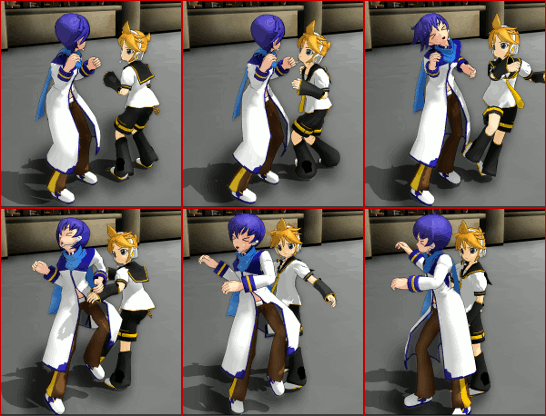
  • My new MMD Action Video was fun to make! "the making of" my video
  • Fia Phoenix’s Deviantart Spotlight Downloading New Models
  • Dummy Bones allow you to customize your accessory manipulations!
    Using The Dummy Bone for MikuMikuDance Accessory Manipulation/Adjust
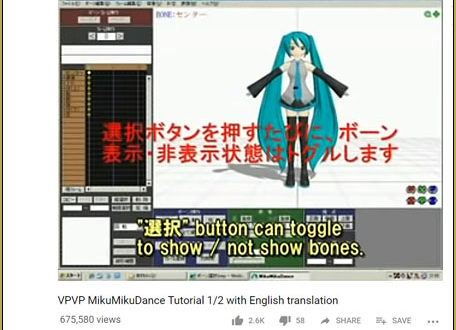
  • VPVP MMD Training video offers MMD instructions videos.
    VPVP page offers basic MMD instructions videos MMD Basics
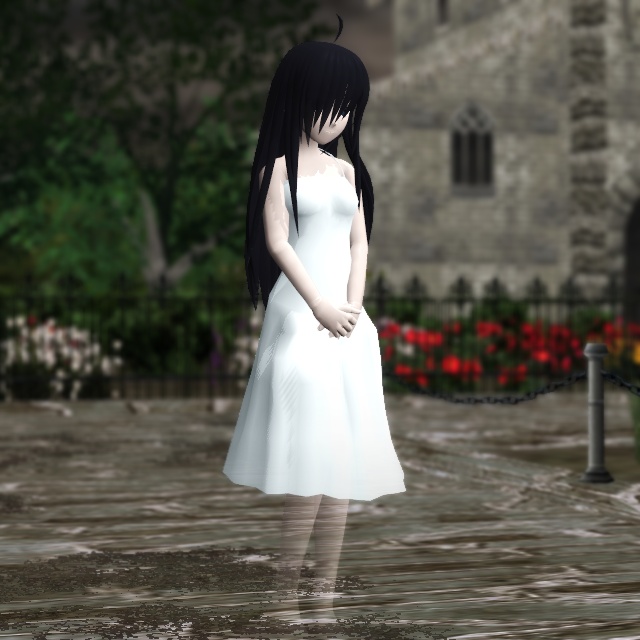
  • Good MMD videos require Inspiration, Vision, Planning: The Lament of Okada’s Ghost MMD Basics
  • Magician Miku pulls a magic trick and reverses her motion data!
    How to Reverse Motion Data in MikuMikuDance ARIZONA

More Related Articles

MikuMikuDance Unbridled Creativity Starts with an Empty GUI MMD Basics
Download MMD Pokeball Accessory and Learn Accessory Manipulation Accessory Manipulation/Adjust
MMD Stages Source Featured Great MMD Stages Source: Deviant Art MMD Basics
Switch Models without Physics Glitches Accessory Manipulation/Adjust
Public Domain and Ethical Release for MMD Bandages
Add Shadows to MMD .X Accessories Tutorial MMD Basics

Comments (3) on “Use Stage Changes in MMD to Make an Interesting Video”

  1. Arizona says:
    June 2, 2013 at 6:52 am

    I’m happy you cited my article!
    You gave some good advice on the aesthetics of using these switches (Something I didn’t do). Not all systems can handle effects or are limited in the effects they can use. This is a good way for a newbie MMDer to add a unique touch to their videos.

    Reply
  2. LuluGirl122 says:
    May 31, 2013 at 7:56 pm

    Thanks, Arizona!
    I really appriciate your praise! (Probably spelled wrong)

    Reply
  3. Arizona says:
    May 31, 2013 at 7:42 pm

    Helpful!
    Worth waiting for!
    We have missed you on these pages.

    Reply

Leave a Reply Cancel reply

Your email address will not be published. Required fields are marked *

Download the latest version of MikuMikuDance!
See the MMD Step-by-Step instructions page!
Learn how to make your own MMD motions!
LearnMMD.com
  • Play games within MMD using MMD as a Game Engine! Creating Motions
  • Paper Crowd model delivers instant huge audience Paper Crowd model
  • Video Dojo Expo 1 Winner: sociohat Video Dojo Champions
  • The FILE Menu Options MENU Option Descriptions
  • Download your free Metronome PMM dance file with accessories.
    Find MMD Tempo using Metronome with AVI Video Background Metronome
  • Crazy Animation Creation yields fun video and good practice! "the making of" my video
  • Download the latest version of MikuMikuDance - MMD 9.32
    NEW MMD 9.32 and 9.32×64… Latest version of MMD! Download MikuMikuDance
  • Select Japanese Shift JIS from the Convert dropdown in Notepad++.
    Read Japanese READ ME Text Files with Notepad++, Google Translate Navigating Japanese Pages

Copyright © 2022 Learn MikuMikuDance – MMD Tutorials – Free 3D Animation Software and Instructions..

Powered by PressBook Premium theme

Go to mobile version