
Skip to content
Learn MikuMikuDance – MMD Tutorials – Free 3D Animation Software

Learn MikuMikuDance – MMD Tutorials – Free 3D Animation Software

Download Free Animation Software – Let's Learn How to Do Everything!

  • Step-by-Step MMD instructions
  • DOWNLOADS
  • Troubleshoot, Fix MMD
  • Site Contents
  • Reggie Replies Q&A
  • Homework!
  • What IS MMD?
    • Download MikuMikuDance Newest Latest Version of MMD
  • “HOW TO”
    • Raycast RAY-MMD Effect Tutorials
  • BONUS PAGES
    • Why convert PMD models to PMX?
  • HALL of CHAMPIONS
  • Tutorial Categories
  • About
    • Privacy Policy
  • Toggle search form
  • Make Your YouTube Channel Popular with Engrossing Introductions MMD Basics
  • Rendering in 4K video at 60FPS with MMD 4k video
  • New Getting Started with MMD Video on YouTube! Intro to MikuMikuDance
  • MMD Rotate object 360-degrees part 2
    MMD Rotating Objects 360-degrees -Miku’s Guide to the Galaxy (Part 2) Making Smooth Motions
  • MMD uses your computer to the max! Intro to MikuMikuDance
  • You can enlarge or reduce and Accessory by adjusting the Si value in MikuMikuDance.
    Use Accessory Manipulation fields to position/adjust Accessories Accessory Manipulation/Adjust
  • PocketMQO(with MMD) MikuMikuDance in an Android environment! MMD Tutorials
  • Graphic Design Skills enhance MMD Pictures MMD Basics

Strong Soundtrack Offers 3-D Animation Shortcuts!

Posted on September 20, 2013August 14, 2016 By Reggie_Dentmore No Comments on Strong Soundtrack Offers 3-D Animation Shortcuts!

Are there any 3-D animation shortcuts A Feature Article by Reggie Dentmore on LearnMMD.comwhen using MikuMikuDance? How can I make 3-D animation easier? Are there animation shortcut tricks?

Use your Soundtrack
as a 3-D Animation Shortcut!

Watching a ton of Anime over the years has shown me an easy animation shortcut: Let complicated 3-D animation sequences take place OFF-SCREEN!

Watch an old “Ranma 1/2” episode … or most any “ink-&-paint era” Anime … and you will see that, quite often, the drama, or comedy, leads to a high-point … and you JUST KNOW what is about to happen … and then the scene cuts to someone’s face and you watch their emotion while the soundtrack tells you all about the big explosion, or whatever it was. It’s a great gimmick and it is used all the time on TV and in film, too!

In THIS video, I don’t have a bat; Kaito is only seen from the shoulders, up … we have no idea of his pose or, really, anything about him. But NERU tells the story … “Hey … what is that you are hiding behind you?” … So now we know something is suspicious.  “Is that a plastic bat” … We do not see a bat, but we all know what a plastic bat might look like … and we want to know more! … “Man … If you hit me with that I will be SO TICKED!” … We can hardly wait! … BONK! … “Arrrrrrrgh!” … We get our satisfaction and a smile upon our face … and we didn’t really see a thing!

The mind’s eye is so much sharper than a clumsy animation might be. We KNOW there’s a bat … I think it’s yellow, but I don’t know why … we KNOW the sound of a hit with a cheap plastic bat … We KNOW she is going to be TICKED-OFF if she is clobbered … and … IT HAPPENS … and we enjoy it!

I have a favorite “Ranma 1/2” where the whole family is on a vacation in Okinawa … and, for some reason, a couple of feuding young ladies, U-chan and Shampoo, are along for the ride … so there is tension. The fiance, Akane, is about to strike her betrothed with a mallet, and he unknowingly moves out of the way. We see his face, we hear “SMACK!”, we see some playing cards triumphantly smacked onto a game table (but the “SMACK!” we hear is way too loud for it to have been those little playing cards!), we see other faces in the room look up …
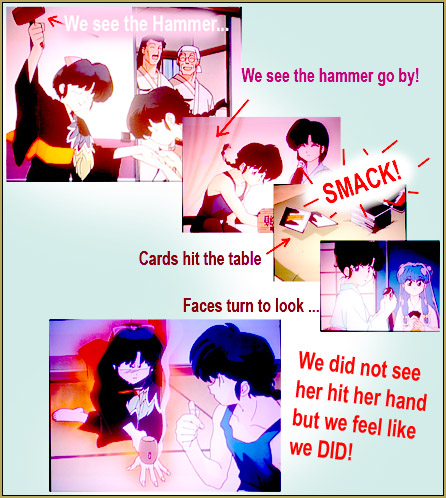
RanmaScene

and then the camera swings around to show Akane with her mallet firmly pressing against her very sore hand. Again … we know all about the scene. We see Ranma move. We hear the SMACK! We see the pain … but we didn’t have to watch the actual motion of Akane smacking her hand with a hammer.

Use a detailed soundtrack as a 3-D animation shortcut as you work and create with MikuMikuDance!


– SEE BELOW for MORE MMD TUTORIALS…


— — —


– _ — –


Visit the LearnMMD.com Homepage! Plenty of Mikumikudance instruction and info!

More MMD Tutorials...

Enjoy the "camera Angles WEIRD in Anime" meme...

Enjoy the "camera Angles WEIRD in Anime" meme... This image is from The Slayers - NEXT, ...read more

Introducing MMD model 1052C China Qipao Miku

Where can I download MMD model 1052C dancers? I want the 1052C China Qipao Miku ...read more

Download Jomomonogm's Snow Miku 2019 for MMD, a most unusual model!

Where can I download Jomomonogm's Snow Miku 2019? What is so unusual about this Snow ...read more

MMD animation made-from-scratch Forgotten Vocaloid Mew Rags on Reggie's MMD Videos

How do I make my own MMD animation from scratch? How do I start my ...read more

Rediscover your old MMD Animations: Love them again!

Rediscover your old MMD Animations: Love them again! https://youtu.be/P4b3todZMUI A labor of love... Remember how it was when ...read more

MMD Boobs too Big yields Too Funny Really Bad Boy video!

Can MMD boobs too big get in the way of a downloaded motion file? What ...read more

"the making of" my video, Animation Shortcuts, Making Soundtracks, Reggie Dentmore

Post navigation

Previous Post: Using the ToonDX Effect for MikuMikuDance.
Next Post: Translate Romaji for better English translations

Related Posts

  • Make MMD Background AVI using WAV and AviUtl
    Make MMD Background AVI Using AviUtl WMV Files "the making of" my video
  • Update previous MMD to MMD 9.32 with no tears … Download MikuMikuDance
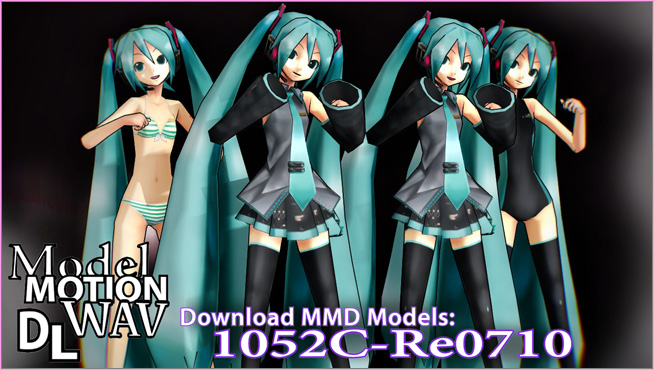
  • Download these 1052C-Re0710 MMD Models and enjoy!
    Download Early Miku 1052C-Re0710 MMD Models from 2010! Downloading New Models
  • Arrow MMD Animation Video Finished in only Six Weeks! "the making of" my video
  • Use the Half-Lambert Shader effect for point-source lighting.
    MME Half-Lambert Shader Point-Source Lighting Effects Half-Lambert Shader
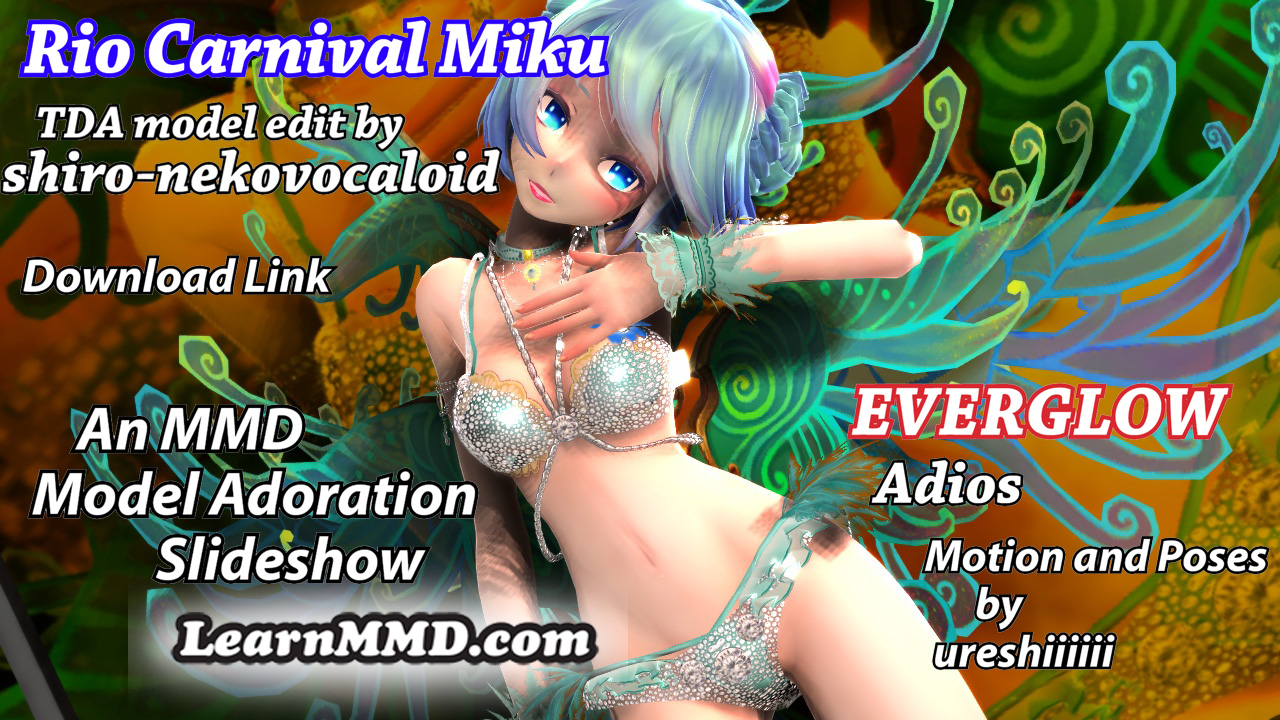
  • Rio Carnival Miku TDA edit by shiro-nekovocaloid is a beautiful model for the MMD Model Adoration Slideshow video.
    Rio Carnival Miku is my latest MMD Model Adoration Slideshow video "the making of" my video

More Related Articles

See LearnMMD’s New Crop-Transition Panel Video Google SketchUp and MMD
“The making of ” any of my videos starts with these considerations… "the making of" my video
MMD "Kiss Me" free download motion and WAV files. Ten year old MMD “Kiss Me” animation LOOKS like NEW! "the making of" my video
MMD animation from Scratch “The Wind-up and the Pitch!” "the making of" my video
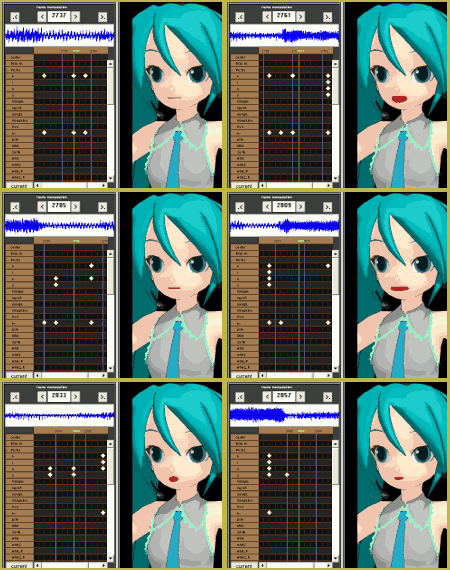
Mouthing words requires sudden motions without drifting in MikuMikudance 7.39 Short sharp sudden motions require MikuMikudance skill Making Smooth Motions
GaussianVariable MME Effect Blurs your entire scene! GaussianVariable

Leave a Reply Cancel reply

Your email address will not be published. Required fields are marked *

Download the latest version of MikuMikuDance!
See the MMD Step-by-Step instructions page!
Learn how to make your own MMD motions!
LearnMMD.com
  • Posing MMD Models: Anatomy Matters! BigPerryman
  • Are you running the Latest Version of MMM? MMM Tutorials
  • Move the whole Model with Box-Sel in MikuMikuDance Functions-Copy-Paste-Expand
  • Download/Install DirectX 9 Update to fix the Missing DLL Error Dealing with the Missing DLL Error
  • MMD AnimationSmoother Tool does just that! AnimationSmoother Tool
  • An MMD town stage: Making Kerorin Town Great Again – Part1 MMD Stages
  • VDE-4 Champion: YamiMori Video Dojo Champions
  • Free AVIUTL Video Editing software adds animated titles to MMD Videos! Animated Titles

Copyright © 2022 Learn MikuMikuDance – MMD Tutorials – Free 3D Animation Software and Instructions..

Powered by PressBook Premium theme

Go to mobile version