


My new “Ring Around the Moon” MMD video is on YouTube …

This little LearnMMD Project was fun to do … only 40-seconds long … and the lip-sync motion files are included in the download from the LearnMMD Downloads page.
We are calling this a “project” rather than a “meme” because only the WAV file … and the lip-flapping motions … are included in your download zip. It is up to you to create the scene and to create your own animation motions.
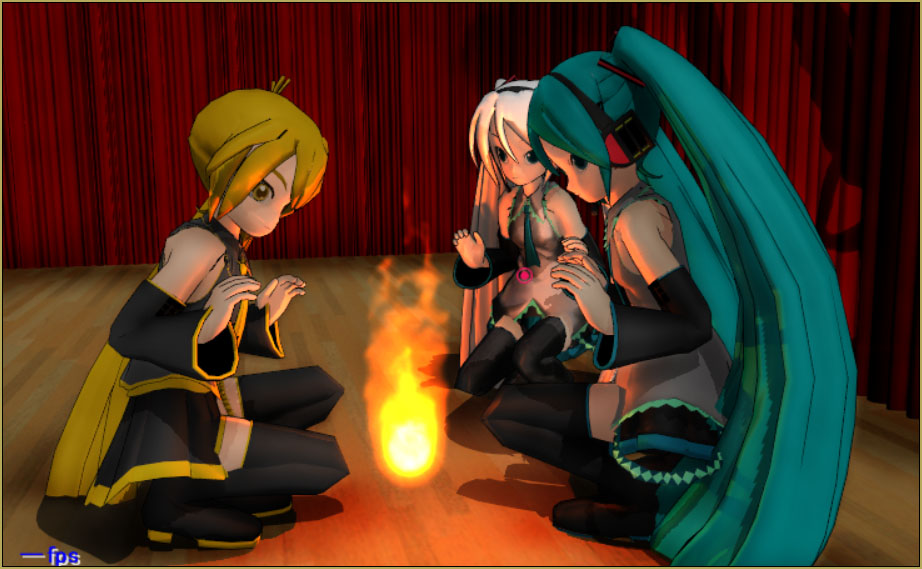
I wanted to show the lovers lying in the grass in a park-like setting. I chose one of the lawns featured in the MMD Batokin Island stage. My choice had its problems … mostly because of the slanted ground where I did my “shooting” … but, once I had the models placed and rotated to match the ground, I was ready to go.
I selected my Neru model, “TDA Neru -One Piece-“, from the list of Neru models on citrusmoothie.tumblr.com. The link, there, takes you to a Bowlroll.net page … where you find out that the password given to you by citrusmoothie was incorrect. The real password is TundereBisyoujo
I searched and searched for a Len model that looked masculine,  enough, and still looked to be close enough to the same species as my TDA Neru. The TDA Len model had been created from a Miku base … and he DID look rather effeminate … maybe cuter than Neru! … so I settled upon another Citrusmoothie model, “f_tr Len”. This model was easy to download … no password needed. He had really clunky teeth which I was able to switch off. He almost lost the part because of his bad teeth!
The highlight of my little animation is in the second verse where Len draws “a ring around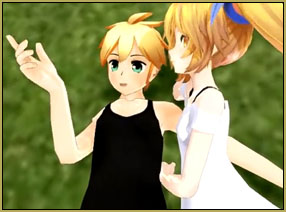 the moon and a line from start to star.” I enjoy how both models follow Len’s hand through the motion … Watch the hands; I made use of my hand-pose collection to quickly roll the fingers from a sharp pointing gesture into a relaxed pose and back into a “point”… back and forth. Check out the Downloads Page to download my set of hand poses.
 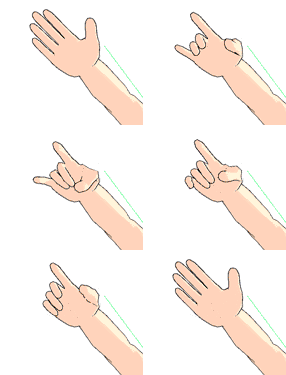 They are a real shortcut in any animation!
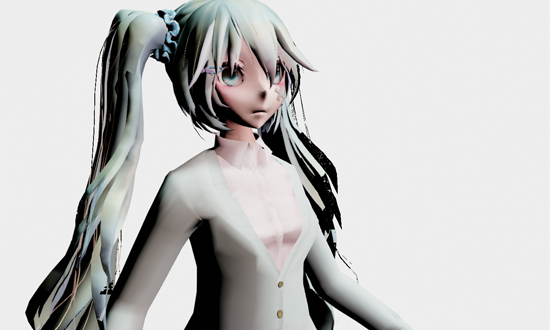
One of the problems I encountered and had no solution for was Neru’s skirt and hair … There was an obvious interference going on in which her skirt fought with the ground, or with the model’s legs pressed against the skirt … and some of the nice little curlies near her right eye would not “be still”, but were constantly flipping and flapping about.  The “skirt” issue I dealt with by not letting the camera “see” that portion of the scene where all that action was going on. The “hair” issue is still there … I decided to ignore the hair problem and just let it do its thing. Watch for the hair action as you watch the video. (I am hoping that you might not have seen it until I pointed it out to you, just now. “:o)
 I added a couple of seconds of animation beyond the end of the music so as to allow Len to get close to Neru … I think this little bit adds a nice finish to the video.
I hope you will enjoy my efforts … and I hope you will try it for yourself. Download the ZIP and create your own version of Melanie’s “Ring Around the Moon.”
– SEE BELOW for MORE MMD TUTORIALS…
— — —
– _ — –





Doesn’t the skirt have some bones that you could un-physic with the new MMD 9.xx version? (Maybe you can’t see them in FMP; you definitely can’t in the main window unless they are un-physiced already – then just load the model in the PMDE and create a group for bones that aren’t assigned to any yet)