
Skip to content
Learn MikuMikuDance – MMD Tutorials – Free 3D Animation Software

Learn MikuMikuDance – MMD Tutorials – Free 3D Animation Software

Download Free Animation Software – Let's Learn How to Do Everything!

  • Step-by-Step MMD instructions
  • DOWNLOADS
  • Troubleshoot, Fix MMD
  • Site Contents
  • Reggie Replies Q&A
  • Homework!
  • What IS MMD?
    • Download MikuMikuDance Newest Latest Version of MMD
  • “HOW TO”
    • Raycast RAY-MMD Effect Tutorials
  • BONUS PAGES
    • Why convert PMD models to PMX?
  • HALL of CHAMPIONS
  • Tutorial Categories
  • About
    • Privacy Policy
  • Toggle search form
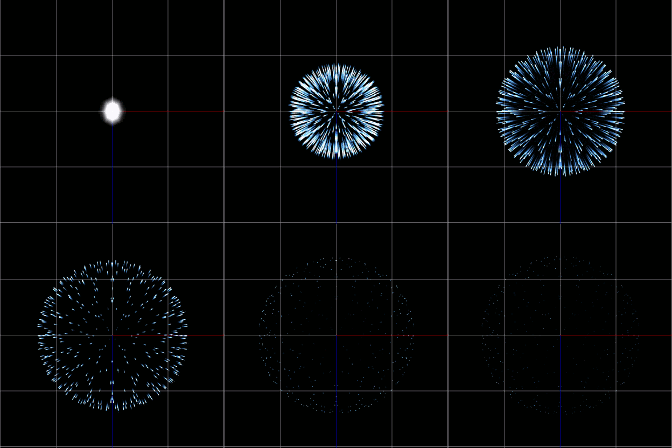
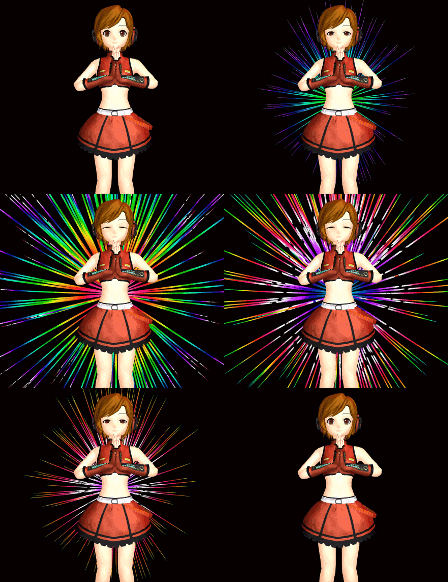
  • Fireworks Kai effect
    Using the Fireworks Kai effect for MikuMikuDance. ARIZONA
  • Breathing “SOUL” into MMD models and scenes using Fine Art Techniques Advanced Shader Technique
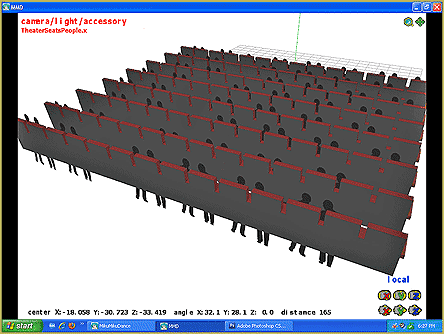
  • The New LearnMMD Theater Seats .x accessory looks Great when you place it on your stage. MMD 7.39 accessory.
    New MMD Theater Seats Accessory Download on LearnMMD.com Google SketchUp and MMD
  • New Reggie’s Evil Eye demo video posted to YouTube "the making of" my video
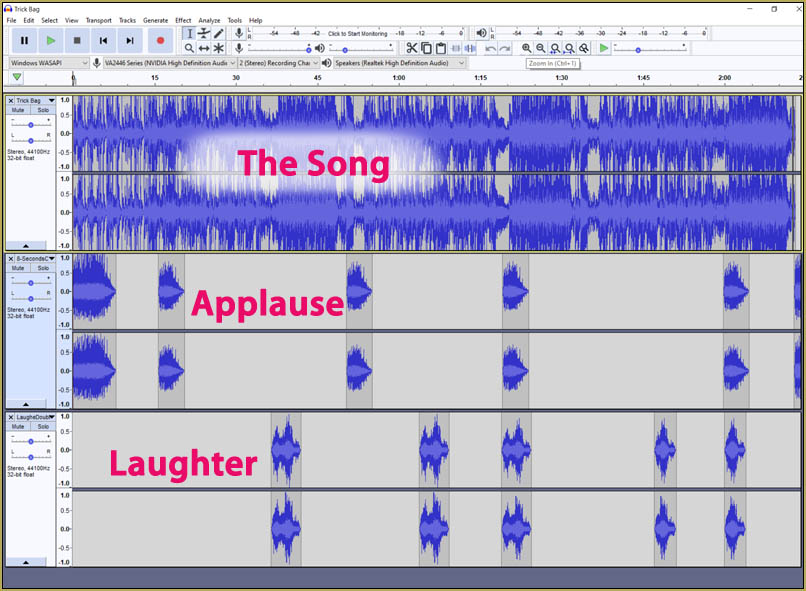
  • I added laughter and applause tracks using Audacity software.
    Add Life to your MMD soundtrack with Laughter and Applause! VDE-3! Making Soundtracks
  • Animation Styles: Park and Bark vs. Choreography Creating Motions
  • Model eye-mesh texture VS Photographic eye-mesh in Blender.Blender
    Photos make realistic eye textures for your MMD models Blender
  • LearnMMD Auditorium Stage now includes 19 Colors of Drapes! Dummy Bones

How to Use The VelocityMap Effect for MikuMikuDance.

Posted on June 25, 2015July 24, 2015 By Arizona 1 Comment on How to Use The VelocityMap Effect for MikuMikuDance.

How do I use the VelocityMap effect? Where do I download the Velocitymap effect forA Feature Article by contributor ARIZONA on LearnMMD.com MikuMikuDance?

The VelocityMap Effect.

I came across the MotionBlur/VelocityMap effect while I was surfing YouTube. More often than not, those “suggested” videos are rather lame. This time a suggestion was a winner.  The VelocityMap effect is one of those really flexible effects, you can use as a background or primary effect.

We get a lot of questions regarding why a particular effect won’t work and more often than not, it is because they haven’t properly installed MMEffects (or there are some backward compatibility issues with some effects). Please see Noko2’s article about that.

The MME VelocityMap Effect.You can download the effect from the DbStudios site http://sta.sh/026sjh3pmk1k. There is no password.  Make sure you place the VelocityMap effect into your Effects folder.

The Map to Success.

You will notice that this download contains two effects: the VelocityMap and MotionBlur. I will concentrate on the VelocityMap in this article.

This should be rote by now, however, make sure you load up all of your models, motion data, stages, and skydomes then add your effects last (because they are such a drain on the CPU).  When the VelocityMap effect is added to the program, everything on the Display Panel will turn to a light blue.

Because this effect masks so much detail, I think the best way to show off this effect is with some close and dynamic camera motion data and a stage with a lot of angles. If you were to use a slow, wide pan shot, on a somewhat barren stage, then all you would see is a light blue screen.

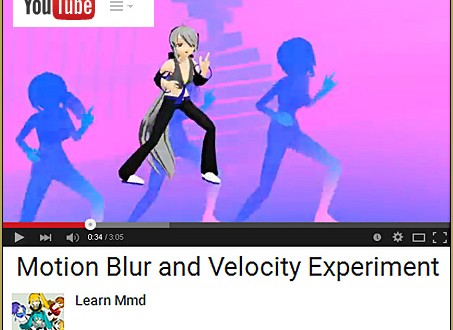
I should mention, in passing, that the MotionBlur does exactly what it states. It creates the appearance of blurred motion. This is a rather realistic effect. Whenever we witness someone running or jumping what we see is a flurry of action and then some moments of stillness or reduced motion.

I have uploaded a video showing the VelocityMap in action it is here:
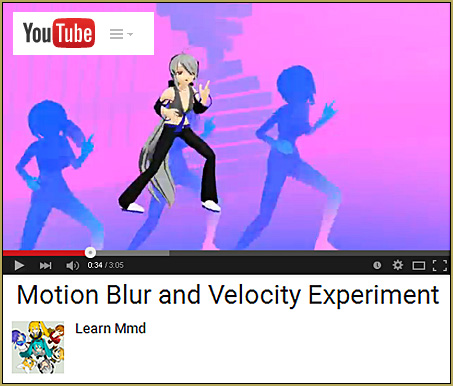
http://youtu.be/QzvOG-hLmBs

MotionBlur_Effect_video

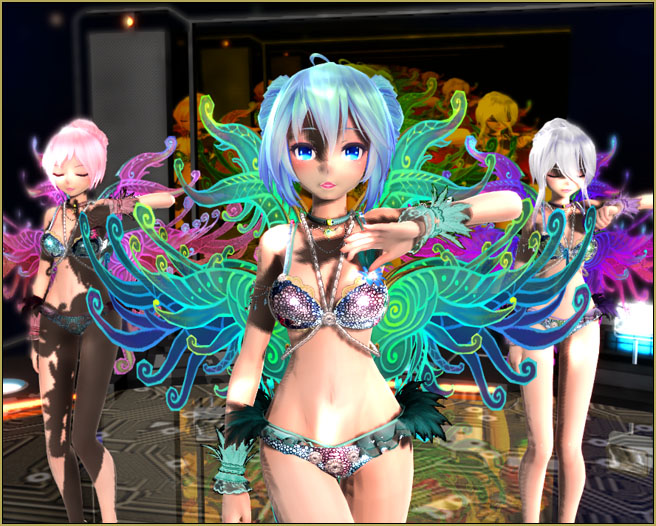
I think Haku looks rather comfortable with the three dancers behind her.

Side Note: I’ve noticed that this effect doesn’t seem to play well with other effects. The final render could end up pixelated. It might be a problem with my video card I hope you will try this out with better success.

Please let DBStudios know if you have used this effect I’m sure they would like to know how people are using the effect. Their YT Channel is here:

https://www.youtube.com/watch?v=izeo8q0w_GE&feature=youtu.be

Have fun with this.

Sources:
Default Len Kagamine
Motion Data: Little Apple choreography by ChopStick Brothers
Motion by 妮谷丹


– SEE BELOW for MORE MMD TUTORIALS…


— — —


– _ — –


Visit the LearnMMD.com Homepage! Plenty of Mikumikudance instruction and info!

More MMD Tutorials...

Enjoy the "camera Angles WEIRD in Anime" meme...

Enjoy the "camera Angles WEIRD in Anime" meme... This image is from The Slayers - NEXT, ...read more

Reader asks how to create MMD artwork... stuff like posing, camerawork?

A reader asks... Is there a tutorial on how to create MMD artwork, like those you ...read more

Learn MikuMikuDance in Small Steps! New LearnMMD Video Series

Learn MikuMikuDance in Small Steps. Where can I find easy-to-follow MMD instructions on YouTube? How ...read more

Apply Multiple Effects on an Entire MMD Model Using M4Layer Effect

How can I apply multiple effects to an MMD model? Can I use more than ...read more

MMD Plugin Manager... I Found a Treasure!

What sorts of MMD Plugins are there? MMD Plugin Manager? MMD Plugins. Plugin MMD. More ...read more

2025: Hatsune Miku is 18... but she is designed to be always 16 Years old, by design and in reality!

Finally, in 2023, Hatsune Miku is 16 years old! but in August of 2025, she ...read more

ARIZONA, MMD Tutorials, MME Effects Tutorials, MotionBlur Effect, VelocityMap Effect

Post navigation

Previous Post: Top-10 Best “motion-maker” MMDers on YouTube
Next Post: LearnMMD Stage Lit with AutoLuminous Lights

Related Posts

  • Understanding MME Render Targets for Miku Miku Dance Effects Adult Shader effect
  • Chrysanthemums are lovely with the Fireworks effect!
    Using the Fireworks Effect In MikuMikuDance ARIZONA
  • Miku Short Film Featured
    Anime Shorts – Five minutes worth of animation, maybe three! Animation Shortcuts
  • Recommended Software Library for MMDers Animation Shortcuts
  • Beamman’s MME SelfFreeze Effect for MikuMikuDance 7.39 MME Effects Tutorials
  • Chimera Teto Emerging into the Light.
    Looking Good with the MME Mirror Water Effect in MMD ARIZONA

More Related Articles

VOCALOID 3 Tutorial – The whole interface on a basic level Kazuki Matsuoka
MMD EVERGLOW – Adios【Motion by Ureshiiiiii】- Free Download Motion and WAV "the making of" my video
How to Lip-Sync in MMD using MoggProject Face and Lips Animation Shortcuts
Create MMD Abstract Art from Low-Res Videos! MMD Tutorials
PMDE Q&A – Making clothes follow model motions Fixing Broken Models
ObjectLuminous Haku and Teto Using The ObjectLuminous Effect in MikuMikuDance Accessory Manipulation/Adjust

Comment (1) on “How to Use The VelocityMap Effect for MikuMikuDance.”

  1. Alana Brooklyn says:
    April 25, 2019 at 6:09 pm

    everytime i load motionblur or or the other one they just make my whole computer crash annyway to stop this from happening

    Reply

Leave a Reply Cancel reply

Your email address will not be published. Required fields are marked *

Download the latest version of MikuMikuDance!
See the MMD Step-by-Step instructions page!
Learn how to make your own MMD motions!
LearnMMD.com
  • My “O Canada” MMD video confused Japanese viewers! "the making of" my video
  • Squash and Stretch Ball
    The 12 Principles of Animation for MikuMikuDance. ARIZONA
  • MMD model 1052C China Qipao Miku download
    Introducing MMD model 1052C China Qipao Miku "the making of" my video
  • Audacity® 2.0 Audio Editor easily converts mp3 to WAV files for MMD Music and WAV Files
  • Select the Center Bone if your MMD Model Doesn’t Feel the Floor Bones
  • MMD Augmented Reality AR on Android Devices Random Thoughts & Visions
  • Breathing “SOUL” into MMD models and scenes using Fine Art Techniques Advanced Shader Technique
  • Make Custom MMD Models using Downloaded Parts BigPerryman

Copyright © 2022 Learn MikuMikuDance – MMD Tutorials – Free 3D Animation Software and Instructions..

Powered by PressBook Premium theme

Go to mobile version