Skip to content
Learn MikuMikuDance – MMD Tutorials – Free 3D Animation Software

Learn MikuMikuDance – MMD Tutorials – Free 3D Animation Software

Download Free Animation Software – Let's Learn How to Do Everything!

  • Step-by-Step MMD instructions
  • DOWNLOADS
  • Troubleshoot, Fix MMD
  • Site Contents
  • Reggie Replies Q&A
  • Homework!
  • What IS MMD?
    • Download MikuMikuDance Newest Latest Version of MMD
  • “HOW TO”
    • Raycast RAY-MMD Effect Tutorials
  • BONUS PAGES
    • Why convert PMD models to PMX?
  • HALL of CHAMPIONS
  • Tutorial Categories
  • About
    • Privacy Policy
  • Toggle search form
  • Tips for how to create complicated MMD dance motions.
    Making more complicated MMD dance motions – Some new notes… Making Smooth Motions
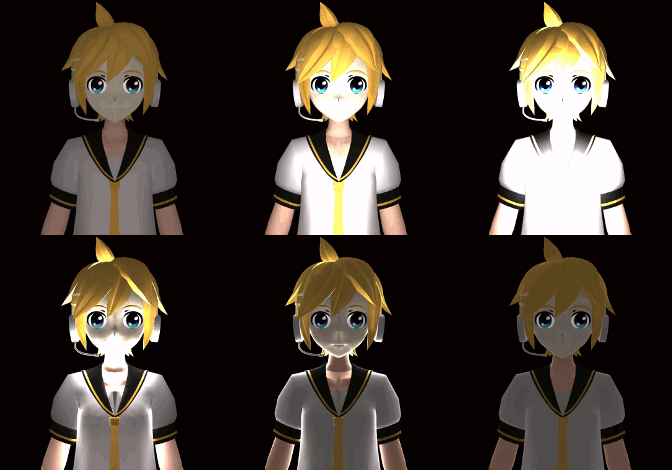
  • RAY-MMD: Haku’s crazy light show [PART 2] MME Effects Tutorials
  • Ray-MMD: Lost in the Fog
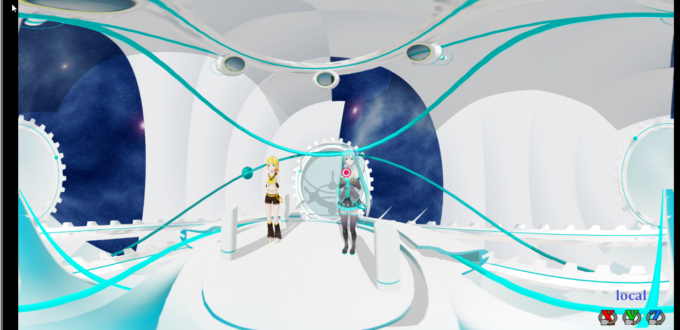
    Ray-MMD Localized Fog Effects for stunning MMD scenes MMD Tutorials
  • MMD Rotate object 360-degrees part 2
    MMD Rotating Objects 360-degrees -Miku’s Guide to the Galaxy (Part 2) Making Smooth Motions
  • Learn to translate models from Japanese with LearnMMD.com!
    Translate Japanese Models to English in PMDE… with Excel! Fixing Broken Models
  • MMD 8.06 Low Power button allows you to Multi-task MMD Basics
  • Use YouTube Video Analytics to Attract and maintain viewers!
    Use YouTube Video Analytics Attract Maintain Viewers "the making of" my video
  • My Top 6 Favorite Shader Effects for MikuMikuDance GloriaTheAnimator

How to fix a model with missing textures

Posted on April 29, 2015January 23, 2020 By xxbodger 33 Comments on How to fix a model with missing textures

Feature articles by LearnMMD's xxbodger!How do I fix a model with missing textures? Why does my new model have white places? How do I fix my broken model? How can I rename my texture files?

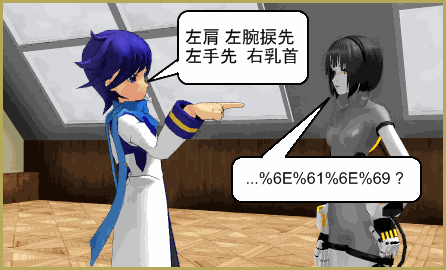
Missing textures on your new models can happen when your “unzip” program cannot handle Japanese text; it replaces those characters with gibberish. Then, when you try to load this model in MMD, MMD can’t find the texture. So it loads the model without that texture.

How to fix a model with missing textures
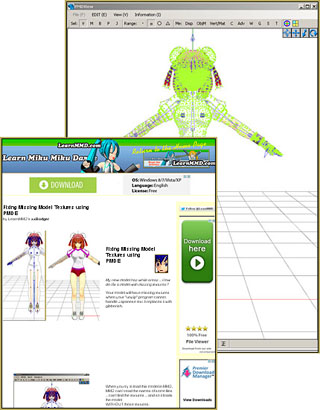
You can fix models that have missing textures due to scrambled file names. See my page for full instructions!You CAN get those textures back by using PMDE to determine the correct name of those gibberish file names … and then correcting the names on those files.

See my page: “Fixing Model Textures” to learn how to do it!

afiller


– SEE BELOW for MORE MMD TUTORIALS…


— — —


– _ — –


Visit the LearnMMD.com Homepage! Plenty of Mikumikudance instruction and info!

More MMD Tutorials...

Enjoy the "camera Angles WEIRD in Anime" meme...

Enjoy the "camera Angles WEIRD in Anime" meme... This image is from The Slayers - NEXT, ...read more

Reader asks how to create MMD artwork... stuff like posing, camerawork?

A reader asks... Is there a tutorial on how to create MMD artwork, like those you ...read more

Learn MikuMikuDance in Small Steps! New LearnMMD Video Series

Learn MikuMikuDance in Small Steps. Where can I find easy-to-follow MMD instructions on YouTube? How ...read more

Apply Multiple Effects on an Entire MMD Model Using M4Layer Effect

How can I apply multiple effects to an MMD model? Can I use more than ...read more

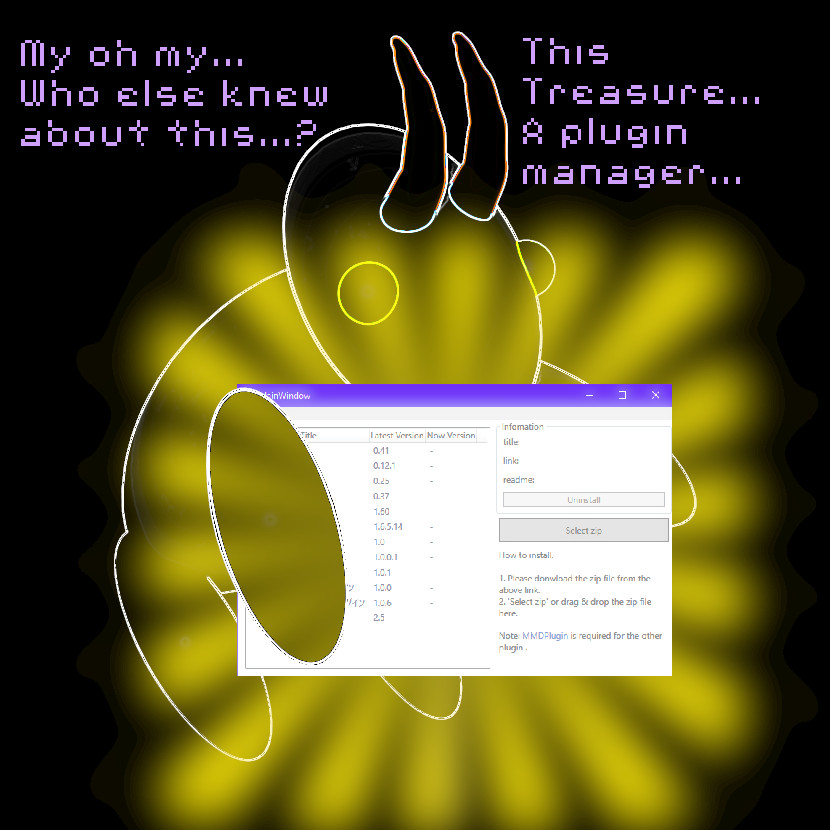
MMD Plugin Manager... I Found a Treasure!

What sorts of MMD Plugins are there? MMD Plugin Manager? MMD Plugins. Plugin MMD. More ...read more

2025: Hatsune Miku is 18... but she is designed to be always 16 Years old, by design and in reality!

Finally, in 2023, Hatsune Miku is 16 years old! but in August of 2025, she ...read more

Fixing Broken Models, MMD Tutorials, PMDE/PMXE tutorials, xxbodger

Post navigation

Previous Post: Exporting VSQX to VSQ for MMD!
Next Post: THIS IS TARGET Meme by Zazi on LearnMMD.com

Related Posts

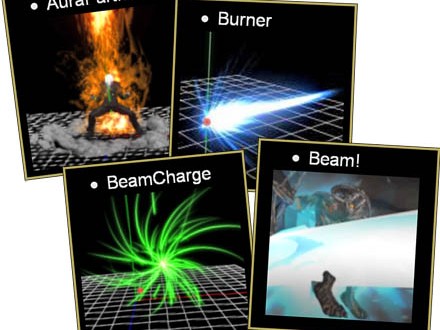
  • Using Beamman Particle-styled MME effects Beamman's AuraParticle
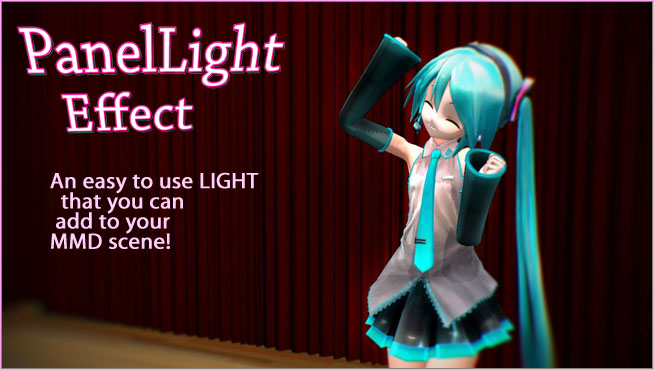
  • MME Lighting Effect, PanelLight by Soboro, is easy to use!
    Add MME Lighting Effect illuminates model against dark stages MMD Tutorials
  • An MMD town stage: Making Kerorin Town Great Again – Part 2 MMD Stages
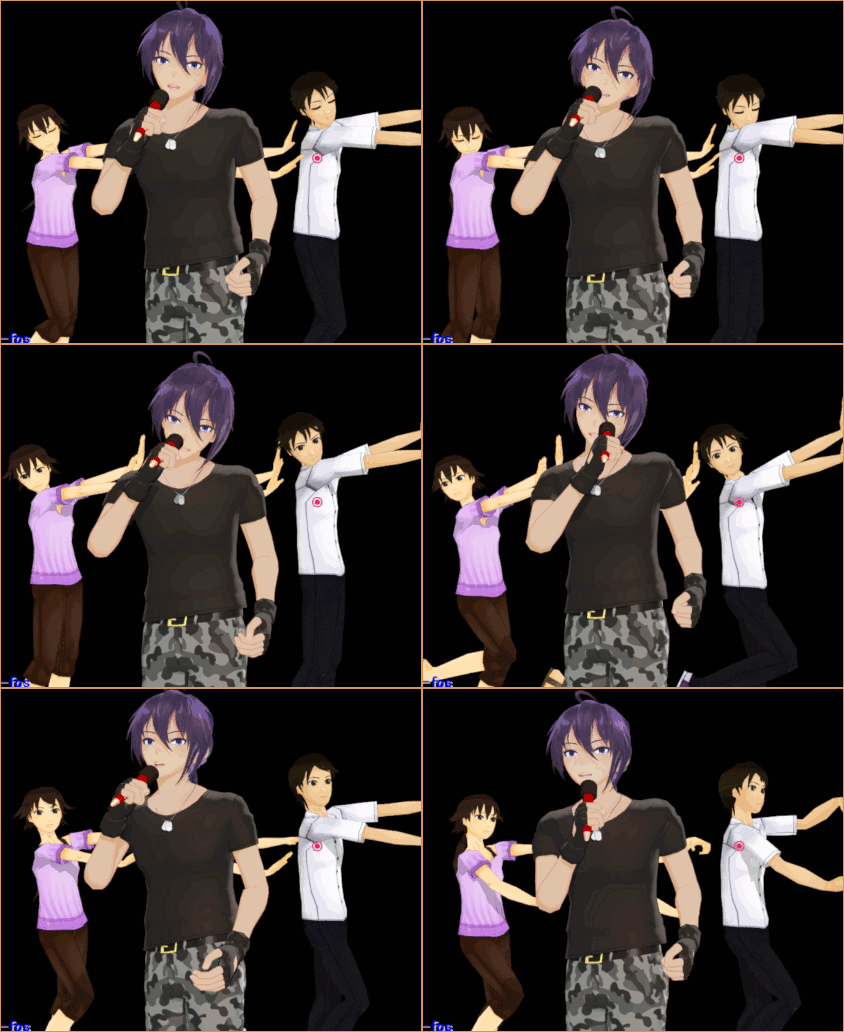
  • Create Motion Data – So you think you can’t dance? Creating Motions
  • Open MikuMikuDance and enjoy it for the fun of it!
    Open MikuMikuDance… just for the fun of it! MMD Basics
  • MMD AnimationSmoother Tool does just that! AnimationSmoother Tool

More Related Articles

Behind the Scenes insights into my newest video "the making of" my video
Cry Baby Motion DL featured image Free MMD Cry Baby Motion DL from DA’s Smol-Hooman "the making of" my video
Half-Lambert Shader. How to Use the Half-Lambert Shader in MMD Half-Lambert Shader
Fixed version of the PluginManager featured image. Well, slightly fixed. MMD Plugin Manager… I Found a Treasure! MMD Tutorials
THIS IS TARGET Meme by Zazi on LearnMMD.com MMD Memes
How to make 360 degree MMD videos on YouTube. 360 Video

Comments (33) on “How to fix a model with missing textures”

Comments navigation

Older comments
  1. Denjidenji says:
    May 7, 2021 at 7:57 pm

    If anyone is having this issue and your program is Winrar, and when you go into the folder all the text is garbled, here’s a way to fix it: press Ctrl+E and then select japanese from the list of languages. That should take care of it. if that doesn’t work, sorry

    Reply
    1. Reggie_Dentmore says:
      May 7, 2021 at 8:36 pm

      Interesting solution… Thanks!
      — Reggie

      Reply
    2. Lolite says:
      January 16, 2022 at 2:36 pm

      Denji, you are an absolute time and life saver. Thank you so much for the tip.

      Reply
    3. takakamox says:
      February 28, 2023 at 3:44 pm

      God bless you. Now my model loaded texture!

      Reply

Comments navigation

Older comments

Leave a Reply Cancel reply

Your email address will not be published. Required fields are marked *

Download the latest version of MikuMikuDance!
See the MMD Step-by-Step instructions page!
Learn how to make your own MMD motions!
LearnMMD.com
  • dull-VS-alive-animation-environment
    MMD animation environment… MORE than just a model on a stage! "the making of" my video
  • Get the K-Lite Codec for MMD
    The K-Lite Codec Pack: How To Install, and Current Problems K Lite Mega Codec Pack 995
  • Find New MMD Models – MMD Resources Hunting! Downloading New Models
  • Announcing The 2013 Momi Cup Celebration. ARIZONA
  • Make a Smooth Walking Motion in MikuMikuDance Make a Smooth Walking Motion
  • Lexasio's Steampunk Teto & Miku star in "Kiss me" MMD video!
    Lexasio’s Steampunk Teto & Miku star in MMD “Kiss Me” animation "the making of" my video
  • Formatting Captions With MMM MikuMikuMoving Bullwood
  • UTAU Splash Screen
    Making VSQ Files Without VOCALOID Using UTAU Mae Blythe

Copyright © 2022 Learn MikuMikuDance – MMD Tutorials – Free 3D Animation Software and Instructions..

Powered by PressBook Premium theme

Go to mobile version