Skip to content
Learn MikuMikuDance – MMD Tutorials – Free 3D Animation Software

Learn MikuMikuDance – MMD Tutorials – Free 3D Animation Software

Download Free Animation Software – Let's Learn How to Do Everything!

  • Step-by-Step MMD instructions
  • DOWNLOADS
  • Troubleshoot, Fix MMD
  • Site Contents
  • Reggie Replies Q&A
  • Homework!
  • What IS MMD?
    • Download MikuMikuDance Newest Latest Version of MMD
  • “HOW TO”
    • Raycast RAY-MMD Effect Tutorials
  • BONUS PAGES
    • Why convert PMD models to PMX?
  • HALL of CHAMPIONS
  • Tutorial Categories
  • About
    • Privacy Policy
  • Toggle search form
  • Using the MME ColorShift Effect in MikuMikuDance ARIZONA
  • Learn How to Dress the LearnMMD Stage – Instructions Dummy Bones
  • MikuMikuDance MMD Cage Stage Tutorial Downloading New Models
  • Fixing Missing Facial Manipulation Tabs in MikuMikuDance. Fixing Broken Models
  • Export Import MMD Models Using Blender and PMXE Blender
  • The MMD Pity Partry motion is free to download!
    MiyukiOhayashi’s Pity Party motion download includes WAV "the making of" my video
  • MME TexFire Effect adds flames but no light.
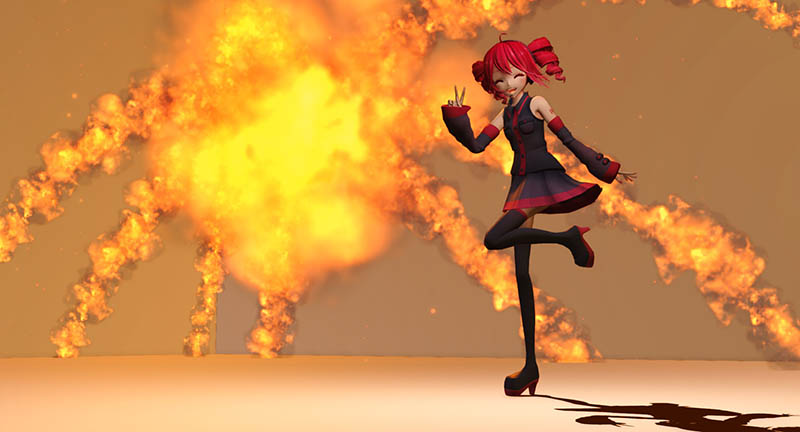
    MME TexFire Effect gives fire and flame but no light! MMD Tutorials
  • Workin’ on my VDE-4 Animation: The Easy Part is Complete! "the making of" my video

New MMD Video Taught Awareness of Camera Angles and Motion Quirks!

Posted on May 2, 2013August 14, 2016 By Mercy 1 Comment on New MMD Video Taught Awareness of Camera Angles and Motion Quirks!

Super pleased and hooked on MMD!Mercy is our Facebook Editor - LIKE the LearnMMD Page on Facebook!

Loving my new MMD video …

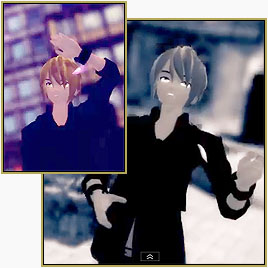
After my first video, I was super pleased and hooked on MMD! The first thing I did after this feeling of accomplishment was set a goal in my mind: Make the perfect MMD video.

Now, clearly, “perfect” has many variations – but what I mean by perfect is that I will be able to look at that piece of art and acknowledge that I actually made something beautiful.

My trial and errors for creating the perfect MMD video are  placing the pieces of a puzzle together, and then forming them into a video, while tweaking something along with that. What I mean by this is, if I do a video for a song that has motion data and camera data, I won’t include one of those, and try to do it by myself. This time I got to play around with and adjust the camera angles in the video. While researching I learned very neat things about camera angles, stages, and accessories.

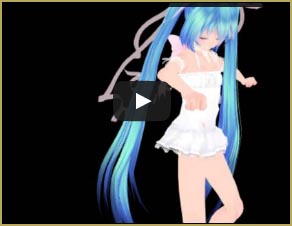
My new MMD Video features a beautiful model with beautiful motions and ... HEY! What the heck is THAT about?Things That DIDN’T Go Well

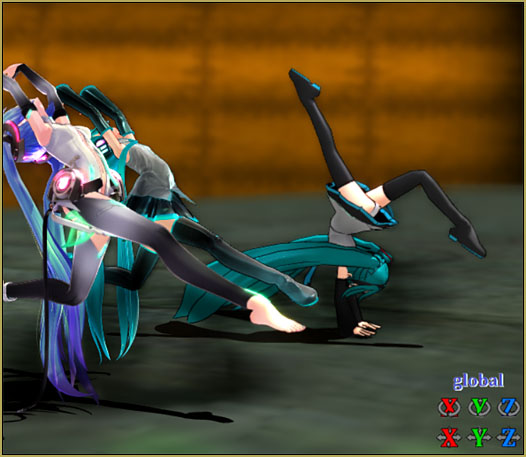
The movements of the motion data, Like Dead Flowers, were very un-smooth – especially the ‘jump’ at 0:59 – and the ankles were twisted! It was a huge facepalm, but I couldn’t turn down this dance  because, to me, the motion fit the song so perfectly! My camera angles and movements are also VERY amateur, but have no fear, practice makes perfect! There is plenty of time to fix my mistakes, and I plan to pour the rest of my heart into learning and having this all figured out.

Neat Things Learned

Most of the things I learned are pretty self explanatory, but I figured I would include them just in case other people don’t know about them yet.

I picked up quite a lot of info from Arizona’s article on camera angles and movements. I learned that the camera is a lot like the models and does the transition between different registered camera angles – which is marvelous!

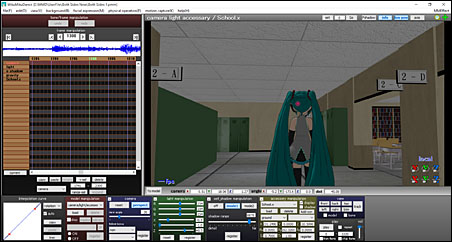
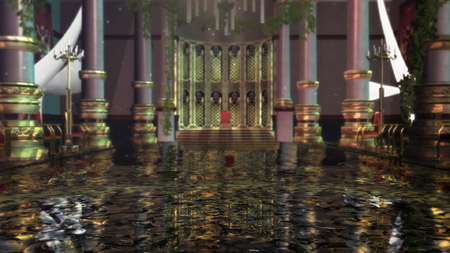
I had yet to know anything about stages or accessories, so I had to browse a bit on that. I came to find out that stages can be loaded via the Accessory Manipulation Panel, and that panel can only be seen while you have the Camera/Light/Accessory tab selected.

My main inspiration for making this video was the beauty of the song Angel With A Shotgun by The Cab*. I preferably like the Nightcore remix done by CutLoveRx on YouTube. It is a very upbeat, happy song that presents a warm feeling while listening to it, along with the chills tracing your spine!

**One side note, this video is personally dedicated to my friend Nyala.

Thanks for reading, and I hope you all have a great day. =)
-Mercy

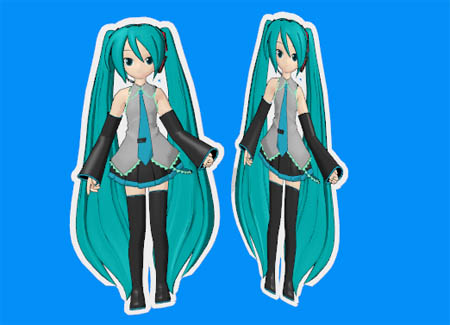
Model Source: Miku Summer (http://yumi-x01.deviantart.com/art/TDA-Miku-White-Dress-FINISHED-DL-357491646?q=gallery%3Ayumi-x01%2F42624247&qo=0)


– SEE BELOW for MORE MMD TUTORIALS…


— — —


– _ — –


Visit the LearnMMD.com Homepage! Plenty of Mikumikudance instruction and info!

More MMD Tutorials...

Reader asks how to create MMD artwork... stuff like posing, camerawork?

A reader asks... Is there a tutorial on how to create MMD artwork, like those you ...read more

Introducing MMD model 1052C China Qipao Miku

Where can I download MMD model 1052C dancers? I want the 1052C China Qipao Miku ...read more

Download Jomomonogm's Snow Miku 2019 for MMD, a most unusual model!

Where can I download Jomomonogm's Snow Miku 2019? What is so unusual about this Snow ...read more

MMD animation made-from-scratch Forgotten Vocaloid Mew Rags on Reggie's MMD Videos

How do I make my own MMD animation from scratch? How do I start my ...read more

Rediscover your old MMD Animations: Love them again!

Rediscover your old MMD Animations: Love them again! https://youtu.be/P4b3todZMUI A labor of love... Remember how it was when ...read more

MMD Boobs too Big yields Too Funny Really Bad Boy video!

Can MMD boobs too big get in the way of a downloaded motion file? What ...read more

"the making of" my video, Intro to MikuMikuDance, Mercy, MMD Basics

Post navigation

Previous Post: Pose MMD Models Naturally Using Reference Pictures
Next Post: Using the MME ColorShift Effect in MikuMikuDance

Related Posts

  • The new Getting Started with MMD video spends some time on the Sample Dances.
    Use Tricks to Study the MikuMikudance Sample Dance Functions-Copy-Paste-Expand
  • 15-Second MMD animation “Smash Walkin’ “ "the making of" my video
  • MikuDance.info has a constantly updated list of new MMD models and accesssories.
    MikuDance.info – A Very Useful Site for MMDers! Downloading New Models
  • Crazy Animation Creation yields fun video and good practice! "the making of" my video
  • Fix MMD Missing Model Options using PMDE Fixing Broken Models
  • Once there was a war… the making of my “Paint it black” MMD video "the making of" my video

More Related Articles

“The making of ” any of my videos starts with these considerations… "the making of" my video
Background AVI Files require a Baseleine AVI setting. MMD Background AVI Files converted using CloudConvert Background AVI
Troubleshooting MMD errors and setting up d3dx9_32.dll error
Why MMD cannot open the models in a saved PMM file Downloading New Models
MMD Project “I WANNA PARTY!” features great motion files by o Savvy o "the making of" my video
The MMD Circles Halloween animation is fun to make! Free Download MMD Circles haunts Halloween Visions download links "the making of" my video

Comment (1) on “New MMD Video Taught Awareness of Camera Angles and Motion Quirks!”

  1. Arizona says:
    May 6, 2013 at 4:08 pm

    I love how excited you are about this!

    Reply

Leave a Reply Cancel reply

Your email address will not be published. Required fields are marked *

Download the latest version of MikuMikuDance!
See the MMD Step-by-Step instructions page!
Learn how to make your own MMD motions!
LearnMMD.com
  • Dummy Bones Hold Accessories in MikuMikuDance Dummy Bones
  • LearnMMDClub is OPEN on Deviant Art! Intro to MikuMikuDance
  • Use The Background AVI to Make Realistic Animations in MMD ARIZONA
  • Adding Sound Effects to existing MMD animations Making Soundtracks
  • Creating an animation using MMD, MikuMikuDance! "the making of" my video
  • Oomary’s guide to mastering MMD Hair Physics Fixing Broken Models
  • The Making of “Viva La Vida MMD” by Zazi The Angel "the making of" my video
  • MMD animation made-from-scratch
    MMD animation made-from-scratch Forgotten Vocaloid Mew Rags on Reggie’s MMD Videos "the making of" my video

Copyright © 2022 Learn MikuMikuDance – MMD Tutorials – Free 3D Animation Software and Instructions..

Powered by PressBook Premium theme

Go to mobile version