Skip to content
Learn MikuMikuDance – MMD Tutorials – Free 3D Animation Software

Learn MikuMikuDance – MMD Tutorials – Free 3D Animation Software

Download Free Animation Software – Let's Learn How to Do Everything!

  • Step-by-Step MMD instructions
  • DOWNLOADS
  • Troubleshoot, Fix MMD
  • Site Contents
  • Reggie Replies Q&A
  • Homework!
  • What IS MMD?
    • Download MikuMikuDance Newest Latest Version of MMD
  • “HOW TO”
    • Raycast RAY-MMD Effect Tutorials
  • BONUS PAGES
    • Why convert PMD models to PMX?
  • HALL of CHAMPIONS
  • Tutorial Categories
  • About
    • Privacy Policy
  • Toggle search form
  • Updated LearnMMD Metronome Instructions for Use Metronome
  • Advanced subtitles for MMD: Using MikuTelopE KillerBeer
  • Reset Your Computer to Japanese Locale for perfect Japanese Stella The Alchemist
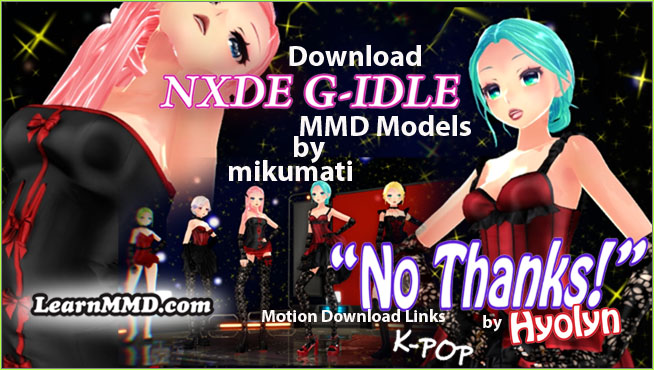
  • mikumati NXDE G-IDLE models dance "No Thanks" by Hyolyn - Download Links
    mikumati NXDE G-IDLE models dance “No Thanks” by Hyolyn – Download Links "the making of" my video
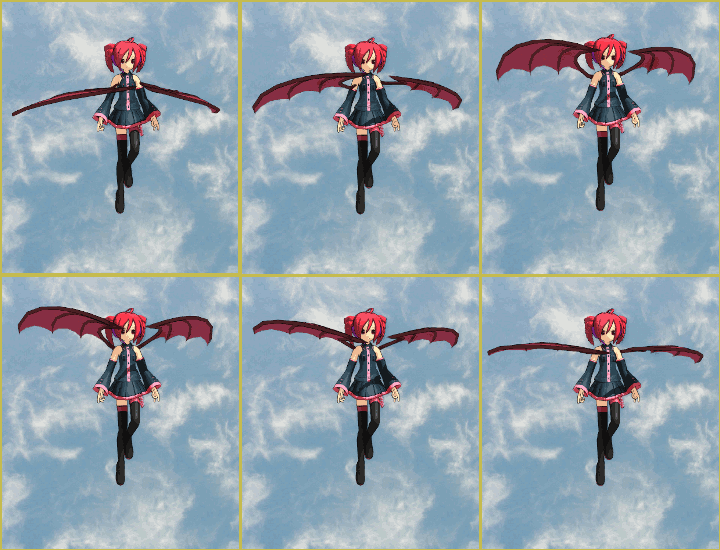
  • Give the Animasa Teto Chimera a wing flapping motion in MMD 7.39
    Create Wing Flapping Motion for Teto Chimera MMD 7.39 Creating Motions
  • LearnMMD’s Video Dojo Expo 4: Entries are CLOSED CONTESTS
  • Next Level in MMD Video Evolution
    Post-Production Editing Yields Next Step in MMD Video Quality Making Videos - Rendering to AVI
  • Making Smooth Motions with MMD Making Smooth Motions

Update previous MMD to MMD 9.32 with no tears …

Posted on June 16, 2013December 11, 2019 By Reggie_Dentmore No Comments on Update previous MMD to MMD 9.32 with no tears …

How can I update MMD 7.26 to MMD 9.32A Feature Article by Reggie Dentmore on LearnMMD.comwithout losing everything? LearnMMD tutorials. How come my MME will not work after I updated MMD 7.39 to MMD 9.32?

Easily Update previous MMD to MMD 9.32

DOWNLOAD MMD 9.32 from our Downloads page

Move & Copy Files to Update to MMD 9.32


If you were already running MMD 9.12, or newer … the only difference in all of the folders is the MikuMikuDance.exe file AND the Data Folder … Download the new MMD 9.32 zip, and drop the new .exe file and the new Data Folder into your old MMD folder and say “YES” to replace the old with the new. None of the other files have changed since 9.12

If you have already been running MMD and want to keep all of your old files as you update to MMD 9.32, you will want to copy the new files into your old folder … but you have to do it carefully.

No instructions are included with MMD …

Here are my
Instructions for upgrading previous versions of MMD to MMD 9.32:

With each new version, only a couple of files are new or updated. I open the new folder and open each folder with the file view set to DETAILS … so that you can check the Last Modified dates of the files. Any older files do not need to be copied into your existing MMD files. Anything with a new or more recent date needs to dragged and dropped into the appropriate folder inside your MMD folder.

Here are the total upgrade instructions I wrote as a method of updating old MMD 7.39 to the latest version of MMD.

I was fearless … as I swapped files around, because I knew that I had a full backup of all my existing files on my external hard drive. If you do not have a recent backup of your MMD folder … now would be good time to make one! Save a copy to an external hard drive, an online backup server … or copy your old MMD folder to a DVD disc as your back up … just in case something goes terribly wrong “:o).

I unzipped the new MMD 9.32 using BandiZip … because I noticed that inside the Pose folder were some files with Japanese text names … and my old XP system won’t get that right if I just use WinZip to unzip that folder.

To update MMD 7.39 to MMD 9.32, I …

  • Opened my old MMD folder and removed the good old MikuMikuDance.exe file to the desktop … couldn’t bear to throw it into the trash!
  • Opened my NEW MMD 9.32 folder and did a drag-and-drop to put that new MikuMikuDance.exe file into my old MMD folder
  • Now I opened the DATA Folder inside the Update MMD 7.39 to the latest MMD by copying the data files ... and say YES to ALL as you do so.New 9.32 folder. I did a Select ALL and COPY. Then I opened the old DATA Folder inside my old MMD Folder and did a PASTE. I got an error message asking if I wanted my new files to replace the old ones … answer YES to All.
  • I did all of that again for the Model folder so that I had all of the latest models.
  • I did all of that again for the Accessories folder so that my new .exe file had the newest version of the Accessories.
  • I did all of that again for the Pose folder … to save those new little VPD files.

That’s it!

… even my old desktop Shortcut to MMD still works!

Finally … I plugged-in my external drive … with the back-up on it … and opened my backup folder so I could rename my old MMD Folder: “OriginalMMD” … Then I did a Drag-and-Drop of my New desktop MMD Folder directly into my backup drive … so that my next backup routine wouldn’t need to copy the entire 2.6Gb as part of the backup. Close the external drive …  and feel secure.

You may now trash that original MikuMikuDance.exe file from your desktop. You don’t need it … and … if  you do … it will be inside your Backup.


– SEE BELOW for MORE MMD TUTORIALS…


— — —


– _ — –


Visit the LearnMMD.com Homepage! Plenty of Mikumikudance instruction and info!

More MMD Tutorials...

Reader asks how to create MMD artwork... stuff like posing, camerawork?

A reader asks... Is there a tutorial on how to create MMD artwork, like those you ...read more

Introducing MMD model 1052C China Qipao Miku

Where can I download MMD model 1052C dancers? I want the 1052C China Qipao Miku ...read more

Download Jomomonogm's Snow Miku 2019 for MMD, a most unusual model!

Where can I download Jomomonogm's Snow Miku 2019? What is so unusual about this Snow ...read more

MMD animation made-from-scratch Forgotten Vocaloid Mew Rags on Reggie's MMD Videos

How do I make my own MMD animation from scratch? How do I start my ...read more

Rediscover your old MMD Animations: Love them again!

Rediscover your old MMD Animations: Love them again! https://youtu.be/P4b3todZMUI A labor of love... Remember how it was when ...read more

MMD Boobs too Big yields Too Funny Really Bad Boy video!

Can MMD boobs too big get in the way of a downloaded motion file? What ...read more

Download MikuMikuDance, MMD Basics, Reggie Dentmore

Post navigation

Previous Post: Beamman’s MME SelfFreeze Effect for MikuMikuDance 7.39
Next Post: Download MMDxShow.dll Fix the Cannot Read MMDxShow.dll Error

Related Posts

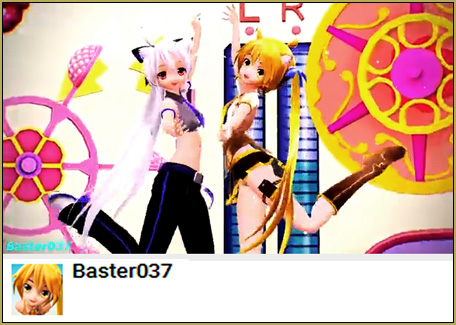
  • MMD Project Source YouTube’s Baster037 provides links! Animation Resource
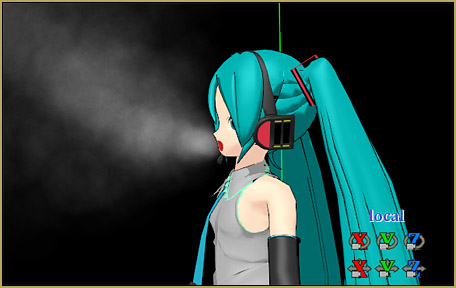
  • Beamman’s Breath Effect shows warm breath in winter Beamman's Breath Effect
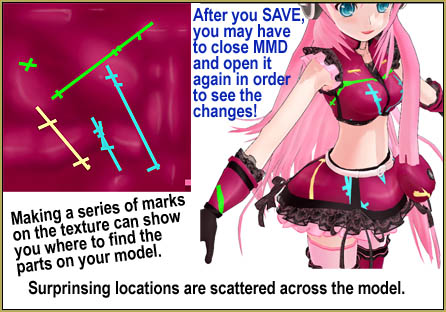
  • How To Recolor MikuMikuDance Models Without PMDE! Keep the Faith-MMD Credits/Sharing
  • MikuMikuDance Unbridled Creativity Starts with an Empty GUI MMD Basics
  • My new MMD Action Video was fun to make! "the making of" my video
  • VPVP MMD Training video offers MMD instructions videos.
    VPVP page offers basic MMD instructions videos MMD Basics

More Related Articles

YouTube thumbnail image is so important! Create your Most Attractive YouTube Thumbnail image "the making of" my video
MMD MME Rhinestone effect adds sparkle to your models! MMD Tutorials
Posing MMD Models: Anatomy Matters! BigPerryman
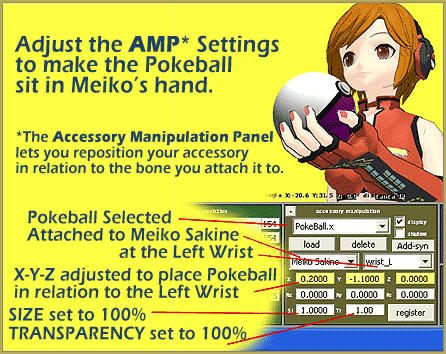
Download MMD Pokeball Accessory and Learn Accessory Manipulation Accessory Manipulation/Adjust
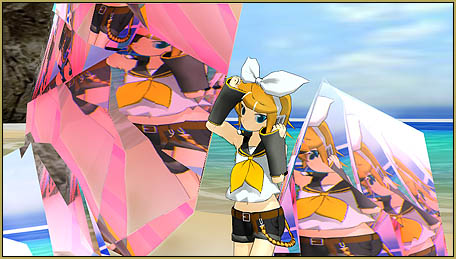
MME Quartz Effect Refracts Reflections All Around! MMD Tutorials
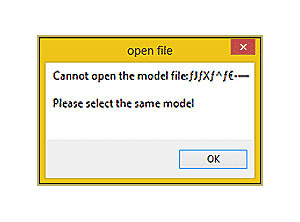
Why MMD cannot open the models in a saved PMM file Downloading New Models

Leave a Reply Cancel reply

Your email address will not be published. Required fields are marked *

Download the latest version of MikuMikuDance!
See the MMD Step-by-Step instructions page!
Learn how to make your own MMD motions!
LearnMMD.com
  • Make Wattpad covers using MikuMikuDance and Canva.com! Faris
  • Learn to resize PMD models
    How to resize PMD models (and what to do when they don’t) KillerBeer
  • The MMD Physics Engine keeps Skirts from going through legs! MMD Basics
  • The New LearnMMD Theater Seats .x accessory looks Great when you place it on your stage. MMD 7.39 accessory.
    New MMD Theater Seats Accessory Download on LearnMMD.com Google SketchUp and MMD
  • You can enlarge or reduce and Accessory by adjusting the Si value in MikuMikuDance.
    Use Accessory Manipulation fields to position/adjust Accessories Accessory Manipulation/Adjust
  • My Top 6 Favorite Shader Effects for MikuMikuDance GloriaTheAnimator
  • Add Shadows to MMD .X Accessories Tutorial MMD Basics
  • Formatting Captions With MMM MikuMikuMoving Bullwood

Copyright © 2022 Learn MikuMikuDance – MMD Tutorials – Free 3D Animation Software and Instructions..

Powered by PressBook Premium theme

Go to mobile version