





As Arizona mentioned, the 2013 MOMI Cup has been announced. Now, if you’re anything like me,  you probably ran a few laps around the house while waving your arms in the air and screaming as if there was a Godzilla attack going on. Your thoughts were probably something along the lines of “How can I possibly finish in time?! I’m lazy! I never finish anything! I’M DOOMED!”
Why Making a Long Video is
Not the End of the World!
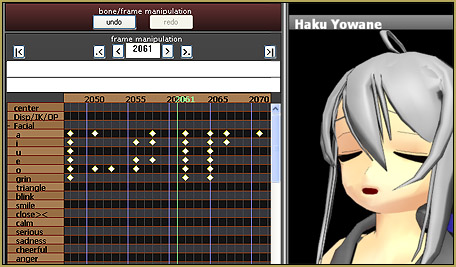
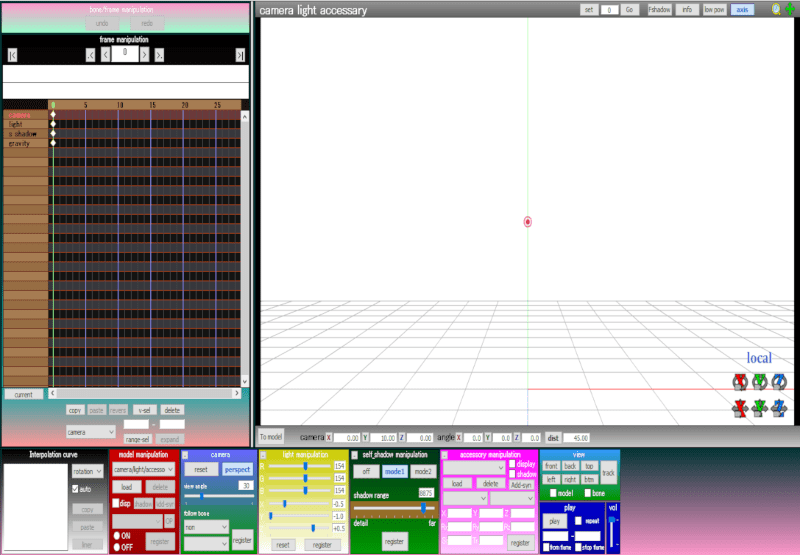
Well, fear not! Though it sounds like a daunting task (Especially if you have crazy ADHD like me), but it’s really not as hard as it sounds. If you pace yourself and set a nice schedual, you’ll find that it’s actually quite easy. In order to do this, you first have 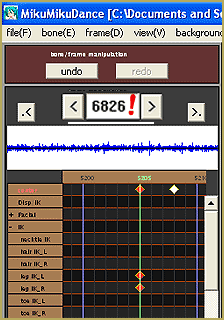 to know how many frames your video is. Although some of you might not know the specific length, it’s easy to calculate it from the length of a song or something similar. For example… I won’t give specific details, but I know that the song I’m using for my video is 2 minutes and 26 seconds. To find the frame rate, first find the total length of seconds. 2 minutes is 120 seconds, plus 26 seconds is 146. Now, since MMD has a frame rate of 30 frames per second, multiply the number by 30. I got 4380. Now to find the pace. Although the exact dates are unknown, I have a feeling MOMI Cup will take place in March, which works for this purpose since there’s still plenty of time. According to the magic of Google, there are 145 days from now (October 6 – Happy belated Fullmetal Alchemist Day, and happy Black and White 2 Release Day!) to March 1. So, divide your number by 145. My answer is 30.(Some crazy decimal), so my pace is 30 frames per day.
If your pace seems to hard, you can go even further and plan out your work session. For example, I could do 10 frames, then take a break, then take a 30 minute break, then do another 10 frames, and so on. (Of course, if you want it to look good you almost certainly won’t do a  specific number of frames at once, but these are just guidelines.) For those of you who’ve done NaNoWriMo, think of it as NaNo for MMD and apply the same survival methods you would use for NaNo for your MOMI Cup project. Whatever you find helps you get things done, do it. Take frequent breaks; listen to good music; use Konata’s Useful 5 Minute Timer; drink lots of coffee… Whatever will help make your project less stressful and more fun.
MOST IMPORTANT THING TO REMEMBER! MMD is supposed to be fun. This is YOUR project; It’s not work or school. It’s something you chose to do, and it’s important that it’s something enjoyable for you. Pick something you really feel passionate about. Don’t do something you don’t feel satistfied with just for the sake of entering. It’s important that you enjoy it. If you find yourself unhappy with your project, then something’s wrong, and you should stop and think about it. Do what you want, and the results will be better than something you only moderately like. And above all else, have fun with it! Best of luck to everyone!
– SEE BELOW for MORE MMD TUTORIALS…
— — —
– _ — –









Oh.. that’s why my animation feel so fast because I didn’t multiply 30 frame…. ( I actually trying to make Shadow Fight 3 Kick moves but it was to fast )
I’ve been meaning to comment on this article for quite a while. You have given some really good advice. Divide and conquer is really the best approach for a long project. By the way, the MomiCup deadline is officially April 1, 2013, I saw the announcement today.