
Skip to content
Learn MikuMikuDance – MMD Tutorials – Free 3D Animation Software

Learn MikuMikuDance – MMD Tutorials – Free 3D Animation Software

Download Free Animation Software – Let's Learn How to Do Everything!

  • Step-by-Step MMD instructions
  • DOWNLOADS
  • Troubleshoot, Fix MMD
  • Site Contents
  • Reggie Replies Q&A
  • Homework!
  • What IS MMD?
    • Download MikuMikuDance Newest Latest Version of MMD
  • “HOW TO”
    • Raycast RAY-MMD Effect Tutorials
  • BONUS PAGES
    • Why convert PMD models to PMX?
  • HALL of CHAMPIONS
  • Tutorial Categories
  • About
    • Privacy Policy
  • Toggle search form
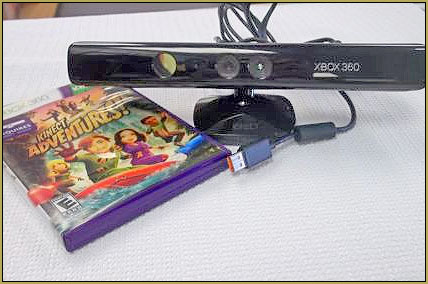
  • Set up Kinect 360 motion capture for MMD! Kazuki Matsuoka
  • Ray-MMD Godrays… argggh!!! MMD Tutorials
  • Next Level in MMD Video Evolution
    Post-Production Editing Yields Next Step in MMD Video Quality Making Videos - Rendering to AVI
  • New LearnMMD Stage Instructions just posted! MMD Tutorials
  • Animation Lag may “blur” your playback in MikuMikuDance Animation Lag
  • MMD Boobs too Big gives us a funny Really Really Bad Boys video!
    MMD Boobs too Big yields Too Funny Really Bad Boy video! "the making of" my video
  • VDE-3 Champion: CyanKuriboh Video Dojo Champions
  • The FILE Menu Options MENU Option Descriptions

ReSize SketchUp Models for MikuMikuDance

Posted on September 21, 2011May 9, 2026 By Reggie_Dentmore No Comments on ReSize SketchUp Models for MikuMikuDance

Google SketchUp has a huge library of finished models Visit LearnMMD's Video Channel on YouTube: Videos by Reggie Dentmore.
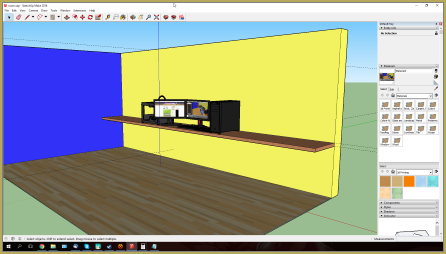
that are ready to load and save as Accessories for use in Miku Miku Dance. I have played with a few of them and I have found that SketchUp uses a smaller scale size than is used in MMD … it’s about a 25% difference!
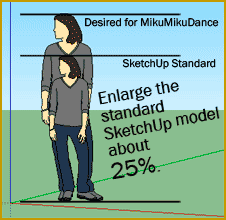
Enlarge SketchUp models about 25% for use in MikuMikuDance

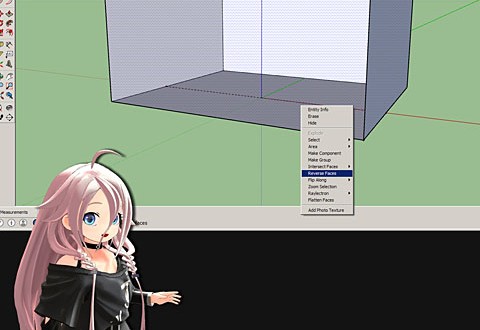
To compensate for that size difference, go ahead and load the object from SketchUp’s library. In SketchUp, select the entire model and choose “Scale” from the Tools menu. Drag the object to your new size. Engage the “3D Rad Exporter plug-in” and save the model as a DirectX object.

Googgle Sketchup is no longer available as a free download. Google it and see the new route you will need to take to get it.

I just searched Google for: download Google Sketchup… and I got results showing the new links.


If you are drawing your own items in SketchUp for use in your MMD presentation, compensate for the scale difference as you build your model. If you need to make a 6-foot table, add 25% and so draw it to be 7’6”, instead. Again, engage the 3-Rad Exporter plug-in and save the model as a DirectX object.

Fear not… you can adjust the size of your new accessory in MMD by entering a number in the SI “size” box in the AMP. a value of 1.0 equals ‘same size”… a smaller number will reduce the size of your new accessory.
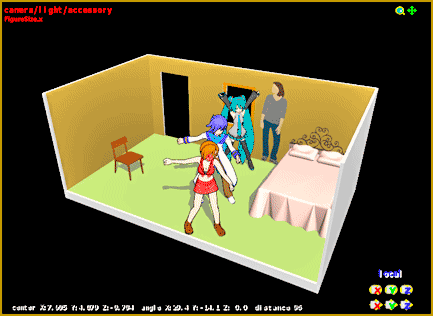
Have fun adding SketchUp models to your Miku Miku Dance stage.

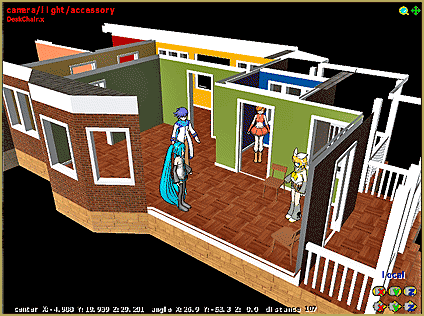
The sky is the limit … tons of Sketchup models are available from SketchUp’s library. It’s fun to import things and see what you can do with them. Load them as Accessories and mount them to Dummy Bones so that you can manipulate their position on the Dance Stage. Have fun!


– SEE BELOW for MORE MMD TUTORIALS…


— — —


– _ — –


Visit the LearnMMD.com Homepage! Plenty of Mikumikudance instruction and info!

More MMD Tutorials...

Build Your Own Stage For MMD Using SketchUp

Build Your Own Stage For MMD Using SketchUp! Making stages for MMD is really easy using Trimble's ...read more

Making stages/accessories for MMD using Sketchup

How do I make models for MMD? How do I save as an .X file ...read more

Add custom texture images to Google Sketchup .x model for MMD 9.32

How do I add a picture to the surface of the accessory I am making ...read more

Use Google Sketchup to Create .x Files for MikuMikuDance 7.39

How can I use Google Sketchup to create .x files/accessories for MMD 7.39? How can ...read more

LearnMMD's Dueling Banjos Banjo is avilable for Download!

Where can I get a banjo for MikuMikuDance? I need musical instruments for MMD. Is ...read more

See LearnMMD's New Crop-Transition Panel Video

See LearnMMD's New Crop-Transition Panel Video ... and get the panel for yourself! Used properly, LearnMMD's ...read more

Google SketchUp and MMD, Make your own Accessories Tags:Google Sketchup, make accessories, Make Accessory, mikumikudance

Post navigation

Previous Post: Make your own MMD Accessory Objects in Google Sketchup
Next Post: Make your own stage for MikuMikuDance using SketchUp Models

Related Posts

  • Build Your Own Stage For MMD Using SketchUp Google SketchUp and MMD
  • Make your own MMD Accessory Objects in Google Sketchup Google SketchUp and MMD
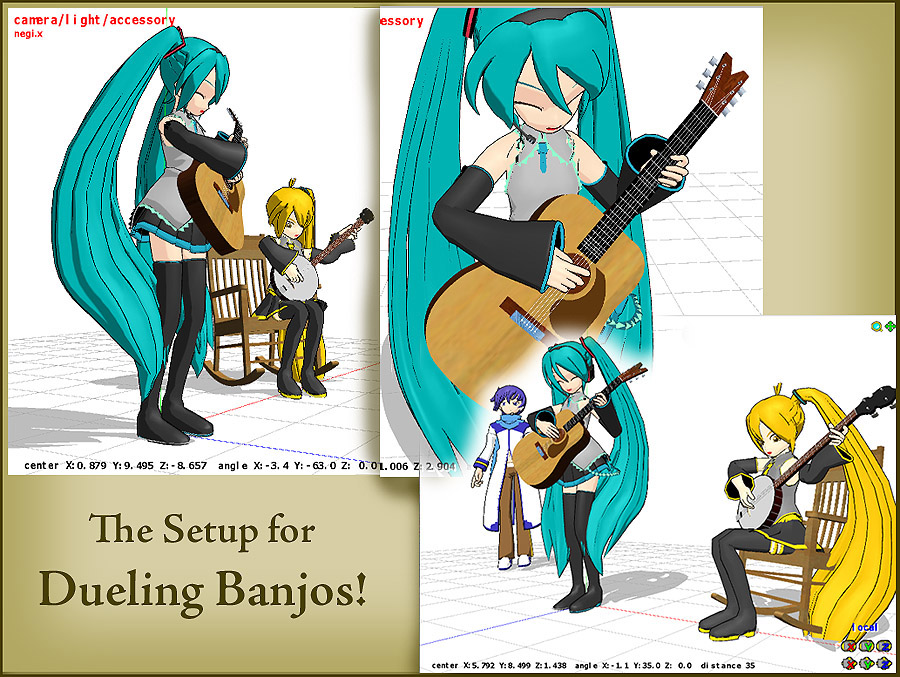
  • Click to see FULL SIZE my original model setup for my "Dueling Banjos".
    Planning a MikuMikuDance 7.39 Dueling Banjos Animation Google SketchUp and MMD
  • Build your own stage for MMD using Blender 2.69 Blender
  • LearnMMD.com: The Instruction Sheet you've been searching for!
    Use Google SketchUp to make DirectX Accessories in MMD Dummy Bones
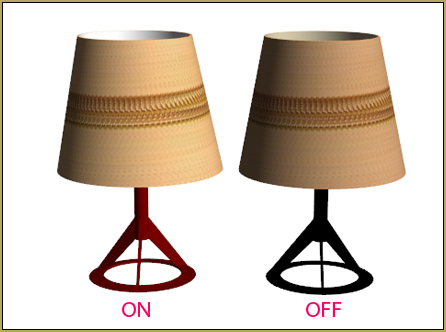
  • Download Table Lamp Accessory ON and OFF Downloading New Models

More Related Articles

New “LearnMMD Wars” Video Posted to YouTube! Google SketchUp and MMD
Make your own stage for MikuMikuDance using SketchUp Models Google SketchUp and MMD
Making stages/accessories for MMD using Sketchup Google SketchUp and MMD
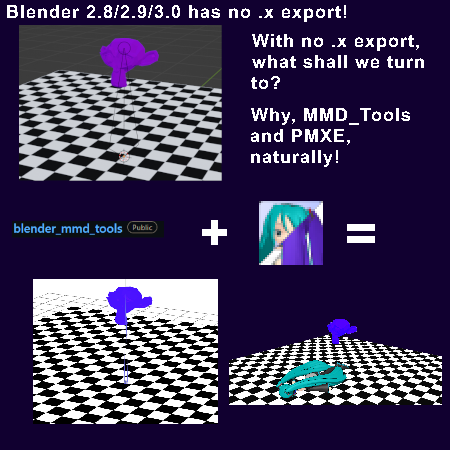
Create/Export .x files in Blender 3 using PMXE Create/Export .x files in Blender 3 using PMXE (Blender 2.8+) Blender
See LearnMMD’s New Crop-Transition Panel Video Google SketchUp and MMD
Make your own MMD Accessory Objects in Google Sketchup Google SketchUp and MMD

Leave a Reply Cancel reply

Your email address will not be published. Required fields are marked *

Download the latest version of MikuMikuDance!
See the MMD Step-by-Step instructions page!
Learn how to make your own MMD motions!
LearnMMD.com
  • Skirt in the process of being rigged in PMX Editor
    PMXE Skirt Plugin Presets and Other Tips for Awesome Skirts Mae Blythe
  • DropShadow_dual Creates Two DropShadow Effects at Once! Chestnutscoop
  • Extreme S Curve 02.
    Using the Interpolation Curve in MikuMikuDance. ARIZONA
  • Download MMD 9.32 MikuMikuDance latest version Download MikuMikuDance
  • Reggie's Adoration of FIVE MMD Models
    Reggie’s ADORATION of FIVE MMD Models -Downloads and Instructions "the making of" my video
  • Lexasio's Steampunk Teto & Miku star in "Kiss me" MMD video!
    Lexasio’s Steampunk Teto & Miku star in MMD “Kiss Me” animation "the making of" my video
  • MMDers Audacity Tutorial Video is on YouTube! Making Soundtracks
  • Fireworks Kai effect
    Using the Fireworks Kai effect for MikuMikuDance. ARIZONA

Copyright © 2022 Learn MikuMikuDance – MMD Tutorials – Free 3D Animation Software and Instructions..

Powered by PressBook Premium theme

Go to mobile version