

Skip to content
Learn MikuMikuDance – MMD Tutorials – Free 3D Animation Software

Learn MikuMikuDance – MMD Tutorials – Free 3D Animation Software

Download Free Animation Software – Let's Learn How to Do Everything!

  • Step-by-Step MMD instructions
  • DOWNLOADS
  • Troubleshoot, Fix MMD
  • Site Contents
  • Reggie Replies Q&A
  • Homework!
  • What IS MMD?
    • Download MikuMikuDance Newest Latest Version of MMD
  • “HOW TO”
    • Raycast RAY-MMD Effect Tutorials
  • BONUS PAGES
    • Why convert PMD models to PMX?
  • HALL of CHAMPIONS
  • Tutorial Categories
  • About
    • Privacy Policy
  • Toggle search form
  • MMD Theme Video “Let’s Dance NOW!” Describes Why We Love MMD Intro to MikuMikuDance
  • Use the Half-Lambert Shader effect for point-source lighting.
    MME Half-Lambert Shader Point-Source Lighting Effects Half-Lambert Shader
  • Formatting Captions With MMM MikuMikuMoving Bullwood
  • MMD uses your computer to the max! Intro to MikuMikuDance
  • Multiply of Facial Expression command in MMD Animation Shortcuts
  • Adult Shader on a LAT model – it’s possible! Adult Shader effect
  • Video Dojo Expo 1 Winner: Angel Dreams Video Dojo Champions
  • VPVP MMD Training video offers MMD instructions videos.
    VPVP page offers basic MMD instructions videos MMD Basics

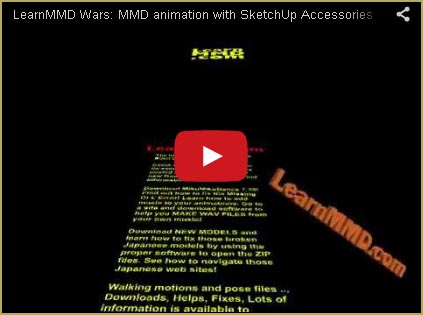
New “LearnMMD Wars” Video Posted to YouTube!

Posted on November 21, 2011March 31, 2016 By Reggie_Dentmore No Comments on New “LearnMMD Wars” Video Posted to YouTube!

New Video Posted to YouTube with “Star Wars” Vanishing Type-scroll!

This new animation features accessories made using Google SketchUp and the 3D-RAD plugin. See my articles about creating those custom DirectX accessories.

For this MikuMikuDance 7.39 animation I began by doing some “typesetting” in Google SketchUp using the 3-D Text tool. For the type that scrolls, I unchecked the 3-D Extruded box so that the type would be flat (2-D). I used the paint bucket tool to color the type. The tumbling orange logotype was “extruded” with the dimensions of 3′ x 1′ and “filled” with a metal texture that I colored orange.

SketchUp does not let you change type styles or type size within a single copy block. You will need to set the type as several blocks, slide everything into position, and then “group” to make it all one piece. Think about where you will want to attach the Dummy Bone to your type and position the coordinate center-point at that spot before you engage the 3D-RAD plugin.

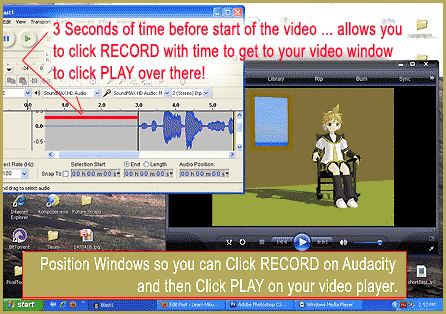
I connected my turntable through a Technics receiver “line-out” to my computer “line-in” jack and used Audacity® 1.3.13 to export a WAV file for use in my MMD animation. I have almost 2000 LP record albums … no shortage of music choices!

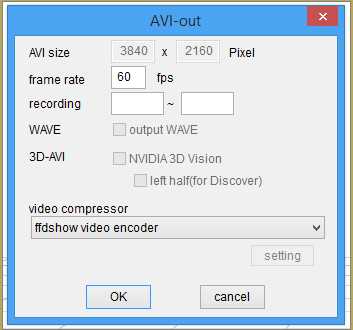
I did a “Render to AVI File” in Miku Miku Dance using the “Cinepak Codec by Radius” compression setting … 1434 frames … and … That’s it!


– SEE BELOW for MORE MMD TUTORIALS…


— — —


– _ — –


Visit the LearnMMD.com Homepage! Plenty of Mikumikudance instruction and info!

More MMD Tutorials...

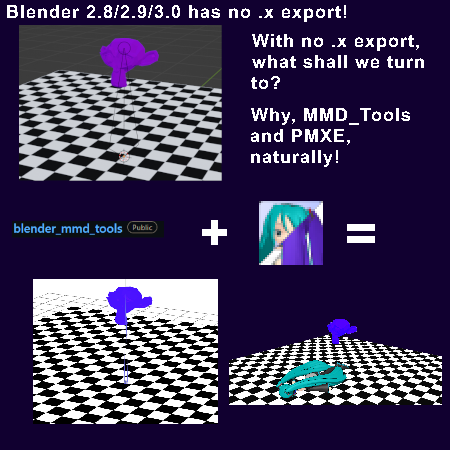
Create/Export .x files in Blender 3 using PMXE (Blender 2.8+)

There's no .x export in Blender 2.8/2.9/3.0... you cannot directly Export .x files in Blender ...read more

Build Accessories and Stages with PMXE Primitives

A New Table for SeeU... YES, YOU CAN BUILD MODELS WITH THE PMXeditor Build Accessories and Stages ...read more

Download Reggie's MMD DeckPanel when you just need a place to sit or stand!

How can I use Reggie's MMD Deckpanel accessory for my MikuMikudance animation? My motion starts ...read more

Build Your Own Stage For MMD Using SketchUp

Build Your Own Stage For MMD Using SketchUp! Making stages for MMD is really easy using Trimble's ...read more

Making stages/accessories for MMD using Sketchup

How do I make models for MMD? How do I save as an .X file ...read more

Build your own stage for MMD using Blender 2.69

 Can you build your own stage using Blender? How can I make a new stage ...read more

Google SketchUp and MMD, Make your own Accessories, Music and WAV Files Tags:make WAV files, mikumikudance, music for MMD, new accessory, Video, WAV files

Post navigation

Previous Post: Learn How to Navigate Japanese MikuMikuDance Pages
Next Post: Use MMD Memes to get Motion and WAV Files for MikuMikuDance!

Related Posts

  • What!
    How to Load Models, Motion, and Music Data into MikuMikuDance ARIZONA
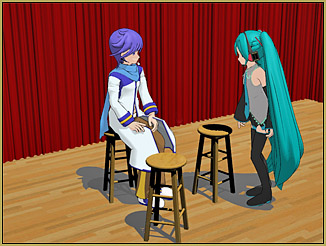
  • MMD Wooden Stool Accessory from LearnMMD.com Google SketchUp and MMD
  • Create/Export .x files in Blender 3 using PMXE
    Create/Export .x files in Blender 3 using PMXE (Blender 2.8+) Blender
  • Making good MMD lip-syncs! Creating Motions
  • Why does the texture move as I convert the Sketchup model into a DirectX .x model using the 3D-RAD plugin?
    Add custom texture images to Google Sketchup .x model for MMD 7.39 Google SketchUp and MMD
  • Painted Table Accessory Download Available Now Downloading New Models

More Related Articles

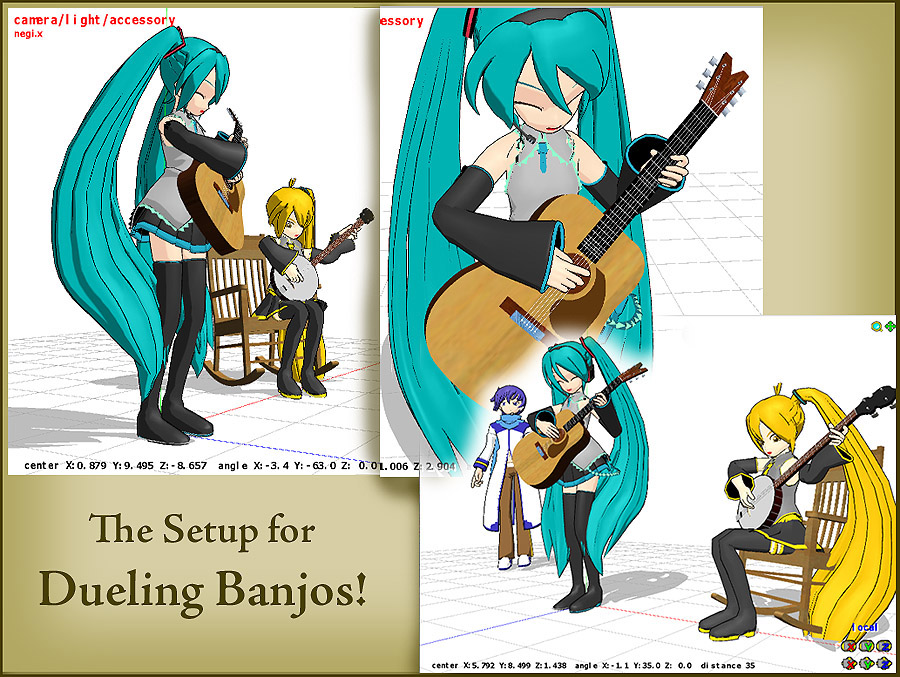
Click to see FULL SIZE my original model setup for my "Dueling Banjos". Planning a MikuMikuDance 7.39 Dueling Banjos Animation Google SketchUp and MMD
MMD Banjo_RD by Reggie Dentmore for MikuMikuDance 7.39 LearnMMD’s Dueling Banjos Banjo is avilable for Download! Google SketchUp and MMD
Download Table Lamp Accessory ON and OFF Downloading New Models
Meiko showing her "Bones" Add Songs to MikuMikuDance: All you need is a WAV file! Music and WAV Files
Make your own MMD Accessory Objects in Google Sketchup Google SketchUp and MMD
LearnMMD.com: The Instruction Sheet you've been searching for! Use Google SketchUp to make DirectX Accessories in MMD Dummy Bones

Leave a Reply Cancel reply

Your email address will not be published. Required fields are marked *

Download the latest version of MikuMikuDance!
See the MMD Step-by-Step instructions page!
Learn how to make your own MMD motions!
LearnMMD.com
  • Make a Smooth Walking Motion in MikuMikuDance Make a Smooth Walking Motion
  • Motion is LOCAL, per the Model's orientation, or GOBAL, per the Program's Grid. (Meiko Sakine from MMD 7.39)
    Local and Global Mode Bone Movement MMD: Miku’s Mode Swings ARIZONA
  • Posing MMD Models: Anatomy Matters! BigPerryman
  • Set MMD Widescreen Screen Size balance Size VS Quality MMD Basics
  • MMD Lip-sync is fun to do... just do it!
    MMD Lip-sync is fun to do… just do it! Animation Shortcuts
  • Use Stage Changes in MMD to Make an Interesting Video Koneko the MMD Fairy
  • My VDE-3 Entry has Music, Camera, Dancers… Now for the HARD part. "the making of" my video
  • Select Japanese Shift JIS from the Convert dropdown in Notepad++.
    Read Japanese READ ME Text Files with Notepad++, Google Translate Navigating Japanese Pages

Copyright © 2022 Learn MikuMikuDance – MMD Tutorials – Free 3D Animation Software and Instructions..

Powered by PressBook Premium theme

Go to mobile version