
 Where can I download the old MMD Elektrika Motion? Can we still use old MMD motion data? How can we make those old MMD motion files look new again?
The ancient 2010 MMD Elektrika Motion
is given NEW Life!
The DirectX version of MikuMikuDance was given to us in 2010… and, back then, just the idea of animating Miku and her friends so as to create our own music videos was a thrilling idea! Many artists jumped into the 3D animation arena and created motion files for MMD.
Those early animations often featured fast, frantic dance motions… LOTS of action that, maybe, did not have a lot to do with the music the artist had chosen. … I feel that ELEKTRICA is one of those.
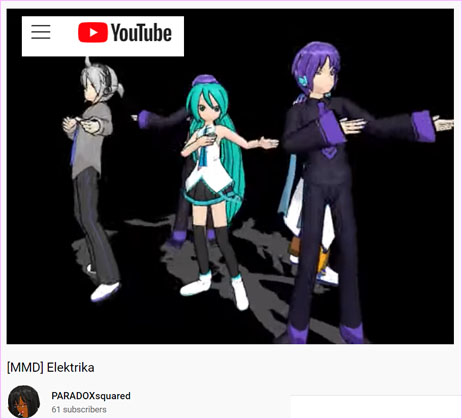
Let’s give the MMD Elektrika Motion a new life!
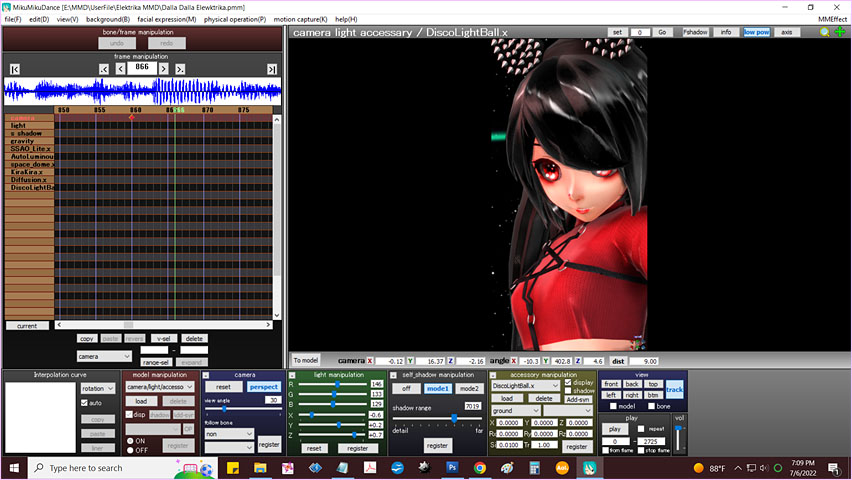
This motion is interesting… and is VERY BUSY! … and it is for only a single model who does not move off of the center-stage cross-hairs. That original video did use multiple models all using the same motion data…. and the MMDer did move the camera around in order to add some interest… but… well… today… a bit primitive.
Cell-Phone Video…
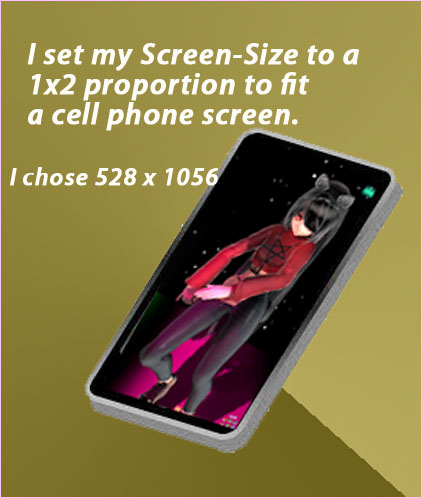 In order to get away from that full-stage, which was going to be empty, I decided to crop my Screen-Size down to a 1 x 2 proportion that fits a cell-phone. For no particular reason, I chose a size of 528 x 1056. If you guys discover a better resolution for something like this, please leave a comment, below this article… Thank you!
Cropping your animation to a screen of this proportion sets-up a whole new way to enjoy MikuMikuDance! It’s fun to keep the camera moving and keep your eye on what the cell-phone viewer is going to see.
… and in THIS animation, I had to keep the camera MOVING! …
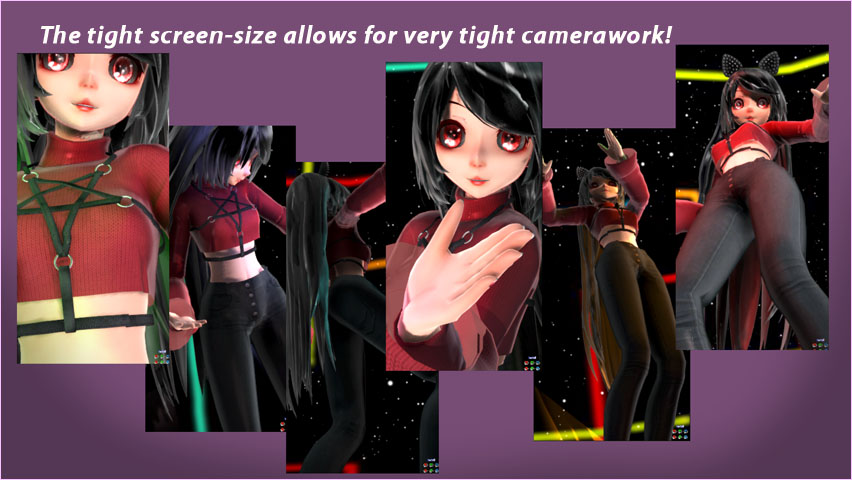
The music really didn’t have much to do with the models active gyrations… so I decided to disregard the music, all together, and keep the camera moving at a high-speed pace and catch the many scene vignettes included in this motion data. … I COULD have “stepped-back” so that we could watch the model going through her calisthenics, but THIS is MMD and our cameara can go ANYWHERE from one frame to the next! … and so, that’s what I did… TIGHT CLOSE-UPS and shots from the floor… behind, in front, high and low… The model’s motion is frantic, the music is fast and so my camerawork tries to keep-up with the model. … I spent almost three hours on this video and the Camerawork consumed most of that time. … (To be honest… I carefully created the camerawork for the first 1400 frames, or so… and then, since nothing had much to do with anything else, I did a Range-Select to copy the camera diamonds and then pasted them into place at that point…. NOW I had almost the whole 2700 frames with camera motion! … I DID go back in and look at every diamond to be sure that the model was still in the frame… and I did change a few camera-angles… but still, I figured that this trick saved a TON of time… and the “customer” would never notice!)
During the final few seconds of the animation, the model goes into kind of a “robot dance” so, at that point, I pulled the camera back so that we could enjoy the show.
No stage… Plenty of MME effects!
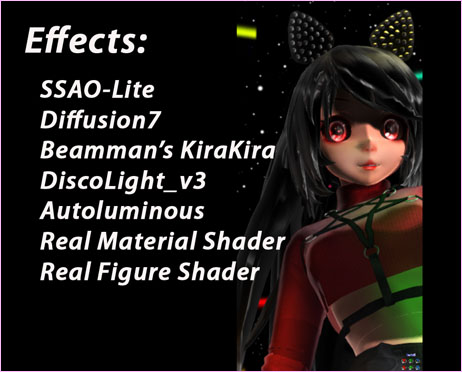 I figure that there should be MORE to an MMD than just watching Miku (or whoever) hop around.
I only use the old stand-by effects… and for me, they work very well.
SSAO adds a nice depth of color to the entire scene. I also set the main lights to be a bit more dim than the original settings… I balance the three light colors… RG & B… to get the skin-tone that I like.
Diffusion7 adds a softness to the whole scene. I did set it to an Si size of only 0.1, I think… and a Tr transparency quite small as well. Diffusion7 was making shadows appear darker than I liked… but even at those small settings, the softness is there.
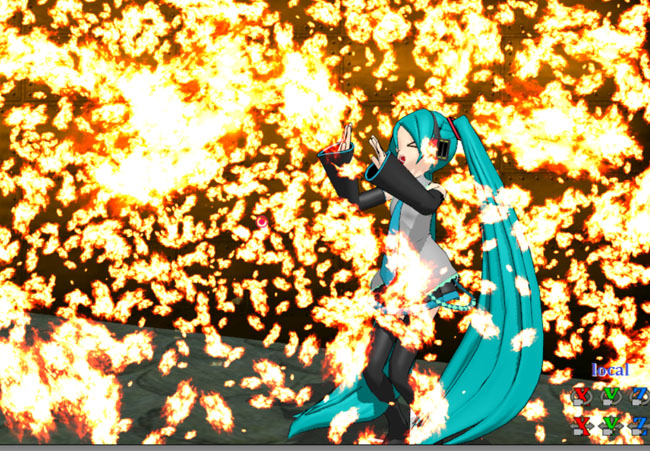
Beamman’s KiraKira is always a winner! I set the Si size to 8 and then adjusted the Rx and Ry to keep the effect particles flying at an angle.
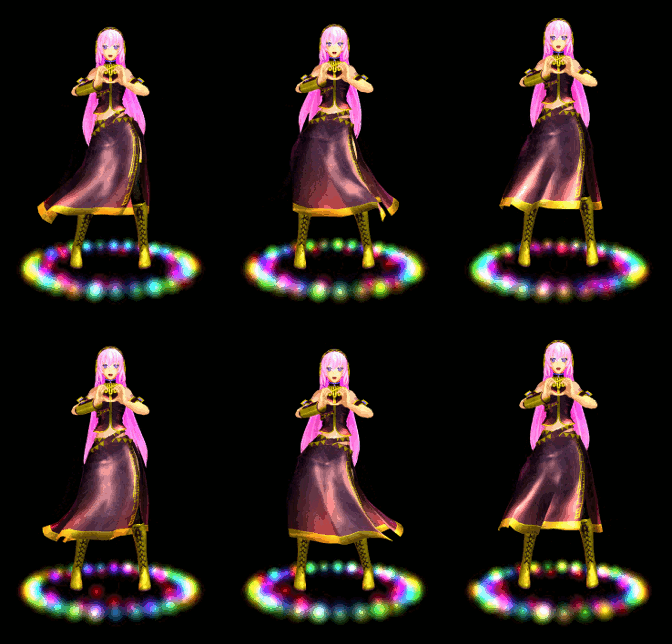
Autoluminous is a “must” with TDA models as there are often bits that light-up. For this model. only the bright reflections on the eyes lit-up… and too bright! .. .again, I set the effect to a Si size of like .2
See my other article about using those old “REAL” Shaders… they really work!
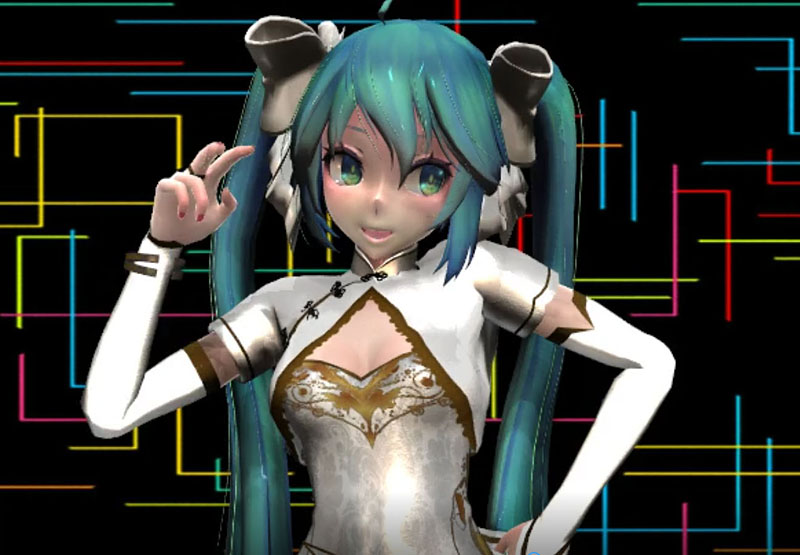
Those geometric lines in the background are on a skydome that I modified with that graphic texture image.
Put it all together and what have we got?
I totally enjoy the result of this experiment! … That old motion “wasn’t too bad” and the music is fun… and putting all of the pieces together was a fun project!
Download the ELEKTRIKA MOTION FILES:
A STOCKPILED collection of MMD animation motion files…
… including old ones like ELEKTRIKA… is available here: MMD-Nay-PMD’s MMD Motion Data Index on DeviantArt. … a terrific collection of motion data, many with links to WAV files, too! … ALSO: You can DOWNLOAD my CAMERA.vmd for this video.
A beautiful model…
The model I used: TDA Dalla Dalla Zatsune edited by pikagum on Devian Art.
–
Have fun with the OLD ONES for MikuMikuDance!
– SEE BELOW for MORE MMD TUTORIALS…
— — —
– _ — –