


 How do I do MikuMikuDance? What do I do with MikuMikuDance? How do I use MMD? What is MikuMikuDance? What do I do first with MMD?
Getting Started with MMD…
So … you saw some cool MMD videos on YouTube … you found your way to LearnMMD.com to download  the latest version of MikuMikuDance, you downloaded MikuMikuDance and unzipped the zip … and put the MMD folder on your desktop.
MikuMikuDance comes with no instructions… you are on your own… THAT’s why we operate LearnMMD.com… to BE the instructions for MMD!
| Editors Note 10/26/2015: The VPVP page recommends that you download and install:Regular MikuMikuDance (32-Bit) If cannot move, please install following runtime package. ・Microsoft Visual C++ 2005 Redistributable Package ・Microsoft Visual C++ 2008 Redistributable Package ・DirectX End-User Runtime 64-Bit MikuMikuDance It is critically important to have those packages installed in your system. MMD will not run properly without them, and will not accept higher versions of the same as a proper replacement¹. The majority of comments asking for help about MMD acting wrong will be countered with “Have you DirectX and MS Visual C++ runtimes installed?” inquiry, and more likely than not, resolving these will resolve your problem as well. ¹ The above does not mean you have to rollback higher versions of these libraries (that you most probably have) in favor of more obsolete ones. Runtime packages are products specifically designed to be able for all versions to coexist on the same machine. |
Now what?
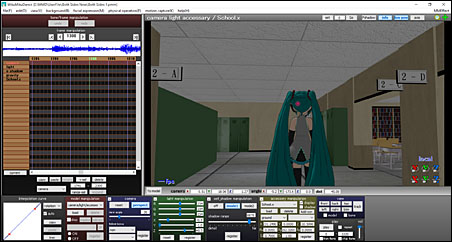
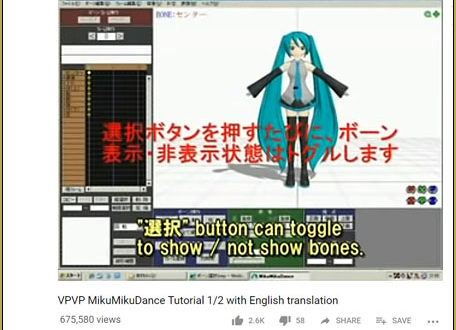
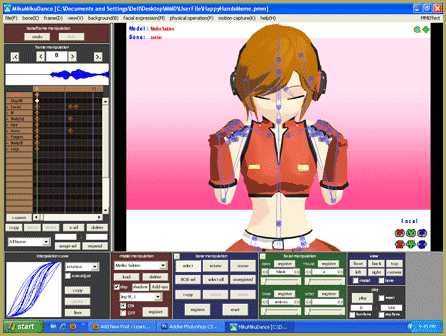
MikuMikuDance comes with no instructions; there is no “Help” menu… How do you get from that empty control panel (the GUI, graphic user interface) of MMD to a finished video on YouTube?
Let’s cover some basic info …
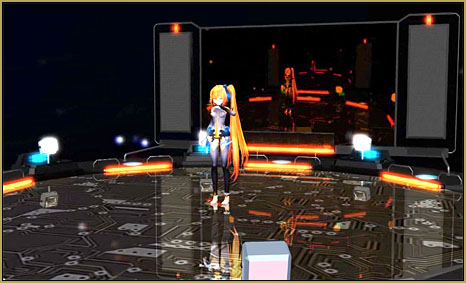
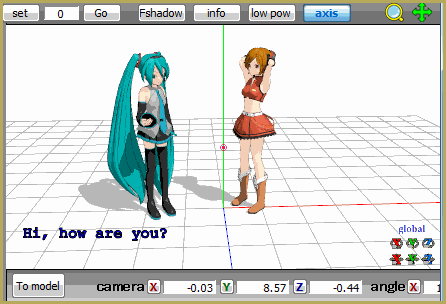
MikuMikuDance is a free 3D Animation software for the PC … a modern DirectX “game” … without the game! MMD is like a toolbox packed with modern digital equipment. It’s your job to learn to access the many tools … both visible and hidden … to create the animations and videos you can “see” in your mind’s eye.
MMD is free: “no charge” … and free: “the sky’s the limit” as to what you can create with it … you have complete freedom! …
Freedom Within Limits …
MikuMikuDance is an art program “given to us” by Yu Higuchi, one of the leading 3D program developers of Vocaloid characters on Nico Nico Douga. MMD was developed as a promotional tool to sell the Yamaha/Sony/Sega VOCALOID products. The MikuMikuDance program, 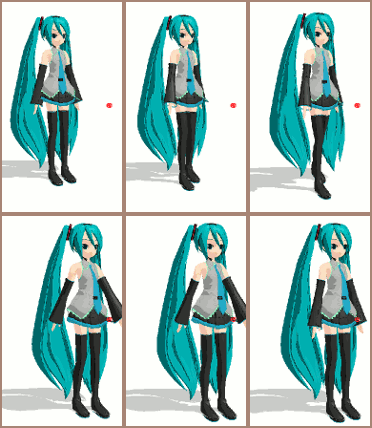 itself is distributed from the VPVP homepage … and redistributed through the LearnMMD.com Downloads page.
The characters (the dance models), and the props and accessories included with your download are free to use … copyright-free. No music is included with your MikuMikuDance download; you have to add your own tunes!
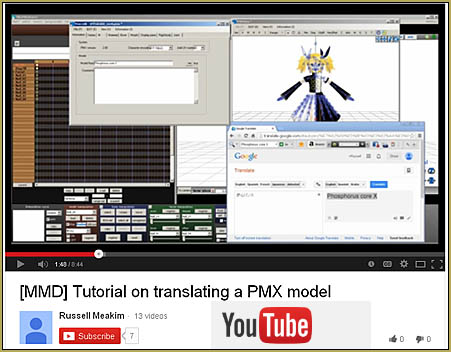
COPYRIGHT ownership is an issue. Everything included in your original download is yours to use. ANYTHING else you download for your use probably belongs to someone else. There are thousands of MMD models and tens of thousands of accessories available for download. You may find a few items “for sale” online … but 99.9% of everything is a free download. Each model or item is created by an artist who wants credit for what they have created. Most things you download will include a ReadMe.txt file in which the artist gives her permissions … lets you know if you can make changes to her model, if you have permission to redistribute her model, that kind of thing. Often, that ReadMe file is in Japanese. You are still responsible for the content of the ReadMe. Learn how to translate Japanese ReadMe.txt files into English.
 Keep the Faith-MMD is a LearnMMD page that spells-out the proper MMD Etiquette for the use, alteration, and sharing of the intellectual property created by MMD artists. Visit that page and read through it so that you can learn what it takes to be a responsible member of the MMD Community.
MUSIC is generally copyright-protected …
… but you can usually get away with it!
There are tons of music files available for download … many were created by MMDers using  Vocaloid or some other software … and many are popular songs translated into the required WAV file format by MMDers who make the files available for download. Popular music is copyright protected … but the way we MMDers use it, in an artistic, not-for-profit way, will usually allow our videos to slip-through the system and remain on display on YouTube. YouTube does have a copyright policy … and they may flag your video as a possible infringement but let it stay online. They may also remove your video with a note that your video was pulled down due to copyright infringement issues. So be it … you just gotta roll with the punches!
Getting Started with MMD…
Finally … here we go!
There are basically THREE WAYS to use MikuMikuDance:
- Create animations from scratch.
- Create animations by downloading motions and music files.
- Create comics, art images and pictures.
For “instant gratification” and to quickly see what MikuMikuDance can do, start with that second item, first:
Create animations by downloading motions and music files
LearnMMD.com has several articles written to help MMD newbies with doing MMD Memes 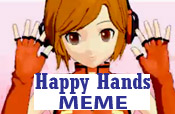 and music videos using files available for download. A beginner should do The Happy Hands Meme … just for the fun of it. It is a dumb little animation,
easy to do and stupid fun to watch. There are a ton of these on YouTube … just search YouTube for MMD Happy Hands.
I recently wrote another article about downloading files for an MMD music video. Making these videos is quick, easy, and fun. You get fast results!
Search LearnMMD for PROJECT to see many article featuring downloads and creative ideas. ALSO see our “The Making Of” articles.
Create animations from scratch
Now you are asking for it! The power of MikuMikuDance lies in its ability to create 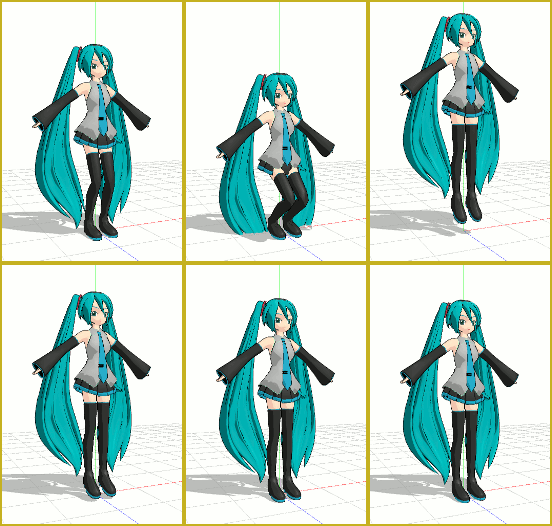 smooth animated motions in between the “hard-point” frames you create. See the LearnMMD.com “Start Here” page for the basic info you will need as you begin to create your own animations. There is some info there, along with links to other LearnMMD articles that show you how to move the models, add a stage, and manipulate the accessories and props that you will be using. Try out the Beginners Easy First Dance … the Jump Dance. That article teaches you some of the basic “how to’s” of getting started with MMD. If you take a look at our Category of “The Making Of” you will find MANY articles about making videos and animations using MikuMikuDance. Also search LearnMMD for “smooth motions”.
Create comics, art images and pictures.
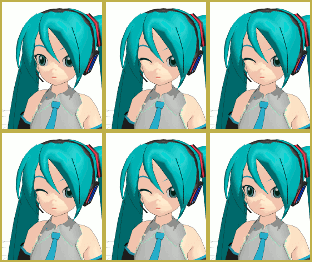
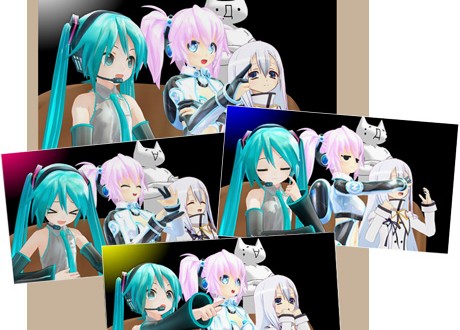
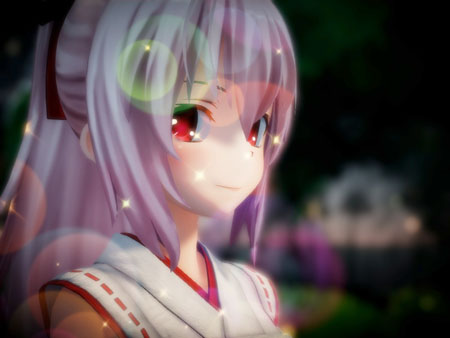
Use MMD as a tool for assembling 3D models to make pictures and comics! Load your 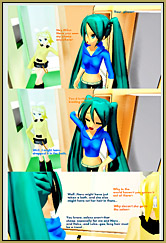 models and props, set the stage, adjust the lighting, “take the picture” … and open that picture in your art program so that you can crop the image, adjust the levels, and add captions and type to your image.
MikuMikuDance has a picture-taking function that captures your screen image and saves it any of several popular file formats. You can also automatically drop-out the black background of your picture to capture just the model against a transparent background.
I like to set MMD, using the View Menu, to “View Separate Window”, to show me my stage image as large as possible on my monitor, and then I use the keyboard key “Print Screen” to put that image into memory. I then open a New window in Photoshop, GIMP, or Paint and Paste the picture image into place. I can then crop, resize and adjust the picture as I wish … Fun!
It’s Fun, it’s Free, it sets your creativity free!
ASK QUESTIONS… Leave a comment below and ask your questions. LearnMMD checks for new comments every few hours! (Your question may not “show” for a few hours; we often hold new comments for manual approval as a way to cut down the spam.)
Enjoy MikuMikuDance …
– SEE BELOW for MORE MMD TUTORIALS…
— — —
– _ — –


Hello my name is annika i was woundering how i ues the app MMDQO