Skip to content
Learn MikuMikuDance – MMD Tutorials – Free 3D Animation Software

Learn MikuMikuDance – MMD Tutorials – Free 3D Animation Software

Download Free Animation Software – Let's Learn How to Do Everything!

  • Step-by-Step MMD instructions
  • DOWNLOADS
  • Troubleshoot, Fix MMD
  • Site Contents
  • Reggie Replies Q&A
  • Homework!
  • What IS MMD?
    • Download MikuMikuDance Newest Latest Version of MMD
  • “HOW TO”
    • Raycast RAY-MMD Effect Tutorials
  • BONUS PAGES
    • Why convert PMD models to PMX?
  • HALL of CHAMPIONS
  • Tutorial Categories
  • About
    • Privacy Policy
  • Toggle search form
  • The MME Oppai Effect adjusts the breast size of your MME models!
    MME Oppai Effect enhances MMD Model’s figure… one for the boys! MMD Tutorials
  • MMD MME Beamman Nameplate Effect MMD Tutorials
  • Download your free Metronome PMM dance file with accessories.
    Find MMD Tempo using Metronome with AVI Video Background Metronome
  • Editing MMD Model Eye Textures enhances Ray-MMD Effect Eien Kiseki-P (Reika)
  • Use MMD Memes to get Motion and WAV Files for MikuMikuDance! Downloading New Models
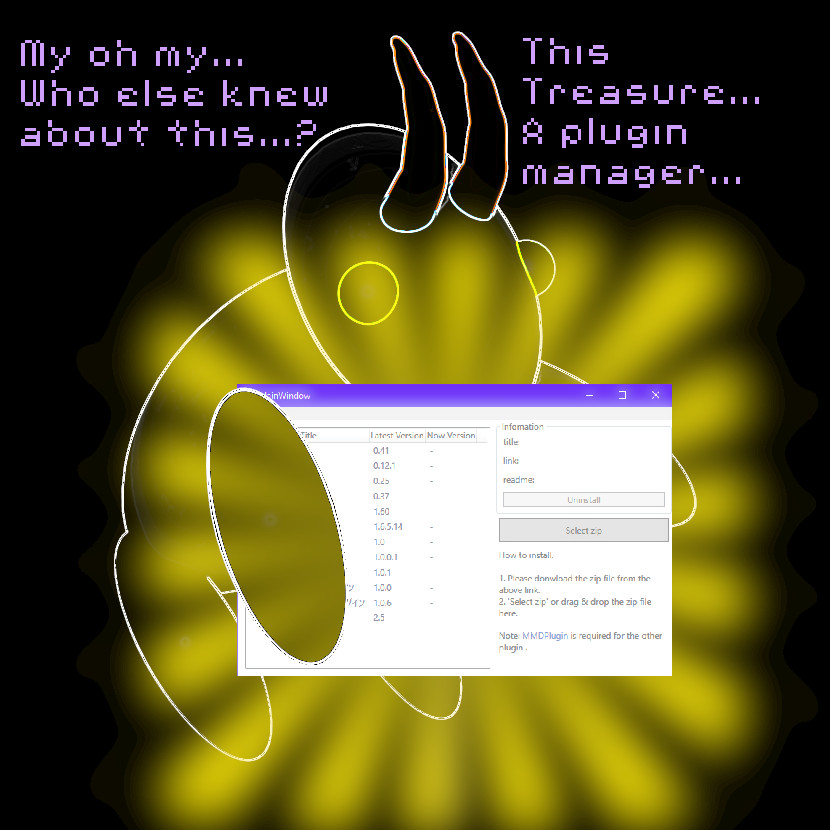
  • Fixed version of the PluginManager featured image. Well, slightly fixed.
    MMD Plugin Manager… I Found a Treasure! MMD Tutorials
  • Download and Install MikuMikuEffect (MME) To Use Special Effects Nameplate effect
  • Free Download MikuMikuDance MMD
    Free Download MikuMikuDance 3D animation software Intro to MikuMikuDance
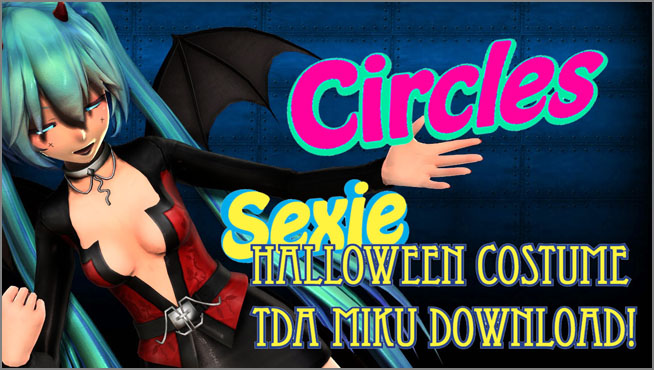
Halloween Costume TDA Miku on LearnMMD.com

Download Halloween Costume TDA Miku edit by dA’s Shiro-NekoVocaloid

Posted on October 20, 2022May 28, 2024 By Reggie_Dentmore No Comments on Download Halloween Costume TDA Miku edit by dA’s Shiro-NekoVocaloid

Where can I get Halloween Costume TDA Miku? Download a gang of five MMD models in Halloween costumes. How can I make my MMD models look more real?

Halloween Costume TDA Miku edit by dA’s Shiro-NekoVocaloid… beautiful!
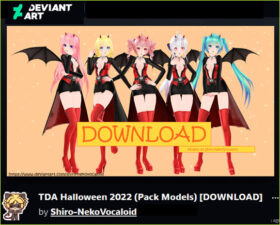
Halloween costume TDA Miku and others available for download!I often take a look at Shiro-NekoVocaloid’s Deviant Art page, just to see what’s new. This year she has created a set of TDA model edits: TDA Halloween 2022 (Pack Models) which includes a gang of FIVE popular MMD models wearing their Halloween costumes: Miku, Luka, Haku, Rin and Teto!

Fun, sexy costumes that look great on-screen!

When you first load the models, their skin is very pale. That’s just the way that MMD works.
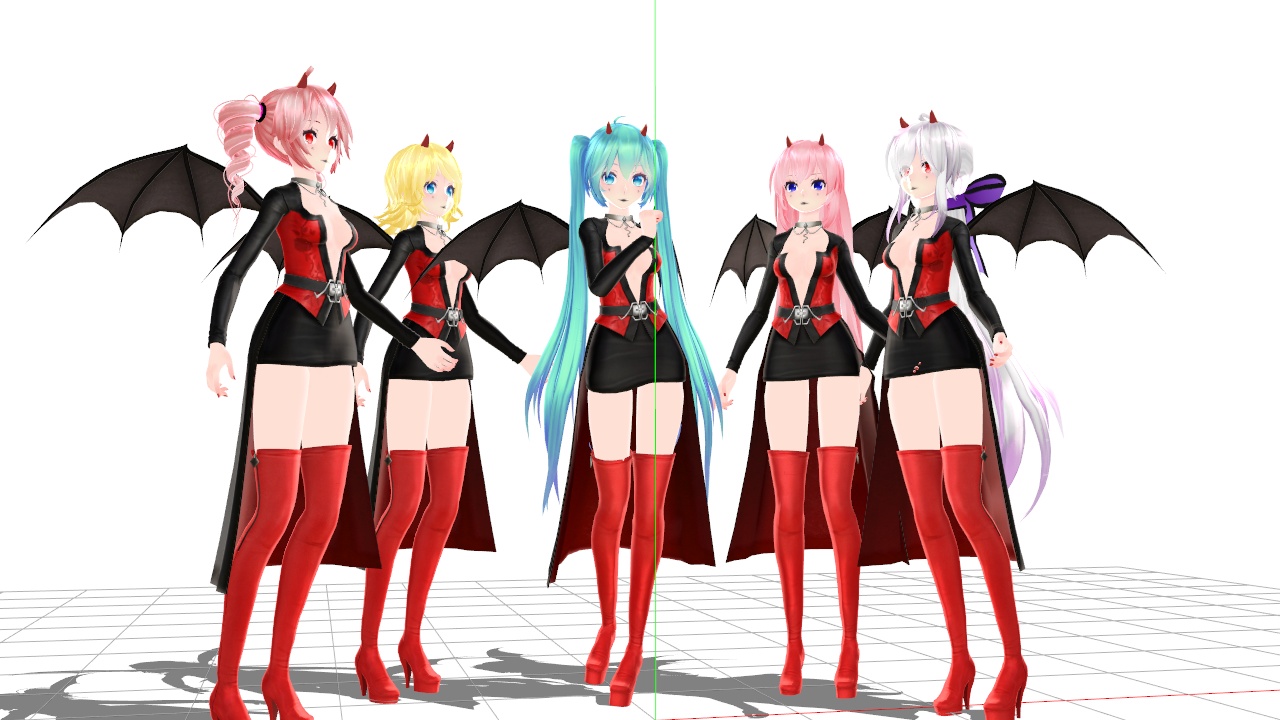
The models load into MMD with very pale skin.

If you add SSAO, you will instantly get a nice depth of color that helps, so much!
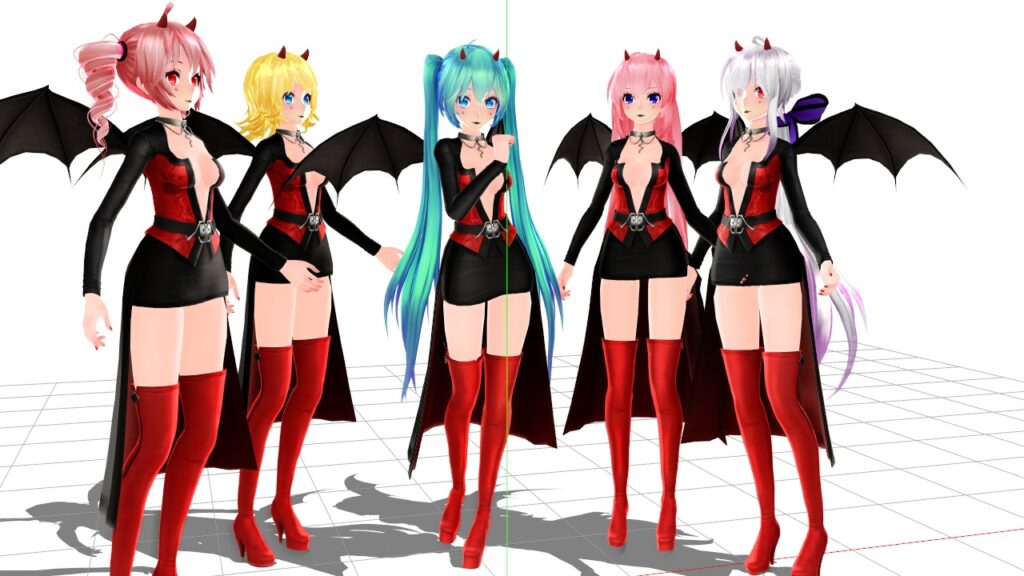
Adding SSAO improves the MMD model's pale skin.

The REAL SHADERS make all the difference!

As I have written about in detail, the Real Figure Shader and the Real Material Shader add a whole new level of 3D reality to your models.
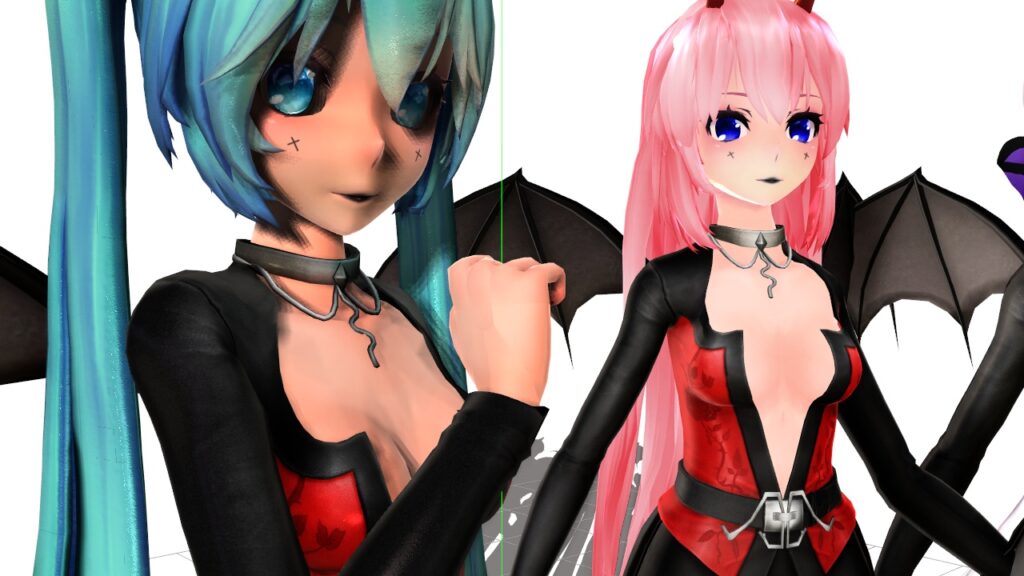
Using Real Figure Shader and Real Material Shader makes huge difference in the model's 3D appearance.

I start by simply adding one or the other of those shaders to the entire model using MME “Set Effect”. If the model is a bikini model, I would add the Real Figure Shader to the entire model. A nicely costumed model like this Halloween Costume TDA Miku would first get Real Material Shader applied to the whole model. Then go into Subset-Extract and apply Real Figure Shader only to the skin parts: body, face, neck… any of the bare skin parts. Material Shader is kind of harsh on those bare-skin parts of a model. In the video animation, I also removed both of the shaders from the model’s eyes; I wanted the eyes to shine brightly.
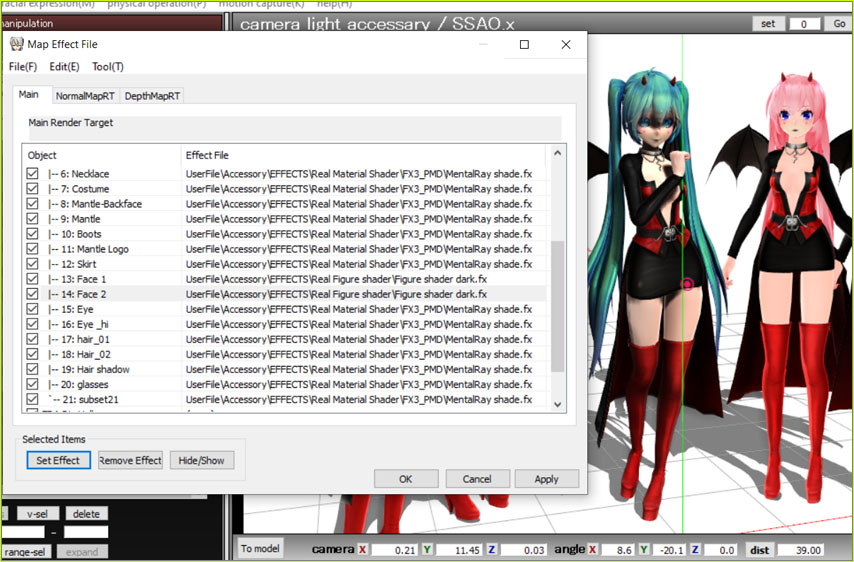
My Halloween Costume TDA Miku was enhanced by using Real Figure Shader and Real Materrial Shader.

Lighting is another key element!

When you add one of those shaders to your model, she seems to go “dark”. That is because the angle of the light becomes very important. You will need to adjust the lighting to make her look great! I also adjust the brightness and color of the light in order to enhance the model and get just the skin-tone that I want to see.

It’s fun to see the animation come together so easily.
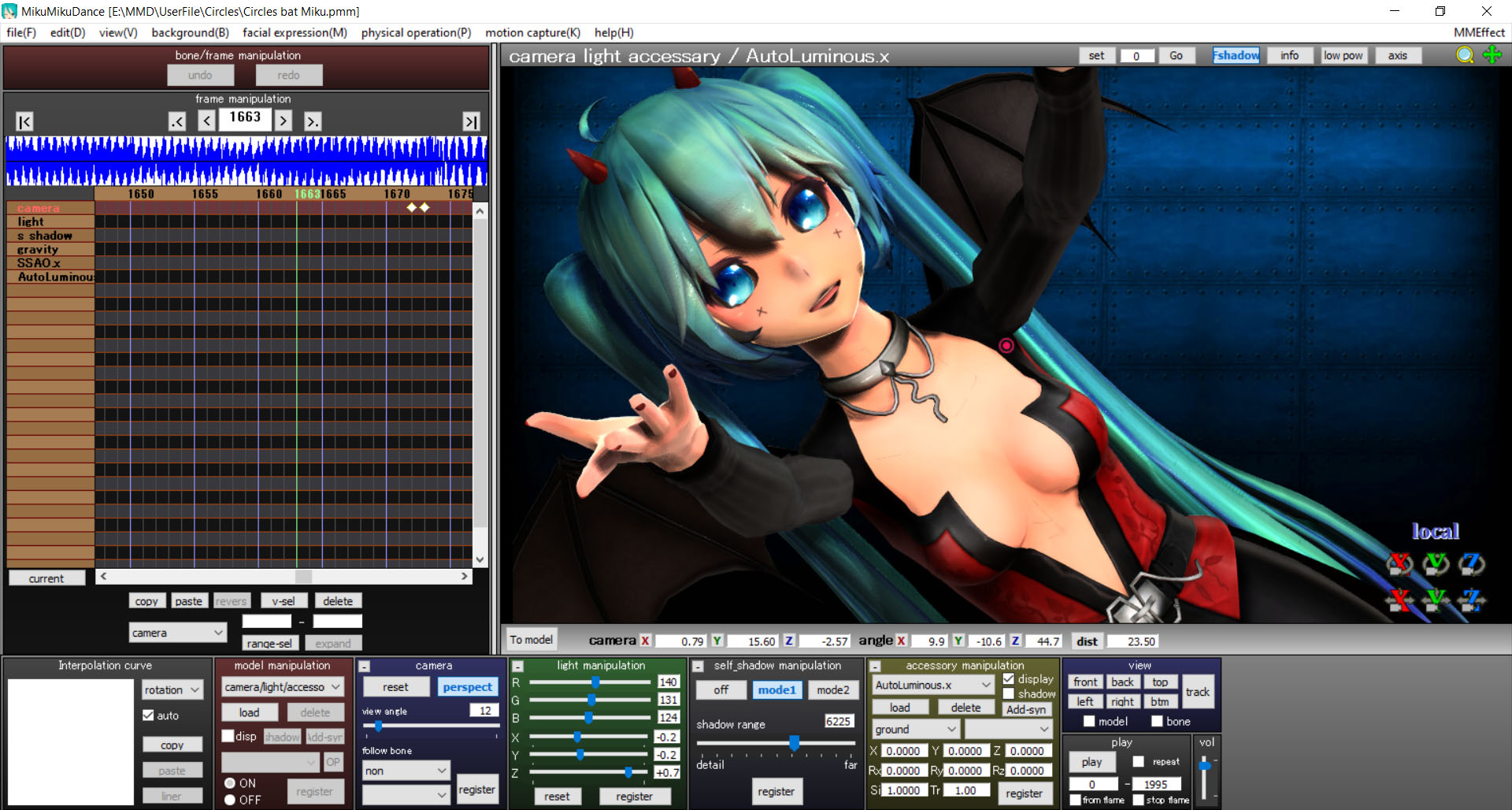
My Halloween Costume TDA Miku was enhanced by adjusting the angle and the color of the lights.

CIRCLES… the animation

See my previous article for all of the links and the credits for this Circles animation.

I used Circles as my demo for this Miku model. The original Camera VMD motion file was designed for a shorter model… like people, MMD models can be shorter or taller! In order to “move the camera up”, I actually lowered my model down. I did a “Apply Center Position Bias” of -1 on the Y axis to lower the entire model-motion data. It worked because I was not using a stage and so was not worried about the model looking as if she had sunk into the floor!

Enjoy Shiro-NekoVocaloid’s models and
Happy Halloween!


– SEE BELOW for MORE MMD TUTORIALS…


— — —


— _ — –


Visit the LearnMMD.com Homepage! Plenty of Mikumikudance instruction and info!

More MMD Tutorials...

Reader asks how to create MMD artwork... stuff like posing, camerawork?

A reader asks... Is there a tutorial on how to create MMD artwork, like those you ...read more

Introducing MMD model 1052C China Qipao Miku

Where can I download MMD model 1052C dancers? I want the 1052C China Qipao Miku ...read more

Download Jomomonogm's Snow Miku 2019 for MMD, a most unusual model!

Where can I download Jomomonogm's Snow Miku 2019? What is so unusual about this Snow ...read more

MMD animation made-from-scratch Forgotten Vocaloid Mew Rags on Reggie's MMD Videos

How do I make my own MMD animation from scratch? How do I start my ...read more

Rediscover your old MMD Animations: Love them again!

Rediscover your old MMD Animations: Love them again! https://youtu.be/P4b3todZMUI A labor of love... Remember how it was when ...read more

MMD Boobs too Big yields Too Funny Really Bad Boy video!

Can MMD boobs too big get in the way of a downloaded motion file? What ...read more

"the making of" my video, Downloading New Models, MMD Basics, Reggie Dentmore Tags:MMD Halloween models, TDA Halloween models for MMD

Post navigation

Previous Post: MMD Circles haunts Halloween Visions download links
Next Post: Reintroducing cute REM Hatsune Miku 10th in Hello, how are you?

Related Posts

  • Rules for Common MMD Models
    Rules of Common MMD Models and How to NOT Break Them Keep the Faith-MMD Credits/Sharing
  • Why MMD Does not run on Apple Computers Kazuki Matsuoka
  • Miku Miku Dance: Life Changing! Random Thoughts & Visions
  • MMD Fine Art: Explaining the inspiration of my MikuRose MMD Basics
  • MME Plastic Effect Featured
    MME Plastic Effect adds plastic realism to MMD model parts MMD Tutorials
  • Make an MMD Music Video Bo Beep Bo Beep! "the making of" my video

More Related Articles

MMD Project “I WANNA PARTY!” features great motion files by o Savvy o "the making of" my video
MMD animation from Scratch “The Wind-up and the Pitch!” "the making of" my video
Position stage near MMD coordinate axis center-line Accessory Manipulation/Adjust
Kaito Sees Rotating Stars Thanks to the Accessory Manipulation Panel. More on Accessory Manipulation in MikuMikuDance Accessory Manipulation/Adjust
LearnMMD.com _ MikuMikuDance MMD Tutorials MMD Quits after a few minutes? You are not alone! Reggie Dentmore
Storyboards organize your MMD animation Intro to MikuMikuDance

Leave a Reply Cancel reply

Your email address will not be published. Required fields are marked *

Download the latest version of MikuMikuDance!
See the MMD Step-by-Step instructions page!
Learn how to make your own MMD motions!
LearnMMD.com
  • Squash and Stretch Ball
    The 12 Principles of Animation for MikuMikuDance. ARIZONA
  • An MMD town stage: Making Kerorin Town Great Again – Part1 MMD Stages
  • Translate Romaji for better English translations Navigating Japanese Pages
  • Old-Time VOCALOID MMD… a New TAKE and a Look Back! "the making of" my video
  • My First MMD Video – After Struggling with Blender, MMD was Easy "the making of" my video
  • You cannot use Box-Sel to select a portion of a model. You must selectthe entire MMD model.
    BOX-sel lets you select an entire model in MikuMikuDance ARIZONA
  • Luka with Body Pane with Vignette
    Hair Falling through the Body in MMD Models and How to Fix It Fixing Broken Models
  • Use PMXEditor INFOfile to optimize MMD models
    PMXEditor PMXInfo Analyzing Optimizing MMD Models Fixing Broken Models

Copyright © 2022 Learn MikuMikuDance – MMD Tutorials – Free 3D Animation Software and Instructions..

Powered by PressBook Premium theme

Go to mobile version