


How do I do MikuMikuDance 9.32? How do you get started with Miku Miku Dance? How do I move my dancer in MMD 9.32? What do I do with MikuMikuDance? LearnMMD MikuMikuDance tutorials. What should I do first? How do I learn how to use MMD?
A Beginner’s Guide to
Enjoying MikuMikuDance MMD 9.32
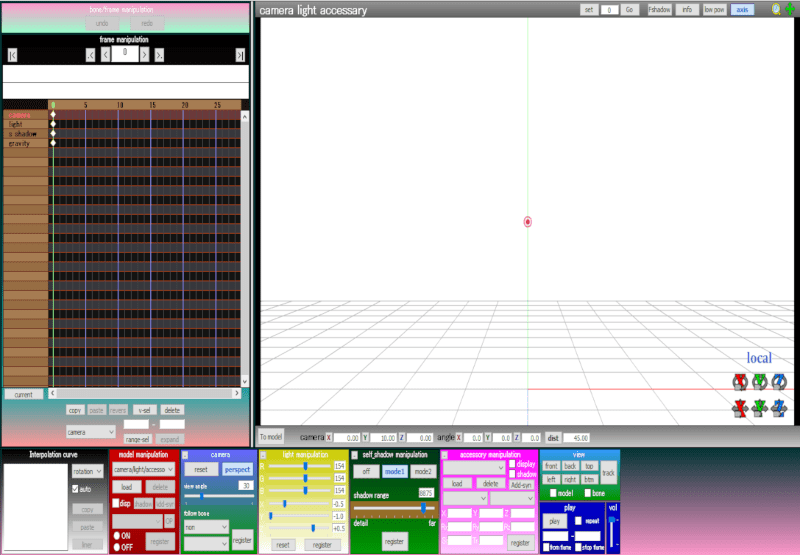
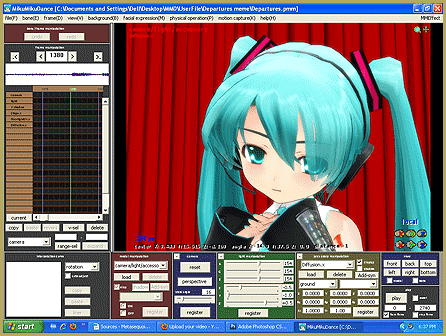
 New MMDers download the program after watching some fun and amazing videos on YouTube. (I know I was just amazed that such a powerful animation software was available for free!) Going from the “wonderful videos” to the reality of the “empty coordinate grid” is a bit of a shocker! New MMDers find a complicated GUI and no instructions.
Thank goodness you found LearnMMD.com!
First, Play the Sample Dance …
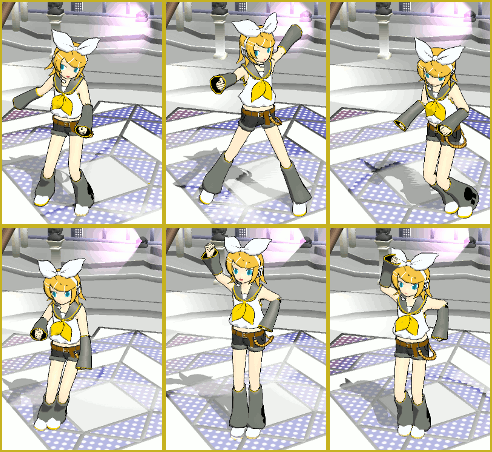
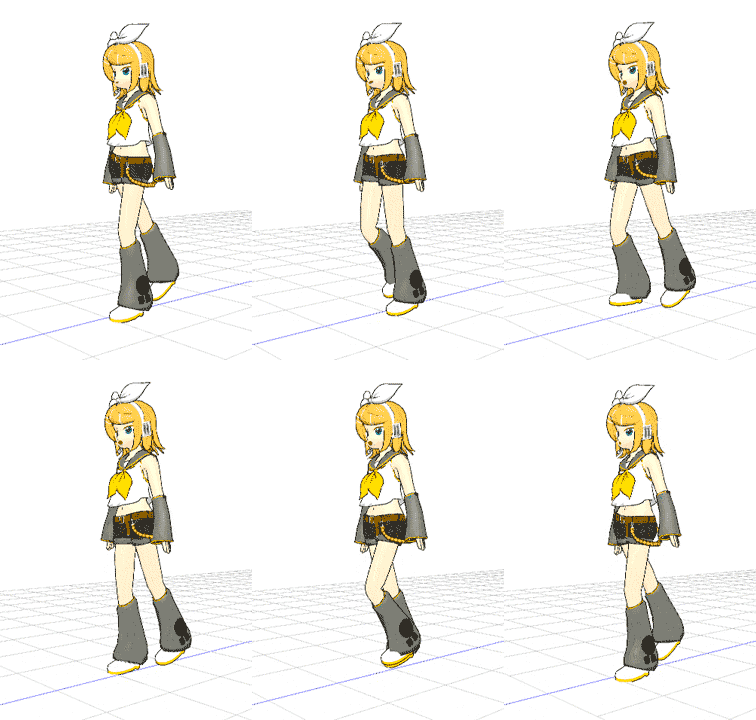
The first thing to do is to go to the File Start Here pages to learn how to swap dancers!” src=”https://learnmmd.com/wp-content/uploads/2012/06/RinSampleDanceRD.gif” alt=”Rin dances the Sample Dance! See the Start Here pages to learn how to swap dancers!” width=”164″ height=”226″ />menu and click Open … and select the “sample.pmm” or “sample(AllStar).pmm”, let it load, click PLAY and watch the coordinate grid come to life as MMD shows you what it can do! If your computer is up to the task, the dance will move smoothly (and silently … there is no music included with the sample dance!). If your computer is a little slow or has a weak graphics card, the dance will be shown in a herky-jerky fashion. The jerky playback is not any kind of a problem for you to be concerned with, yet … Just know that, as you progress into more complicated animations, yourself, you will have some trouble getting a smooth playback of your own creations. You can still process your animations into AVI files that WILL play smoothly using Windows Media Player, Real Player, and the like … and they will be uploadable to YouTube! You will find that your simple, beginner projects will playback just fine.
 Next, Load a Dancer!
 Next, Load a Dancer!
Close the Sample Dance by going to the FILE Menu and selecting NEW. You will, again, see the blank white Coordinate Grid. LOAD a dancer (an MMD model) by clicking the LOAD button near the lower left of the screen. Choose MIKU (everybody does!) … and commence to click and drag everything. Try all the buttons and sliders. Be as rough on poor little Miku as you care to be … bend, contort, flip, twist, waggle … all good clean fun!
ADVERTISEMENT
Getting around on the Screen …
It took me forever to learn how easy it is to move your point of view around your model and around your stage. (By accident I saw some instructions on the web while I was looking for something else.) Simply right-click an inch or two off to the side of your model and drag your view around … easy! Click your center mouse button and drag to gently move the whole view. In the Upper Right of the white stage screen is a magnifying glass that you can left-click and drag up and down to move in and out of the stage area. Click and drag that green cross to move the entire view (just like clicking the center mouse button).
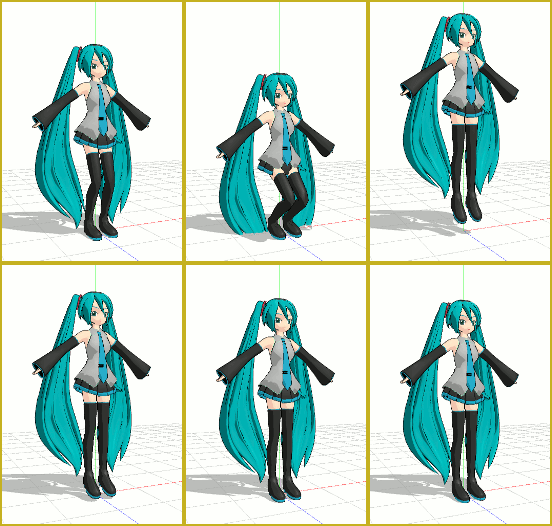
Make a little Jump Dance!
See the LearnMMD article about the little “Jump Dance”. It’s a great way to learn about adjusting your model, moving through the frames, registering your motions data, and getting to push PLAY for your own first animation. …There’s another article about “Miku Jumping Jacks”, too. Simple fun!
Try the “Happy Hands” Meme
In the MMD world, a meme (rhymes with seem) is a popular little video that is 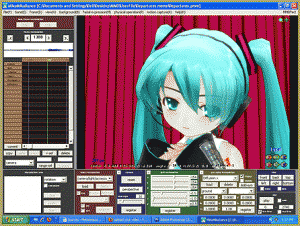 repeated by hundreds of users on YouTube. Each of those users downloaded the same motion and music files … and added their own artistic touch before uploading their version of that meme back up to YouTube. Some do it just for the fun of it. Some do it to show off the dance models in their collection. YOU can do it, too! Read and follow the LearnMMD article about doing the Happy Hands meme. Memes are like MMD kits!
So much to learn
from LearnMMD.com
LearnMMD is a treasure trove of info for MMD beginners with a TON of MikuMikuDance Tutorials! See the Start Here pages … the HOW TO page … the Downloads page … the MikuBall pages … The New Model pages … the Japanese translation article … and so much more! . Enjoy … click and explore … you can’t “break” anything … have fun … You can even ask us questions via email: LearnMMD@aol.com
“Let’s learn how to do everything!”
– SEE BELOW for MORE MMD TUTORIALS…
— — —
– _ — –



So I have the stage set, characters on stage with their dance moves all ready, but one problem… Every time I go to File-Set Camera Motion. Nothing happens. I’m using a Mac by the way. I have the camera vmd’s ready to use but it just isn’t happening. Even when I manually press shift+command+c.
Er… “File-Set Camera Motion”? “Shift+command+c”? Are you sure you’re talking about MMD here? What is exactly that you’re trying to do?
This doesn’t work. When I click load and open, it gives me a bunch of useless folders. I’ve seen that I need to download a base from DeviantART. But that doesn’t make sense. And my graphics card can’t run PMX Editor. Which absolutely sucks.
I just need an understandable tutorial for MMD. But NO everything just HAS to be EXCURSIATINGLY CONFUSING.
Sorry that you feel this way, but if you’re so impatient and easy to frustrate, it may be that MMD is not a best choice for you. It is made by an amateur for amateurs, and it’s full of features than may look counter-intuitive unless you learn to get accustomed to it. All resources that you might take advantage of are also made by amateurs and are taken from wherever amateurs place them; while there are bigger centers of gravitation, like dA or NicoNico (or this site, for that matter), there’s no centralized government that would arrange things in a way that would “make sense”.
There are thousands of users for whom MMD is a source of enjoyment, but if you’re not one of them, if it irritates you from the very first introduction… why continue? It’s not that MMD is the *only* 3D animation platform in existence. There are many others. Some even have tech support departments, where special people are getting their salary for keeping calm while being yelled at.
I doesn’t do anything. I have all the files but when I click on either of the sample files it loads up a screen from internet explorer. It hard to explain but I can’t open the file at all. I’m on windows 10
You cannot open the dance files by double-clicking on them. … Open MikuMikuDance and go to OPEN in the File tab… and navigate your way to the UserFile folder inside your MMD folder. The sample dances are inside that folder. … and see our StartHere page for step-by-step getting started with MMD.
https://learnmmd.com/StartHere/
When i open that sample dance, a ton of vocaloid characters appear on a stage and do nothing. I’m confused.
Did you push the PLAY button? … There are THREE sample dances. The simplest one is Sample.pmm … it has only one dancer and most computers can easily run it. Sample(All Stars) has the whole cast of dancers on-stage at once, and my computer is not powerful enough to play it smoothly.
uhmm…may i ask…it’s just a simple question..uhm…so,how do you zoom in..hehe
Use mouse wheel.
I have a question. I just downloaded MMD and mine doesn’t have the model or camera area at the bottom so don’t know how to add a new model and it automatically sorts with Miku. How to change anyone?
Something doesn’t seem right … please send me a screen-capture so I can see what you are seeing. reggiedentmore@aol.com
I can’t open mikumikudance.exe when I downloaded it…Why?
There may be a number of reasons. What happens when you try? … Remember that there is no “install”. You simply double-click the little Miku face to start MMD. What error messages do you get? See the Errors section of Download MMD 8.03 page. Also see the LearnMMD Downloads page for info about downloading MMD 8.03 and some of the common problems. EMAIL us if problems continue.
Mikumikudance version7.39
Did you get an error message … ? … Are you running on a PC or a Mac?
Im having troble opening the file. it says i need to download it again
Which file is that?
Hi, I’ve never really used MMD before. I feel like a idiot asking this, but can you tell me how to move an item (like hair) to a different place on the model. On the model I have, the hair always comes up way lower on the head than it should be. :_.
Howdy! Are you saying the standard models that come with the MMD program are broken … not working properly … or is this some new model you downloaded?
To move hair in MMD you need to turn off physics and move everything manualy wich is alot of work.
WOW – What does that mean … ? Can you explain what happens … how you see it when you load the stage?
Hi, the stages keep sinking and disappearing, can you help please?
it still wont let me…
Send me an email … let’s figure it out …
reggiedentmore@aol.com
Looks like the Missing DLL Error. Find the answer in the Categories list on the homepage of LearnMMD.com
How do i get my computer to reconize .pmm files…(shy never done this before)
Your computer will not recognize .PMM files. You open them through MikuMikuDance. In the top left of the MMD screen is the FILE menu … FILE / OPEN … and choose a file. The SAMPLE dance is there, too. — Reggie D
I umm can’t open sample what do i do… specifically?
FILE / OPEN … Sample.pmm … that should do it. See the Start Here page … https://learnmmd.com/StartHere