



How do I load Models, Motion, and Music data files in MikuMikuDance? How do I load motion data in MMD? How do I use the Reverse button? How to load models in MMD directX 9. How do I get started with MMD?
How to load Models, Motion, and Music data in MikuMikuDance
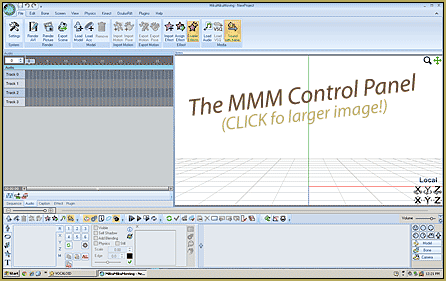
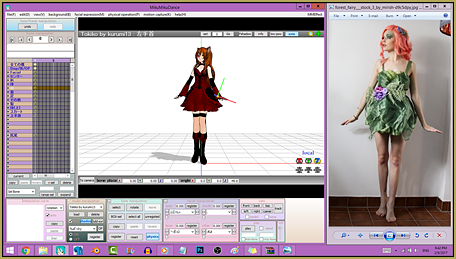
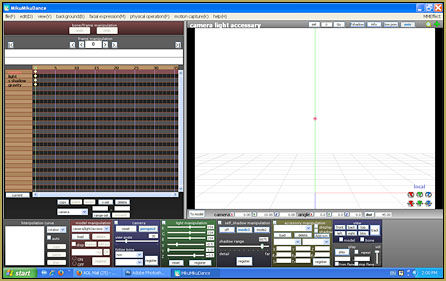
When you first loaded MMD into your system and you opened it all you saw was a rather intimidating interface and a rather bleak grid (By the way, this grid is the display panel). First of all: Don’t Panic. If you’ve downloaded the DirectX9 version and you speak English-then you’re in luck! The main menu options are in English. (Note: The instructions in all my articles refer to the DirectX versions program).
First, the bad news, MMD does not give you any music files (.wav) and you cannot use any other music formats in MMD. Secondly, you don’t get any motion data (.vmd) files. The only files you can immediately open are the sample files and loading the models. Now, before you start thinking you got ripped off, you have to remember that this is freeware. All the videos you have seen to date have started from this very point. So take heart you’re in good company and again: Don’t Panic.
 Now the good news, there are all kinds of sites where you can get these model,motion and music files. YouTube, DeviantArt, and mikudance.info are probably the most popular and familiar. Just type into your favorite browser the name of the song and .wav and or motion data and all kinds of options will be available to you. You should use WinRAR or 7Zip; both can be downloaded for free at cnet.com (http://download.cnet.com/windows/?tag=hdr). I use WinRAR (I do a LOT of downloading). Use whatever you’re most comfortable using. You should also take this time to organize your folders (models in the models folder; motion data into the motions folder; music in the Wave). A good habit to establish early on, is to document who made the data you are downloading. Please give credit where credit is due. You don’t want to start off your MMD experience as a leech!
How to Load Models.
Let’s load a model. You can do this right away, without any downloading. First, go to the Model Manipulation panel and click load. A window will open up and allow you to choose your model. Your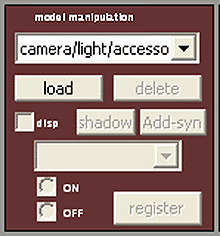 options are 11 models, a bunch of eye files, some graphic files, and a Dammy Bone (This is actually called the Dummy Bone (Something was definitely lost in the translation). Please go the other articles in this site for more information regarding the Dummy Bone). Now pick your model and load it up.
How to load Music Files:
Once you’ve downloaded some .wav files. Here’s how you load music data: Click on the file option of the main menu and select load WAV file. Select the file you want and it will load up. You will see some graph lines in the white field below the Frame Manipulation Panel. Unless, there is an awfully long silence before the actual music starts.
How to Load Motion Data.
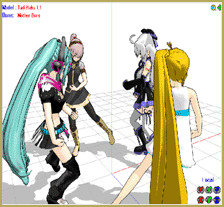
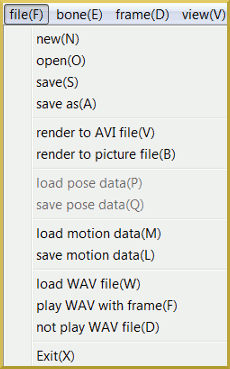 In the “Extra” section below I hope you download some .vmd files. Here’s how you load motion files. At the main menu bar; click on file; select load motion data. The motion data’s window will open up and you can click on the appropriate .vmd file for your .wav file. Now press play in the grey play panel. and watch your model sing and dance.
EXTRA!!!
A good starter source for a fledgling MMDer is right here:
http://www.youtube.com/user/SachiShirakawa
She has what can best be called starter packs. It is called:
MMD BIG MOTION CAMERA WAV PACK
If you have WinRAR or 7Zip go there and download them. These 9 Bundle Packs contain motion, wave, and camera motion files! After you have dl’ed them; separate them into their coordinating MMD files (Trust me and take the time to do this. It will save you hours of wasted time later).
Right above that, is a source for some of her stages.
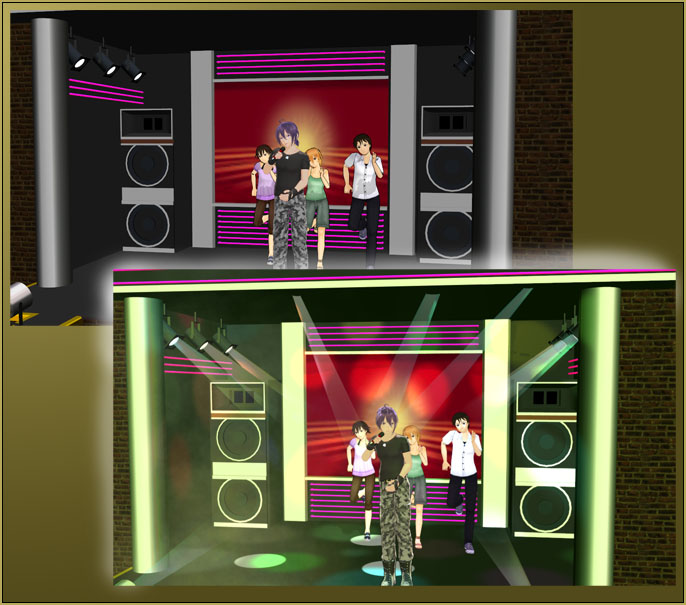
[MMD] Stage(s) Download -Made by Harner Production’s
Some of the stage links have been taken down, by the way, but not all of them (She has designed some very popular stages). She has done a great service to the newbie MMDer. Don’t forget to mind your manners: thank her.
Have fun with this.
Credits:
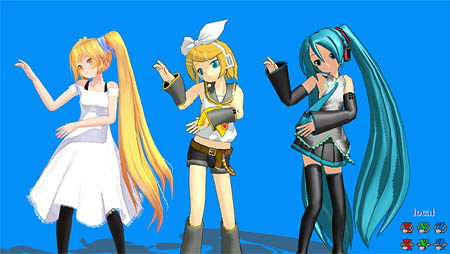
Summer Rin by ISAO
Animasa Baby Teto
Skydome 4 by PacMau
Intensive Line Effect by Massasi
<
– SEE BELOW for MORE MMD TUTORIALS…
— — —
– _ — –




ok so I want to add motions and sometimes when i download a dance video off youtube I cant use it on mmd can someone help me
You’ll have to be more forthcoming with information on why “can’t” you use it and what happens when you try. Remember, all telepaths are on vacation.