Skip to content
Learn MikuMikuDance – MMD Tutorials – Free 3D Animation Software

Learn MikuMikuDance – MMD Tutorials – Free 3D Animation Software

Download Free Animation Software – Let's Learn How to Do Everything!

  • Step-by-Step MMD instructions
  • DOWNLOADS
  • Troubleshoot, Fix MMD
  • Site Contents
  • Reggie Replies Q&A
  • Homework!
  • What IS MMD?
    • Download MikuMikuDance Newest Latest Version of MMD
  • “HOW TO”
    • Raycast RAY-MMD Effect Tutorials
  • BONUS PAGES
    • Why convert PMD models to PMX?
  • HALL of CHAMPIONS
  • Tutorial Categories
  • About
    • Privacy Policy
  • Toggle search form
  • Download instant fight scene motion by Mahlazer Animation Shortcuts
  • Teto replies!
    Fixing white models and accessories that don’t follow in PMXE Bandages
  • Import models from Source engine based games (HL2, Portal, TF2 etc.) Blender
  • Video Dojo Expo 2 Champion: MMDv Video Dojo Champions
  • MMD Animation Project Where My Demons Hide "the making of" my video
  • Using Subset-Extract to Customize Your Models. ARIZONA
  • More Motion Interpolation Curve Instruction for MMDers Creating Motions
  • Make MMD Background AVI using WAV and AviUtl
    Make MMD Background AVI Using AviUtl WMV Files "the making of" my video

Delete Miku and Learn About the Sample Dance Stage Lights

Posted on April 5, 2016March 24, 2018 By Reggie_Dentmore No Comments on Delete Miku and Learn About the Sample Dance Stage Lights

How do I use the stage lights. Use Dummy Bones to move A Feature Article by Reggie Dentmore on LearnMMD.comthe stage lights. Use Dummy bones to animate accessories. Using Dummy Bones. Opening multiple dummy bones.

Delete Miku and Learn About the Sample Dance Stage Lights

The MikuMikuDance Sample.pmm dance is busy with plenty of examples of what can be done and how to “do” Miku Miku Dance! My latest discovery was learned by deleting Miku from the dance. Once deleted, you can carefully watch the stage light manipulations. See things you may have missed before … like the big circles of “white light” that are moving about on the stage floor. Those are “floorlight01.x” accessories.
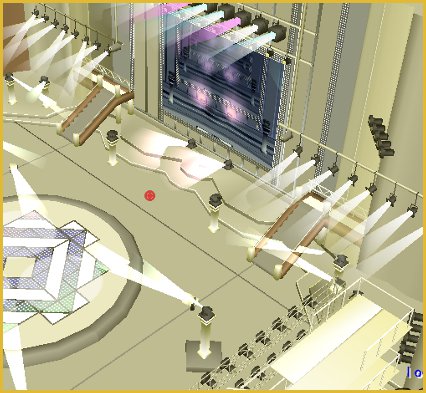
Delete Miku and learn about stage lights from the Sample Dance Sample.pmm

I added the “floorlights” to my stage floor by attaching them to dummy bones and moving them into position. I also added a couple of other lights: “light02.x” and a “light03.x”. I attached them to dummy bones and raised them up into the overhead of my stage. The effect is very nice:
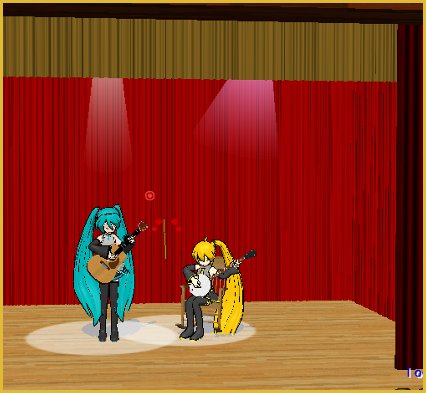
I added floorlights01.x to my stage floor and a couple of lights added into the overhead.

Visit the Downloads page to download your own LearnMMD Auditorium Stage.

When dealing with the lights, you might want to load another Dummy Bones (Dammy Bones “:o) just for use with the lights. You will see in the Sample.pmm dance that there IS a second set of dummy bones in there.

I study the search phrases that readers use to find LearnMMD.com and the use of Dummy Bones is a popular search term. Many newbies do not realize the power of the dummy bones … they can be used to animate, or at least give motion to any of the accessories. You can even mount the stage, itself onto a dummy bone so that you can fine-tune its position.


– SEE BELOW for MORE MMD TUTORIALS…


— — —


– _ — –


Visit the LearnMMD.com Homepage! Plenty of Mikumikudance instruction and info!

More MMD Tutorials...

Rediscover your old MMD Animations: Love them again!

Rediscover your old MMD Animations: Love them again! https://youtu.be/P4b3todZMUI A labor of love... Remember how it was when ...read more

Create MMD Abstract Art from Low-Res Videos!

This is an idea I have been playing with for the last few months... Create MMD ...read more

Loading Background AVI Files into MMD (2021 Edition)

How do I load background AVI files into MMD?  What does it mean when MMD ...read more

Running MikuMikuDance in Linux using Wine and DXVK

How do I run MMD on Linux? Does MikuMikuDance run on Linux? How do I ...read more

Recoloring MMD's Control Panel GUI Interface

Hi and welcome to your personal MMD care and color service, where I give you ...read more

Culling unseen MMD model parts optimises computer assets (PART 2)

How can I make my MMD run faster? What if removing parts using Subset-Extract isn’t ...read more

Dummy Bones, Let's Play the Sample Dances, Nuts & Bolts, Random Thoughts & Visions Tags:beginner, dummy bone, learnmmd, mikumikudance, new to MMD, stage lights

Post navigation

Previous Post: PMDE Q&A – Making clothes follow model motions
Next Post: How to resize PMD models (and what to do when they don’t)

Related Posts

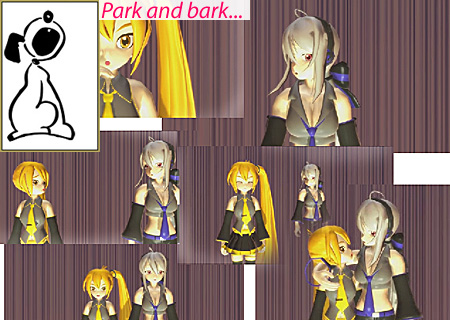
  • Animation Styles: Park and Bark vs. Choreography Creating Motions
  • Finding Inspiration for your Animation MMD Basics
  • Vocaloids and MMD: It’s all about the Music!! Random Thoughts & Visions
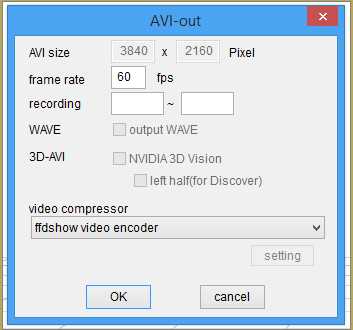
  • Using the right codec when Rendering to AVI in MMD HD Videos in MMD
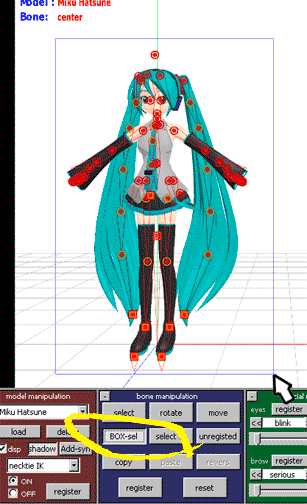
  • Move the whole Model with Box-Sel in MikuMikuDance Functions-Copy-Paste-Expand
  • Make your own MMD Accessory Objects in Google Sketchup Google SketchUp and MMD

More Related Articles

LearnMMD.com: The Instruction Sheet you've been searching for! Use Google SketchUp to make DirectX Accessories in MMD Dummy Bones
When you add background AVI files, you can motion trace! Loading Background AVI Files into MMD (2021 Edition) Add Background Pictures and AVI
Top-10 Best “motion-maker” MMDers on YouTube Intro to MikuMikuDance
7 Reasons Why We Don’t Do These Things Fia Phoenix
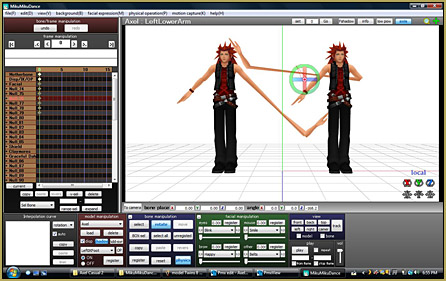
Keyboard Shortcuts Aplenty in MikuMikuDance 7.39 by ClintImTired Accessory Manipulation/Adjust
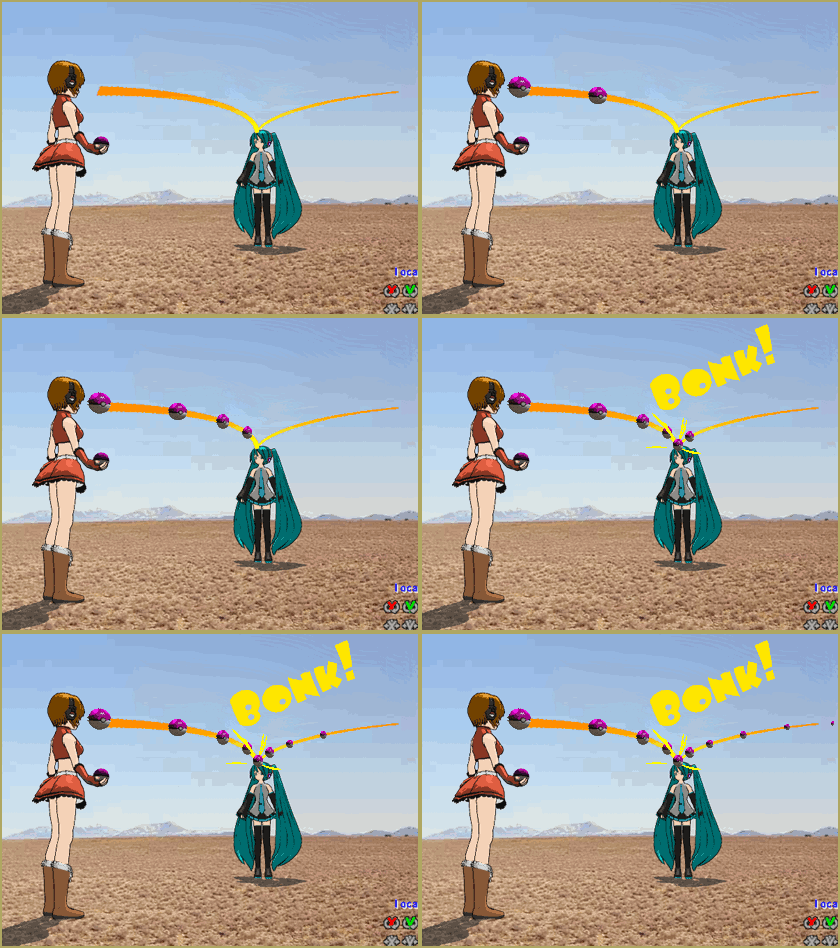
Here is the plan for the ball tossing motion in MikuMikuDance 7.39 “Bonk goes the Miku” new video using Accessories created in SketchUp Google SketchUp and MMD

Leave a Reply Cancel reply

Your email address will not be published. Required fields are marked *

Download the latest version of MikuMikuDance!
See the MMD Step-by-Step instructions page!
Learn how to make your own MMD motions!
LearnMMD.com
  • Value of saved poses.
    Saved Poses get your MMD Animation Started! Animation Shortcuts
  • You Are My Senpai MMD Meme Project Download MMD Memes
  • Formatting Captions With MMM MikuMikuMoving Bullwood
  • MikuMikuDance Welcomes Luka Megurine to MMD 8.10! Download MikuMikuDance
  • Use the Half-Lambert Shader effect for point-source lighting.
    MME Half-Lambert Shader Point-Source Lighting Effects Half-Lambert Shader
  • Beamman’s Water v5 Effect needs Editing before you can use it! Beamman's Water v5
  • When MMD 7.39 crashes you lose any unsaved changes. Save Often!
    MMD Crashes when Rendering to AVI Making Videos - Rendering to AVI
  • Background AVI Files require a Baseleine AVI setting.
    MMD Background AVI Files converted using CloudConvert Background AVI

Copyright © 2022 Learn MikuMikuDance – MMD Tutorials – Free 3D Animation Software and Instructions..

Powered by PressBook Premium theme

Go to mobile version