



Skip to content
Learn MikuMikuDance – MMD Tutorials – Free 3D Animation Software

Learn MikuMikuDance – MMD Tutorials – Free 3D Animation Software

Download Free Animation Software – Let's Learn How to Do Everything!

  • Step-by-Step MMD instructions
  • DOWNLOADS
  • Troubleshoot, Fix MMD
  • Site Contents
  • Reggie Replies Q&A
  • Homework!
  • What IS MMD?
    • Download MikuMikuDance Newest Latest Version of MMD
  • “HOW TO”
    • Raycast RAY-MMD Effect Tutorials
  • BONUS PAGES
    • Why convert PMD models to PMX?
  • HALL of CHAMPIONS
  • Tutorial Categories
  • About
    • Privacy Policy
  • Toggle search form
  • MMD Animation Project Resource Ushimitsu Toki Animation Resource
  • Fia Phoenix’s Deviantart Spotlight Downloading New Models
  • First Steps for the Beginner MMD MikuMikuDance artist Welcome to LearnMMD.Com!
  • MMD 8.06 Low Power button allows you to Multi-task MMD Basics
  • Hitogata Brings Face Tracking to MMD Animation Resource
  • I added laughter and applause tracks using Audacity software.
    Add Life to your MMD soundtrack with Laughter and Applause! VDE-3! Making Soundtracks
  • Make Custom MMD Models using Downloaded Parts BigPerryman
  • The MMD Circles Halloween animation is fun to make! Free Download
    MMD Circles haunts Halloween Visions download links "the making of" my video
Mouthing words requires sudden motions without drifting in MikuMikudance 7.39

Short sharp sudden motions require MikuMikudance skill

Posted on July 3, 2012August 1, 2015 By Reggie_Dentmore No Comments on Short sharp sudden motions require MikuMikudance skill

Why do my models arms slowly float to the new position?A Feature Article by Reggie Dentmore on LearnMMD.com How do I make a sudden move in MikuMikuDance? Why aren’t my motions crisp in MMD?

Smooth motions are easy …
Making Sudden Motions takes a little work!
Mouthing words requires sudden motions without drifting in MikuMikudance

One of the more popular search phrases used to find LearnMMD is “how to make smooth motions in MikuMikudance?”  I am always amazed at that question because that’s what MMD does best! I think what they really wanted to know was how to make coordinated motions. … Yesterday, I was asked the opposite question:

“I closed the eyes in frame 50 and when I push play, the eyes drifted shut. How do I keep the eyes open until I want them closed?”

MMD, the software, constantly calculates the “in-between” frames between the registered points you have created. If you register a position in frame Zero and then make a change in frame 50, MMD fills in all of the in-between frames from 1 thru 49 to create a smooth motion.

Sometimes you WANT a sudden motion …

For a quick motion, like an eye blink … or anytime you want an arm to stay down until you raise it on purpose … you have to copy/paste the old position (the registered diamond); pasting it right in front of the new position. For a sudden, snap-like motion, paste the old diamond just one frame ahead of the new diamond. (This trick is how you can “cut” to a new camera angle in your camera motions.) For a less-sudden action, paste the old diamond a few frames ahead of the new one.

Lip-Sync requires those sudden motions …Sudden motions require that you register the previous position just before the new position.

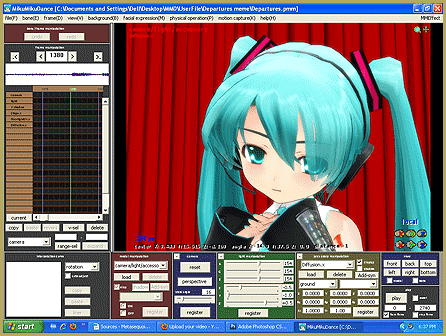
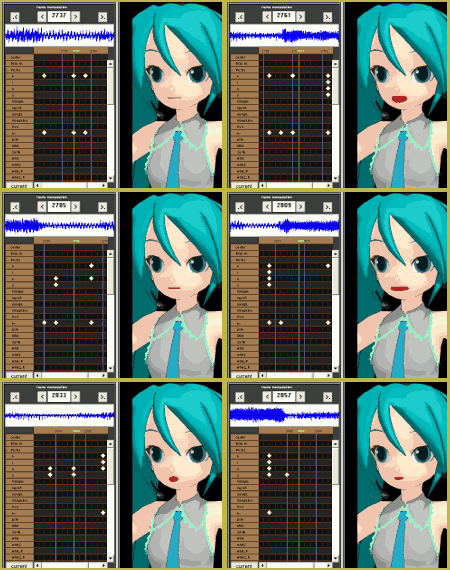
When you get to lip-syncing your models mouth to match your song, constant registering of all the vowel shapes is a must! The models mouth must quickly move from O to E to P without the luxury of drifting from one shape into another. Register all the vowels in a relaxed position just one or two frames before the first mouth shape. Advance a couple of frames. Adjust all the sliders to get the shape you want. Register that shape. Advance a few frames until just before the shape is to change and register, again, the involved diamonds. Then advance a couple of frames and assume the new shape and register ALL the vowels to lock everything into place as you move forward to the next mouth shape.  AS YOU WATCH the animated GIF at the top of this story … see how many times a vertical row of vowel diamonds is registered. The only diamonds in that GIF are the vowels.


– SEE BELOW for MORE MMD TUTORIALS…


— — —


– _ — –


Visit the LearnMMD.com Homepage! Plenty of Mikumikudance instruction and info!

More MMD Tutorials...

Introducing MMD model 1052C China Qipao Miku

Where can I download MMD model 1052C dancers? I want the 1052C China Qipao Miku ...read more

Download Jomomonogm's Snow Miku 2019 for MMD, a most unusual model!

Where can I download Jomomonogm's Snow Miku 2019? What is so unusual about this Snow ...read more

MMD animation made-from-scratch Forgotten Vocaloid Mew Rags on Reggie's MMD Videos

How do I make my own MMD animation from scratch? How do I start my ...read more

Rediscover your old MMD Animations: Love them again!

Rediscover your old MMD Animations: Love them again! https://youtu.be/P4b3todZMUI A labor of love... Remember how it was when ...read more

MMD Boobs too Big yields Too Funny Really Bad Boy video!

Can MMD boobs too big get in the way of a downloaded motion file? What ...read more

Download Hatsune Miku type N models from 2010... a set of 6!

Can I still download Hatsune Miku type N models? Where can I download a few ...read more

Making Smooth Motions, Nuts & Bolts, Reggie Dentmore Tags:beginner, mikumikudance, motion

Post navigation

Previous Post: Change a Model’s Eyes Using MMD Eye Packs in MikuMikuDance
Next Post: Playing with MME Effects – Using MikuMikuEffects for MMD

Related Posts

  • See LearnMMD’s New Crop-Transition Panel Video Google SketchUp and MMD
  • Reduce MMD video file size by using HandBrake.
    Reduce MMD Video File Size using FREE HandBrake video converter HandBrake video conversion
  • Starting-out Using MMD starts you on a learning path.
    Starting-out Using MMD Reader discovers missing elements. MMD Basics
  • MMD Dance Motions start with making your own motions.
    How to make smooth motions in MikuMikuDance animations Animation Shortcuts
  • MMD "Kiss Me" free download motion and WAV files.
    Ten year old MMD “Kiss Me” animation LOOKS like NEW! "the making of" my video
  • Value of saved poses.
    Saved Poses get your MMD Animation Started! Animation Shortcuts

More Related Articles

Select the Center Bone if your MMD Model Doesn’t Feel the Floor Bones
MMD Theater Seats Don’t Have to Sit on the Floor Animation Shortcuts
How to Switch Models and Stages in MikuMikuDance Accessory Manipulation/Adjust
Hatsune Miku type N model download Download Hatsune Miku type N models from 2010… a set of 6! Downloading New Models
Dramatically Decrease AVI File size before uploading YouTube videos MMD Tutorials
MMD EVERGLOW – Adios【Motion by Ureshiiiiii】- Free Download Motion and WAV "the making of" my video

Leave a Reply Cancel reply

Your email address will not be published. Required fields are marked *

Download the latest version of MikuMikuDance!
See the MMD Step-by-Step instructions page!
Learn how to make your own MMD motions!
LearnMMD.com
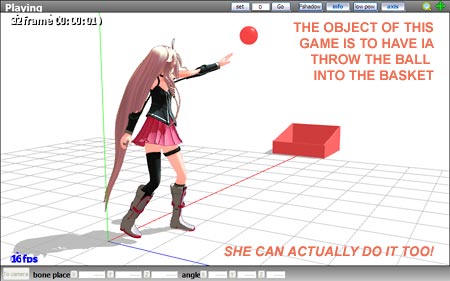
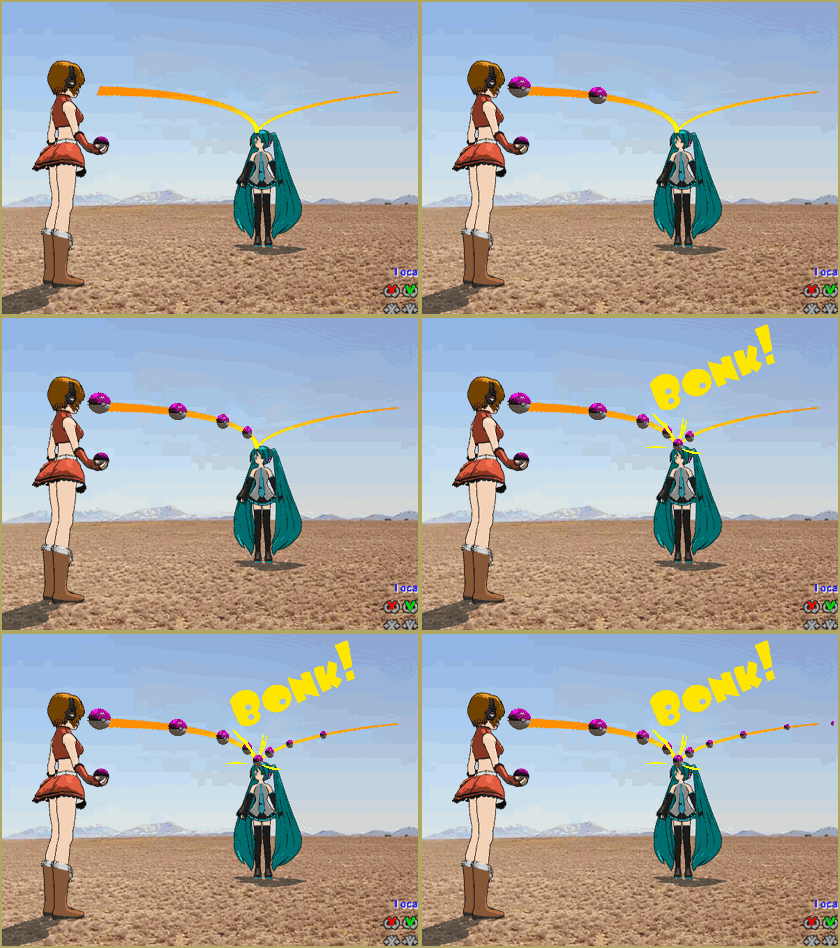
  • Here is the plan for the ball tossing motion in MikuMikuDance 7.39
    “Bonk goes the Miku” new video using Accessories created in SketchUp Google SketchUp and MMD
  • Half-Lambert Shader.
    How to Use the Half-Lambert Shader in MMD Half-Lambert Shader
  • Introduction to Vocaloid: a short tutorial NOKO2
  • Make Smooth Animation Using Interpolation Curves Making Smooth Motions
  • 3D For Cheapskates: Making stereo MMD videos without special equipment 3D Stereo Video MMD
  • MMD Model Noodle smiles while carrying the weight of the modern world on her shoulders!
    Download MMD Model NOODLE by vasilnatalie Downloading New Models
  • How To Add Depth and Emotion in an MMD Picture Advanced Shader Technique
  • MMD Credit Helper and PMMLookupper File Management / Organization

Copyright © 2022 Learn MikuMikuDance – MMD Tutorials – Free 3D Animation Software and Instructions..

Powered by PressBook Premium theme

Go to mobile version