



Skip to content
Learn MikuMikuDance – MMD Tutorials – Free 3D Animation Software

Learn MikuMikuDance – MMD Tutorials – Free 3D Animation Software

Download Free Animation Software – Let's Learn How to Do Everything!

  • Step-by-Step MMD instructions
  • DOWNLOADS
  • Troubleshoot, Fix MMD
  • Site Contents
  • Reggie Replies Q&A
  • Homework!
  • What IS MMD?
    • Download MikuMikuDance Newest Latest Version of MMD
  • “HOW TO”
    • Raycast RAY-MMD Effect Tutorials
  • BONUS PAGES
    • Why convert PMD models to PMX?
  • HALL of CHAMPIONS
  • Tutorial Categories
  • About
    • Privacy Policy
  • Toggle search form
  • ZERO-GRAVITY Day on the beach in MMD!. Use Gravity Settings and Noize to make winds blow.
    Using the Gravity Settings in MikuMikuDance ARIZONA
  • How do I use MikuMikuDance Make A Music Video with MMD Intro to MikuMikuDance
  • Adding Sound Effects to existing MMD animations Making Soundtracks
  • Haku and Fireworks 02
    Add Background Pictures and AVI’s to MikuMikudance MMD Add Background Pictures and AVI
  • YouTube serves video playback quality to best suit your viewing-screen HD Videos in MMD
  • MMD Banjo_RD by Reggie Dentmore for MikuMikuDance 7.39
    LearnMMD’s Dueling Banjos Banjo is avilable for Download! Google SketchUp and MMD
  • LearnMMD's Video Dojo Expo Competition
    LearnMMD’s Video Dojo Expo 4: The Voting is Done!! Video Dojo Competition
  • Updated LearnMMD Metronome Instructions for Use Metronome
LearnMMD.com _ MikuMikuDance MMD Tutorials

MMD Quits after a few minutes? You are not alone!

Posted on September 26, 2016September 9, 2022 By Reggie_Dentmore 7 Comments on MMD Quits after a few minutes? You are not alone!

Visit LearnMMD's Video Channel on YouTube: Videos by Reggie Dentmore.Hi everyone…

MMD Quits after a few minutes?

OMG MMD quits running after a few minutes... not really a crash... just quits running!We are ON it!

It might be that a recent Windows update is causing MMD to crash after a few minutes…
… at least that’s what it seems like. The LearnMMD team is looking into it and we hope to have an answer for you soon.

We are still looking for an answer!

Want an email when we solve it?

If you’d like an email when we find the cause, Please leave a comment at the bottom of this article… and be sure you type-in the correct email address  as you post your comment… don’t worry that the comment doesn’t pop-into place right away, I will see all of them and I will send you a note when we have an answer.

–Reggie D

On September 27, 2016, our KillerBeer made this recommendation:

If your MMD suddenly stopped to work…

Go to your computer’s System Restore Center and make a current system restore point to which you’ll be able to return if further manipulations do not help.

Note the day your MMD stopped working and see if you already HAVE a recent restore point made prior to that day (but not years ago, hopefully; if you’re not making them regularly, this may do more harm than good).
If  you have a suitable restore point, use it.
Check if your MMD works now. If it does, PLEASE INFORM US. This is important.

If your MMD hasn’t stopped working yet, but you’re reading this anyway…

First of all, thank your lucky stars.
Second, make a system restore point. Lucky stars still may turn their backside at you.
Now, open your Windows Update Center and turn automatic updates off. Instead, make it “ask before install”. This way, you can control what to install and what not to.
If you’re concerned, you may install security updates and Windows Defender definitions, but postpone everything else until the solution to the current problem is found. There’s still a possibility that one of *those* had inflicted it, but , well, security is important.
If you decide to do updates, make sure to do it one update at a time. Restart the computer after each one and see if your MMD still works. If it stopped to, revert to the system restore point you’ve made and start again, this time avoiding that particular update. See if you can update without making MMD crash.
If you think you’ve located the particular update that causes the problem, BY ALL MEANS, INFORM US ABOUT IT. This is even more important.

[in Hiro Nakamura’s voice:] Save the MikuMikuDance. Save the world.

If you think you’ve located the particular update that causes the problem, BY ALL MEANS, INFORM US ABOUT IT.


– SEE BELOW for MORE MMD TUTORIALS…


— — —


– _ — –


Visit the LearnMMD.com Homepage! Plenty of Mikumikudance instruction and info!

More MMD Tutorials...

Windows 11 S Mode: The app you’re trying to install isn’t a Microsoft verified app.

Windows 11 S Mode. Why won't my Windows 11 computer let me install the C++ ...read more

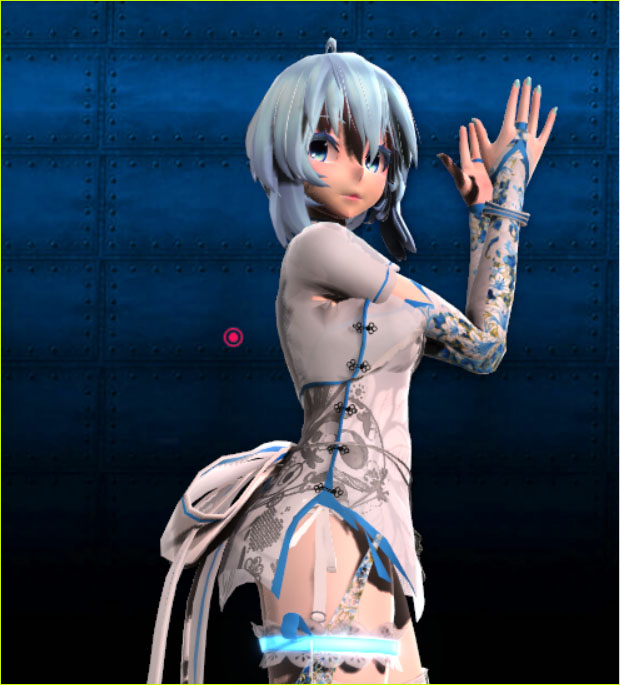
Introducing MMD model 1052C China Qipao Miku

Where can I download MMD model 1052C dancers? I want the 1052C China Qipao Miku ...read more

Download Jomomonogm's Snow Miku 2019 for MMD, a most unusual model!

Where can I download Jomomonogm's Snow Miku 2019? What is so unusual about this Snow ...read more

MMD animation made-from-scratch Forgotten Vocaloid Mew Rags on Reggie's MMD Videos

How do I make my own MMD animation from scratch? How do I start my ...read more

Rediscover your old MMD Animations: Love them again!

Rediscover your old MMD Animations: Love them again! https://youtu.be/P4b3todZMUI A labor of love... Remember how it was when ...read more

MMD Boobs too Big yields Too Funny Really Bad Boy video!

Can MMD boobs too big get in the way of a downloaded motion file? What ...read more

Reggie Dentmore, Troubleshooting MMD

Post navigation

Previous Post: Import Daz models with Bones using Blender, Noesis, Xnalara
Next Post: How To Add Depth and Emotion in an MMD Picture

Related Posts

  • Pose characters in PMX Editor and export as OBJs for Poser .OBJ Object Files
  • Motion Reference Videos Available FREE Online Animation Resource
  • Hand Clap free download MMD motion file
    ureshiiiiii “HAND CLAP” Free Motion & WAV Download – Awesome! "the making of" my video
  • With some practice, Rin can dance the sample dance as well as Miku!
    There Can Be Frame Data Ghosts remaining after Deletion Making Smooth Motions
  • MMD Stages Source Featured
    Great MMD Stages Source: Deviant Art MMD Basics
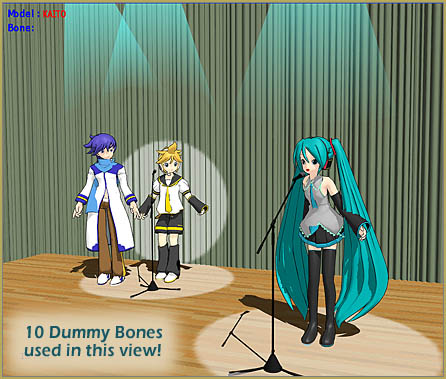
  • MMD Dummy Bones may be your most important models! Dummy Bones

More Related Articles

GaussianVariable MME Effect Blurs your entire scene! GaussianVariable
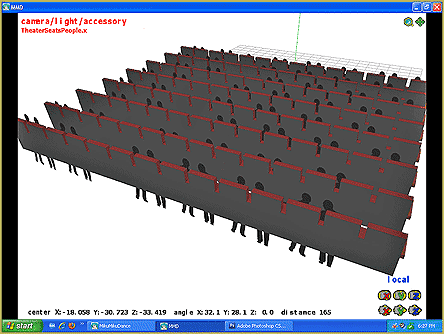
The New LearnMMD Theater Seats .x accessory looks Great when you place it on your stage. MMD 7.39 accessory. New MMD Theater Seats Accessory Download on LearnMMD.com Google SketchUp and MMD
Making MMD Models Complicated Task with much to know! Making Models
Motion Reference Videos Available FREE Online Animation Resource
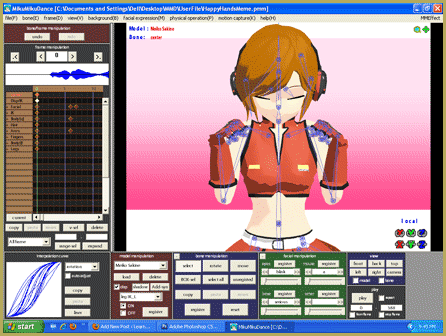
Everything is loaded and ready to "Play!" ... Happy Hands MMD Meme. Create an MMD Video using the “Happy Hands” Meme Making Videos - Rendering to AVI
Miku virtual idol starts our Brave New World Random Thoughts & Visions

Comments (7) on “MMD Quits after a few minutes? You are not alone!”

  1. Trina Rose says:
    February 24, 2021 at 8:28 am

    I’ve been having issues with MMD. It’s not my Windows version, because I tried to do it on two different versions. Basically, I made a stage in Blender, and then saved it in PMX format. Then, I put it in PMX editor and added the material and a center bone. I saved it, have everything in the right folders. But when I put it in MMD, the entire program closes/crashes with no explanation as to why. I sent the PMX and texture to someone who said they could help. They sent it back with a “fixed” version and said that it was crashing because the bone name in Japanese wasn’t correct. However, even with the fixed bone name, it still crashes. I’ve tried everything and I don’t know what to do. I need help. The only two things I added to it in MMD is a center bone and the material.

    Reply
    1. Reggie_Dentmore says:
      February 25, 2021 at 8:35 am

      I’ve been thinking about it and asking around… and, because the model DID work for that other fellow who “fixed” it, the issue must rest with YOUR system or computer set-up, graphics card or… … I don’t know… maybe you need (or do not need) to set your system to Japanese locale… or, maybe the model’s file is too HUGE for MMD to grapple with.
      … I have no solid answer for you.
      — Reggie

      Reply
    2. KillerBeer says:
      February 27, 2021 at 8:20 am

      Try to check what PMXE’s PMXInfo has to say about your model. Highly likely that something was messed during the editing.

      Reply
  2. fashionablyrahl says:
    October 1, 2016 at 4:45 pm

    I’m personally redownloading all three programs (mmd, mme, and pmd editor) because I had to do a laptop restore which wasn’t related to this issue at all. However, the point I’m trying to make is, maybe redownloading the programs that are acting up might help? I don’t know if you guys have tried that but it could be an option.

    Also, please keep me updated as well! :)

    Reply
    1. KillerBeer says:
      October 1, 2016 at 10:45 pm

      Thanks. The problem is, “we” don’t have the problem. What we have is testimony of several users that appeared about the same time and who reported similar symptoms. To solve it, we have to have something to experiment on, and, well, it’s like fixing a Mars rover – acting by proxy, every message takes days to get feedback, and chances of proper instructions handling are slim. That’s why we need more user data. The more people will report their circumstances and try various solutions, the sooner the answer will be found.

      Reply
    2. Reggie_Dentmore says:
      October 3, 2016 at 6:15 pm

      I believe that the “crash” was crated by a 9/20/16 Windows update… which had flaws causing multiple errors, and so has since been updated by Microsoft. This error seems to no longer be a problem.

      Reply
  3. parkeerwacht says:
    September 28, 2016 at 7:54 am

    Another possible solution is to reinstall the C++ and DirectX packages. I have had reports of this fixing the problems. This may not work for you but it is something to try.

    Reply

Leave a Reply Cancel reply

Your email address will not be published. Required fields are marked *

Download the latest version of MikuMikuDance!
See the MMD Step-by-Step instructions page!
Learn how to make your own MMD motions!
LearnMMD.com
  • Animation Fade helps MMD scene transitions Animation Shortcuts
  • How To Make Global Lighting Work with Game-Rips Fixing Broken Models
  • MMD Keyboard Shortcuts Make MikuMikuDance Easier Keyboard Shortcuts
  • Beamman’s MME DropShadow effect for MikuMikuDance Beamman's DropShadow effect
  • Show the Love: Melanie’s “Ring Around the Moon” CONTESTS
  • More Motion Interpolation Curve Instruction for MMDers Creating Motions
  • MME Beamman’s Grass Effect Creates Realistic MMD Landscapes Beamman's Grass Effect
  • The UT Video Codec Suite works well with Render to AVI in MMD.
    UT Video Codec Suite v22.2.0 creates simple AVI video for MMD background AVI Reggie Dentmore

Copyright © 2022 Learn MikuMikuDance – MMD Tutorials – Free 3D Animation Software and Instructions..

Powered by PressBook Premium theme

Go to mobile version