




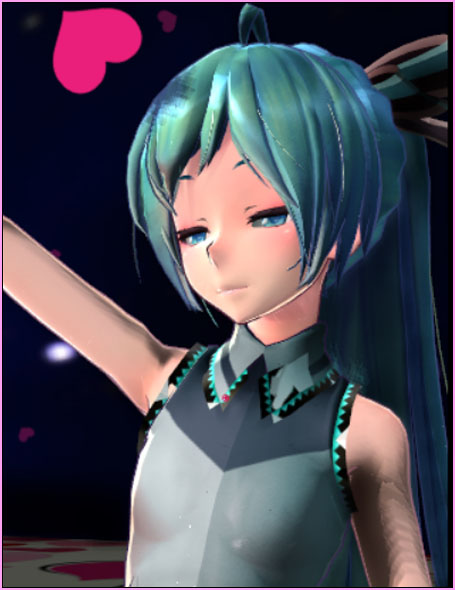
Where can I find the KPOP song FICTION by BEAST? How do I put together the MMD motions I downloaded for FICTION? Do I have to keep this dance as a vertical cell-phone window??
CLICK the lower Left of this YouTube Screen and watch this animation at FULL SCREEN and your best resolution… fun!
Reggie’s
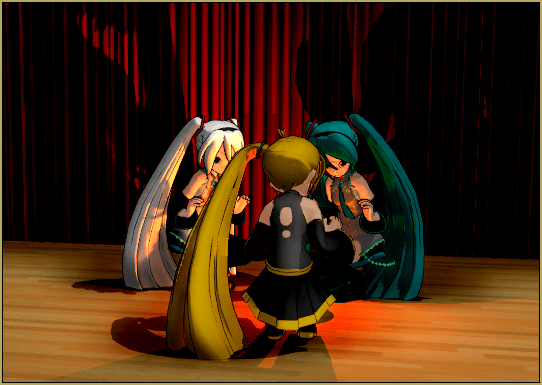
ADORATION of FIVE MMD Models
… with Download Links and Instructions
“The making of…”
I started-out the day looking for something new… some MMD motion download that I hadn’t seen before.
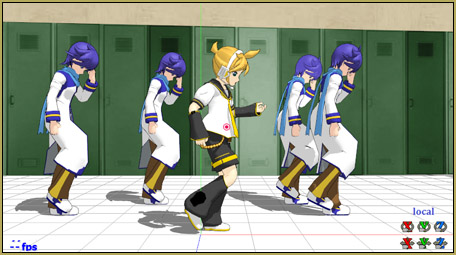
I found an MMD video of a KPOP song by BEAST called Fiction. … GO TO THAT LINK and click on the link to the MOTIONS download. It’s a Google-Drive page with a 52MB download! … It is motion-files for FIVE dancers.
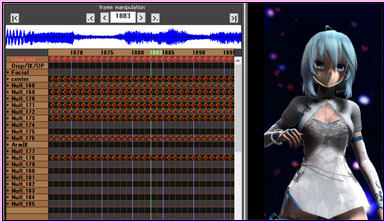 Those motion files CANNOT be edited… they have been run through the Animation Smoother Tool and so every bone in every frame has a registered diamond… a solid wall of diamonds. AND those motion files are HUGE files… Each dancer’s file is well over 5MB for this short video… that’s a LOT of diamonds!
When you HAVE the Download…
You will see that there is NO ReadMe file… I don’t know WHO created these motions and what, if any, restrictions there may be. I gave a thought to hosting these files on LearnMMD… but I don’t know who owns them and, besides, those files are HUGE… better to leave them on a Google-Drive page!
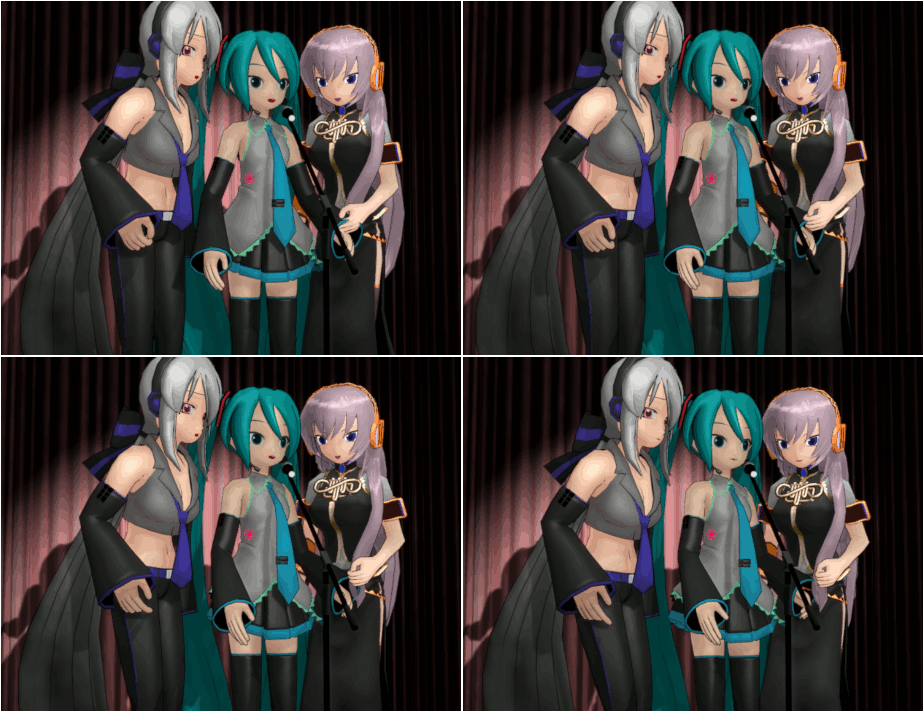
Load your five chosen models. (I used all TDA Models because I know they work well with most downloaded motions) The models DO need to have a Motherbone…. Choose your STAR Model to get the motion 1.VMD … after that, the other motions get about equal stage-time. … Push PLAY and watch the action. … I was surprised to see models appearing and disappearing in front of my eyes… but then I remembered that in the ORIGINAL Beast Video, it was a cell-phone video!… a tall-oriented cell phone video format. … So, that’s what I did. I set my MMD Screen Size to 440 x 786… and now, though I could see a few of those pop-in/pop-outs, it was an easy matter of camerawork to hide those events.
Download the WAV and the Camera VMD File that I created.
Inside that folder you will find the WAV, the camera VMD file that I created and also the dummybone motion that I used to put a gyration into that skydome background! Feel free to edit that Camera motion in any way you choose… or simply create your own if you wish.
I DID use the Spacedome skydome that is included in the LearnMMD Stage that Trackdancer created for us. It’s a pretty sky… but I wanted ACTION… so I attached that skydome to Dammybone 1 and then rolled that bone all over the place! … see that the dummybone vmd is there in this download.
No stage in my video…
I didn’t use a stage… I used the LearnMMD DeckPanel from the Downloads Page at a Si size of 15… so it was huge! I went into Accessory Mode and lowered that panel flush with the Coordinate Grid. … I then turned off the Coordinate grid. That deck panel… you can easily replace the one .PNG texture image with any image you choose… I did mine in a Heart-Giftwrap image that I found on Google.
My FIVE Models…
an Adoration of Five MMD Models…
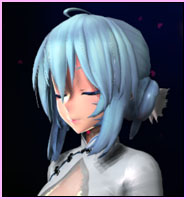 My main model is TDA China Dress Miku 1.02 … I found that the creator ENDIBELL has taken all of her models down… none are available any longer. … and I saw a note asking to not share her models with anyone. … so… SORRY… I do not have a link for you.
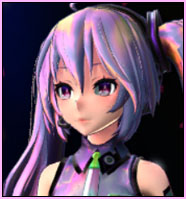 TDA Cotton Pearl Miku\TDA x WOOBAK Cotton Pearl Miku.pmx … https://bowlroll.net/file/58324 … sorry I don’t have anything but that Bowlroll page for you… SEE the README in that model’s folder.
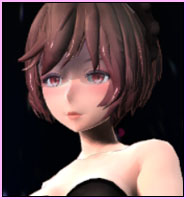 Tda Imitation White (Jjinomu)\Tda Imitation White Meiko (Jjinomu).pmx … https://www.deviantart.com/jjinomu/art/DL-Tda-Imitation-White-691225260
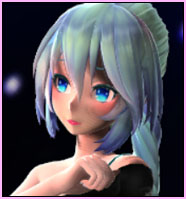 TDA Miku Hatsune ~Samba~ BY Shiro-NekoVocaloid … https://www.deviantart.com/shiro-nekovocaloid/art/TDA-Miku-Hatsune-Samba-DOWNLOAD-845354336
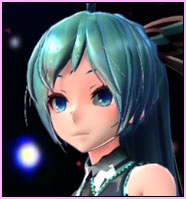 TDA Costume Arrangement A Miku\Arrangement A Ponytail.pmx … https://www.deviantart.com/xoriu/art/TDA-Costume-Arrangement-A-Miku-DL-411744049
Effects:
I applied Real Material Shader and Real Figure Shader as per my previous article about those two shaders… I also added SSAO-Lite for that depth of color. I ALSO added FALLING HEARTS EFFECT.
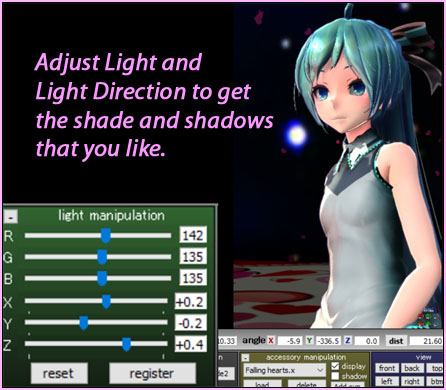
… For even better color, I turned-down the main lights… they are normally RGB all at 154… I set MINE for about 135 but with an R of a little higher than the other two so as to add a warm blush to all of the skin-tones.
 The Falling Hearts Effect…
 The Falling Hearts Effect…
I set my Si size at 10 for larger hearts, farther apart… and then set that rotation of Rx to 90 so that the hearts are flying-in across the screen. … Fun!
That’s about it!
… “ADORE” your models… this is a fun animation!
– SEE BELOW for MORE MMD TUTORIALS…
— — —
– _ — –



good job
Thank you!
— Reggie
:o quite the coincidence! I decided to learn MMD today after a long desire to animate genshin characters dancing to Fiction (been stanning Beast for over a decade now). Definitely got a looong way before I can do this though but still, thank you so much for this!
That’s great! … This way of downloading WAV and motion files is a fast way to get started with MMD. Best of luck… Feel free to contact me via eMail if I can answer specific questions. reggiedentmore@aol.com
same